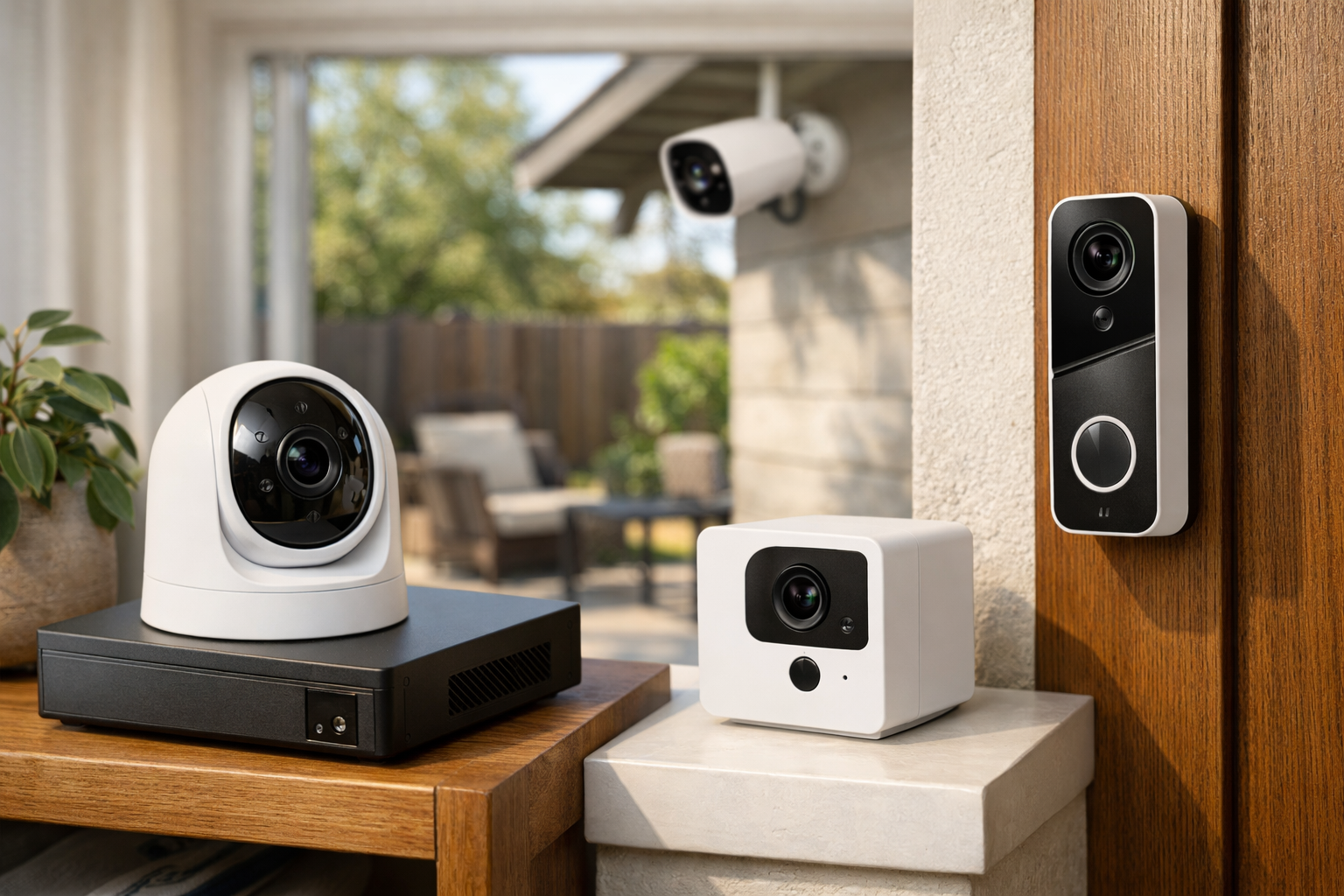
This guide covers the best local AI security cameras for homeowners who want person detection and video storage to remain at home. Security cameras with local storage are increasingly common, but local storage and local AI are not the same thing. A camera may save clips to a microSD card while still sending video to a cloud service for person detection. For privacy-minded homeowners, that distinction matters.
The best local AI security cameras run person detection either on the camera itself or on hardware inside your home, such as an NVR, NAS, or home server. They can also keep recordings on your local network rather than making a paid cloud plan the center of the system.
There is no single best setup for every home. Reolink is an approachable route for a standalone camera with local recording. UniFi Protect is a stronger fit for structured multi-camera installations. Aqara is compelling for smart-home households that value privacy features. Synology is worth considering for NAS-centered surveillance, while Frigate gives technical users the most control.
What counts as a local AI security camera?
A local AI security camera performs video analysis without needing to upload the camera feed to a remote server for every detection event. In practice, that processing can happen in two places:
- On the camera: The camera has enough onboard processing to identify people, vehicles, animals, packages, or other supported objects.
- On local home hardware: A local NVR, NAS, or server receives the camera stream and runs the detection model inside your network.
Local video storage is a separate decision. Depending on the system, recordings may be kept on a microSD card in the camera, an NVR hard drive, a NAS, or a dedicated home server. Some systems offer cloud backup or cloud-based remote services, but those should be optional rather than required for core recording and playback.
Before buying, separate these four questions:
- Where does person detection run?
- Where are recordings stored?
- Can the camera keep recording if your internet connection goes down?
- Which features, if any, depend on an account, app service, or subscription?
A system can still use the internet for initial setup, firmware updates, push notifications, remote viewing, or account authentication. Local AI does not necessarily mean a camera is completely disconnected from online services. It means core detection and storage can remain within your home setup.
Best local AI security cameras: quick picks
- Best overall local-AI system: UniFi Protect
- Best standalone consumer option: Reolink TrackMix
- Best privacy-minded smart-home camera: Aqara Camera Hub G5 Pro
- Best NAS-centered option to evaluate: Synology BC510 and TC510
- Best DIY option: Frigate with RTSP cameras
These recommendations are based on each platform’s local-processing and storage architecture, not a comparative ranking of detection accuracy. Detection quality can vary with camera placement, lighting, firmware, scene complexity, and the type of event being detected.
Best overall local-AI system: UniFi Protect
UniFi Protect is one of the clearest choices for homeowners who want a purpose-built, multi-camera local surveillance system. Ubiquiti states that Protect recordings and AI events are stored locally, while detection and AI-enhanced processing occur on the local network. Its G4, G5, and AI Series cameras support on-device person and vehicle detection.
The important catch is that UniFi Protect is an ecosystem, not simply a camera app. You need a compatible UniFi console or recorder, such as a UNVR or Cloud Gateway Max, to run the complete Protect system. You may also need PoE networking equipment and surveillance storage drives, depending on the cameras and recorder you choose.
That added hardware makes UniFi less casual than a Wi-Fi camera with a microSD slot. In return, it gives you a more organized foundation for several cameras, centralized storage, and retention policies. UniFi Protect supports continuous recording, detection-only recording, recording schedules, privacy zones, and configurable retention settings.
This is a strong fit if you are wiring cameras around a house, want one interface for multiple views, and prefer video to live on a local recorder. It is less suitable for renters or buyers who only need one quick indoor camera.
For a closer look at the platform’s storage and local-processing design, see Ubiquiti’s documentation on how UniFi Protect handles recordings and data.
Choose UniFi Protect if:
- You expect to install multiple cameras over time.
- You want continuous recording and centralized retention controls.
- You are comfortable selecting a console, storage, cameras, and possibly a PoE switch.
- You want detection and recordings to stay within a local Protect system.
Best standalone consumer option: Reolink TrackMix
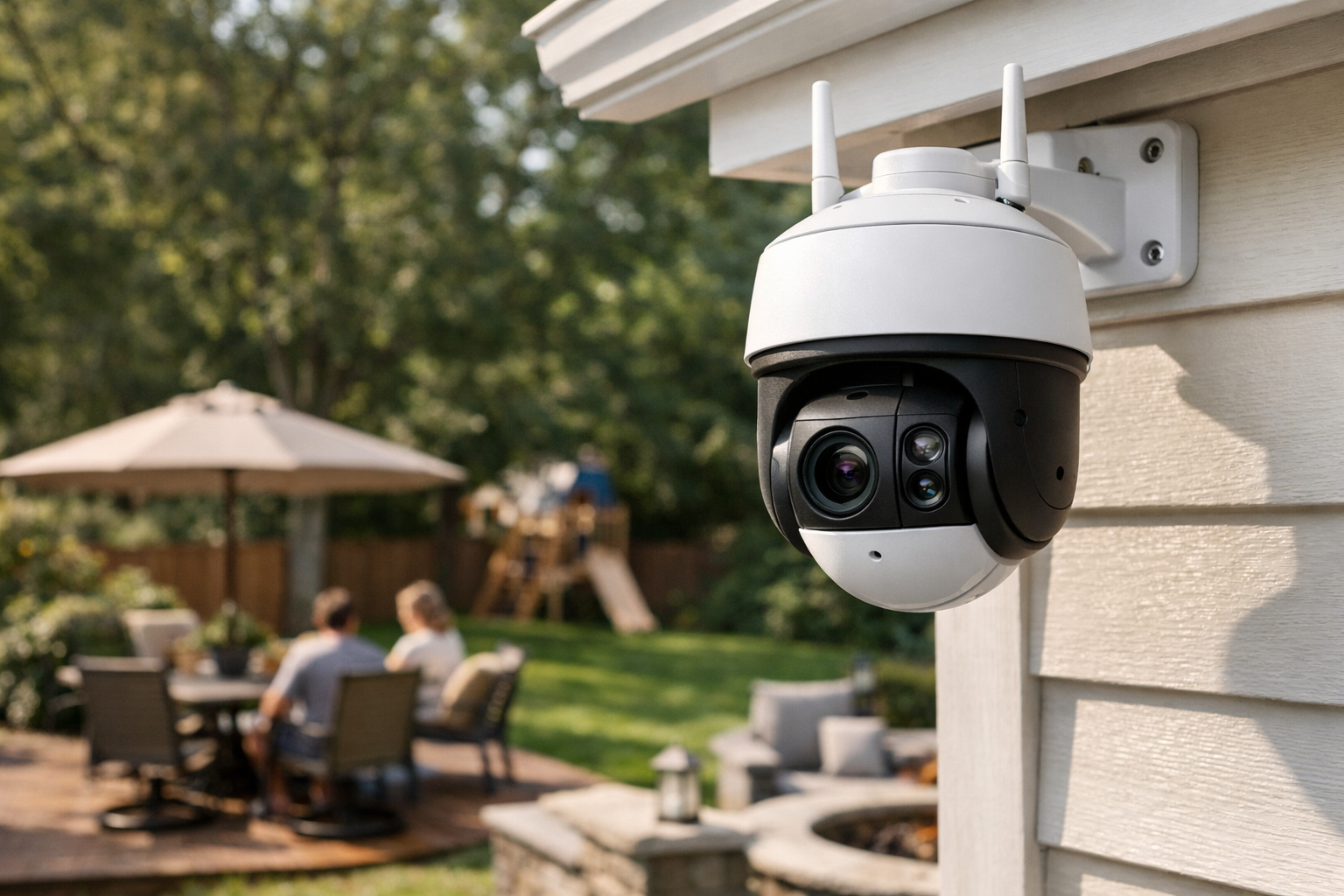
Reolink is a practical choice for buyers who want local recording without immediately building a full surveillance rack. The Reolink TrackMix supports person, vehicle, and animal detection, with local recording options that include a microSD card, a Reolink NVR, or a Reolink Home Hub.
That flexibility is the main advantage. You can begin with a camera and local card storage, then move to a Home Hub or NVR if you add cameras or want more centralized retention. Reolink does not require a subscription for core local recording and playback, which makes it one of the more accessible options for buyers seeking a security camera without a subscription.
Still, do not assume that every Reolink model has identical AI capabilities. Basic person detection, animal detection, vehicle detection, and newer AI Video Search functions can differ by model and by the way the camera connects to the rest of the system. Reolink says AI Video Search uses on-device processing, but compatibility varies.
TrackMix is also a reminder that camera power design affects recording expectations. Battery and solar cameras commonly prioritize motion-triggered clips to preserve power. If you need dependable 24/7 recording, choose a wired PoE or wired-power camera and pair it with an NVR, Home Hub, or other storage option that supports your desired recording mode.
Choose Reolink TrackMix if:
- You want an easier starting point than a dedicated NVR ecosystem.
- You prefer microSD storage now with a path to an NVR or hub later.
- You want person alerts and local playback without a required subscription.
- You will verify the exact camera’s supported AI features before ordering.
Best smart-home privacy option: Aqara Camera Hub G5 Pro
The Aqara Camera Hub G5 Pro is aimed at smart-home users who want local intelligence alongside broader automation support. Aqara says the camera includes a built-in NPU for locally hosted visual and audio AI. Its supported detections include people, faces, vehicles, animals, lingering, and packages.
For storage and integration, Aqara lists encrypted local eMMC storage, SMB NAS support, RTSP streaming, and optional HomeKit Secure Video. That combination can appeal to households using Apple Home, Aqara devices, or local automation platforms that can use an RTSP feed.
However, Aqara’s U.S. product information also says native 24/7 recording is not currently supported and describes NAS recording functionality as a planned firmware feature. The currently documented SMB NAS support should not be treated as confirmation of mature, continuous NAS video recording. Verify Aqara’s current firmware notes and the exact NAS workflow before buying if continuous recording or NAS-based retention is a requirement.
The G5 Pro also does not accept a microSD card. It is therefore best treated as an event-based local recording camera unless you confirm that the firmware and storage workflow you need are available for your intended setup.
This is not the best pick for someone who needs mature, always-on local recording immediately. It is a better match for an existing smart home where local AI alerts, encrypted onboard storage, RTSP access, and privacy controls matter more than a conventional NVR workflow.
Choose Aqara Camera Hub G5 Pro if:
- You use Apple Home, Aqara devices, or compatible smart-home automations.
- You value locally hosted visual and audio AI features.
- Event-based recording is acceptable for your current needs.
- You are willing to verify the latest NAS and continuous-recording firmware status before purchase.
Best NAS-centered option to evaluate: Synology BC510 and TC510
Synology positions the BC510 and TC510 as PoE cameras for its broader surveillance platform. Synology says these cameras perform edge AI processing directly on the camera, including people and vehicle detection, intrusion detection, and instant search. The cameras also support local microSD storage, Synology NAS storage, and ONVIF interoperability.
This architecture can make sense for a homeowner who already uses, or specifically wants to build around, a Synology NAS and Surveillance Station. A NAS-based system can centralize video retention alongside other local storage, while PoE networking provides a wired connection and power path for each compatible camera.
It is not as simple as buying a standalone camera, however. Your intended workflow may require a compatible Synology NAS or NVR, Surveillance Station configuration, storage drives, a PoE switch, and potentially camera licenses. The exact licensing, compatible hardware, and available U.S. purchasing options should be confirmed with Synology before purchase, since those details can vary by deployment and software version.
The cameras’ ONVIF support also gives them a potential path to third-party NVR or video-management software. That does not guarantee that every camera feature, including every AI analytic, will work identically outside Synology’s own platform. Confirm the features you need with the NVR or VMS you plan to use.
Choose Synology BC510 or TC510 if:
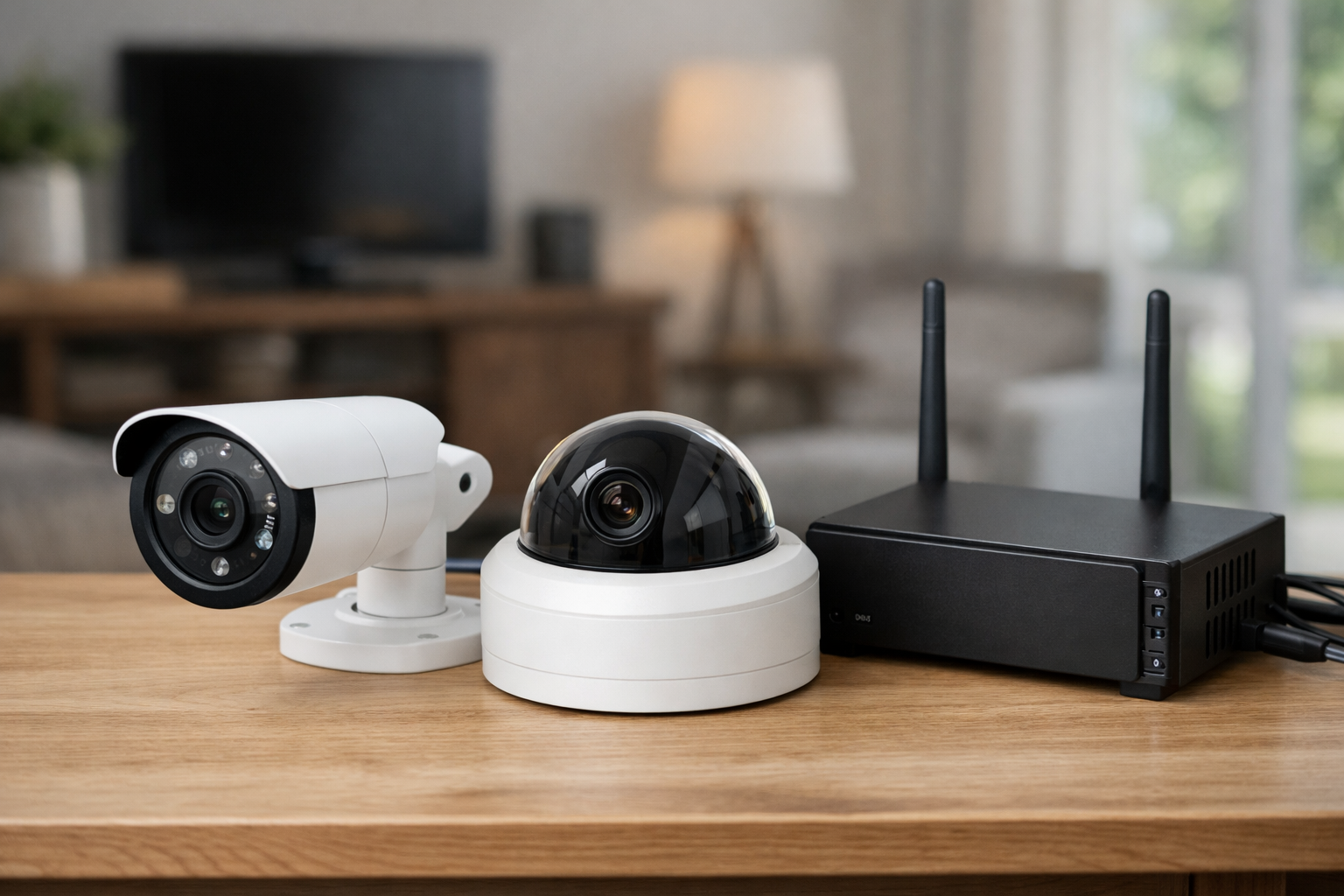
- You want a surveillance system centered on a local Synology NAS or compatible NVR.
- You prefer wired PoE cameras and centralized local retention.
- You want camera-based people and vehicle analytics alongside NAS management tools.
- You will verify current U.S. availability, compatible hardware, licensing, and recording workflow before ordering.
Best DIY option: Frigate with RTSP cameras
Frigate is not a camera brand. It is local NVR software for users who want to choose their own RTSP cameras and run object detection on home hardware. It is one of the most flexible choices for a Home Assistant security camera setup because it can keep detection, recording, and retention under your control.
Frigate supports RTSP IP cameras and local object detection. It can use a lower-resolution stream for detection while retaining a higher-resolution stream for recording, which can reduce the processing burden without forcing you to save lower-quality footage.
The tradeoff is setup complexity. You need a host machine, storage, network-connected cameras, and enough processing capacity for the number of streams and detections you expect. Depending on your design, that could mean a mini PC, a NAS capable of running containers, or a dedicated home server. You also need to handle camera credentials, RTSP stream settings, storage retention, backups, and software updates.
For users willing to do that work, Frigate is one of the strongest privacy-focused security camera approaches because it is camera-agnostic and built around local operation. The official Frigate documentation is the right starting point for checking supported workflows, stream configuration, retention, and hardware planning.
Choose Frigate if:
- You use Home Assistant or want deep automation possibilities.
- You prefer RTSP and ONVIF-compatible cameras rather than a closed ecosystem.
- You are comfortable maintaining a local server or container-based service.
- You want detailed control over detection streams, recording streams, and retention rules.
How to choose and configure a local camera system
The right local camera system is less about a single feature list and more about matching the architecture to your property, wiring, privacy expectations, and tolerance for maintenance.
Decide whether you need event clips or continuous recording
Event recording saves storage and is often enough for a front door, driveway, or apartment entry. Continuous recording gives you a fuller timeline and can capture activity that was not correctly classified as a person event. It also requires more storage, reliable power, and typically a wired camera.
Battery and solar cameras are usually better for event-triggered clips than for true 24/7 recording. If continuous coverage is essential, prioritize PoE or wired-power models and an NVR, NAS, or server with enough drive capacity.
Plan storage before adding cameras
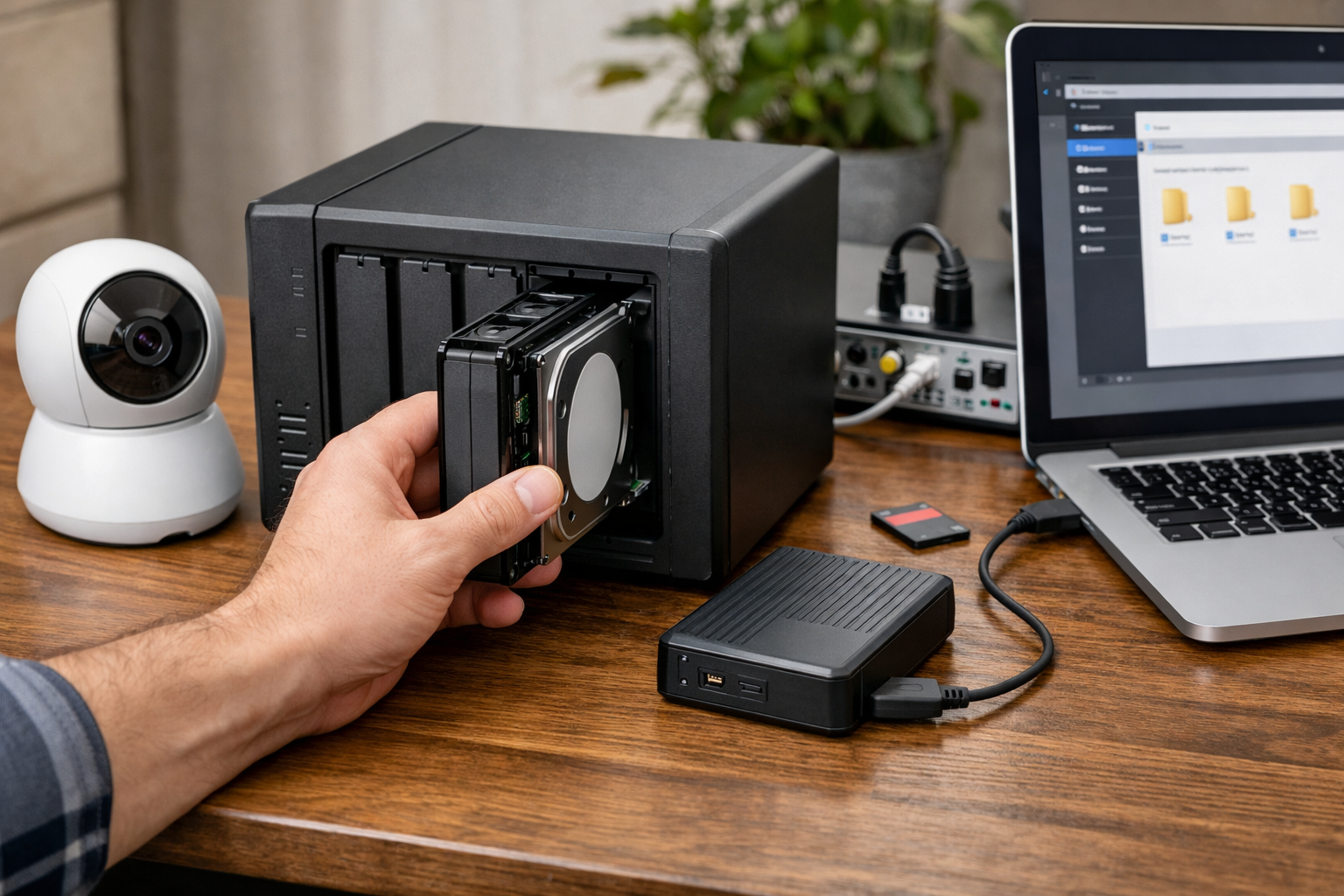
Storage needs depend on resolution, bitrate, frame rate, continuous versus event recording, retention days, and camera count. Rather than guessing from a generic estimate, use your chosen platform’s storage calculator or documentation and build in room for longer retention if you need it.
For microSD-based recording, use a card designed for high-endurance or surveillance workloads and check the camera’s supported capacity. For NVR and NAS systems, use drives intended for sustained video workloads where possible, and decide whether you need redundancy against a single drive failure.
Think through internet outages and remote access
A properly configured local system can continue recording during an internet outage as long as the cameras, network equipment, and storage device still have power. However, remote viewing, mobile alerts, cloud backup, and some account-based functions may not work until the connection returns.
If outage resilience matters, consider a battery backup for the modem, router, PoE switch, NVR, NAS, or server. Also test local viewing from a phone or computer while connected to your home Wi-Fi rather than assuming the mobile app always provides a fully local path.
Use privacy zones and account controls
Local storage reduces dependence on outside services, but it does not eliminate privacy responsibilities. Point cameras away from neighboring private spaces where possible, use privacy zones or masks when available, and create separate user accounts rather than sharing one administrator password.
Keep firmware current, use unique passwords, enable two-factor authentication when the platform offers it, and review whether remote access is enabled. For the most privacy-sensitive installations, investigate local VPN access instead of exposing a recorder or camera directly to the internet.
The bottom line
The best local AI security cameras are the ones whose processing and storage design fits your actual needs. For a polished multi-camera installation, UniFi Protect is a strong local-first ecosystem. Reolink offers an easy path to local camera storage without a required subscription. Aqara G5 Pro stands out for smart-home privacy features but needs careful consideration if continuous recording is a requirement. Synology is a compelling NAS-centered route for buyers who verify its current hardware, licensing, and availability details. Frigate is the most customizable option for capable DIY users.
Before buying, verify the exact camera model’s person-detection features, recording modes, local storage limits, required hardware, current firmware support, and any license or account requirements. Those details matter more than a broad “local AI” label.
Useful references: Synology BC510 · Frigate Introduction and Documentation
Related Home Tech Signal guides: How to Place Home Security Cameras for Maximum Coverage and Privacy · How to Prevent Package Theft With Smart Home Security