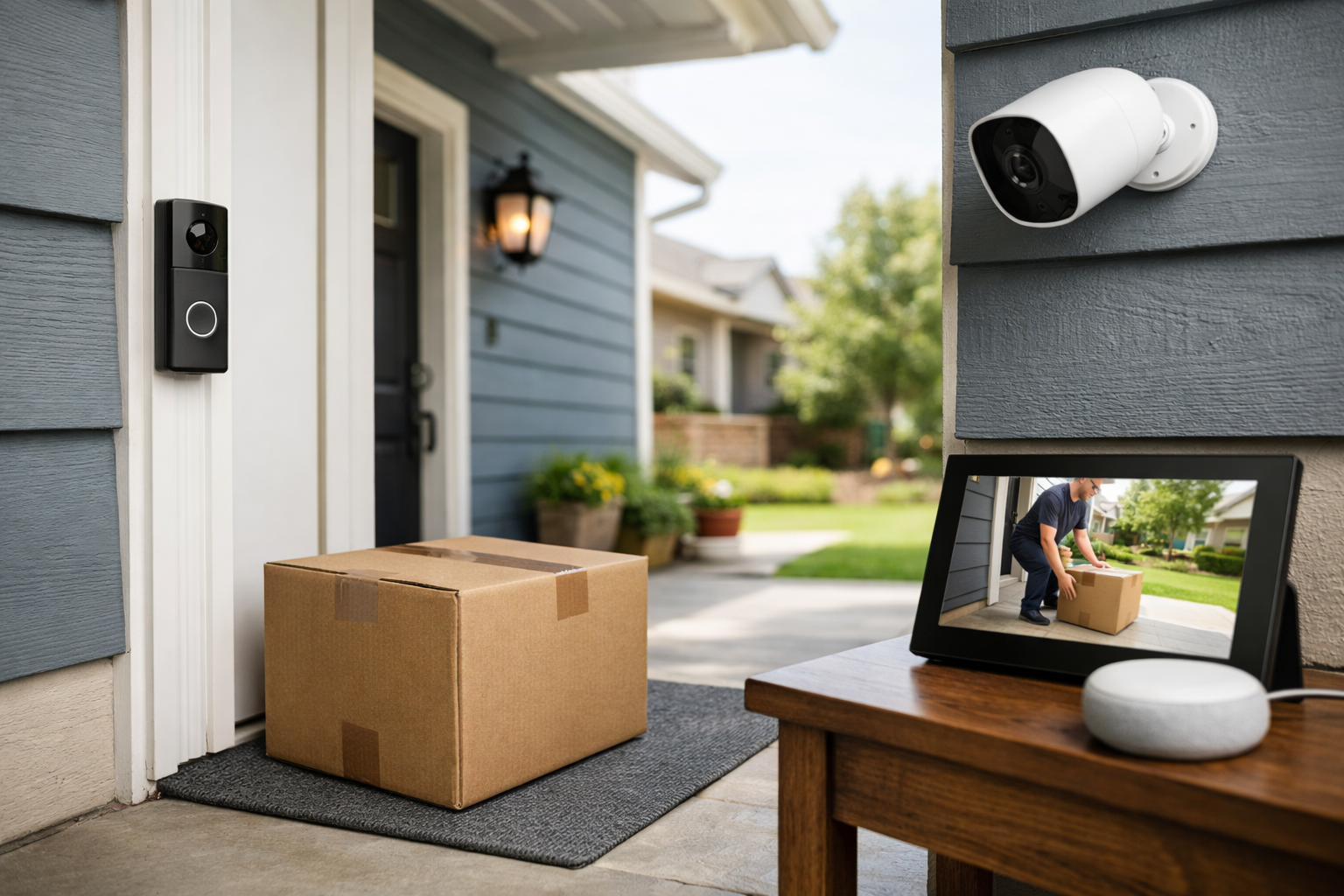
This guide covers how to prevent package theft with smart home security. Package theft is partly a visibility problem and partly a timing problem. A box left in plain sight for several hours is more exposed than one brought inside within minutes, redirected to a pickup point, or delivered into a locked location.
That is why the most practical answer to how to prevent package theft with smart home security is a layered plan. Smart cameras and doorbells can tell you that a delivery has arrived, but they do not physically secure the package. Pair those alerts with carrier notifications, a backup retrieval plan, and delivery instructions that fit your home.
Start with a layered package-theft strategy
Think of package theft prevention as four connected steps:
- Detect the delivery: Use a video doorbell, porch camera, or carrier notification to know when an item arrives.
- Respond quickly: Bring the package inside, ask a trusted neighbor for help, or use two-way talk if appropriate.
- Reduce porch time: Redirect, reschedule, hold, or route eligible packages to a safer location when nobody can collect them.
- Protect your security system: Secure the camera account and home network so alerts and footage remain available only to authorized users.
No single setting works for every address. A detached home may benefit from a doorbell camera and a locking parcel box. An apartment resident may get more value from delivery alerts, a carrier hold option, and a camera positioned within the boundaries of building rules. The best setup is the one that gives you a realistic way to act when an alert appears.
How to prevent package theft with smart home security: use cameras for fast detection
A video doorbell is often the first useful layer because it can cover both the person approaching and the area where a package is likely to be left. A separate outdoor camera can fill gaps at a side door, driveway, lobby entrance, gate, or alternate delivery location.
When choosing or configuring a device, prioritize the features that help you respond rather than focusing only on video resolution:
- Person and motion alerts for someone approaching the entrance.
- Package detection, if the device and subscription plan support it.
- Custom activity or package zones that focus on the porch and walkway.
- Two-way audio for communicating with a visitor or delivery driver.
- Reliable power and Wi-Fi coverage at the front entrance.
- Nighttime visibility from adequate lighting or the camera’s low-light capability.
What package detection can and cannot do
Package detection is a camera feature that attempts to identify when a delivered parcel appears in a designated part of the scene. It can be useful for cutting down generic motion notifications, especially on busy sidewalks or streets.
It is not a guarantee that every delivery will be identified. Ring notes that package alerts may not reliably identify envelopes, tubes, very small boxes, or food deliveries, and its feature requires compatible hardware and a compatible subscription. Google also notes that package detection can work less effectively in low light and that event detection is not perfect.
Use package alerts as an extra signal, not your only alert. Keep person or motion notifications enabled for the relevant entry area if they are manageable. Before relying on any feature, verify that your specific camera model, app settings, and subscription tier include package detection and video history.
Package detection limitations to plan around
- A package may be outside the camera’s view, behind a railing, or placed beside the door instead of in front of it.
- Low light, glare, rain, shadows, and obstructions can reduce detection accuracy.
- Battery-saving settings may affect how quickly a device wakes and records.
- Feature availability, recording access, and alert types can depend on a subscription.
Position the camera for the package and the approach
A common mistake is aiming a doorbell camera only at faces near the button. Check the live view from the likely delivery position. You should be able to see the ground or surface where drivers normally place boxes, plus enough of the walkway to capture an approach and departure.
If the package area falls below the frame, an angled mount, a different mounting height, or a second camera may help. Do not assume the view is right after installation; test it with a household member placing a box in typical locations.
Also consider lighting. A well-lit entry can improve the usefulness of footage and alerts after dark. Avoid placing lights where they create direct glare into the camera lens.
Act on delivery alerts before the package sits outside
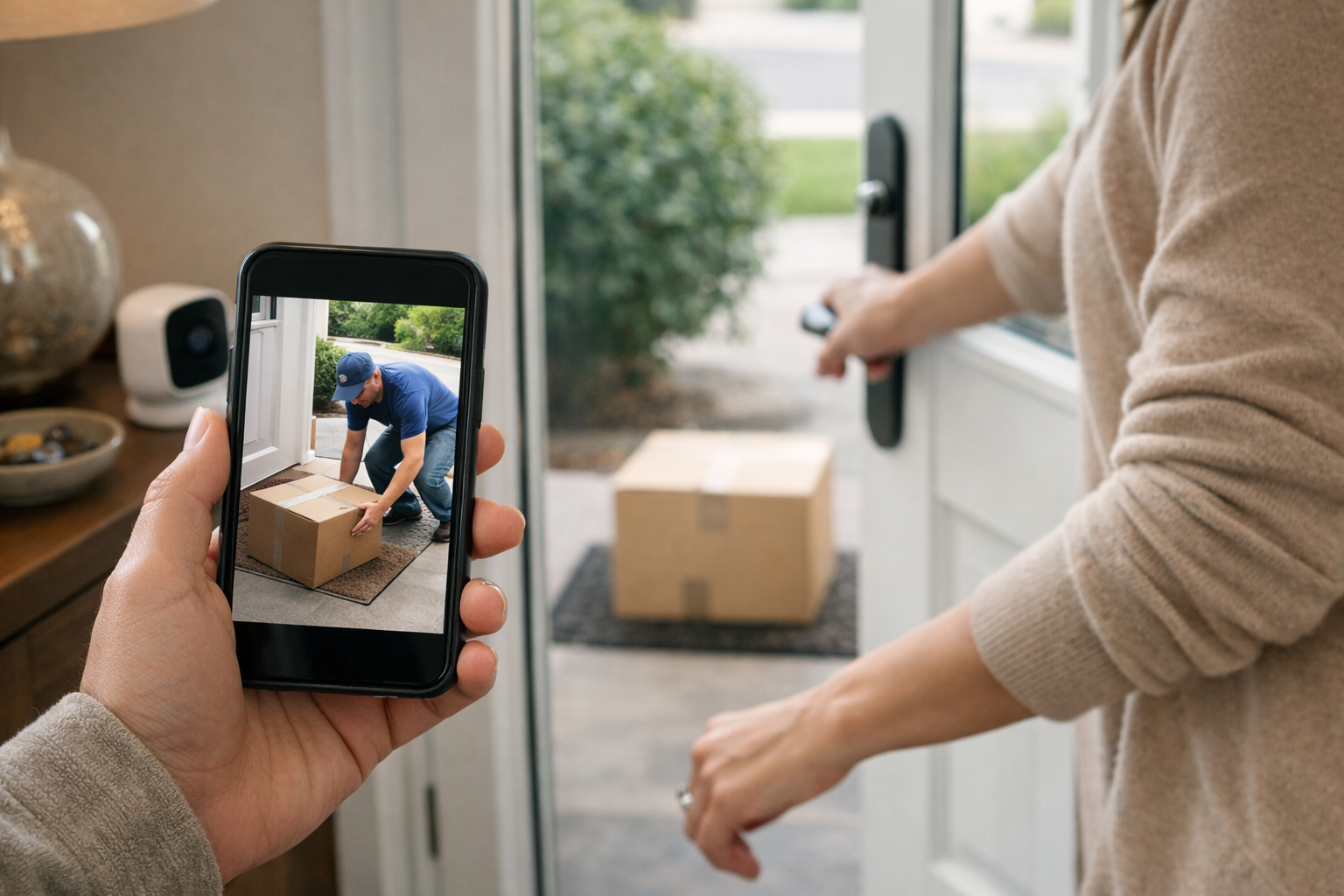
Fast awareness is often more useful than a recording you view after the fact. Enable alerts from both your smart security app and the shipping carrier whenever possible. The goal is to know a package is coming, estimate when it will arrive, and receive a delivery confirmation.
USPS Informed Delivery is a free service that can provide Daily Digest previews of incoming mail and packages, package tracking, and optional email, text, or app notifications after account and address verification. It can help you notice a USPS shipment before it reaches the porch.
For UPS deliveries, UPS My Choice offers package visibility, delivery alerts, estimated delivery information, driver instructions, and delivery-management options for eligible shipments. Depending on the shipment, you may be able to reroute, reschedule, hold, or send a package to an alternate pickup location such as a UPS Access Point.
Delivery changes are not guaranteed. The sender, shipping service, package contents, address, and shipment status can all limit your options. Check each shipment early, ideally before it is out for delivery.
Create an alert response plan
Notifications only help if they lead to an action. Decide in advance who will respond when a package arrives:
- If you are home, retrieve it as soon as practical.
- If you are away, ask a trusted neighbor, household member, or nearby friend to collect it.
- If you are traveling, use a hold, reroute, reschedule, or alternate delivery option when available.
- If the package is high-value or time-sensitive, request signature confirmation or arrange delivery to a staffed location when the seller and carrier offer that option.
The U.S. Postal Inspection Service similarly advises recipients to retrieve mail and packages promptly, arrange alternate delivery when they cannot be home, consider Hold for Pickup, and use signature confirmation for important shipments.
Create a safer drop-off location
If packages regularly remain unattended at your address, focus on changing where they land. This can be more effective than adding another alert.
Use carrier holds, pickup points, or rerouting
A staffed pickup counter, carrier location, locker, or approved alternate location can remove the porch from the equation. This is especially useful for workdays, vacations, multi-unit buildings with insecure lobbies, and homes set back from the street.
Check the tracking page as soon as you receive a shipping notice. Verify whether your particular package qualifies for a hold or reroute, what deadline applies, and whether the option has a fee.
Give delivery instructions that match the property
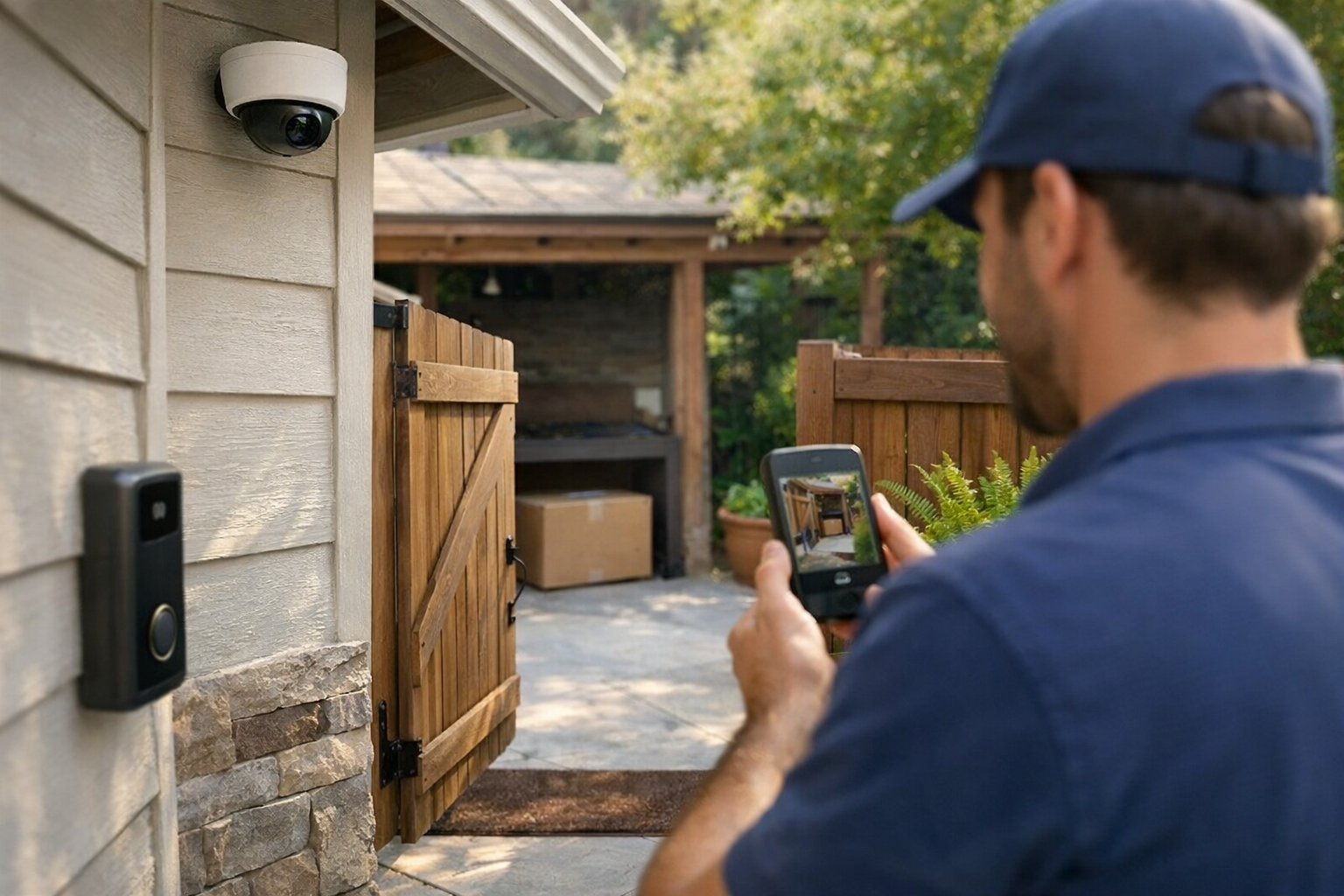
When a carrier supports delivery instructions, use clear, realistic directions such as a covered side entrance, a screened porch, or a location behind a gate. Avoid asking a driver to access an area that is hard to find, unsafe, or not actually accessible during the delivery window.
If you use a smart lock, garage-access system, or controlled entry for deliveries, confirm the access workflow carefully. Limit access to the necessary time and area, review the provider’s security controls, and make sure everyone in the household understands how it works. Building management rules may also apply to apartments and shared entrances.
Consider a locking parcel box
A smart parcel box or locking delivery box may make sense if you receive frequent deliveries and have a suitable place to install it. The potential benefit is simple: a driver can place the package in a more secure container instead of leaving it exposed on the porch.
Before buying one, verify its physical capacity, weather resistance, installation requirements, carrier workflow, and whether drivers can use it without an app, code, or special instruction. Do not assume every box works with every carrier or package size. Renters should also check lease rules before mounting or anchoring a large unit.
Secure the smart security system itself
A camera cannot help much if someone gains access to its account, changes its settings, or disconnects it from the network. The Federal Trade Commission recommends several core protections for home security cameras.
- Use a unique, strong password for every camera or smart-home account.
- Turn on multifactor authentication when it is available.
- Install firmware, app, and router updates promptly.
- Use encryption options offered by the device or service.
- Secure your Wi-Fi router with a strong admin password and current security settings.
- Consider placing cameras and other smart devices on a separate network from computers and phones, if your router supports it.
Read the FTC’s guidance for securing home security cameras for a fuller account-security checklist.
Privacy matters too. Aim cameras at your own entry and package area, limit unnecessary coverage of neighbors’ homes, and be cautious with audio recording. State and local rules concerning recording and camera placement can vary, so verify the requirements where you live.
What to do if a package is marked delivered but is missing
Start by gathering information rather than assuming theft immediately. Delivery scans can sometimes occur before a package is visible at the door.
- Check the carrier tracking page for a delivery photo, location note, or updated status.
- Look around the property, including side doors, mailrooms, leasing offices, gates, and other common drop-off spots.
- Review relevant doorbell or camera footage and save important clips according to your device’s available retention settings.
- Ask household members and trusted neighbors whether someone accepted the package or moved it for safekeeping.
- Contact the carrier and seller with the tracking number and delivery details.
- If U.S. mail is involved and you suspect theft, report it to the U.S. Postal Inspection Service.
Then adjust the next delivery. If the package sat outside too long, turn on more immediate notifications. If it was left outside the camera view, revise the camera angle or delivery instruction. If your entrance is consistently exposed, shift future shipments to a hold, pickup point, locker, or more secure drop-off method.
Build the plan around your real delivery routine
The most effective approach to how to prevent package theft with smart home security is not necessarily the most expensive one. A reliable doorbell alert plus carrier notifications and a neighbor pickup plan may be enough for one household. Another may need a camera covering a side entrance, a locking parcel box, and routine use of carrier holds.
Start with the weak point at your address: not knowing when packages arrive, being unable to retrieve them quickly, having no protected drop-off area, or leaving camera accounts unsecured. Address that problem first, then add layers as needed. Smart security is most useful when it shortens the time between delivery and a safe response.
Useful references: Mail & Package Theft · Camera and doorbell alerts
Related Home Tech Signal guides: How to Place Home Security Cameras for Maximum Coverage and Privacy · Best DIY Home Security Systems Without Monthly Fees