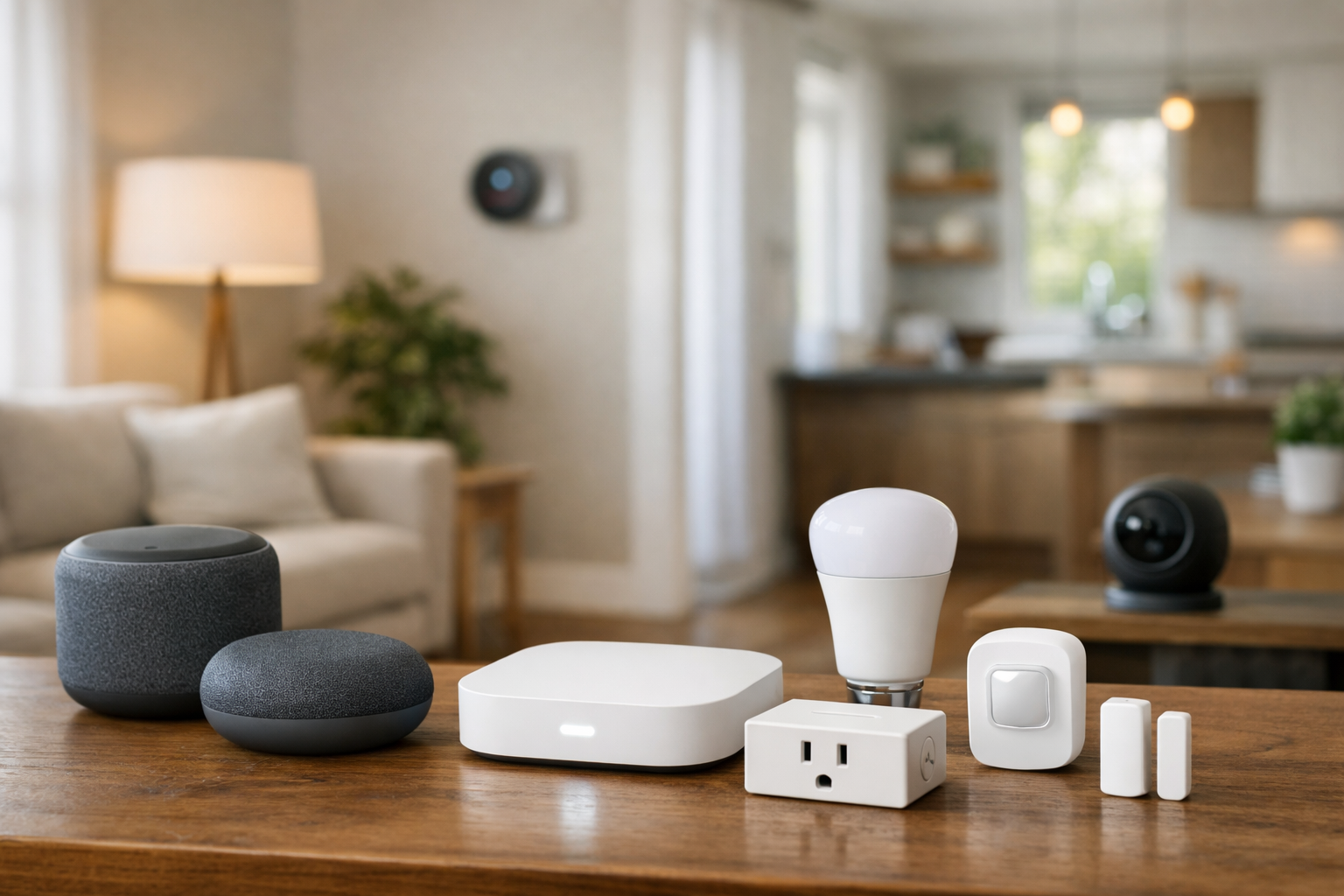
This guide explains how to choose the right smart home connection. Smart home product boxes can make connectivity sound more confusing than it is. A device may say Matter, Thread, Wi-Fi, Zigbee, Bluetooth, or several of those terms at once. They do not all describe the same thing.
The most important distinction is this: Matter is a smart home interoperability standard, while Wi-Fi, Thread, and Zigbee are ways devices can connect. A Matter device may use Wi-Fi or Thread to communicate, for example. A Zigbee device may work with a Matter platform through a compatible bridge, but it is not automatically a Matter device.
When deciding how to choose the right smart home connection, start with the device’s job. A battery sensor has different needs from a video doorbell, and an existing Zigbee household has different priorities from a home starting fresh with Matter and Thread.
Who this guide is for
This is a decision guide for people comparing Matter, Thread, Zigbee, Z-Wave, Wi-Fi, and Bluetooth labels on product boxes—not a ranked list of hubs or accessories.
- Households starting a smart home who want to avoid incompatible radios or missing Thread Border Routers.
- Buyers who already use Apple Home, Google Home, Alexa, SmartThings, or Home Assistant and need to know what their controller can manage.
- Anyone adding battery sensors, locks, cameras, lighting, or thermostats where different transports fit different jobs.
- Readers confused by Matter branding who need to separate interoperability from the underlying network.
When protocol choice actually matters
Protocol choice matters most when a device cannot easily change transports later: mesh sensors, locks tied to a hub, and rooms with weak Wi-Fi. It matters less for a single plug near a strong router signal, where Wi-Fi may be the quickest path to a working routine.
If you buy only within one brand and one app, you may not feel the difference until you add a second platform—or until internet access drops and cloud-only automations stop.
The short answer: Matter is not the same thing as Wi-Fi, Thread, or Zigbee
Think of a smart home as having layers. The connection layer gets information from one device to another. That is where Wi-Fi, Thread, and Zigbee fit. Matter sits higher up: it defines a common way for compatible products, controllers, and platforms to work together.
Matter is an IP-based standard designed to improve interoperability among compatible brands and ecosystems. It can operate over Wi-Fi, Thread, and Ethernet. Bluetooth Low Energy is generally used during commissioning, which is the process of adding a new device to a smart home.
This layered approach matters because the Matter logo alone does not tell you every networking detail. One Matter smart plug may use Wi-Fi. Another may use Thread. Both may be compatible with the same supported ecosystem, but they can have different setup requirements and different effects on your home network.
Where Bluetooth fits
Bluetooth Low Energy is commonly used during device setup (commissioning), not as the main whole-home automation transport for most products. Some accessories use Bluetooth for short-range phone control. Do not assume Bluetooth on the box replaces Wi-Fi, Thread, Zigbee, or a hub for everyday automations.
Matter explained: the compatibility layer
Matter is intended to make it easier for compatible devices to work across major smart home ecosystems, including Amazon Alexa, Apple Home, Google Home, and Samsung SmartThings. It is not a radio technology and does not create its own wireless network.
Instead, Matter uses IP networking. That lets Matter devices connected through Wi-Fi, Thread, or Ethernet participate in the same smart home environment when the required controllers and network equipment are available. The Connectivity Standards Alliance explains Matter’s supported network transports and the role of Bluetooth in setup in its official Matter FAQ.
For buyers, Matter can be useful because it creates a clearer compatibility baseline. If you use more than one platform in your household, it can also make multi-platform control more practical. But it is still important to read the product listing carefully.
- Check whether the specific Matter device uses Wi-Fi, Thread, or Ethernet.
- Confirm that your preferred platform supports that product category.
- Verify that your hub, speaker, router, or controller supports the needed Matter role.
- Do not assume every manufacturer-specific feature will appear in every Matter ecosystem.
Matter compatibility can simplify the basics, such as on/off control, status, and automations for supported device types. Advanced controls, special scenes, energy features, camera functions, or manufacturer-specific settings may still depend on the brand’s own app or on what a particular platform exposes.
Thread explained: a low-power mesh for newer smart home devices
Thread is a low-power IPv6 mesh network designed for connected home products. It is particularly well suited to devices that need to conserve energy, including sensors, locks, buttons, and many lights.
A mesh network means devices can help extend coverage beyond the reach of a single central hub. In a Thread network, always-powered devices can generally route traffic for other devices. Battery-powered end devices generally avoid routing, helping preserve battery life.
Thread is often discussed alongside Matter because Matter can run over Thread. Still, Matter vs. Thread is not a contest between two equivalent standards. Matter describes the application-level smart home language, while Thread provides one possible low-power network path for Matter traffic.
What is a Thread Border Router?
A Thread device needs a way to connect its Thread mesh with the rest of your home IP network. That job belongs to a Thread Border Router. It connects the Thread network to your Wi-Fi or Ethernet network without making Thread devices join Wi-Fi directly.
Border Router capability may be built into certain smart speakers, displays, smart home hubs, routers, or Wi-Fi access points. However, this is highly model- and firmware-dependent. Do not assume that a product supports Thread Border Router functionality simply because it supports Matter, works with a voice assistant, or has the word “hub” in its name.
The Thread Group’s overview of Thread in homes describes the network’s low-power mesh design, device roles, and Border Router function.
Thread is often a strong option when you want:
- Battery-friendly connectivity for sensors, contact sensors, buttons, or locks.
- A newer Matter-capable setup with local IP networking.
- Mesh coverage that can grow as you add powered Thread devices.
- Less dependence on placing every low-power device within direct Wi-Fi range.
The main caveat is infrastructure. Before buying a Matter-over-Thread device, verify that you already have a compatible Thread Border Router or are prepared to add one.
Zigbee explained: a mature low-power smart home mesh
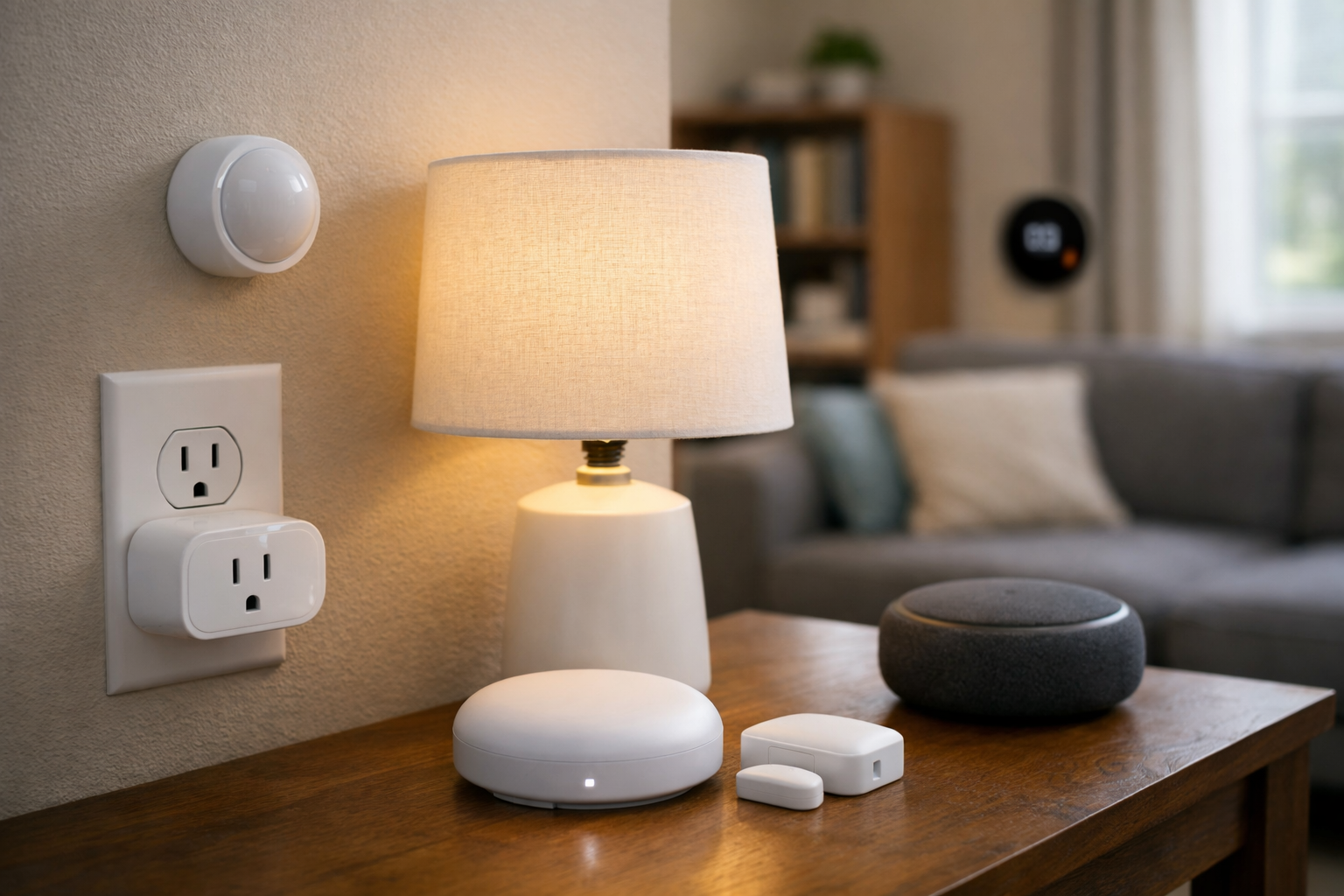
Zigbee is a mature, full-stack wireless smart home technology. Unlike Matter, it includes both networking and standardized application layers. It is built for low-power connected devices and supports mesh networking, where powered devices can help pass signals across the home.
Zigbee remains a practical choice for lights, sensors, switches, plugs, and other devices that benefit from a low-power mesh. It also has a large installed ecosystem, which can be valuable if you already own a dependable Zigbee hub and compatible accessories.
Most Zigbee devices rely on a Zigbee coordinator or hub to join your broader smart home system. That hub may be a dedicated controller, a bridge from a lighting brand, or a multi-protocol smart home hub. The exact compatibility rules depend on the hub and the device manufacturer.
Matter vs. Zigbee: can they work together?
Matter and Zigbee do not natively interoperate as the same protocol. A Zigbee device can participate in a Matter setup through a compatible bridge or hub that translates between the Zigbee network and Matter.
That can be useful if you have existing Zigbee lights or sensors and want to use them in a broader Matter environment. But bridged compatibility is not always identical to native support. A bridge may expose only selected device types, controls, or features to Matter. Verify what the specific bridge supports before buying around that expectation.
For many households, Zigbee is still the sensible choice when a reliable Zigbee hub is already in place. Replacing working low-power devices solely to switch protocols is not automatically an upgrade.
Z-Wave explained: hub-based mesh for locks, sensors, and shades
Z-Wave is another mature, low-power wireless smart home technology. Like Zigbee, it relies on a mesh network and typically requires a compatible hub or controller. Z-Wave devices do not join your Wi-Fi directly, and they are not Matter devices by default.
Z-Wave is common for door locks, contact sensors, and motorized shades in ecosystems built around Z-Wave hubs. Mesh coverage still depends on powered devices that can repeat signals. Before buying, confirm that your hub supports the exact Z-Wave device and the frequency band used in your region.
Matter vs. Z-Wave: native Z-Wave and Matter are different stacks. Some hubs bridge selected Z-Wave accessories into Matter or other platforms, but bridged access may expose only basic controls. Verify bridge documentation instead of assuming full feature parity.
Wi-Fi explained: simple access to your home network
Wi-Fi smart home devices connect through your existing home router or access point. That direct connection is familiar, widely available, and useful for devices that need more bandwidth or are always connected to power.
Wi-Fi is commonly a good fit for products such as cameras, video doorbells, displays, appliances, and some plugs, switches, bulbs, and thermostats. For video products where local storage matters, see our best local AI security cameras guide as a separate privacy and storage decision from the radio choice. Products with video or frequent data transfers generally need more network capacity than a small battery sensor.
Wi-Fi also has tradeoffs. It can consume more power than low-power mesh approaches, making it less attractive for devices that need to run for long periods on small batteries. It also means every Wi-Fi device becomes another client on your home network.
That does not make Wi-Fi a poor smart home choice. It means your router, coverage, and device count deserve attention. If you have weak coverage at a garage, exterior door, or detached workspace, a Wi-Fi device there may be less reliable until you improve coverage with better access point placement or a suitable mesh Wi-Fi system.
Matter vs. Thread vs. Zigbee vs. Wi-Fi
| Technology | What it is | Power profile | Network behavior | Best fit |
|---|---|---|---|---|
| Matter | Smart home interoperability and application standard | Depends on Wi-Fi, Thread, or Ethernet transport | Runs over IP networks; not its own radio mesh | Cross-platform compatibility for supported devices |
| Thread | Low-power IPv6 wireless network | Well suited to battery devices | Mesh; powered devices can route traffic | Sensors, locks, lights, and other newer low-power Matter devices |
| Zigbee | Full-stack low-power wireless technology | Well suited to battery devices | Mesh; typically uses a hub or coordinator | Established low-power device ecosystems and existing Zigbee households |
| Wi-Fi | Home wireless IP network connection | Usually better for powered devices than small battery devices | Devices connect through router or access points | Cameras, video products, appliances, and higher-throughput devices |
Ethernet is also part of the Matter picture for some always-powered hubs and devices. A wired Ethernet connection can be useful where a stable, fixed network connection is preferable, but it is not a practical transport for most small sensors or portable accessories.
Decision guide: hubs, power, and local control
The comparison table above explains what each technology is. This table adds practical setup questions. Matter is listed separately because it is an interoperability layer, not the same kind of radio as Wi-Fi or Thread.
| Connection type | Best for | Hub / border router | Power profile | Local-control potential | Main limitation |
|---|---|---|---|---|---|
| Wi-Fi | Cameras, video, displays, many plugs and thermostats | Uses your router or access point | Better for powered devices than tiny batteries | Varies by vendor; cloud-only apps may need internet | Each device is another Wi-Fi client; weak coverage hurts reliability |
| Bluetooth | Commissioning and short-range phone control | Usually none for whole-home automations | Low power at short range | Not typically the main LAN automation path | Range and hubless whole-home coverage |
| Zigbee | Lights, sensors, switches, established mesh homes | Compatible Zigbee coordinator or hub | Strong fit for battery devices | Often good on-LAN via hub when automations are local | Not native Matter; hub and model-specific compatibility |
| Z-Wave | Locks, sensors, shades in Z-Wave hub ecosystems | Compatible Z-Wave hub | Strong fit for battery devices | Often good on-LAN via hub when automations are local | Regional frequency; bridged Matter features may be limited |
| Thread | Low-power Matter accessories, sensors, locks, lights | Thread Border Router required | Designed for battery-friendly devices | IP-based local routing when Border Router and controller support it | Border Router and placement; not every ecosystem exposes every device |
| Matter | Cross-platform baseline for supported device types | Depends on Wi-Fi, Thread, or Ethernet underneath | Follows the transport underneath | Can improve interoperability; local behavior still depends on platform | Does not replace radios; advanced features may stay in brand apps |
How to choose the right smart home connection
The best smart home protocol depends less on marketing labels and more on the device type, your home’s layout, and the equipment you already own.
Choose Thread for low-power Matter devices when you have the infrastructure
Thread is worth prioritizing for newer Matter sensors, locks, buttons, and lights when you have a confirmed Thread Border Router. It is designed for low-power devices and can create a resilient mesh as you add compatible powered products.
For renters, Thread can be especially appealing because it may avoid the need to run cables or install a dedicated wired hub. Still, confirm that your chosen Border Router works with your preferred ecosystem and that it will be placed where it can serve the devices you plan to use.
Choose Wi-Fi for bandwidth-heavy or always-powered products
Use Wi-Fi for cameras, video doorbells, displays, and other products that need higher throughput or already stay plugged in. It can also be the easiest route for a single smart plug or switch near a strong router signal.
Before adding several Wi-Fi devices, check your coverage and router capacity. If your smart home is growing quickly, improving access point coverage or reviewing your router’s device capacity may help more than changing protocols. If devices are slow despite a healthy protocol choice, start with how to fix slow Wi-Fi before swapping radios.
Choose Zigbee when your existing hub is working well
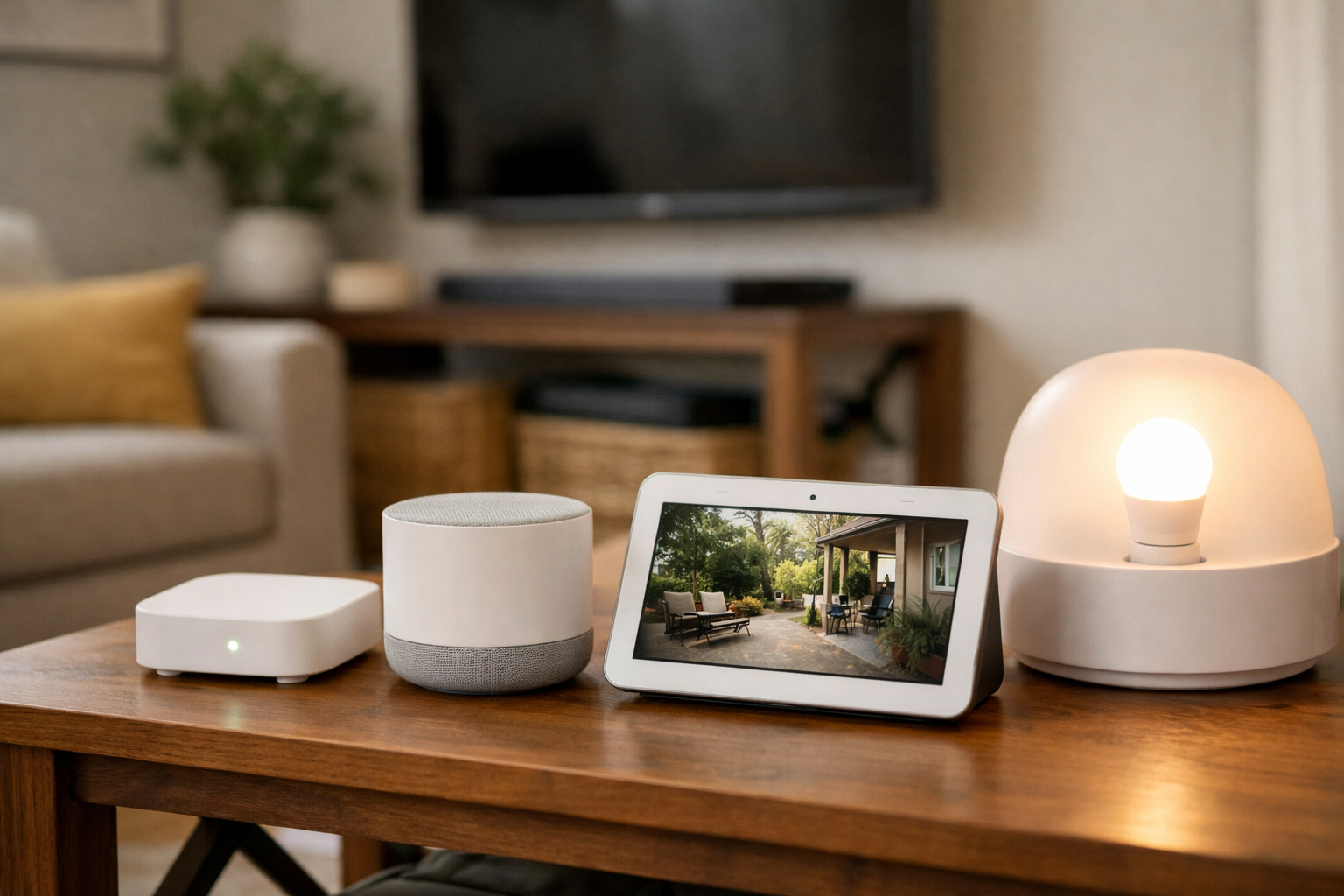
If you already have a stable Zigbee hub and a collection of compatible devices, staying with Zigbee is often the practical decision. Zigbee’s low-power mesh design is well established, and the available product selection can be useful for building out lights, sensors, and controls.
Look for Matter bridge support only if you need it. A bridge can add cross-platform access, but it should not be treated as a promise that every native Zigbee feature will transfer into every Matter controller.
Choose Matter as a compatibility preference, not a transport choice
If you want flexibility across supported ecosystems, prioritize Matter-certified devices after determining whether the device uses Thread, Wi-Fi, or Ethernet. Matter can reduce dependence on a single platform for supported functions, but you still need the right underlying network and a compatible controller.
In other words, how to choose the right smart home connection is a two-part decision: choose the network transport that fits the device, then choose Matter compatibility when cross-platform support is valuable to you.
Local control vs cloud-dependent automations
Connection type and automation behavior are related but not identical. A Thread or Zigbee accessory can still rely on a cloud account for remote access, firmware, or certain scenes. Matter and capable hubs can support LAN-based control when the platform is designed for it—but only for automations that actually run locally.
Before assuming a low-power mesh device equals a fully private local home, check whether your hub, Border Router, or platform requires internet for sign-in, voice assistants, or backup rules.
What happens when the internet goes down?
Results depend on the platform and hub, not on a logo alone. Many hub-managed Zigbee or Z-Wave routines can continue on the LAN when the hub stays online even if broadband is down. Cloud-only apps may stop entirely when account or DNS services are unreachable.
Wi-Fi products that talk only to a cloud API often fail during an outage unless the vendor documents LAN control. Thread and Matter setups still need a working Border Router, router, and controller on your network for many local routines—not necessarily the public internet, but not “set and forget” either.
If outage resilience matters, test one critical automation with broadband disabled while LAN power stays up.
Compatibility checklist before you buy
Use this checklist for any smart home device that advertises Matter, Thread, Zigbee, or Wi-Fi support.
- Identify the actual transport. Is the Matter device Matter over Thread, Matter over Wi-Fi, or Matter over Ethernet? Do not rely on the Matter label alone.
- Confirm controller support. Check whether your preferred platform supports the product type and Matter version needed for the functions you want.
- Check for a Thread Border Router. For Thread products, verify that a specific device in your home provides Border Router functionality.
- Verify network requirements. Your router, hub, and platform may need IPv6 support and current firmware for certain Matter and Thread functions.
- Consider placement. Check Wi-Fi strength where a camera will be installed, or plan enough powered mesh devices to support distant Thread or Zigbee accessories.
- Understand hub requirements. Zigbee products generally need a compatible hub or coordinator. Confirm the model is supported rather than assuming all Zigbee products work together.
- Check bridge limitations. If a Zigbee device will be exposed through Matter, find out which controls and device types the bridge actually shares.
- Review the power source. For battery products, favor a low-power option when available and appropriate. For plugged-in or high-bandwidth devices, Wi-Fi may be the more natural fit.
Common compatibility mistakes
- Buying Matter-over-Thread devices without a confirmed Thread Border Router on your network.
- Assuming Matter means every feature appears in every app or voice assistant.
- Purchasing Zigbee or Z-Wave accessories without a compatible hub or coordinator.
- Defaulting to Wi-Fi for many battery sensors when Thread, Zigbee, or Z-Wave is a better fit.
- Confusing cloud remote access with local automations that should run on the LAN.
- Expecting cloud-only services to automate normally when the internet is unavailable.
- Choosing a protocol before checking the hub, speaker, or platform the household already uses.
- Mixing standards without knowing which controller bridges or manages each network.
HomeTechSignal practical decision path
Practical defaults for planning—not absolute rules. Confirm current firmware, hub, and platform support before purchase.
- Cameras and video: Wi-Fi or Ethernet often fits bandwidth needs. See our best local AI security cameras guide for local storage and privacy trade-offs on video products.
- Battery sensors and buttons: Thread, Zigbee, or Z-Wave usually fit better than Wi-Fi for small batteries. Room-level occupancy automations often fall here—see smart presence sensors for room-by-room automations.
- Locks: Confirm hub requirements and whether you need local codes versus remote access; mesh protocols are common, but vendor policies vary.
- Lighting at scale: Zigbee or Thread mesh with enough powered repeaters often scales more smoothly than many independent Wi-Fi bulbs on one router.
- Thermostats: Wi-Fi or vendor hubs are common; multi-zone homes should confirm wiring and platform support—see smart thermostats for multi-zone homes.
- New cross-platform setups: Matter can reduce ecosystem friction when you can support the transport underneath (Border Router or solid Wi-Fi), but Matter does not replace Wi-Fi, Thread, or Zigbee.
- Existing Zigbee or Z-Wave homes: Staying with a working hub is often simpler than replacing everything for Matter alone.
- Privacy and remote access: Favor platforms that document local control. Router VPN setup is a separate remote-access topic—see how to set up a VPN on your home router—not a substitute for local automations.
- Beginners avoiding lock-in: Build reliable basics in one platform first—see smart home automations for beginners—then add Matter where cross-platform access is worth the extra network requirements.
The practical bottom line
There is no single winner among Matter, Thread, Zigbee, and Wi-Fi. They solve different parts of the smart home problem.
Matter is the interoperability standard to look for when you want supported devices to work across ecosystems. Thread is a strong networking option for newer, low-power Matter devices when you have a Thread Border Router. Zigbee remains a capable choice for established low-power mesh setups with a compatible hub. Wi-Fi is often the straightforward answer for powered and higher-bandwidth devices.
The simplest way to decide how to choose the right smart home connection is to match the connection to the product’s needs, then verify the equipment already in your home. That approach is more reliable than choosing a device based on one logo alone.
Useful references: Prepare your smart home for Matter · Matter FAQs | Frequently Asked Questions
Related Home Tech Signal guides: Smart Home Automations for Beginners, Smart Presence Sensors for Room-by-Room Automations, Best Smart Plugs for Apartments