Disclosure: As an Amazon Associate I earn from qualifying purchases.
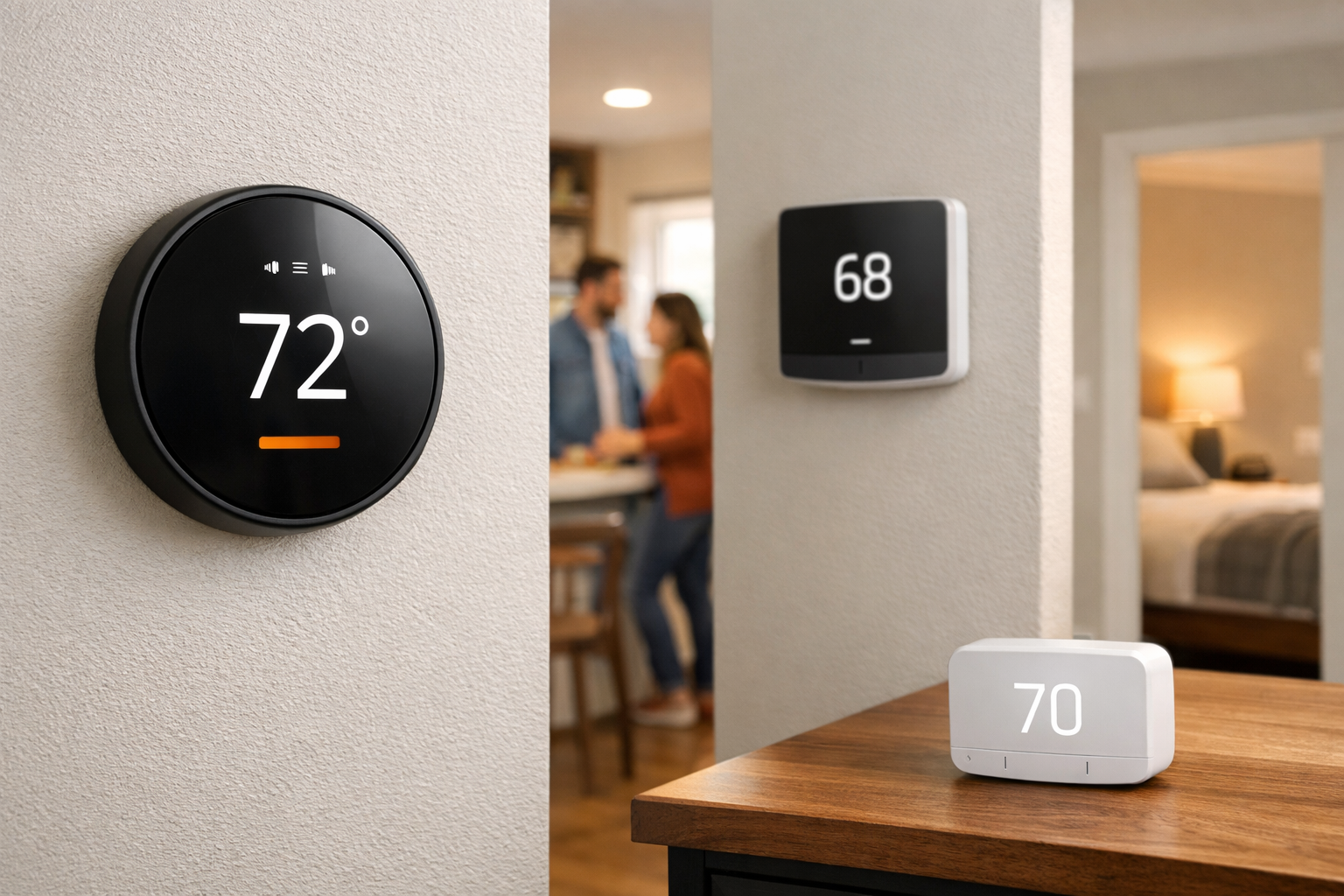
Shopping for the best smart thermostats for multi-zone homes starts with one important question: does your home already have true HVAC zones, or does it have one heating and cooling system with rooms that simply run hotter or colder than the rest?
Those situations can look similar from the living room, but they call for different thermostat features. A home with two thermostats, a zone control panel, and duct dampers needs a smart thermostat that works with the existing zoning equipment. A home with one thermostat and a hot upstairs bedroom may benefit more from remote room sensors that help the thermostat focus on where people are.
Remote sensors can improve comfort, but they do not usually turn one HVAC system into independently controlled zones. Before ordering anything, identify the equipment behind your thermostat wall plate—not just the thermostat currently installed.
Who should buy a smart thermostat for a multi-zone home?
Buy when you know what kind of “multi-zone” problem you have and the HVAC equipment can support the thermostat you pick.
- Homes with multiple existing thermostats that already control separate zones or separate HVAC systems—plan one compatible smart thermostat per control point.
- Upstairs/downstairs or wing-to-wing setups with a documented zone panel and dampers (forced-air) or separate systems.
- Single-zone homes with hot/cold rooms where remote room sensors and scheduling—not new dampers—are the goal.
- Households that have verified wiring, C-wire or approved power accessories, and non-communicating equipment where the manufacturer documents compatibility.
Who should skip—or verify with an HVAC pro first?
Do not treat a thermostat swap as a DIY fix when the underlying system is specialized or the comfort issue is mechanical.
- Proprietary or communicating HVAC (brand-specific data links, variable-speed packages, some heat pumps and dual-fuel staging) until the manufacturer or installer confirms a replacement thermostat.
- Damper/zone-panel layouts where thermostats control dampers directly, transformers are unknown, or zone wiring differs at every wall plate.
- Renters without permission to change thermostats or wiring.
- Homes where imbalance is likely from duct design, closed dampers, insulation, or airflow—a thermostat cannot rebalance bad distribution by itself.
- Shoppers who expect remote sensors to create independent zones on one air handler (see distinction above).
Quick picks
- Google Nest Thermostat: Best overall for homes with existing, independently controlled HVAC zones.
- Nest Learning Thermostat (4th gen): Best premium Nest option for zoned homes that also need flexible room-sensor averaging.
- ecobee Smart Thermostat Premium: Best for a single HVAC zone with persistent hot and cold rooms.
- Honeywell Home T9 Smart Thermostat RCHT9510WFW2001: Best for households that want to prioritize many sensor-equipped rooms.
- Sensi Touch 2: Best value-oriented option to investigate for conventional systems with existing zones and a C-wire.
What to know before buying a thermostat for a multi-zone home
A true zoned HVAC system divides a house into separate heating and cooling areas. It normally uses multiple thermostats—often one per floor or area—along with a zone panel that coordinates the equipment and, in many forced-air systems, dampers that direct airflow. Each thermostat calls for heating or cooling in its own zone.
For that setup, plan on one compatible smart thermostat for each existing zone. Replacing only the downstairs thermostat does not give the upstairs zone smart control. Your chosen thermostat also has to work with the zone panel, the HVAC equipment, the wiring at every thermostat location, and any damper-control arrangement.
Room sensors solve a different problem. A sensor measures temperature, and sometimes occupancy, in another room and shares that information with the thermostat. The thermostat can then prioritize that room or use an average of selected rooms. It still controls one heating or cooling call for its connected system; it does not independently open a damper or create a new HVAC zone.
This distinction is the most useful way to narrow down the best smart thermostats for multi-zone homes:
- Choose documented zone-system compatibility if you already have multiple thermostats, dampers, and a zone relay panel.
- Choose stronger room-sensor support if you have one thermostat and need better comfort in a bedroom, office, nursery, or upstairs living space.
- Pause and get a compatibility review if you have communicating or proprietary HVAC equipment, a variable-speed system, multi-stage equipment, unclear wiring, or a thermostat-controlled damper setup.
ENERGY STAR advises homeowners to confirm compatibility before purchasing, especially with zoned, variable-speed, and multi-stage HVAC systems. Many smart thermostats also need dependable low-voltage power from a C-wire or a model-specific power accessory. ENERGY STAR’s smart thermostat guidance is a useful starting point for understanding why an installation that looks simple may not be simple in every home.
When a new thermostat is not the real fix
Smart scheduling and room sensors can improve how one HVAC zone behaves, but they cannot replace mechanical fixes. Consider an HVAC assessment—not another thermostat—when problems persist after basic filter and damper checks:
- Uneven airflow from undersized ducts, long runs, or closed supply registers.
- Large upstairs/downstairs differences driven by insulation, attic heat, or solar gain through windows.
- Equipment that short-cycles, never satisfies setpoint, or struggles on the hottest/coldest days (oversizing/undersizing or staging issues).
- Zone panels that cannot support additional smart thermostats without rewiring or transformer upgrades.
Occupancy-driven comfort is a different layer from HVAC zoning—see our smart presence sensors for room-by-room automations guide for lighting and comfort routines that should not be confused with damper control.
Google Nest Thermostat: Best overall for existing HVAC zones
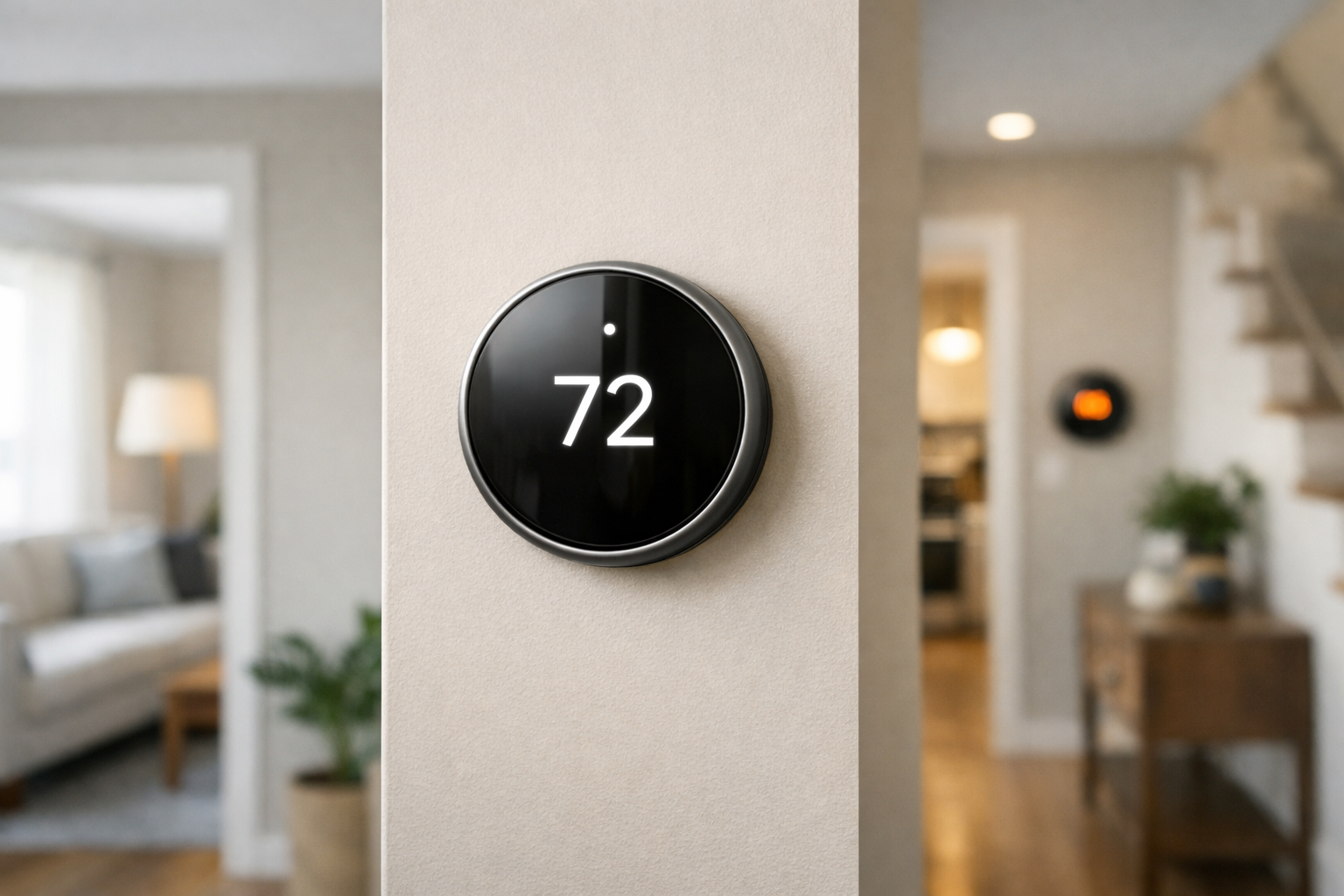
Who it is for: Homeowners who already have separate, independently controlled HVAC zones and want a straightforward Google Home-oriented thermostat platform for each zone.
The Google Nest Thermostat is the clearest starting point for many existing zoned systems because Google explicitly documents support for multi-zone installations. The basic rule is straightforward: install one Nest Thermostat for each zone that already has its own thermostat.
That makes it a practical choice for a two-story home with separate upstairs and downstairs thermostats, provided the underlying zone equipment is compatible. You can replace thermostats zone by zone or plan a full replacement, but every zone should be assessed individually. Wiring can differ from one thermostat location to another, even in the same house.
Google notes that Nest thermostats are usually compatible with zoned systems, including systems with dampers. However, some systems that require thermostats to control dampers directly are not compatible. A zone panel may also need a C-wire or a Nest Power Connector to provide reliable power.
Do not assume that an unused wire behind one thermostat is automatically a usable C-wire. The wire must be connected appropriately at the zone panel or HVAC equipment. If you cannot identify the zone panel connections confidently, this is a good job for an HVAC professional.
For a documented overview of the limitations, review Google’s Nest guidance for zoned-system compatibility before buying. It is especially relevant if your home has duct dampers or an older zone control panel.
Nest Learning Thermostat (4th gen): Best premium option for zones and sensor averaging
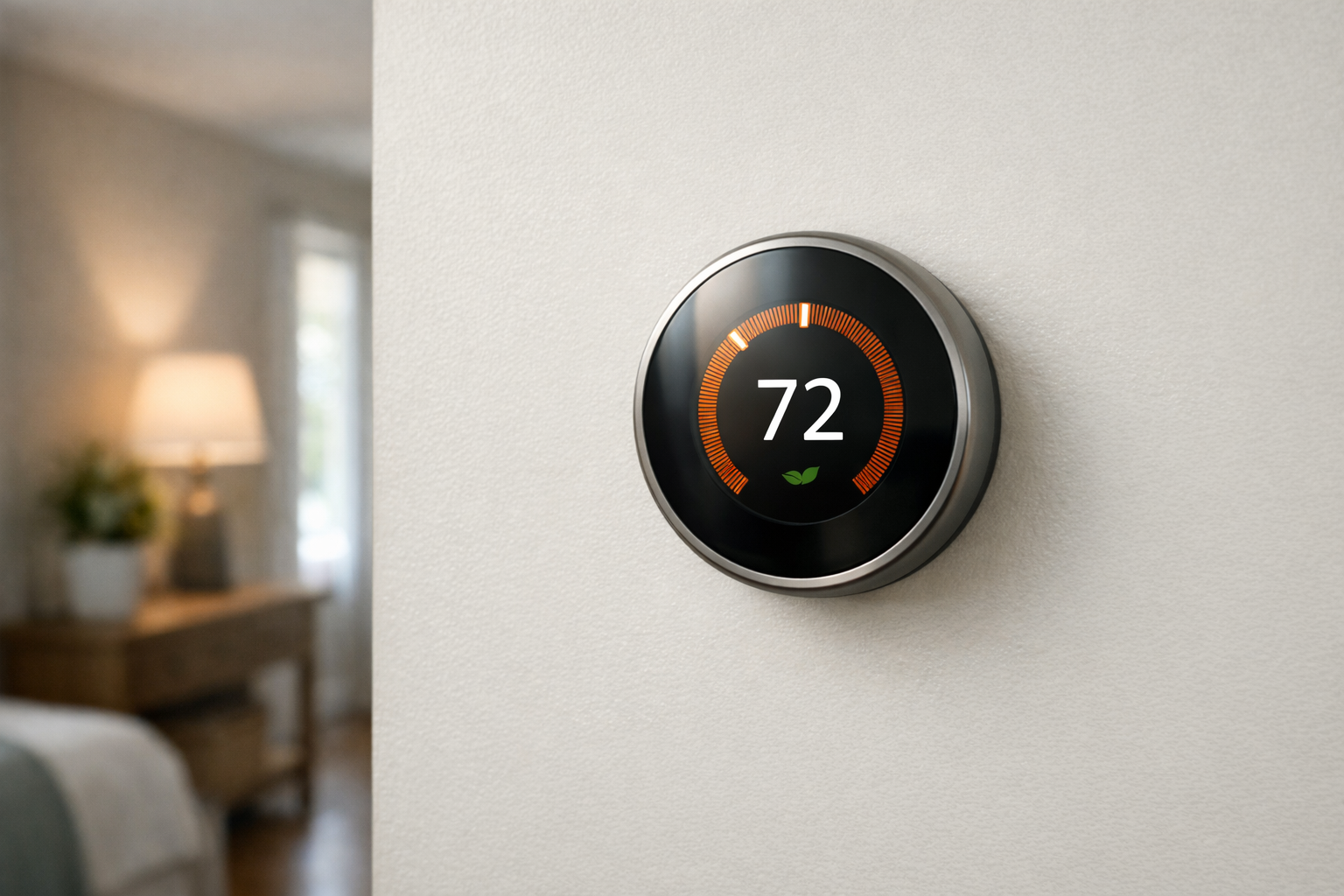
Who it is for: Households with existing HVAC zones that also want more detailed temperature awareness inside each zone.
The Nest Learning Thermostat (4th gen) is a premium Nest route for homeowners who want one thermostat per actual zone while also using remote sensors to refine comfort within those zones. It includes one Nest Temperature Sensor and supports up to six sensors per thermostat.
That sensor support is useful when a zone itself covers several rooms. For example, an upstairs zone may include bedrooms that get different afternoon sun exposure. The thermostat can use selected sensors, and on this model multiple selected sensors can be averaged. That can help prevent the thermostat from responding only to the temperature at the hallway wall where it is installed.
The limitation matters: six sensors on a thermostat do not create six independently conditioned rooms. They inform the heating or cooling target for the zone connected to that thermostat. If separate rooms need truly separate temperatures at the same time, the home needs HVAC zoning hardware designed for that purpose.
This model makes the most sense when you value the Nest ecosystem and want the combination of explicit multi-zone planning plus room-level temperature input. As with the standard Nest Thermostat, verify the zone panel, HVAC type, power arrangement, and damper-control design first. Zone-controlled systems may need a C-wire or another approved power solution.
ecobee Smart Thermostat Premium: Best for room-by-room comfort in one HVAC zone

Who it is for: Homeowners with one HVAC zone—or a zone that covers several uneven rooms—who want occupancy-aware sensor data to improve comfort.
The ecobee Smart Thermostat Premium is a strong choice when the problem is temperature imbalance rather than missing HVAC zones. Pair it with ecobee SmartSensors to measure temperature and occupancy in the rooms that matter most, such as a home office during the day or bedrooms at night.
ecobee says its SmartSensors can help prioritize occupied or selected rooms, which can make a single-zone system feel more responsive to how a household actually uses the home. Sensors need to be placed within 60 feet of the thermostat or camera, and ecobee lists support for up to 32 sensors per account.
That capacity is useful for larger homes, but it should not be mistaken for 32 zone controllers. SmartSensors guide the thermostat’s overall decisions for the HVAC zone it controls. They cannot independently command dampers or run separate heating and cooling calls to individual rooms.
If your house already has multiple thermostats, you may still use an ecobee thermostat in each zone after confirming compatibility. But choose it primarily for sensor-driven comfort management, not because its sensors replace a conventional zone panel. Confirm the thermostat’s wiring needs and your HVAC configuration before installation.
Honeywell Home T9 Smart Thermostat RCHT9510WFW2001: Best for high sensor capacity
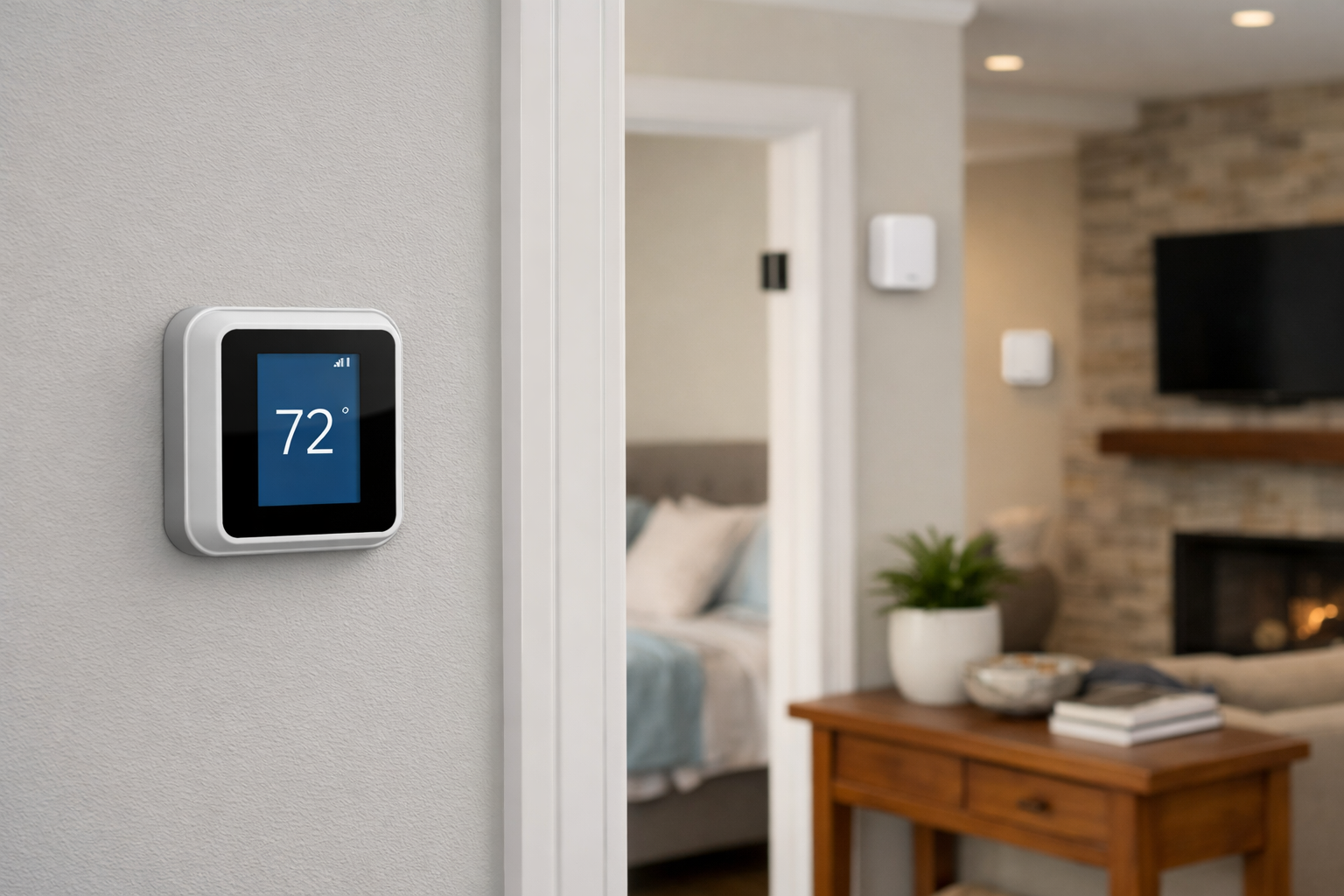
Who it is for: Larger households that want to focus heating and cooling on different rooms at different times and may need more sensor coverage.
The Honeywell Home T9 Smart Thermostat RCHT9510WFW2001 supports up to 20 wireless indoor sensors per thermostat. That makes it worth considering for homes where several rooms have distinct comfort issues, including a frequently used office, a nursery, guest rooms, or rooms with large windows.
The T9 can prioritize one or more rooms based on a schedule or occupancy. When you select multiple rooms, it works toward an average temperature across them. This approach can be useful when no single room represents the comfort needs of everyone in the home.
Still, the same core distinction applies. The T9’s Smart Room Sensors are comfort inputs, not independent HVAC zone controllers. If one room needs cooling while another needs heating, or if you need separate airflow control through dampers, you need a properly designed zoned system rather than additional sensors.
The T9 is best for someone who wants broad sensor coverage and room-prioritization behavior from one thermostat. For an existing multi-thermostat home, confirm the T9’s compatibility with each zone’s wiring and control equipment before planning a whole-home rollout.
Sensi Touch 2: Best conventional-system value for existing zones

Who it is for: Homeowners with a conventional, non-communicating HVAC system who want to evaluate a simpler smart thermostat for multiple existing zones.
The Sensi Touch 2 is worth a close look for homes with conventional HVAC equipment and existing zone systems. Sensi’s compatibility information lists its Smart, Touch, Touch 2, and Lite thermostats as compatible with zone systems, while also stating that a common wire is required for those listed models.
That C-wire requirement can be an advantage from a planning standpoint: it makes the power expectation clear. If every thermostat location has a working C-wire, installation may be more predictable than trying to adapt an uncertain wiring setup. If a zone lacks one, do not improvise; ask an installer whether the zone panel can support an appropriate power solution.
Sensi does not support communicating or proprietary HVAC systems. That exclusion is particularly important because some higher-end systems use equipment-specific controls that cannot be treated like standard low-voltage thermostat wiring. Check the model number of the indoor equipment, outdoor equipment, and existing thermostat before selecting this option.
For the right conventional setup, Sensi Touch 2 can be a sensible way to bring app control to each existing zone. It is not a universal answer for every zoning panel or specialized HVAC system.
Common buying and installation mistakes
- Treating remote room sensors as independent HVAC zones on a single air handler.
- Buying multiple smart thermostats when only one control point actually commands the equipment.
- Ignoring zone-panel, damper-control, and transformer limits documented by the thermostat maker.
- Assuming all heat pumps, dual-fuel, or auxiliary-heat layouts work like conventional gas furnaces.
- Skipping C-wire or power-accessory checks at every thermostat location in a zoned home.
- Expecting a thermostat to fix duct imbalance, insulation gaps, or blocked returns.
- Mixing thermostat brands across a coordinated zoned system without checking panel compatibility.
- Relying on cloud-only schedules for safety-critical heating/cooling without confirming local fallback behavior on your platform.
- Ordering before photographing existing wiring, zone-panel model numbers, and equipment labels.
How to choose among the best smart thermostats for multi-zone homes
Use this checklist before deciding which thermostat to buy.
- Count existing thermostats. If your home has two or more thermostats that independently control areas of the house, plan for one compatible smart thermostat per zone.
- Find the zone panel. In a forced-air system, look for a labeled zone panel near the furnace, air handler, or mechanical room. Photograph its model number and wiring before contacting an installer or using a compatibility checker.
- Identify dampers and how they are controlled. Nest documentation cautions that certain thermostat-controlled damper systems may be incompatible. Do not rely on a generic “works with zoned HVAC” label.
- Check for a C-wire at every thermostat. A C-wire or approved power accessory may be needed even if one thermostat currently works without it. Zone panels can have their own power requirements.
- Identify communicating equipment. If the thermostat, furnace, air handler, or heat pump uses proprietary labels or specialized terminals, stop and verify with the manufacturer or an HVAC technician.
- Separate sensor needs from zoning needs. Choose ecobee or T9-style sensor support for one-zone comfort balancing. Choose a compatible thermostat-per-zone plan for actual independent zones.
- Confirm smart-home preferences. Nest is the natural option for Google Home households. For Apple Home, Alexa, or mixed-platform homes, check the specific current thermostat model and the integrations you intend to use before purchase, since app and platform behavior can change.
When professional installation is the better choice
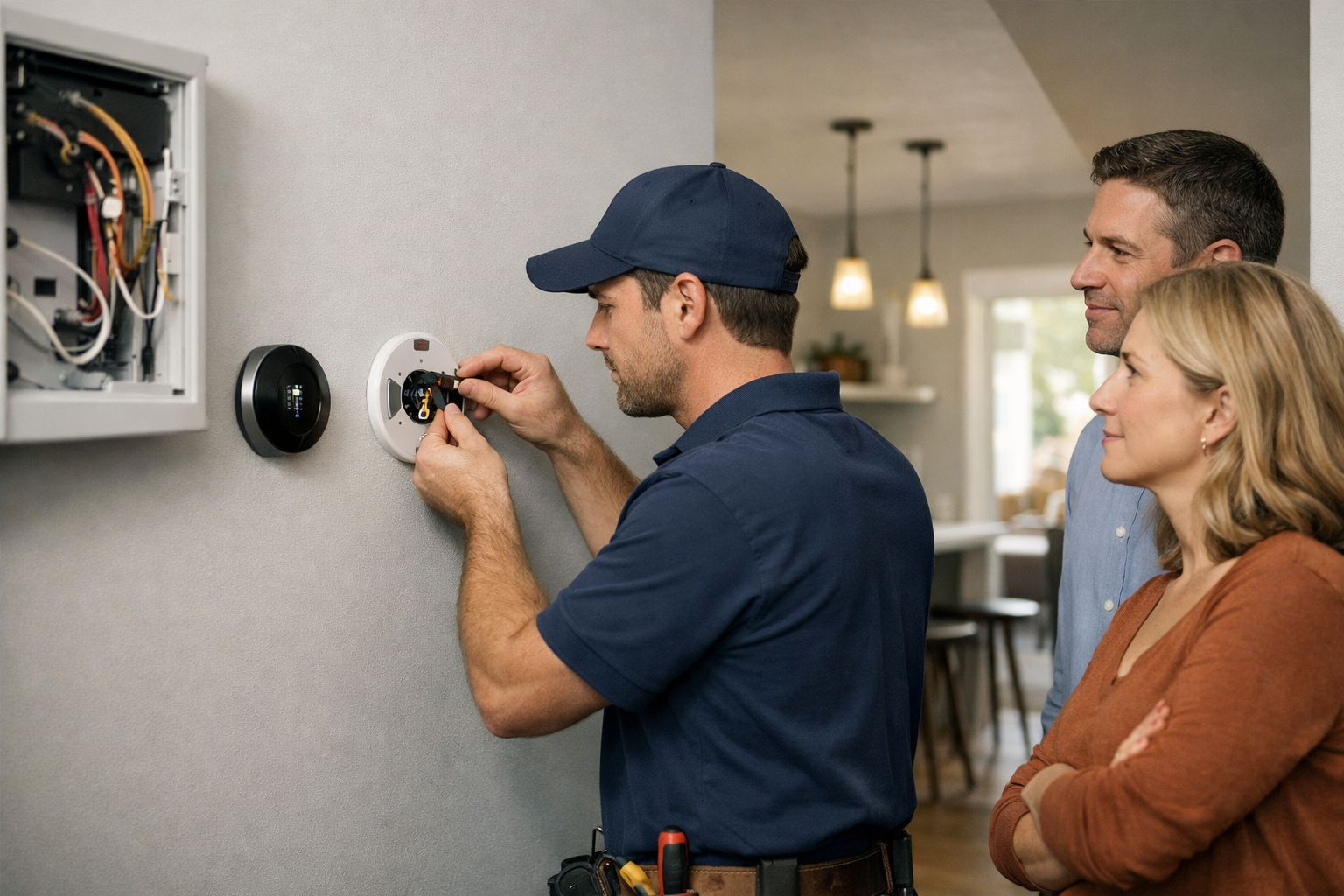
Professional installation is strongly worth considering when your home has a zone panel, duct dampers, multi-stage heating and cooling, variable-speed equipment, a heat pump with auxiliary heat, unclear wiring, or no obvious C-wire. Those details affect both compatibility and correct operation.
An HVAC professional can verify whether the thermostat connects directly to the equipment or through a zone controller, determine whether the transformer has enough capacity, and confirm whether a power adapter is appropriate. They can also identify compatibility issues before a thermostat replacement disrupts normal zone operation.
This added step is especially important for readers searching for a smart thermostat for multiple zones. The thermostat itself is only one piece of the system. The zone panel, dampers, wiring, and HVAC equipment determine whether it will work as intended.
Multi-zone smart thermostat decision table
Editorial summary from the product sections above—confirm current compatibility docs and wiring before purchase.
| Thermostat | Best for | Multi-zone approach | Room sensors | HVAC compatibility notes | Main trade-off |
|---|---|---|---|---|---|
| Google Nest Thermostat | Existing independent zones; Google Home households | One Nest per existing zone thermostat | Optional Nest Temperature Sensor (separate purchase) | Google documents many zoned systems; some damper-control layouts excluded; C-wire/Power Connector may be required | Not for thermostat-controlled damper systems per Google guidance |
| Nest Learning Thermostat (4th gen) | Premium Nest; sensor averaging within each zone | One per zone; sensors refine comfort inside the zone | Up to six sensors per thermostat (manufacturer spec) | Same zone-panel checks as Nest Thermostat | Cost; sensors still do not create new zones |
| ecobee Smart Thermostat Premium | Single-zone imbalance; occupancy-aware comfort | Sensor prioritization for one HVAC call; may use one per zone if compatible | SmartSensor support (manufacturer limits) | Verify heat pump/aux and wiring; not a damper controller | Cloud/account features vary by platform—confirm before buy |
| Honeywell Home T9 RCHT9510WFW2001 | Many rooms to prioritize on one zone | Room prioritization/averaging on one system | Up to 20 sensors per thermostat (manufacturer spec) | Confirm each zone’s wiring if used in multi-thermostat homes | High sensor count ≠ multiple independent zones |
| Sensi Touch 2 | Conventional zoned systems with clear C-wire | One compatible Sensi per existing zone | No native room-sensor story like ecobee/T9 | Sensi lists zone support with required C-wire; excludes communicating/proprietary HVAC | Not for communicating equipment per Sensi docs |
HomeTechSignal Recommendation
Editorial guidance from manufacturer compatibility documentation in this guide—not hands-on testing in every HVAC configuration.
Separate thermostats / true zoned forced-air: Start with the Google Nest Thermostat when Google’s zoned-system guidance matches your panel and damper layout—one unit per existing zone. Choose the Nest Learning Thermostat (4th gen) when you also want sensor averaging inside each zone.
One system, uneven rooms: Prefer ecobee Smart Thermostat Premium for occupancy-aware sensor prioritization, or Honeywell Home T9 when you need broader sensor coverage—both are comfort-balancing tools, not damper replacements.
Conventional non-communicating zones with C-wire: Investigate Sensi Touch 2 per zone after confirming Sensi’s zone and C-wire requirements.
Before any purchase: Photograph wiring and zone-panel labels, verify heat pump/dual-fuel/aux heat if applicable, and use an home energy monitor only if you are also sizing broader backup loads—not as a substitute for HVAC compatibility checks.
Automations and hubs: Pair thermostat schedules with reliable platform rules—see smart home automations for beginners and how to choose the right smart home connection when controllers and sensors must stay online together.
Bottom line
For most homes with established, independent HVAC zones, the Google Nest Thermostat is the best starting point because Google explicitly documents its multi-zone approach: one thermostat per zone, with compatibility checks for zone panels and dampers. The Nest Learning Thermostat (4th gen) adds flexible sensor averaging within each zone.
If your home has one HVAC zone but uncomfortable rooms, the ecobee Smart Thermostat Premium and Honeywell Home T9 Smart Thermostat RCHT9510WFW2001 are better framed as comfort-balancing solutions. Their remote sensors can help the thermostat respond to where people are, but they do not replace a real zoning system.
The Sensi Touch 2 is a practical option to investigate for conventional zoned systems with a confirmed C-wire. No matter which model you choose, compatibility should outweigh feature lists. The best purchase is the thermostat platform that matches your specific zone equipment, wiring, and comfort goal.
Useful references: Check compatibility of Nest thermostat with zoned systems · Nest thermostat compatibility · Resideo TrueZONE panel overview
Related Home Tech Signal guides: Smart Presence Sensors for Room-by-Room Automations, Best Home Energy Monitors for Tracking Electricity Use, Smart Home Automations for Beginners, How to Choose the Right Smart Home Connection