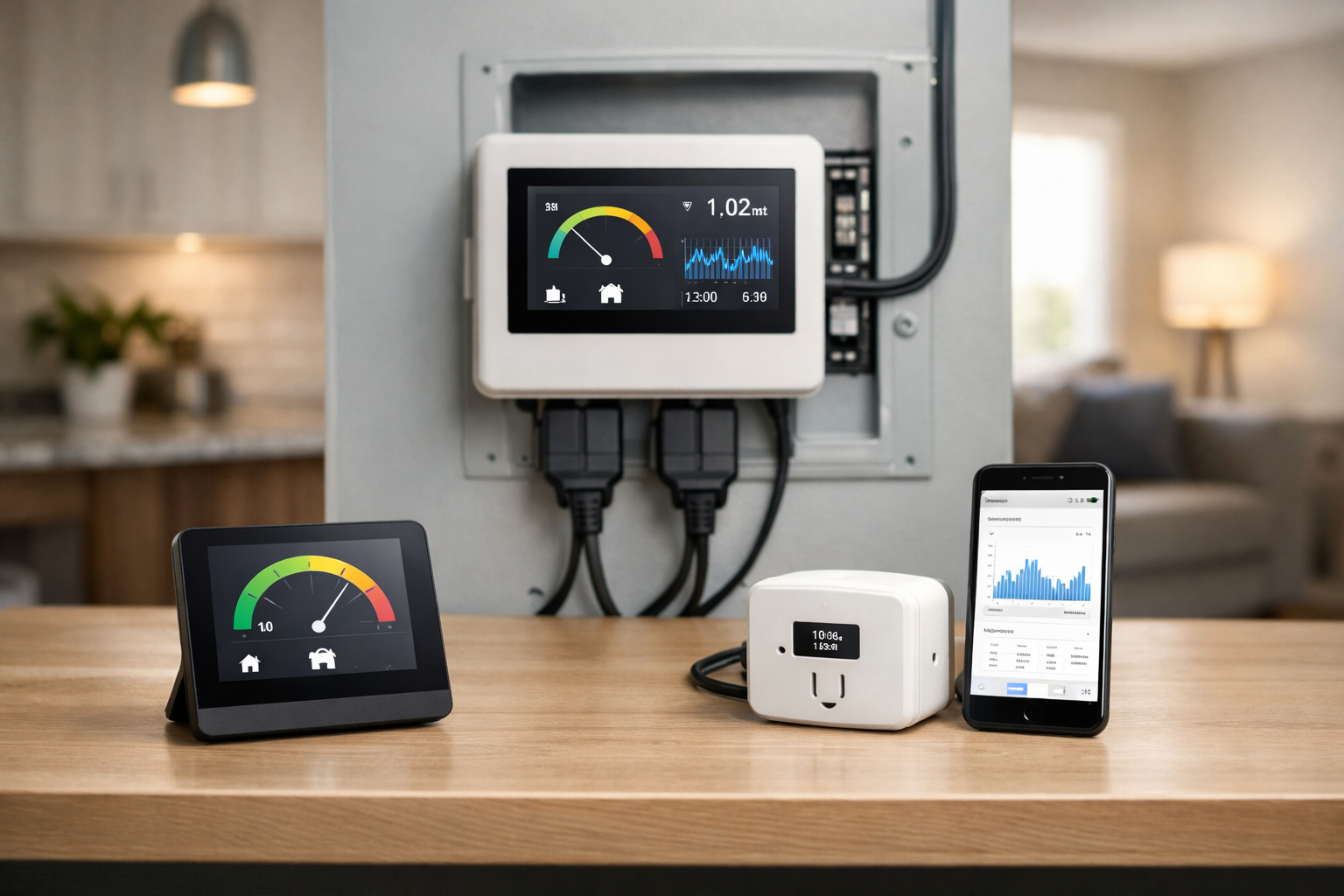
A home energy monitor helps you track electricity use in real time and understand which appliances are driving your power bill. A home energy monitor can answer questions your monthly utility bill cannot: Is the HVAC system driving the afternoon spike? How much electricity is an EV charger using? Is a water heater cycling more often than expected? And which circuits are worth monitoring before you spend money on efficiency upgrades?
The best home energy monitors for tracking electricity use do more than show a household total. They give you useful context, whether that means direct measurements from selected circuits, solar import and export tracking, local data for home automation, or a simple view of one appliance’s standby draw.
For most U.S. homeowners, Emporia Vue 3 is the most broadly useful choice because it can monitor the main service and selected branch circuits. Shelly’s DIN-rail meters are more compelling for technically confident users building local automations. Eyedro is a straightforward whole-home alternative, while IoTaWatt remains a strong local-first option for users comfortable configuring their own dashboards and integrations.
Before buying, remember that panel-mounted monitors involve work inside an electrical panel. Compatibility, sensor fit, wiring layout, and local code requirements vary. A qualified electrician is the sensible choice for installation when you are not trained and equipped to do that work safely.
Best home energy monitors at a glance
- Best for most homeowners: Emporia Vue 3 for whole-home measurement plus direct tracking of selected circuits.
- Best for local automation: Shelly Pro EM-50 for two-channel, single-phase monitoring with local networking, MQTT, and scripting.
- Best for compatible three-phase systems: Shelly Pro 3EM for per-phase electrical measurements and local integrations.
- Best simpler whole-home alternative: Eyedro Home Energy Monitor for North American residential electrical systems and cloud-based reporting.
- Best local-first, multi-circuit option: IoTaWatt for advanced users who want local storage, API access, and configurable integrations.
- Best for one appliance or standby loads: A plug-in watt meter, used alongside rather than instead of a panel monitor.
What Is a Home Energy Monitor?
The right home energy monitor can show real-time consumption, historical trends, and unusual energy spikes. Most whole-home monitors use current transformers, usually called CTs. These clamp around electrical conductors and measure the current flowing through them without cutting the wire. A monitor combines that current reading with voltage information to estimate or calculate power and energy use.
Where you place the CTs determines what you can learn. CTs around the main service conductors show the electricity flowing into and, where supported, out of the home. That is useful for seeing a household total, tracking consumption patterns, and monitoring solar production or net usage in an appropriately configured system.
CTs placed around individual branch-circuit conductors provide a more direct answer. If a sensor is on the dryer circuit, for example, the reading represents the dryer circuit rather than a software guess. This is often the better approach for known large loads such as HVAC equipment, electric water heaters, pool pumps, well pumps, ranges, and EV chargers.
Direct circuit measurement versus appliance detection
This distinction matters more than many feature lists suggest. A circuit-level energy monitor measures power on the circuit where its CT is installed. The monitor may not know every device connected to that circuit, but you know what electrical path you are measuring.
Appliance-detection systems take another approach. They analyze the electrical signatures seen at the mains and attempt to identify devices based on how those loads turn on, off, and operate. That can be interesting for finding patterns across the home, but results depend on the devices, their operating behavior, and the system’s ability to recognize a signature. It is not the same as putting a dedicated sensor on a known circuit.
A plug-in watt meter is different again. It sits between a wall outlet and a plug-in appliance, making it useful for testing a refrigerator, entertainment center, dehumidifier, portable heater, or suspected standby load. It cannot measure hardwired equipment, an EV charger, or the entire home.
Emporia Vue 3: Best for whole-home and circuit-level tracking
For most homeowners, start with Emporia Vue 3. It offers the most practical mix of whole-home visibility and direct circuit-level measurement for common high-energy loads. If you need load shedding for an EV, heat pump, or battery rather than measurement alone, see our guide to smart electrical panels for home energy management for a broader look at whole-home and circuit-level options.
For example, you could use branch sensors for an air conditioner, heat pump, electric water heater, dryer, kitchen range, basement equipment, or an energy monitor for an EV charger. The important advantage is direct measurement: the data comes from the circuit selected during installation.
Vue 3 supports real-time data, Wi-Fi or Ethernet connectivity, and solar or net-metering monitoring in supported configurations. Emporia specifies accuracy of approximately plus or minus 2%. Review the Emporia Vue Gen 3 technical specifications before ordering, particularly if your service arrangement, solar equipment, or panel layout is unusual.
Its trade-off is installation complexity. Monitoring mains and multiple branch circuits requires room for the device and CTs, access to the appropriate conductors, and careful configuration in the app. Do not assume every panel has the same available space or conductor layout. Verify that the sensors will fit and have an electrician assess any crowded, older, or otherwise complicated panel.
Choose Emporia Vue 3 if: You want both whole-home electricity data and direct tracking for several important hardwired circuits, with solar monitoring as a possible part of the setup.
Shelly Pro EM-50 and Pro 3EM: Best for local automation
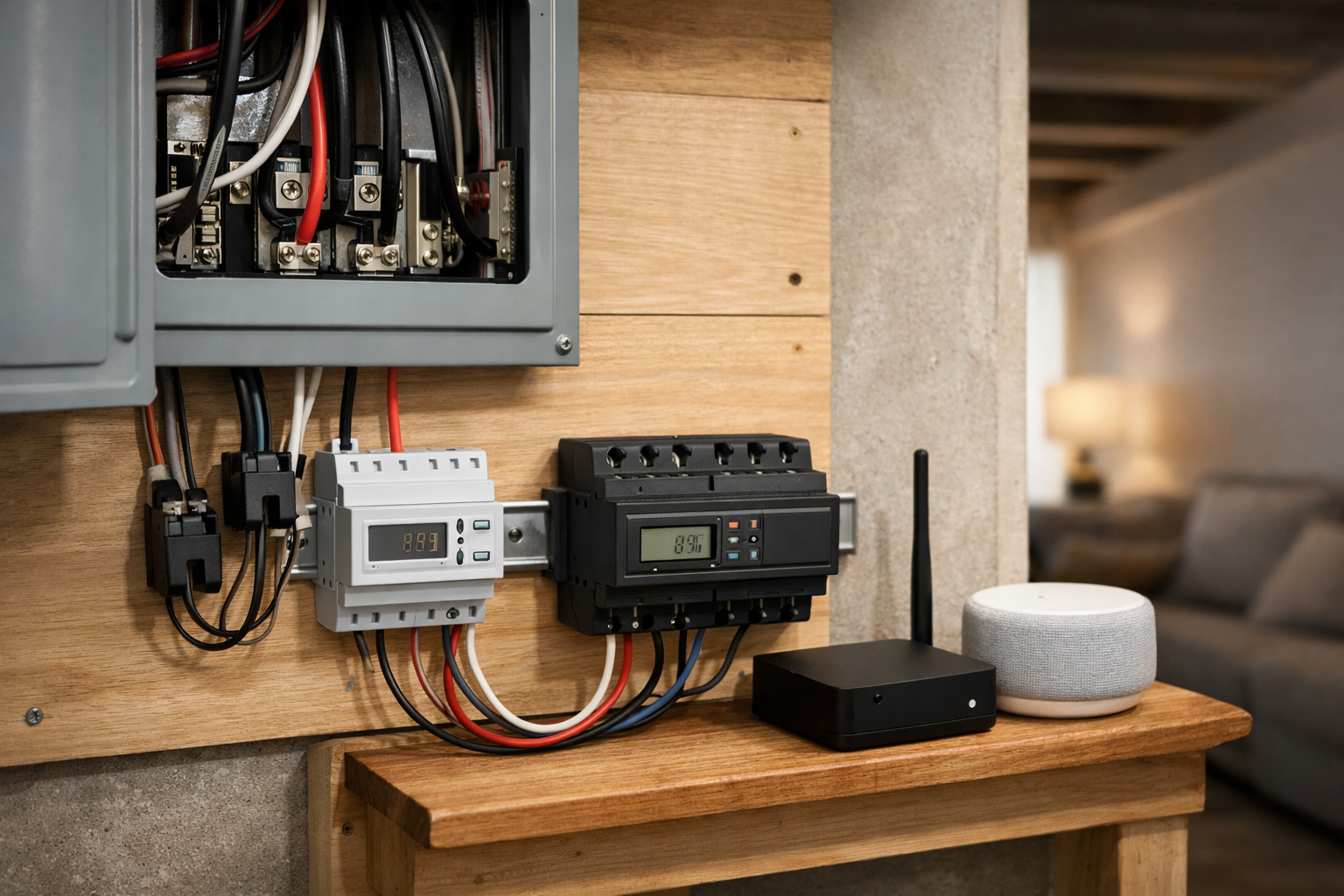
Choose Shelly Pro EM-50 or Shelly Pro 3EM when local automation and technical control matter more than turnkey simplicity. If local control is a priority in your smart-home setup, our guide to How to Choose the Right Smart Home Connection explains the trade-offs between cloud-dependent and more locally controlled devices.
Shelly Pro EM-50 for two-channel monitoring
The Shelly Pro EM-50 is a DIN-rail-mounted, two-channel single-phase energy meter. It can report real-time voltage, current, active power, apparent power, and energy information. Shelly specifies approximately 1% active-energy accuracy, local LAN or Wi-Fi operation, and up to 60 days of one-minute history.
Two channels can be useful when the goal is targeted monitoring: a solar inverter and a major load, two subpanel feeds, or two selected circuits in a compatible installation. Its local networking and automation features can also appeal to users who want to trigger a contactor or create logic based on measured power.
That flexibility comes with a higher setup bar. DIN-rail hardware belongs in a properly planned enclosure, and the electrical design must match the meter’s intended use. This is not the simplest route for someone who only wants to open an app and see a household total.
Shelly Pro 3EM for three-phase electrical systems
Shelly Pro 3EM is designed for three-phase monitoring. It measures per-phase voltage, current, active and apparent power, energy, and power factor. It also supports Wi-Fi, MQTT, scripting, JSON export, and at least 45 days of one-minute data.
Most U.S. homes have split-phase 120/240V service rather than three-phase service, so do not choose this model simply because it has more channels. Confirm your electrical service type with an electrician or qualified installer first. It can be appropriate for a compatible property or specialized installation, but service type is the deciding factor.
Choose Shelly Pro EM-50 or Pro 3EM if: You understand the electrical design involved, want local energy monitoring, and plan to use MQTT, scripts, APIs, or broader home-automation workflows.
Eyedro Home Energy Monitor: A simpler whole-home alternative
The Eyedro Home Energy Monitor is designed for U.S. and Canadian 120/240V, 60Hz residential systems. It uses split-core current sensors and reports watts, watt-hours, volts, amps, and power factor. It can connect through Wi-Fi or Ethernet and provides cloud-based cost estimates and data downloads.
Eyedro is worth considering if your priority is understandable whole-home usage reporting rather than monitoring a long list of branch circuits. Its solar-ready positioning may also be relevant for households that want to understand the relationship between production, consumption, and grid energy.
Before making it your choice, verify the exact current product configuration, included sensor bundle, available data features, and whether any cloud-plan terms apply. Those practical details can change, and they matter if you need a particular number of monitored circuits or want long-term access to your data.
Choose Eyedro if: You want a conventional home power monitor for a North American residential system and prefer whole-home reporting with cloud-based analysis.
IoTaWatt: Best for local-first multi-circuit monitoring
IoTaWatt takes a different path from app-centered consumer monitors. It is open hardware designed around local data storage, browser-based dashboards, API access, and configurable integrations. It supports up to 14 CT inputs, which can make it attractive for detailed monitoring across a main feed, solar circuits, and selected loads.
Its local-first approach is the central reason to consider it. IoTaWatt can work with platforms and services including Home Assistant, PVOutput, Emoncms, and InfluxDB. That gives advanced users control over where data goes and how it is visualized, instead of depending only on one vendor’s cloud dashboard.
It also demands more effort. Expect to select compatible CTs, plan inputs, configure dashboards or exports, and take responsibility for the system’s setup and upkeep. It is powerful for a technically capable homeowner, but it is not the easiest first energy-monitoring purchase.
Choose IoTaWatt if: You value local data, open integrations, and extensive circuit coverage more than a polished turnkey app.
What happened to Sense?
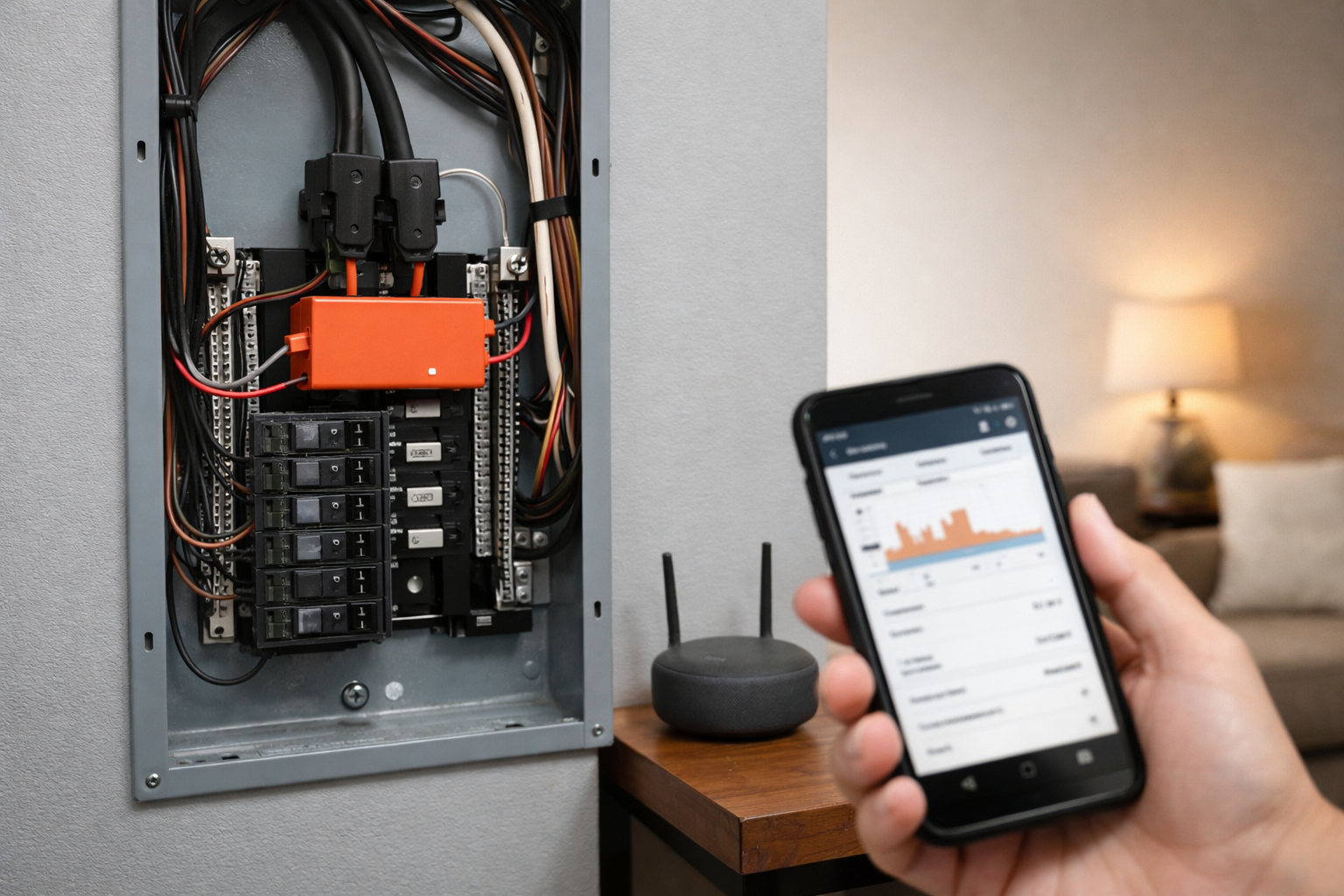
Sense remains relevant in conversations about appliance detection, but it should not be treated as a normal new panel-monitor purchase. Sense ended sales of its panel-installed home monitors on December 31, 2025, or when remaining inventory ran out. The company says existing hardware remains supported while its focus shifts toward utility-provided smart-meter integrations.
If you already own a Sense monitor, it can still provide app-based device-level insights based on electrical signature analysis. Sense hardware was designed for U.S. split-phase 120/240V systems and requires 2.4GHz Wi-Fi. Flex sensors could support certain 400A split-service setups or monitor up to two dedicated circuits, but installation by a qualified professional is recommended.
If a utility offers a Sense-enabled smart-meter program, availability depends on your utility and location. Check eligibility directly rather than assuming that a service mentioned by another homeowner is available at your address. For current owners, see Sense’s support notice for home energy monitors.
Can a plug-in watt meter replace a whole-home monitor?
No, but it is an excellent complement. A plug-in watt meter measures one plug-in device at a time, which makes it useful for checking whether a freezer, office setup, air purifier, television, or old cable box is using more electricity than expected.
It cannot monitor equipment connected directly to the panel, such as central HVAC equipment, a hardwired water heater, or most EV chargers. It also cannot show whether many small loads are combining into a larger household baseline.
The U.S. Department of Energy notes that some products continue using electricity while they appear to be turned off. Its guidance on measuring standby power explains why a suitable meter can be useful when investigating individual devices. Use a plug-in meter for appliance-level detective work and a panel monitor for the big-picture view.
What to check before buying a home energy monitor
The best home energy monitors for tracking electricity use are only useful when they match your electrical system and your actual questions. Work through these checks before placing an order.
Electrical service and panel compatibility
Confirm whether your home uses typical U.S. split-phase 120/240V service, a 400A split-service arrangement, or something less common. If you are looking at a three-phase meter, verify that you actually have three-phase service. Also inspect or have an electrician inspect panel space, breaker layout, conductor accessibility, and whether CTs can physically fit around the wires you need to measure.
Whole-home, circuit-level, solar, or EV coverage
Start with the question you want answered. Whole-home monitoring is enough for broad trends and comparing daily usage. Circuit-level monitoring is better when you need direct readings from known loads. For solar, batteries, and EV charging, verify the monitor’s supported wiring configuration and determine whether you need to measure grid import, export, generation, a dedicated charger circuit, or all of them. Sizing backup storage is a separate decision from monitoring; see best home battery backup systems. If the question is whether an EV can power the house during an outage, that is vehicle-to-home charging, not a panel meter.
Cloud dependence and local access
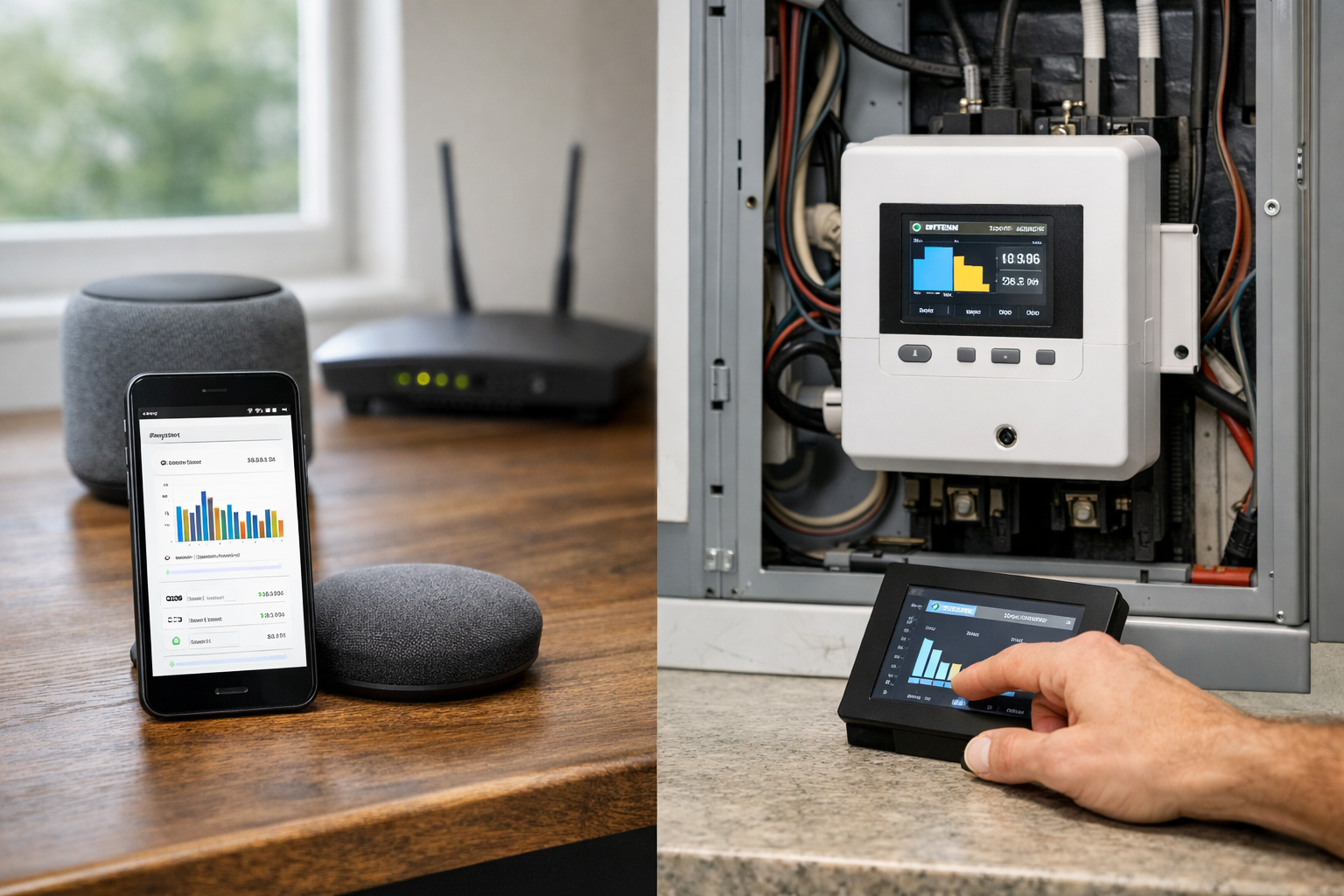
Decide whether you are comfortable with a vendor cloud service. Cloud dashboards can be convenient, but local data monitoring may be more important if you want data ownership, offline resilience, custom retention, or integration with a self-hosted smart-home system. Shelly and IoTaWatt are particularly relevant when local access is a priority.
Network requirements
Check whether the monitor uses Wi-Fi, Ethernet, or both. Verify signal strength at the electrical panel rather than assuming your phone’s Wi-Fi signal elsewhere in the house is representative. If the product requires 2.4GHz Wi-Fi, make sure your network configuration allows it.
Installation and safety
A panel monitor is not equivalent to plugging in a smart outlet. Even clamp-style CT sensors are installed around conductors inside the panel, where energized components may be present. A qualified electrician can confirm compatibility, route equipment appropriately, and install the system in line with local requirements.
Common buying mistakes
These mistakes come up often in this category. They are easier to avoid before you order than after a panel is opened.
- Buying a three-phase meter such as Shelly Pro 3EM because it has more channels, when the home is typical U.S. split-phase 120/240V service.
- Treating Sense as a normal new panel-monitor purchase. Sense ended sales of its panel hardware on December 31, 2025, or when remaining inventory ran out.
- Expecting a plug-in watt meter, or any zero-install outlet gadget, to explain HVAC, a hardwired water heater, or most EV chargers.
- Skipping a panel-space and CT-fit check. Crowded or older panels can make a multi-circuit kit impractical even when the software looks right.
- Assuming cloud reporting will stay complete forever. For Eyedro in particular, this guide already notes that you should verify whether any cloud-plan terms apply.
Who Should Buy a Home Energy Monitor?
A panel-mounted home energy monitor is worth the install when you can access the electrical panel and you need answers a monthly utility bill cannot give you.
- Homeowners with HVAC, EV charging, an electric water heater, a pool or well pump, or other large hardwired loads. If the real question is comfort scheduling rather than circuit-level watts, start with smart thermostats for multi-zone homes instead of a panel meter.
- Households that want circuit-level visibility on known feeds, not a software guess about which appliance is running.
- Technically comfortable users who will actually use the data, or who want local readings for automations.
Who Should Skip One?
A whole-home monitor is overkill, or simply the wrong tool, in several common cases.
- Renters without panel access, and anyone who cannot have work done inside the service panel.
- People who only need one or two plug-in appliance measurements. A plug-in watt meter is the better first tool.
- Users who want zero-install, outlet-level monitoring only. That will not cover hardwired HVAC, a water heater, or most EV chargers.
Home energy monitor decision table
Use this as a decision shortcut after the product notes above. It is an editorial comparison from this guide, not a scored ranking or a spec sheet.
| Product | Best for | Setup difficulty | Subscription burden | Local control | Main trade-off |
|---|---|---|---|---|---|
| Emporia Vue 3 | Most homeowners who want a household total plus selected circuits | Panel install with multiple CTs; use an electrician if you are not qualified | Vendor app; cloud-plan terms are not specified in this guide | App-centered, not the local-first pick | Needs panel space and a clear plan for which circuits to sensor |
| Shelly Pro EM-50 | Local automations on a compatible two-channel, single-phase install | DIN-rail hardware and a planned enclosure; higher setup bar | Local LAN or Wi-Fi operation with on-device history; no subscription is required in the product notes above | Strong: local networking, MQTT, and scripting | Not the simplest path if you only want a household total in an app |
| Shelly Pro 3EM | Compatible three-phase systems that need per-phase data | Same DIN-rail / electrical-design burden as other Shelly Pro meters | Local operation with on-device history; no subscription is required in the product notes above | Strong: MQTT, scripting, and JSON export | Wrong default for typical U.S. split-phase 120/240V homes |
| Eyedro Home Energy Monitor | Straightforward whole-home reporting on a North American residential system | Panel CTs, but a simpler whole-home goal than a long circuit list | Cloud-based reporting; verify whether any cloud-plan terms apply before you buy | Cloud dashboard first, not a local-automation meter | Less emphasis on a long list of branch circuits |
| IoTaWatt | Advanced DIY users who want local storage and many CT inputs | Highest configuration burden: plan inputs, dashboards, and exports | Local storage and open integrations; no vendor cloud is required in the product notes above | Strongest local-first option in this guide | More setup and upkeep than a turnkey consumer app |
| Plug-in watt meter | One plug-in appliance or a suspected standby load | No panel work | None for a standalone meter | Local by nature; it is not a household monitor | Cannot measure hardwired equipment, most EV chargers, or the whole home |
Which home energy monitor should you buy?
For most households, a home energy monitor is most useful when it combines accurate tracking with an easy-to-use app. For most homeowners, start with Emporia Vue 3. It offers the most practical mix of whole-home visibility and direct circuit-level measurement for common high-energy loads. That makes it easier to turn data into a useful decision, such as investigating an HVAC runtime pattern or tracking an EV charger’s impact on household consumption.
Choose Shelly Pro EM-50 or Shelly Pro 3EM when local automation and technical control matter more than turnkey simplicity. Choose Eyedro when a more straightforward whole-home monitoring experience suits your needs. Choose IoTaWatt when you want local storage and broad customization. Finally, keep a plug-in watt meter in mind for individual appliances and standby loads.
The right monitor is not necessarily the one with the longest feature list. It is the one that measures the circuits you care about, fits your electrical system, stores data in a way you accept, and can be installed safely.
HomeTechSignal Recommendation
These picks are editorial, based on the specs, installation burden, and use-case fit in this guide. They are not hands-on lab results.
Best overall: Emporia Vue 3, for typical U.S. homeowners who want a household total plus direct readings on a few high-energy circuits, with solar or net-metering as a supported option when the wiring matches.
Best for local control: Shelly Pro EM-50, when you have a compatible single-phase, two-channel job and you actually want MQTT, scripting, or other local automations rather than a consumer app.
Best for advanced DIY users: IoTaWatt, when local storage, API access, and up to 14 CT inputs matter more than a polished turnkey dashboard.
Best for simple monitoring: Eyedro Home Energy Monitor, when a conventional whole-home view on a North American 120/240V system is the goal and you are comfortable with cloud reporting.
Who should skip a whole-home monitor: Renters without panel access, households that only need one or two plug-in measurements, and anyone expecting zero-install outlet monitoring to explain HVAC, water heating, or EV charging. A plug-in watt meter is the right tool for that narrower job. Shelly Pro 3EM is also the wrong default unless you actually have three-phase service.
Useful references: Emporia Vue Energy Monitor
Related Home Tech Signal guides: Best Home Battery Backup Systems for Power Outages, Best Smart Thermostats for Multi-Zone Homes, Best UPS for a Router and Modem: Top Battery Backup Picks