Disclosure: As an Amazon Associate I earn from qualifying purchases.
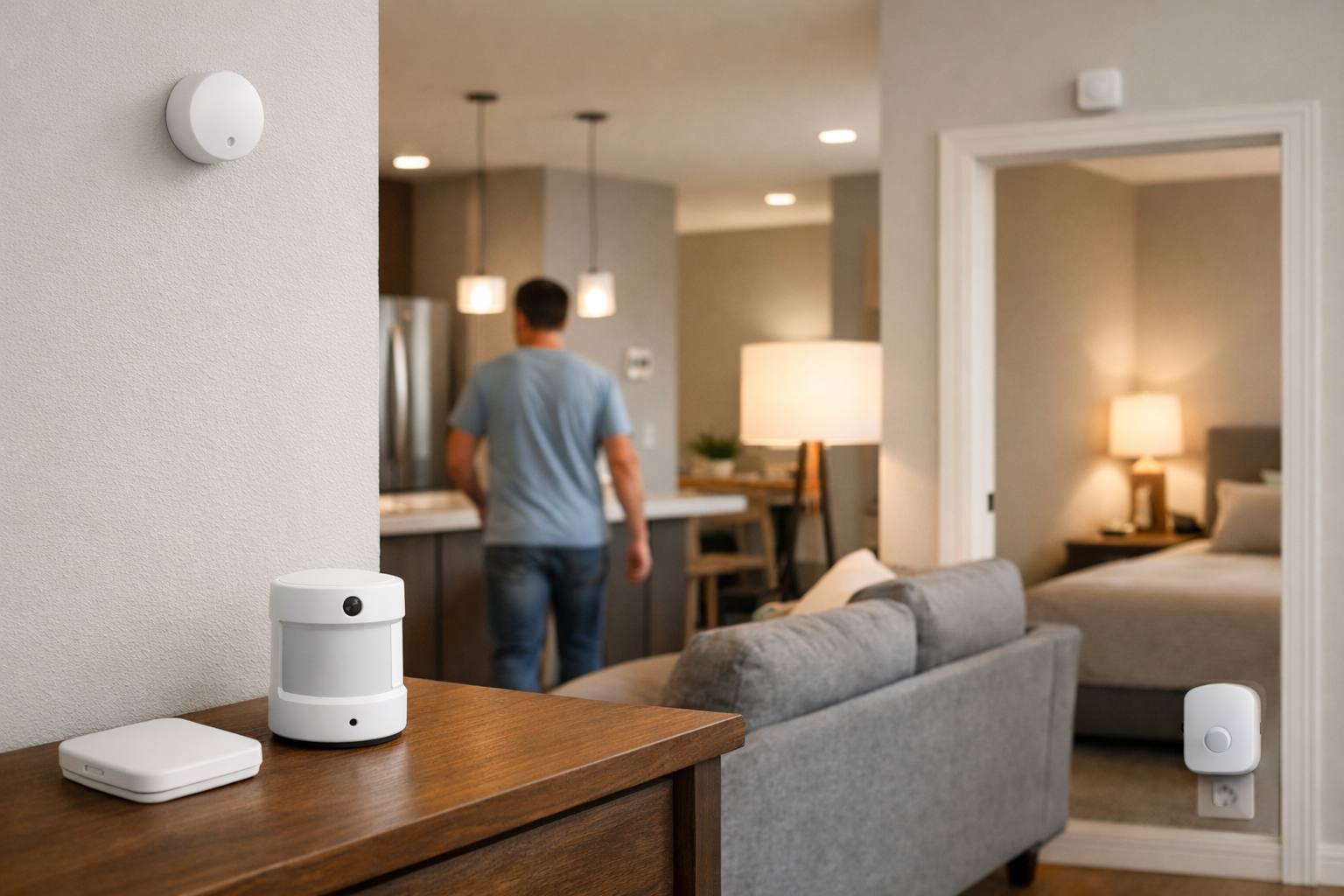
Motion sensors are useful for turning on a light when someone walks into a room. But they can be frustrating once that person sits on the couch, works quietly at a desk, or lies down to read. A smart presence sensor uses radar, typically mmWave radar, to look for much smaller movement than a conventional PIR motion sensor can detect.
That distinction makes presence sensing useful for occupancy-aware lighting, room-by-room HVAC routines, and energy-saving automations. The trade-off is that these sensors need continuous power, need more deliberate placement than a basic battery motion sensor, and may take some tuning before they behave well in a particular room.
This guide to the best smart presence sensors for room-by-room occupancy automations focuses on what each model enables: whole-room detection, spatial zones, ecosystem support, installation requirements, and the amount of setup work you should expect.
Why presence sensors are better than motion sensors for occupancy automations
A PIR motion sensor detects changes in infrared energy caused by movement. It is effective for entrances, hallways, closets, and other pass-through areas. Its limitation is inactivity: when movement stops for long enough, the sensor can decide the room is empty even though someone is still there.
An mmWave presence sensor is designed to identify much subtler movement. Depending on the sensor and room conditions, that can include small movements from a person who is typing, shifting in a chair, or resting in bed. The practical goal is not person identification. It is a more useful answer to a simple automation question: is someone still in this space?
Presence sensing is especially valuable in offices, living rooms, bedrooms, and bathrooms. It is less essential in a hallway, where a lower-cost motion sensor may be simpler and more appropriate.
There are two important types of occupancy automation:
- Whole-room occupancy: One occupancy state controls an entire room. For example, keep office lights on while anyone is at a desk.
- Zone-based occupancy: One sensor divides a room into defined areas. For example, turn on a reading lamp near a sofa without lighting the entire living room.
For the second use case, look closely at how a product defines zones. A spatial room map is different from distance-band zones, and neither is the same as a simple whole-room presence state.
Best smart presence sensors for room-by-room occupancy automations at a glance
- Best for detailed room zones: Aqara Presence Sensor FP2
- Best for broad connectivity and larger rooms: Shelly Presence Gen4
- Best for Home Assistant and ESPHome: Apollo Automation MSR-2
- Best for straightforward Matter setups: Meross MS600
- Best for simple Aqara whole-room occupancy: Aqara Presence Sensor FP1E
Every model here requires continuous power. Plan for a nearby USB power adapter or a neatly routed USB cable before choosing a mounting location. Also verify current controller support before buying: the entities exposed in Apple Home, Alexa, Google Home, Matter, SmartThings, and Home Assistant can differ by firmware, bridge, and integration path.
Who should buy a smart presence sensor?
Presence sensing pays off when automations should stay active while someone is still in a room but not moving much.
- Rooms where people sit, read, work, or sleep—offices, living rooms, bedrooms, and some bathrooms—rather than quick pass-through spaces.
- Households tired of lights or scenes shutting off while someone is still on the couch or at a desk.
- Buyers planning zone-based lighting in open-plan areas (separate couch, desk, or dining behavior in one room).
- Users who can provide continuous USB power, follow mounting guidance, and spend time tuning sensitivity, zones, or timeouts.
- Home Assistant or multi-platform households that want occupancy entities for lighting, fans, or comfort routines—not as a sole security sensor.
Who should skip a smart presence sensor?
A basic PIR motion sensor is often cheaper, battery-friendly, and easier for hallways, closets, and entry paths.
- Renters or anyone who cannot route USB power cleanly to a useful mounting height.
- Spaces where a simple “motion detected → light on” rule is enough and vacancy timeouts are acceptable.
- Buyers expecting plug-and-play perfection with pets, ceiling fans, curtains, or HVAC airflow without any tuning.
- Anyone treating occupancy inference as burglary detection or life-safety monitoring.
Safety and privacy: Presence sensors support convenience automations such as lighting or comfort routines. They do not replace smoke or CO alarms, contact sensors, medical alerts, or other life-safety equipment—and occupancy alone should not control security or safety-critical actions without additional safeguards.
Aqara Presence Sensor FP2: Best for multi-zone room automations
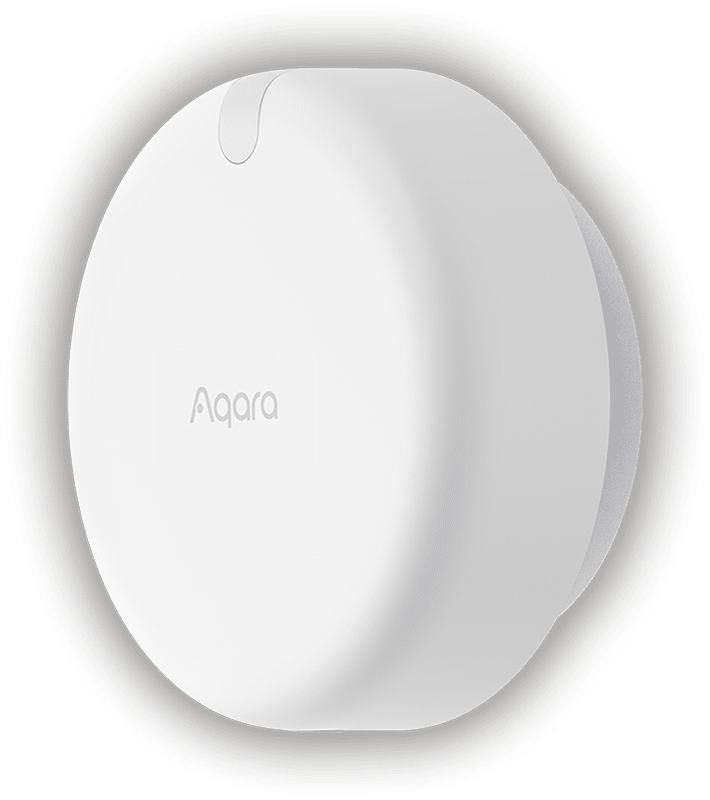
Who it is for: Smart-home owners who want a single sensor to drive different automations within a large room, such as separate couch, desk, dining, and doorway zones.
The Aqara Presence Sensor FP2 is the clearest choice when room-within-a-room automations are the priority. Aqara says it can cover up to 40 square meters, divide the monitored space into as many as 30 zones, and track up to five people. For the best results, however, Aqara advises limiting detection to no more than three people.
That zoning can support more targeted routines than a standard occupancy sensor. In a living room, for example, a sofa zone could control a lamp while a TV zone changes the lighting scene. In an open-plan room, a dining zone could keep lights on over the table while another area remains inactive.
The FP2 is USB powered and should be placed with a useful view of the room, not hidden behind furniture or aimed through dense obstructions. Its advanced functions also need realistic expectations. Multi-person tracking, zone positioning, sleep monitoring, and fall-detection-related modes can have feature limitations or interactions that change with product updates. Confirm the current behavior for the specific feature you plan to automate.
For buyers focused on spatial automations, Aqara’s official FP2 documentation is worth reviewing before installation, particularly for coverage planning and mode limitations.
Shelly Presence Gen4: Best for broad connectivity and larger rooms
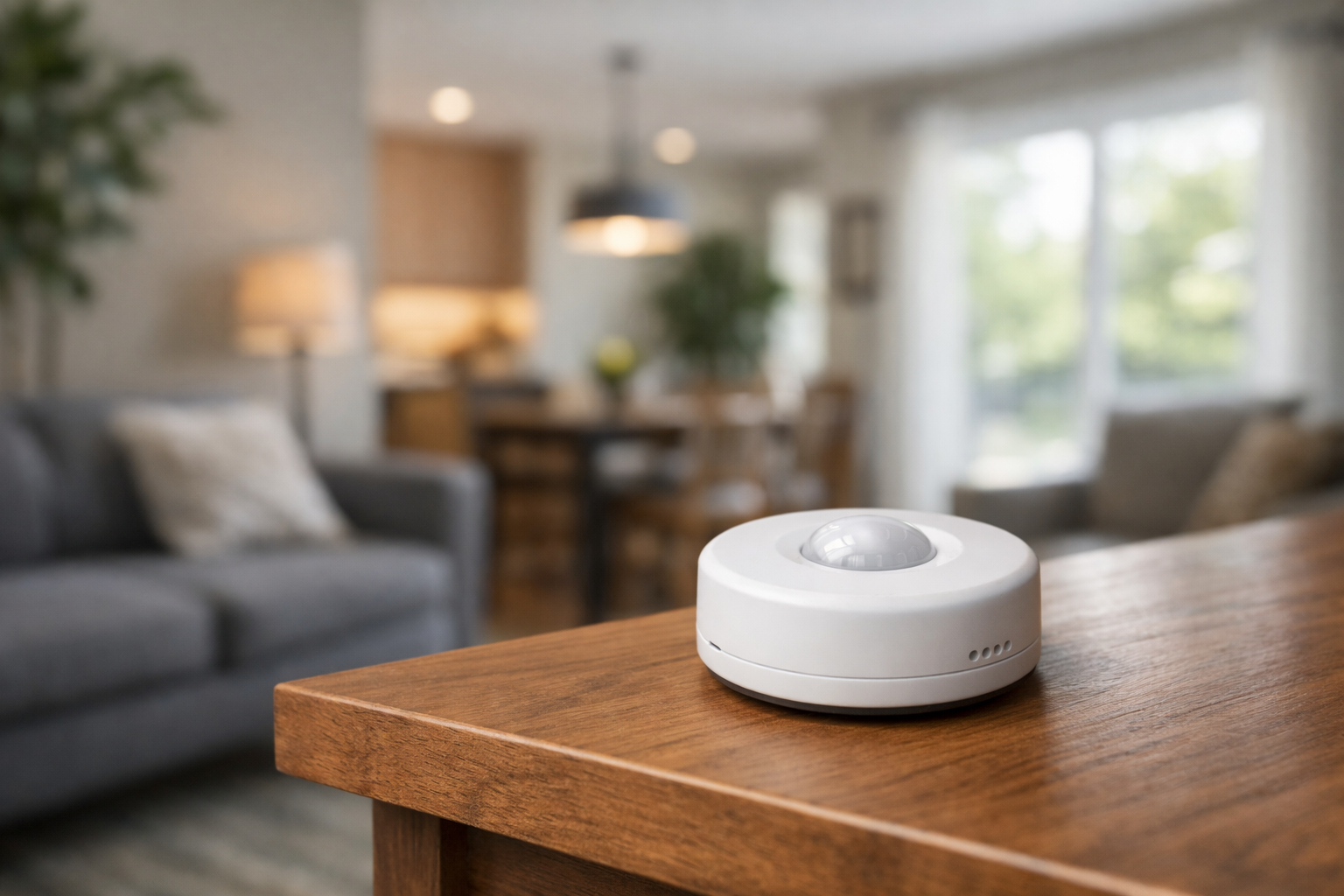
Who it is for: Users who want configurable room zones but also value flexibility across Wi-Fi, Zigbee, Matter, and multiple smart-home platforms.
Shelly Presence Gen4 is a strong alternative to the FP2 for a large room or a mixed-platform household. Shelly documents coverage of up to 42 square meters, support for up to 10 customized zones, detection of up to six people simultaneously, and map-based visualization for configuring the monitored area.
Its connectivity options are unusually broad for this product category: Wi-Fi 6, Bluetooth 5 LE, Zigbee 3.0, and Matter over Wi-Fi. Shelly also documents integrations with Home Assistant, Alexa, Google Home, and SmartThings. That makes it particularly appealing for households that are not committed to one brand ecosystem or that expect their platform choice to change.
The sensor includes light sensing, which can make lighting rules more practical. Instead of turning on lights whenever presence is detected, an automation can require both occupancy and low ambient light. As with any Matter device, verify exactly which sensor states and zone behavior your chosen Matter controller currently exposes before making a zone-dependent automation plan.
Shelly’s Presence Gen4 documentation has the product’s current connectivity, mounting, mapping, and configuration details.
Apollo Automation MSR-2: Best for Home Assistant and ESPHome users
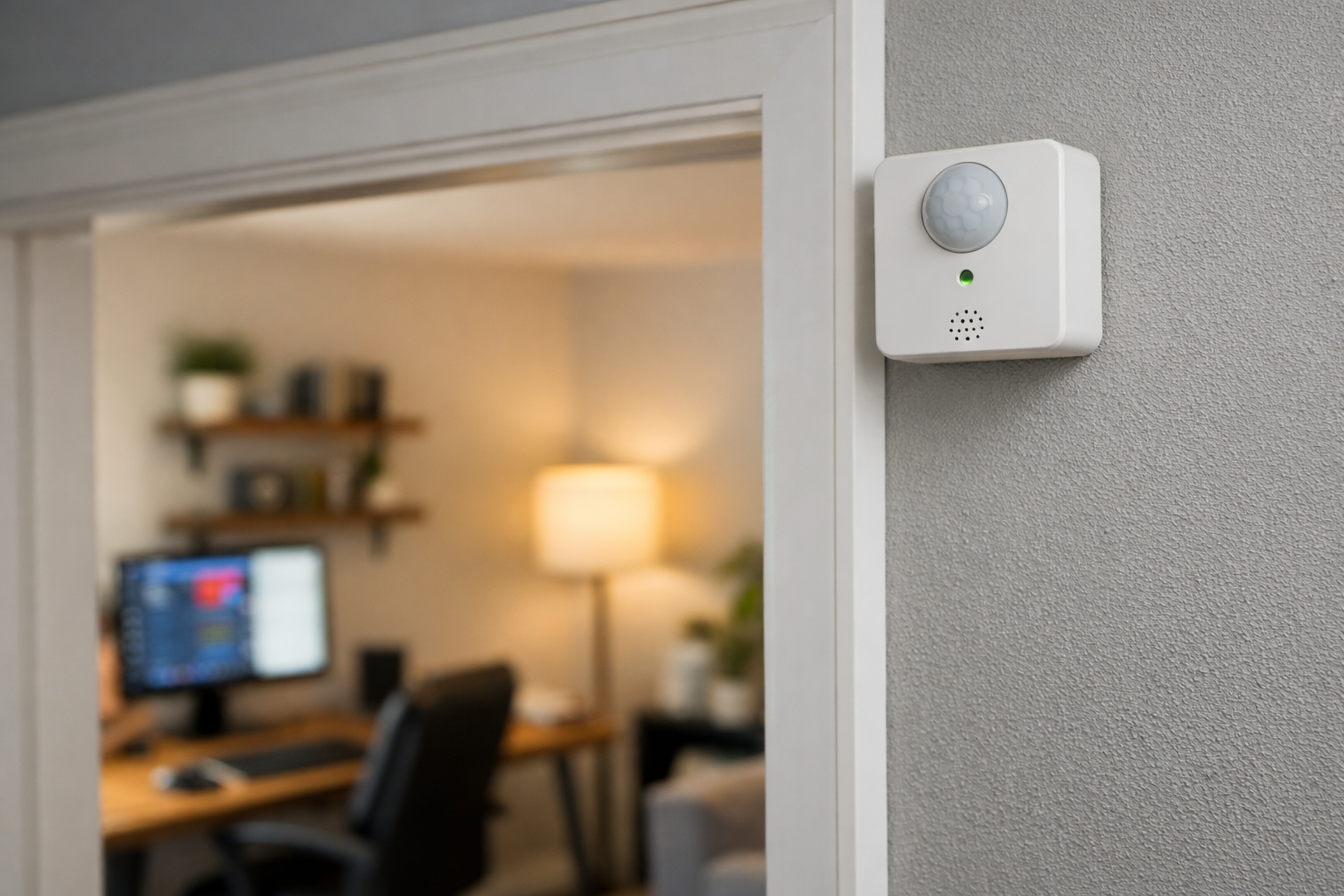
Who it is for: Home Assistant users who want detailed sensor entities, local configuration options, and are comfortable with a more technical setup process.
The Apollo Automation MSR-2 is built for a different kind of buyer than a plug-and-play Matter sensor. It is aimed primarily at Home Assistant and ESPHome users who want access to the underlying presence data rather than a single simplified occupancy state.
Its documented mmWave entities include moving-target detection, still-target detection, target distance, radar timeout, and distance-band occupancy zones. Those distance-band zones are useful for advanced automations, but they are not the same as drawing a set of spatial regions on a room map. They work best when the sensor has a predictable view down a desk area, bed, seating area, or similarly controlled space.
Optional sensor configurations can add environmental data, including CO2, which may be useful for a home office or bedroom dashboard. The benefit is flexibility; the cost is complexity. Expect to spend more time deciding which entities matter, setting thresholds, and creating the automations yourself.
Choose the MSR-2 if Home Assistant is the center of your smart home and you would rather tune a presence sensor than accept a vendor’s simplified defaults. If you want a Matter-first or Apple Home-focused setup, compare the controller support and setup requirements of the other options before buying.
Meross MS600: Best for simple Matter whole-room occupancy

Who it is for: Apple Home, Alexa, or Google Home users who want a simpler whole-room presence sensor with Matter support.
The Meross MS600 combines PIR sensing with 24GHz mmWave radar. That combination is intended to catch normal movement while also detecting stationary presence, helping it avoid some of the premature shutoffs associated with motion-only automations.
It supports Matter integrations with Apple Home, Alexa, and Google Home, and presents presence and light sensors to Matter platforms. The built-in light sensor can help limit lighting automations to dark conditions without adding a separate ambient-light device.
The MS600 is best viewed as a whole-room occupancy sensor rather than a room mapper. It does not target the same multi-area automation use case as the Aqara FP2 or Shelly Presence Gen4. That is a limitation only if you need different behavior for separate areas within one room. For a bedroom, office, bathroom, or compact living room where one occupancy state is enough, its simpler model may be preferable.
Like the other highlighted mmWave sensors, it needs continuous power. Confirm that your intended Matter controller exposes the presence and illuminance states you want to use before building automations around them.
Aqara Presence Sensor FP1E: Best for straightforward Aqara occupancy
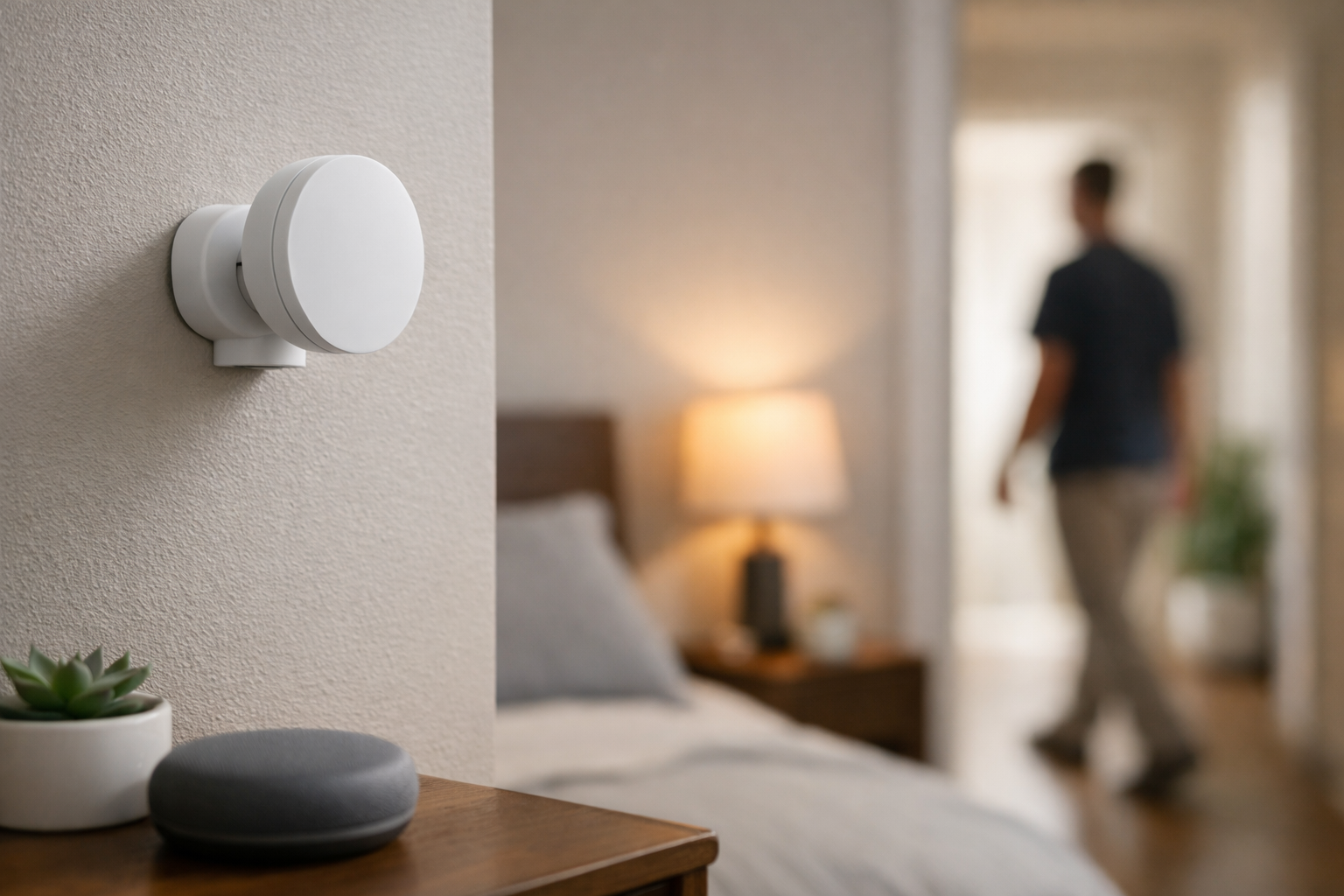
Who it is for: Existing Aqara users who want moving and still-person detection for one room without needing detailed spatial zones.
The Aqara Presence Sensor FP1E is positioned as a straightforward whole-room sensor. It detects both moving and still status, uses Zigbee, and requires an Aqara hub. Aqara says compatible third-party platforms can be reached through Matter over bridge, but the exact controls available will depend on the hub, firmware, and destination platform.
The FP1E makes sense where a single room occupancy state is all you need: keep a bathroom light on while occupied, prevent an office from going dark during quiet work, or maintain a bedroom comfort routine while someone remains in bed. It is not the model to choose for separate couch, desk, and doorway automations inside one room.
For an Aqara household, the hub requirement can be a reasonable trade-off. For a first smart-home purchase, factor in the hub and its placement before comparing the FP1E with Wi-Fi or Matter-oriented alternatives.
Common buying and placement mistakes
- Installing mmWave presence hardware in a hallway or closet where a PIR motion sensor would be simpler and less sensitive to stray motion.
- Pointing a sensor at a doorway, fan, curtain, or register so airflow or pass-through traffic creates false occupancy.
- Forgetting that every model here needs continuous power—plan cable routing before buying a “wireless-looking” device.
- Assuming Apple Home, Alexa, Google Home, Matter, or Home Assistant expose the same zone map or entities; verify your exact controller path first.
- Buying FP2 or Shelly Gen4 for zone mapping when one whole-room state (Meross MS600 or Aqara FP1E) would be easier.
- Skipping an Aqara hub on the FP1E path or underestimating setup time for Apollo MSR-2 in Home Assistant.
- Relying on presence alone to arm alarms, lock doors, or shut off heat without delays, secondary sensors, or manual overrides.
- Mounting behind furniture or through obstructions that block the field of view the manufacturer expects.
Smart presence sensor decision table
Editorial summary from the product sections above—confirm current firmware, hub, and controller support on manufacturer sites before purchase.
| Product | Best for | Zones / sensing | Power & hub | Ecosystem fit | Main trade-off |
|---|---|---|---|---|---|
| Aqara Presence Sensor FP2 | Multi-zone room automations | Spatial zones; mmWave presence | USB power | Aqara-centric; verify third-party exposure | Most capable zoning; more setup and tuning |
| Shelly Presence Gen4 | Larger rooms; mixed platforms | Map-based zones; documented multi-person support | USB power | Wi-Fi, Zigbee, Matter; broad platform docs | Flexibility adds configuration choices |
| Apollo Automation MSR-2 | Home Assistant / ESPHome | Distance-band and entity-level data | USB power | Local HA focus | Powerful but technical; not Matter-first |
| Meross MS600 | Simple whole-room Matter | PIR + mmWave whole-room occupancy | USB power | Matter toward Apple Home, Alexa, Google Home | No room map; verify Matter entity exposure |
| Aqara Presence Sensor FP1E | Straightforward Aqara occupancy | Whole-room moving/still detection | USB power; Aqara hub required | Aqara / Matter-over-bridge paths | Hub dependency; not a zone mapper |
How to choose a presence sensor for your home
The best smart presence sensors for room-by-room occupancy automations are not automatically the ones with the longest feature list. Start with the automation you want to run, then choose the sensing model that fits it.
Choose zone mapping only when you need it
Pick Aqara Presence Sensor FP2 or Shelly Presence Gen4 when one room needs different automations for different areas. This is most useful in open-plan rooms, combined living-and-dining spaces, large home offices, and bedrooms where bed occupancy should behave differently from general room occupancy.
For one light group and one room state, Meross MS600 or Aqara Presence Sensor FP1E may be easier to configure. Apollo Automation MSR-2 can also create sophisticated logic, but its distance-based approach is best for users willing to build and tune those rules in Home Assistant.
Match the sensor to your ecosystem

- Aqara-focused homes: Consider Aqara Presence Sensor FP2 for zones or Aqara Presence Sensor FP1E for simpler room detection.
- Matter-oriented homes: Consider Meross MS600 for a straightforward whole-room sensor or Shelly Presence Gen4 for broader connectivity and zone capability.
- Home Assistant and ESPHome homes: Consider Apollo Automation MSR-2 for granular local data, or Shelly Presence Gen4 if you prefer a more conventional multi-platform product.
Do not assume every platform will expose every advanced feature. Before purchase, verify the latest compatibility documentation for your exact hub, controller, and desired automation type. If you are still choosing radios and hubs, our guide on how to choose the right smart home connection can help match protocol to your goals.
Plan for power and placement
All of these sensors need ongoing power. A shelf, high wall location, or ceiling mount can work well, but the best position depends on the room layout and the manufacturer’s mounting guidance. Avoid placing a sensor where it is blocked by large furniture or pointed toward areas that should not influence the automation.
Start with a conservative layout. In a living room, aim the monitored area at seating rather than a busy hallway beyond the room. In a bedroom, consider whether the sensor should watch the bed, the whole floor area, or both. In a bathroom, avoid placing it where it may react to movement outside an open door.
Pets, fans, reflective surfaces, room geometry, and nearby movement can affect real-world performance. Use sensitivity settings, detection-range settings, zones, and timeout values to limit unwanted triggers. Test an automation for several days before relying on it to control HVAC or security-related routines—especially in multi-zone HVAC layouts where one room signal should not override whole-home comfort logic.
Room-by-room automation ideas
These examples are starting points, not universal recipes. Use delays and conditions that fit your household’s routines.
Living room
Use Aqara Presence Sensor FP2 or Shelly Presence Gen4 to define seating and TV zones. A seating zone can turn on a reading lamp at low light levels, while a TV zone can activate a dimmed entertainment scene. Add a delay before switching lights off so a brief detection lapse does not interrupt the room.
Home office
Use whole-room presence to keep task lighting active during quiet work. Apollo Automation MSR-2 is especially useful if you want separate moving, still, and distance-based logic in Home Assistant. Pair occupancy with a time-of-day condition so lights do not run unnecessarily in daylight.
Bedroom
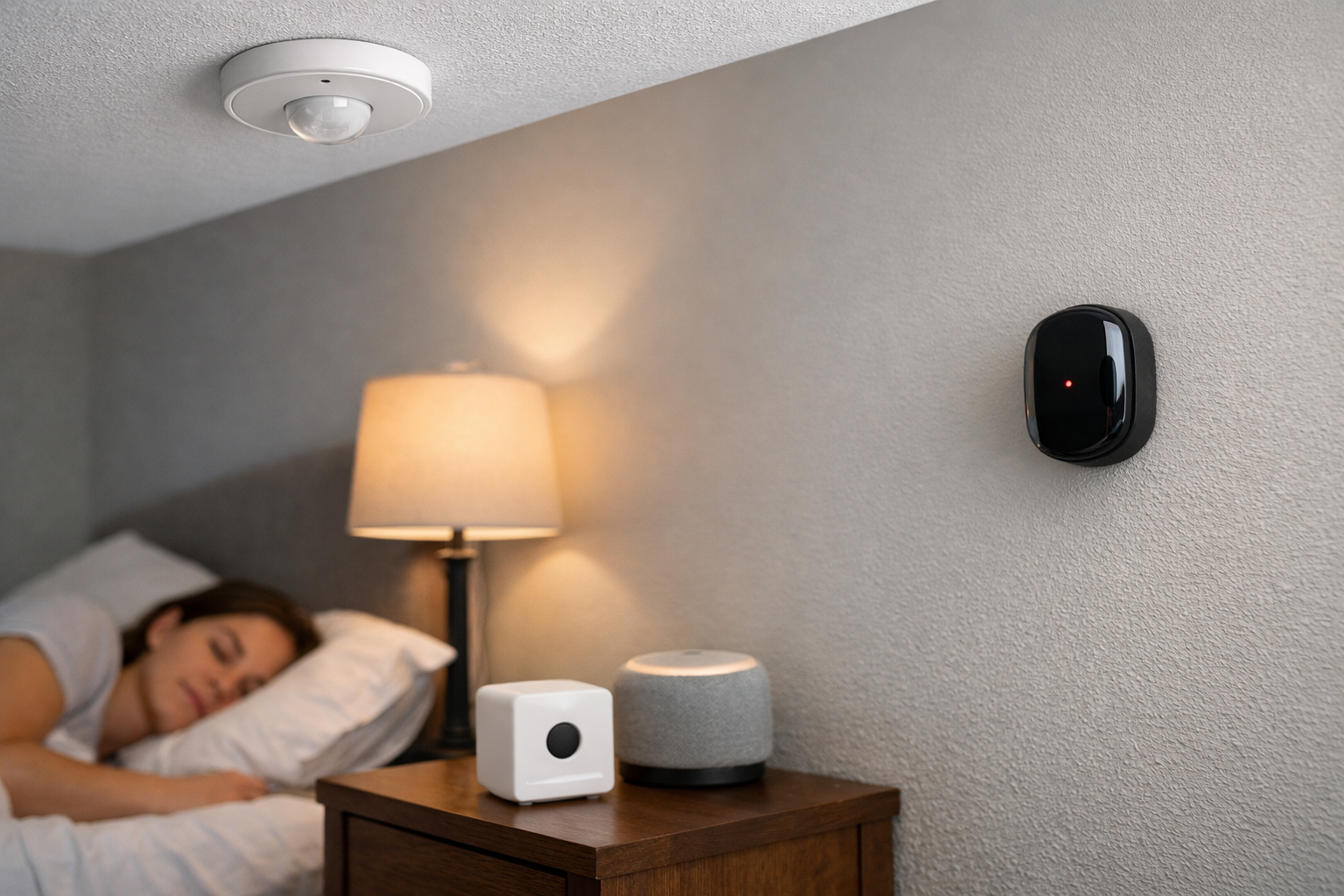
A presence sensor can maintain low-level lighting while someone is resting or reading quietly. Keep automations gentle: use dim lights at night and require low ambient light. Verify any sleep-related feature limitations before depending on them for a specific routine.
Bathroom
Whole-room presence is often enough. Turn lights on with occupancy, then wait for a sensible vacancy timeout before turning them off. A light sensor can prevent daytime activation when natural light is adequate.
Kitchen and dining area
For a combined space, zones can separate the dining table from food-preparation areas. This can prevent a dining-light automation from activating merely because someone walks through the kitchen. Use carefully planned zone boundaries to avoid overlap near entrances.
HomeTechSignal Recommendation
Editorial guidance from manufacturer documentation and the setup notes in this guide—not hands-on long-term testing of every sensor in every room type.
Room zones in one large space: Aqara Presence Sensor FP2 when you need distinct couch, desk, or dining automations; Shelly Presence Gen4 when you also want broad Wi-Fi, Zigbee, and Matter flexibility.
Home Assistant depth: Apollo Automation MSR-2 when you want granular entities and will tune automations locally; Shelly Gen4 if you prefer a more conventional multi-platform product with map-based zones.
Simple whole-room Matter: Meross MS600 for Apple Home, Alexa, or Google Home buyers who need one occupancy state per room.
Existing Aqara homes: Aqara Presence Sensor FP1E when a single room occupancy state is enough and you already have a compatible hub.
Use a motion sensor instead for hallways, closets, and quick pass-through lighting—see smart home automations for beginners for building reliable lighting rules before adding mmWave hardware.
Occupancy vs security: Pair comfort automations with purpose-built sensors for entry monitoring; see our DIY home security guide for contact and motion paths that presence radar does not replace.
The bottom line
For most buyers comparing the best smart presence sensors for room-by-room occupancy automations, the Aqara Presence Sensor FP2 is the strongest choice for detailed spatial automations. The Shelly Presence Gen4 is the compelling alternative when broad connectivity, Matter over Wi-Fi, and larger-room flexibility matter more.
Choose the Meross MS600 when you want a simpler Matter-friendly whole-room sensor, the Aqara Presence Sensor FP1E when you are already invested in Aqara and need basic occupancy detection, and the Apollo Automation MSR-2 when Home Assistant control and granular sensor data are your priorities.
Whichever model you choose, reserve time for installation and tuning. Good placement, sensible vacancy delays, and realistic zones matter as much as the sensor itself.
Useful references: Presence Sensor FP2 · Aqara Introduces Presence Sensor FP1E with Enhanced Ease-of-Use · Shelly Presence Gen4 documentation · Meross MS600 · Apollo MSR-2 documentation
Related Home Tech Signal guides: How to Create Smart Home Automations for Beginners, How to Choose the Right Smart Home Connection, Best Smart Thermostats for Multi-Zone Homes, Best Local AI Security Cameras (privacy-focused monitoring vs occupancy convenience)