
Major appliances are expensive, long-term purchases, so it is reasonable to want them to work with more than one smart-home platform. Matter smart appliances are designed to make that easier. Instead of an appliance speaking only to its manufacturer’s app, a compatible model can expose a standardized set of controls, states, and alerts to supported smart-home ecosystems.
That does not mean every feature in a refrigerator, oven, washer, or dryer suddenly works everywhere. Matter creates a common language for supported functions; it does not require manufacturers to give up their apps, recipe services, diagnostics tools, or other proprietary features.
For shoppers, the practical question is not simply, “Does this appliance have Matter?” It is: “Does this exact model support Matter, and does my preferred smart-home platform support the controls I care about?”
What Matter smart appliances actually mean
Matter is a smart-home interoperability standard. It defines common device types and common ways for devices to report information, receive commands, and communicate their current operating state. A Matter-enabled appliance can identify itself to a compatible controller as a refrigerator, washer, dryer, oven, or another supported appliance type.
Behind the scenes, Matter uses standardized data structures often called clusters. Those clusters can cover functions such as operational state, temperature control, appliance modes, alarms, and energy-related information. A compatible controller can discover which standardized capabilities an appliance exposes and present those features in its own app or interface.
In practical terms, that could mean a smart-home app can show that a laundry cycle is complete, report an oven’s operating state, or display supported refrigerator temperature controls. The precise controls available depend on both the appliance implementation and the controller.
This is an important distinction: Matter is not a universal replacement for a manufacturer app. A manufacturer may keep advanced functions in its own app, including guided cooking, recipe services, maintenance reminders, detailed diagnostics, special-cycle options, account-based notifications, or service scheduling. Matter may handle a useful shared baseline while the manufacturer platform remains the place for deeper product-specific features.
Which appliance types Matter supports
Matter’s appliance coverage has expanded through successive specification releases. Matter 1.2 introduced device types for refrigerators and laundry washers. Matter 1.3 added support for ovens, cooktops, microwave ovens, extractor hoods, and laundry dryers, along with related appliance operational and energy-reporting features.
The existence of a Matter appliance category does not confirm that every appliance in that category is sold with Matter support. It also does not confirm U.S. availability or support in a particular smart-home ecosystem. It means manufacturers have a defined Matter model they can use when building and certifying a compatible product.
Refrigerators
A Matter-enabled refrigerator can represent more than one temperature-controlled cabinet. For example, a product with separate fresh-food and freezer compartments may expose them separately. Depending on the appliance and controller, you may be able to see or adjust supported temperature-related settings, review operating modes, and receive alerts.
This model is useful because a refrigerator is not always one simple zone. Multi-door refrigerators, fridge-freezer combinations, and other configurations can have distinct compartments with different settings and status information.
Washers and dryers
For laundry appliances, Matter models are built around operating modes, controls, supported temperature settings, and operational-state reporting. A supported controller may be able to show whether a washer or dryer is running, paused, finished, or in another reported state. It may also expose supported modes or cycle controls.
Remote operation deserves extra caution. Even where a standard defines a capability, the appliance manufacturer and smart-home platform may limit what can be started or changed remotely. Safety policies and appliance-specific requirements can affect whether remote start is available.
Ovens and related cooking appliances
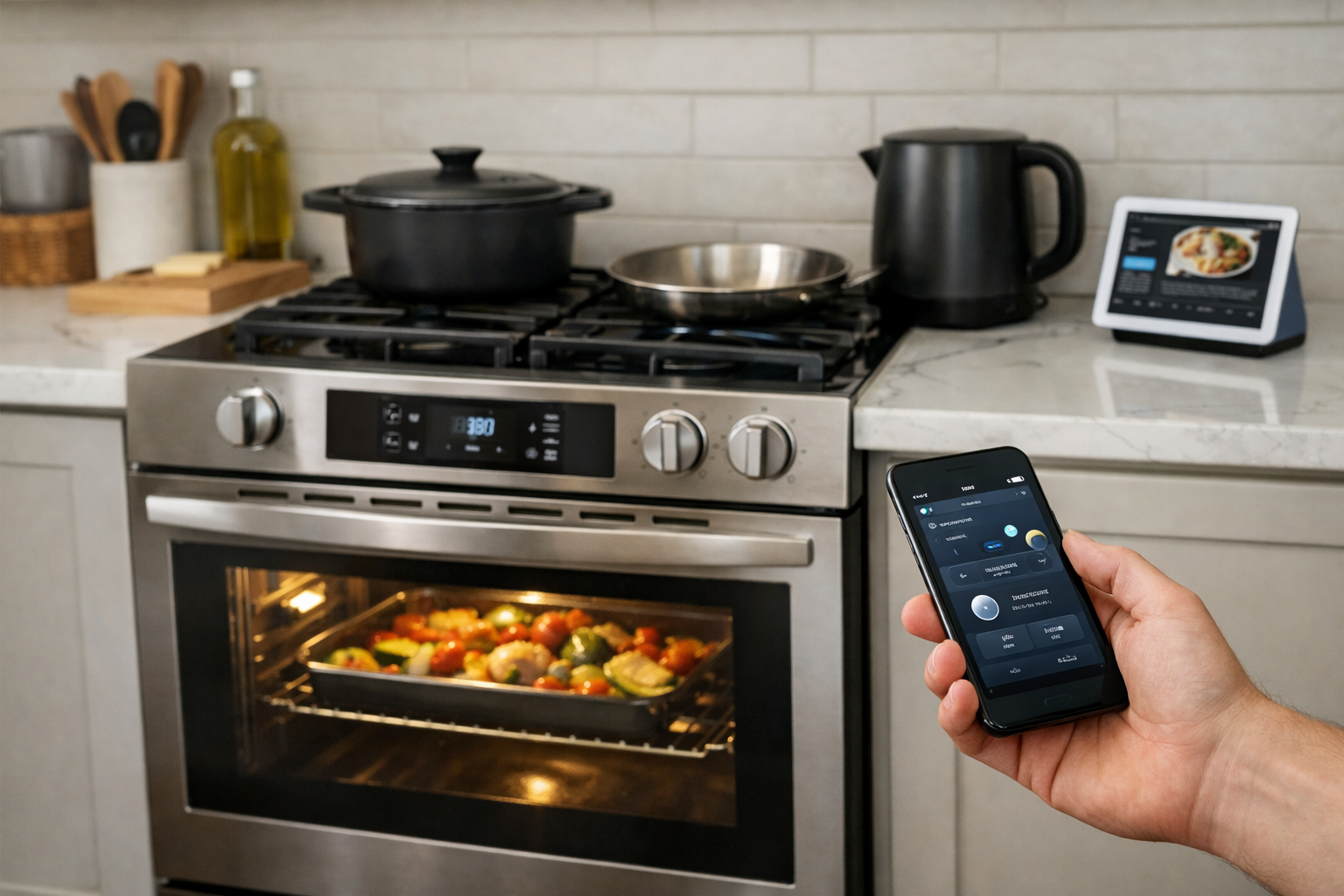
Matter oven support is designed around operational modes, temperature settings, oven cavities, and state information such as preheating or cooling. This can establish a common basis for a compatible ecosystem to understand what the oven is doing.
It does not mean that every cooking feature becomes cross-platform. Specialized cooking assistants, recipe-driven programs, proprietary sensors, camera functions, food recognition, and manufacturer-created cooking modes may remain exclusive to the appliance brand’s app. Remote high-temperature controls may also be restricted by the manufacturer or platform.
For a detailed view of the appliance categories added with this release, see the Connectivity Standards Alliance announcement for Matter 1.3 major-appliance support.
How Matter appliances talk to your smart home
Matter runs over Internet Protocol networks, using Wi-Fi, Ethernet, or Thread for normal communications. For a large appliance, Wi-Fi or Ethernet may be more common connection options, although the exact setup is determined by the manufacturer. Thread is a low-power mesh-network option commonly used by smaller smart-home devices.
Bluetooth Low Energy has a different job in Matter. It is mainly used for discovery and commissioning: the setup process that securely adds a new device to your home. Bluetooth is generally not the appliance’s ongoing Matter transport after setup.
You also need a compatible Matter controller in the ecosystem you plan to use. Depending on the platform, this may be a smart speaker, display, hub, streaming device, or other controller. The controller helps manage the appliance within that ecosystem and can make it available in the platform’s app.
Matter’s networking model is designed for local communication. That can allow supported controls to work on your home network without requiring each command to travel through the public internet. The standard’s connectivity transport overview explains the separate roles of Wi-Fi, Ethernet, Thread, and Bluetooth during setup.
Local control is valuable, but it should not be confused with a promise that all appliance features work offline. Remote access, manufacturer notifications, firmware updates, account-linked recipe libraries, diagnostics, and utility-connected energy programs can still depend on a vendor cloud service or the smart-home platform’s cloud service.
Multi-admin can connect one appliance to more than one ecosystem
Matter includes multi-admin functionality, which can allow a compatible device to be commissioned to more than one smart-home ecosystem. In a household that uses both Apple Home and SmartThings, for example, this could let each ecosystem receive access to the same supported appliance.
Multi-admin does not make all ecosystems identical. Each ecosystem needs a suitable Matter controller, and each platform decides which Matter device types and functions it supports in its own user interface. One platform may show a particular state, mode, or control that another platform does not yet expose.
What you can control and monitor with Matter smart appliances
The best way to think about Matter smart appliances is as a shared control and status layer. They can make common, useful functions easier to connect across brands, but the exact experience is determined by the appliance and the controller.
Refrigerator settings and alerts
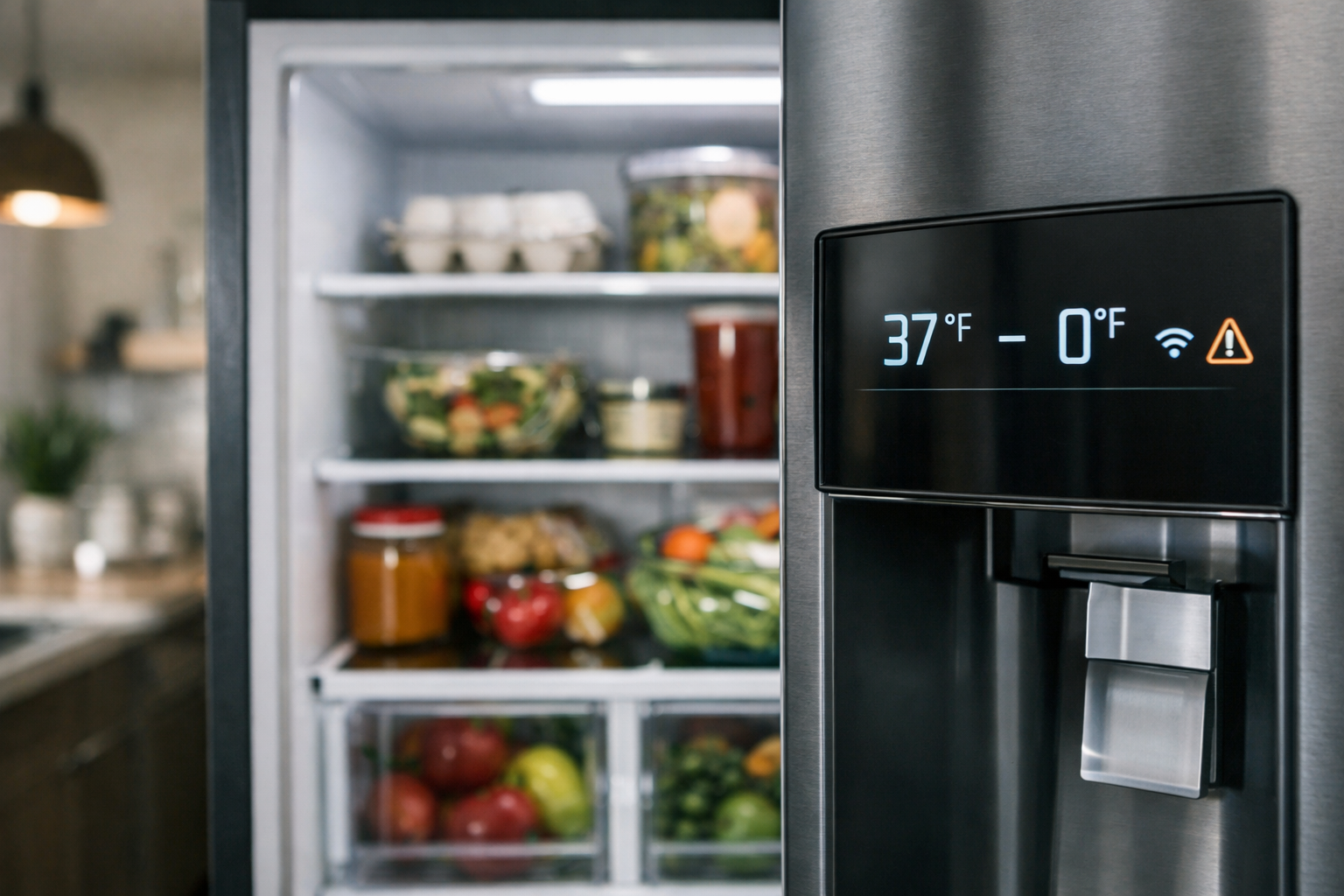
A compatible refrigerator may report its temperature-controlled compartments separately, along with supported modes and alarm conditions. A smart-home platform might present a refrigerator and freezer as distinct areas of the same appliance rather than treating the entire unit as one device.
Before assuming you can change a setpoint from your preferred app, verify that the exact refrigerator model exposes that control through Matter and that the controller supports it. An appliance may support reporting a condition without exposing every possible adjustment.
Laundry cycle status
Washers and dryers are natural candidates for notifications and automations. A platform may be able to report that a cycle has started, is running, is paused, or has finished. Depending on implementation, supported controls and modes may also be available.
A useful automation might turn on a light or send a household notification after a supported completion state is reported. Keep expectations modest for more complex routines: a specific stain-treatment option, a custom cycle downloaded from the manufacturer, or a machine-learning recommendation may not be part of the Matter interface.
Oven state and supported cooking controls
For a Matter oven, the shared data model can include operating modes, temperature-related settings, and operational states. Those states may help a platform understand whether the appliance is preheating, heating, cooling, or otherwise operating.
Because ovens are safety-sensitive, do not buy based on an assumption of unrestricted remote operation. Check the owner documentation for the exact model and confirm how your chosen platform handles remote commands. Some actions may require local confirmation, an enabled remote-control setting, or use of the manufacturer’s app.
Energy information
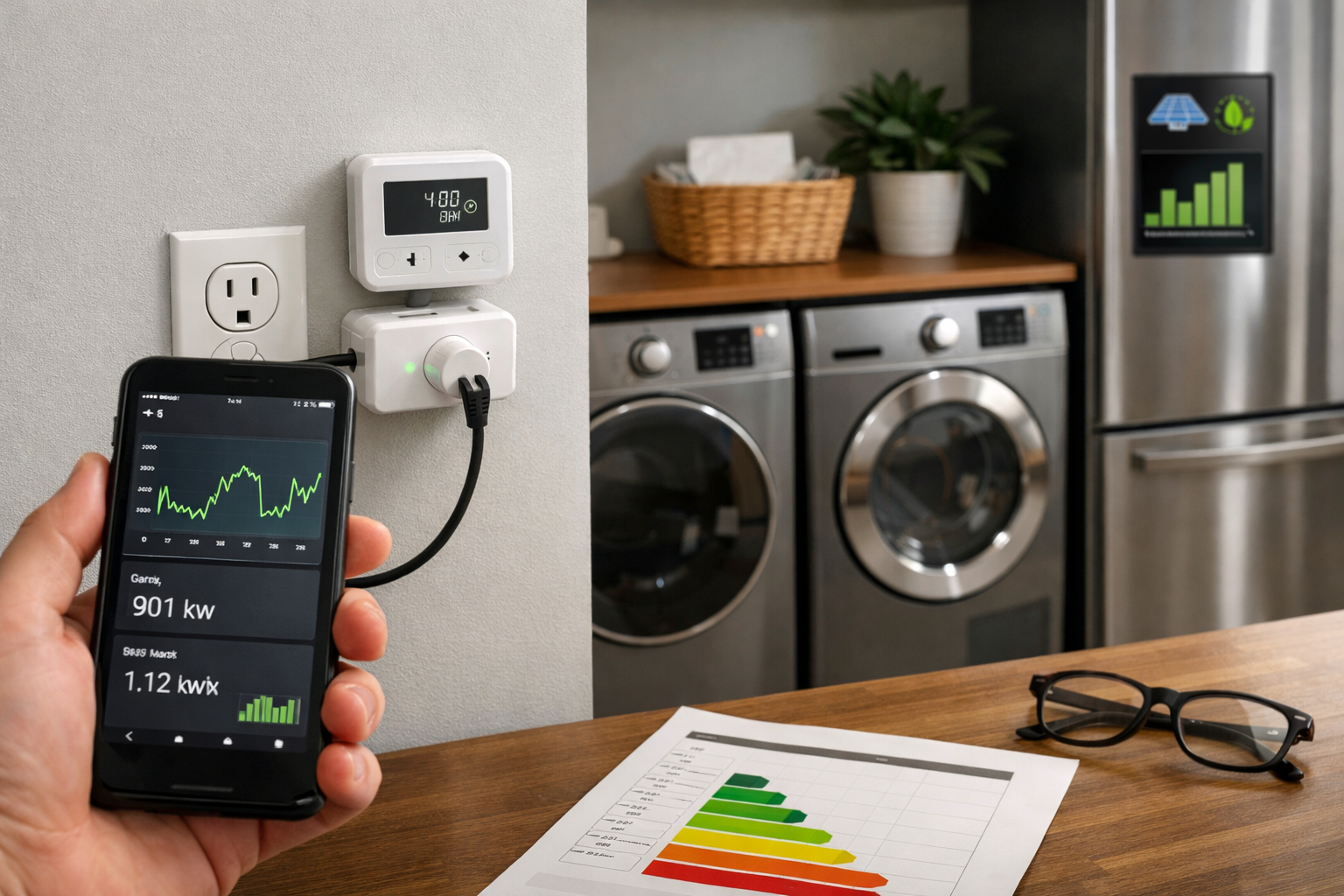
Matter 1.3 added energy-reporting features relevant to major appliances. Where an appliance implements them and a controller supports them, those features can provide useful power or energy information to a compatible smart-home or energy-management system.
That possibility is not the same as guaranteed utility savings. Whether an appliance exposes energy data, whether a controller displays it, and whether a utility offers a compatible demand-response program are separate questions. Treat energy features as model-specific and program-specific when comparing major appliances.
Why Matter appliance compatibility still has limits
The Matter logo is a positive signal, but it is only one item on a longer compatibility checklist. Several layers must line up for the experience you expect.
- Appliance support: The exact appliance model must be Matter-certified or explicitly documented as Matter-compatible. A brand’s general smart-home support statement is not enough.
- Device-type support: The product must expose the relevant Matter appliance type and the capabilities you need, such as temperature control, laundry status, or oven modes.
- Controller support: Your chosen ecosystem must support that appliance type and present its features. Platform support can arrive later than specification support.
- Safety policy: Manufacturers and platforms can restrict remote starts, heating functions, or other controls even if a related capability exists in the Matter model.
- Cloud features: Matter does not automatically include remote access, advanced notifications, recipes, diagnostics, or account-linked services.
- Firmware requirements: Matter support may require a current appliance firmware version, a compatible hub, or both.
This is why cross-brand interoperability should be viewed as an improvement, not a blanket guarantee. Matter can reduce the need to choose an appliance solely around one smart-home ecosystem, but shoppers should still validate their intended setup before installation day.
Buying checklist for Matter appliances
Use this checklist when comparing a Matter-enabled refrigerator, oven, washer, or dryer in the United States.
- Confirm the exact model number. Retail listings often group multiple finishes, revisions, and configurations together. Check the manufacturer’s product page and documentation for the precise model you plan to buy.
- Look for explicit Matter certification or compatibility language. Do not assume that an appliance with Wi-Fi, a mobile app, Alexa support, or Google Assistant support also supports Matter.
- Identify the Matter device type. Confirm whether it is documented as a Matter refrigerator, laundry washer, laundry dryer, oven, or other appliance type.
- Ask which functions are exposed through Matter. Look for supported controls, modes, alarms, operational states, and energy data rather than relying on a broad “works with Matter” label.
- Check your smart-home platform. Verify current support in Alexa, Apple Home, Google Home, SmartThings, or another controller you use. Confirm the functions you care about, not merely whether the device can be added.
- Understand the network requirement. Determine whether the appliance uses Wi-Fi, Ethernet, or Thread, and make sure you have the necessary controller, border router, or home-network coverage.
- Read the remote-control conditions. For ovens and laundry machines in particular, check whether remote start or changes require an on-appliance setting, a manufacturer account, or a local confirmation.
- Separate Matter features from brand-app features. Decide whether the manufacturer’s advanced tools are important enough that you will use its app regardless of Matter compatibility.
- Check update and support policies. Ask how firmware updates are delivered and whether the appliance requires ongoing cloud connectivity for the features you expect to use.
Should you wait for Matter before buying a major appliance?
Do not delay a necessary appliance replacement solely because Matter support is developing. Reliability, capacity, fit, installation requirements, energy performance, warranty coverage, and service availability should remain the core purchase criteria.
However, Matter is worth prioritizing when two otherwise suitable models are close in price and features, particularly if your household uses more than one smart-home ecosystem or you want to avoid being locked into a single brand app. Its biggest benefit is the possibility of a more consistent shared layer for status, automations, and supported everyday controls.
For now, approach Matter appliance compatibility as something to verify model by model. A certified appliance, an up-to-date controller, a supported device type, and realistic expectations about proprietary and safety-sensitive features are all necessary for a smooth setup.
If you are planning notifications or routines around laundry and kitchen devices, our guide to creating smart home automations for beginners can help you map out practical triggers and actions before you buy.
Useful references: Supported Device Types | Matter Handbook · Matter Device Library Specification R1.2
Related Home Tech Signal guides: Matter, Thread, Zigbee, and Wi-Fi Explained: How to Choose the Right Smart Home Connection