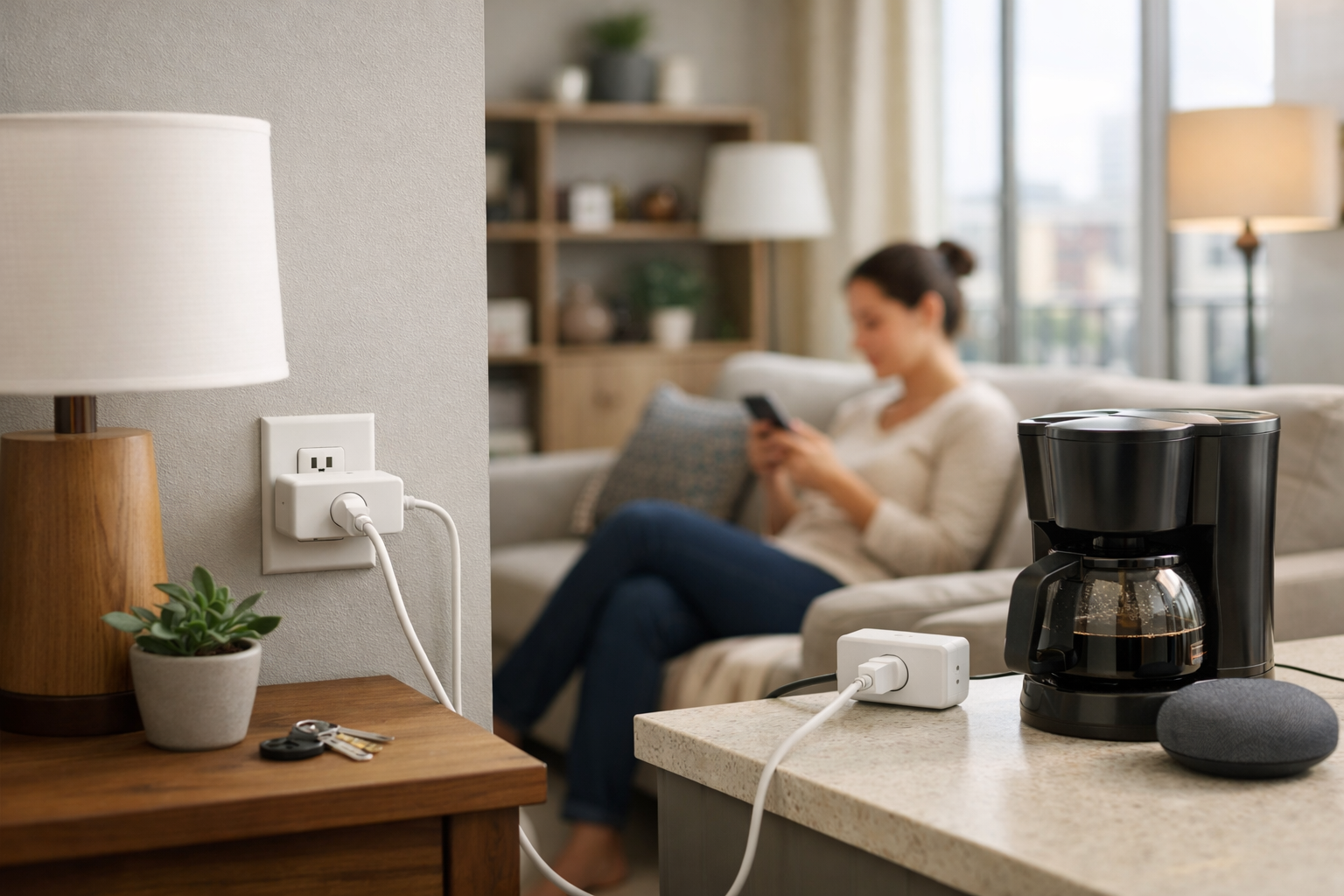
A smart plug is one of the easiest ways to add useful automation to an apartment without changing wiring, replacing switches, or making a permanent alteration. Plug one into a standard outlet, connect an appropriate device, and you can control it on a schedule, by voice, or from an app.
The best smart plugs for apartments have a small footprint, preserve access to the second outlet when possible, and fit the smart-home system you already use. Network setup matters, too: many apartment buildings have shared or managed Wi-Fi that can make smart-home devices harder to connect.
Our picks below are specification-based recommendations, not hands-on outlet-fit or long-term reliability tests. Before ordering, verify the plug’s dimensions, your outlet layout, your Wi-Fi setup, and whether your preferred platform has the required Matter controller or Thread Border Router.
Our top picks at a glance
- Best overall: TP-Link Tapo P125M — compact Matter-over-Wi-Fi plug with support for Apple Home, Alexa, Google Home, and Samsung SmartThings.
- Best for energy monitoring: TP-Link Kasa KP125M — Matter compatibility plus real-time and historical energy-use tracking.
- Best for Apple Home and Thread: Eve Energy — a Matter-over-Thread plug and power meter for homes with the right Thread-capable hub.
- Best multi-pack option: Meross MSS115 — Matter-enabled Wi-Fi mini plugs sold as a two-pack.
- Also consider: TP-Link Kasa EP25 — a compact Wi-Fi plug with energy monitoring and Apple Home compatibility.
What makes a smart plug apartment-friendly?
Apartment shoppers should look beyond voice-assistant logos. A plug can be compatible with your preferred platform yet still be a poor fit if it blocks both sockets, needs networking equipment you do not have, or cannot join the building’s Wi-Fi.
Start with physical size. Many outlets are placed behind furniture, beside kitchen counters, or near other chargers. A compact smart plug that does not block the other outlet gives you more flexibility, especially when you have only a few convenient wall outlets.
Then check connectivity. Conventional Wi-Fi plugs typically join your 2.4GHz network directly. Matter devices can use Wi-Fi or Thread, depending on the model. Matter can make it easier to use one device across several ecosystems, but it does not automatically mean that every setup is hub-free. For remote control while away from home, Matter generally needs an internet-connected controller. Thread products also need a compatible Thread Border Router.
Finally, think about the device you plan to automate. Lamps and other devices that are intended to resume normal operation after power is restored are common uses. A smart plug’s listed electrical rating does not automatically make every heater, air conditioner, refrigerator, or motor-driven appliance appropriate for unattended switching. Check both the appliance instructions and the plug manufacturer’s guidance before using a smart plug with a high-load device.
Best smart plugs for apartments
Best overall: TP-Link Tapo P125M
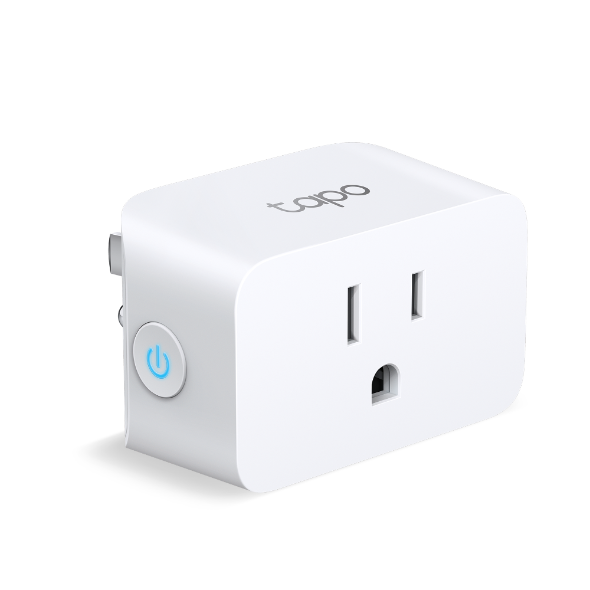
The TP-Link Tapo P125M is a strong starting point for most renters because it combines a compact body with broad smart-home compatibility. TP-Link lists it at 2.4 by 1.5 by 1.3 inches, making it a compact option for a crowded apartment outlet.
It is a Matter-certified Wi-Fi plug that works with Apple Home, Amazon Alexa, Google Assistant, and Samsung SmartThings. That flexibility is useful for renters who already have a smart speaker, use more than one platform, or may change platforms later. It also supports remote control, schedules, auto-off timers, and an away mode.
The P125M uses 2.4GHz Wi-Fi and Bluetooth for setup. Its Matter support is helpful, but confirm that your chosen ecosystem has a compatible Matter controller before making Matter your deciding factor. Someone who only wants app control through the Tapo ecosystem may have a simpler path than someone building Apple Home or SmartThings automations from scratch.
For a renter who wants one compact plug for a living-room lamp or another appropriate plug-in device, the P125M offers a practical mix of platform support and everyday automation features. See TP-Link’s Tapo P125M product details for current compatibility and setup requirements.
Best for energy monitoring: TP-Link Kasa KP125M
Choose the TP-Link Kasa KP125M if you want to see how much electricity a connected device uses. In addition to Matter compatibility, this model provides real-time and historical energy monitoring. That can be useful for identifying a lamp left on for long periods, comparing the energy use of electronics, or understanding how often a device runs.
TP-Link also positions the KP125M as a slim plug designed to avoid blocking adjacent sockets. It supports schedules, away mode, remote operation, and voice control, so it covers the core features most people expect from a smart plug.
Energy data is most useful when attached to a device with a consistent, understandable load. It can help you track a desk setup, entertainment device, dehumidifier, or another suitable plug-in appliance. Do not treat a smart plug as a substitute for an electrical inspection or assume that usage data alone tells you whether an appliance is safe to automate. A plug dashboard also does not replace a panel-level home energy monitor for HVAC, an EV charger, or other hardwired loads.
This is the better pick when energy monitoring matters as much as cross-platform smart-home support. It is particularly appealing for renters who want Matter interoperability without giving up a power-use dashboard.
Best for Apple Home and Thread: Eve Energy
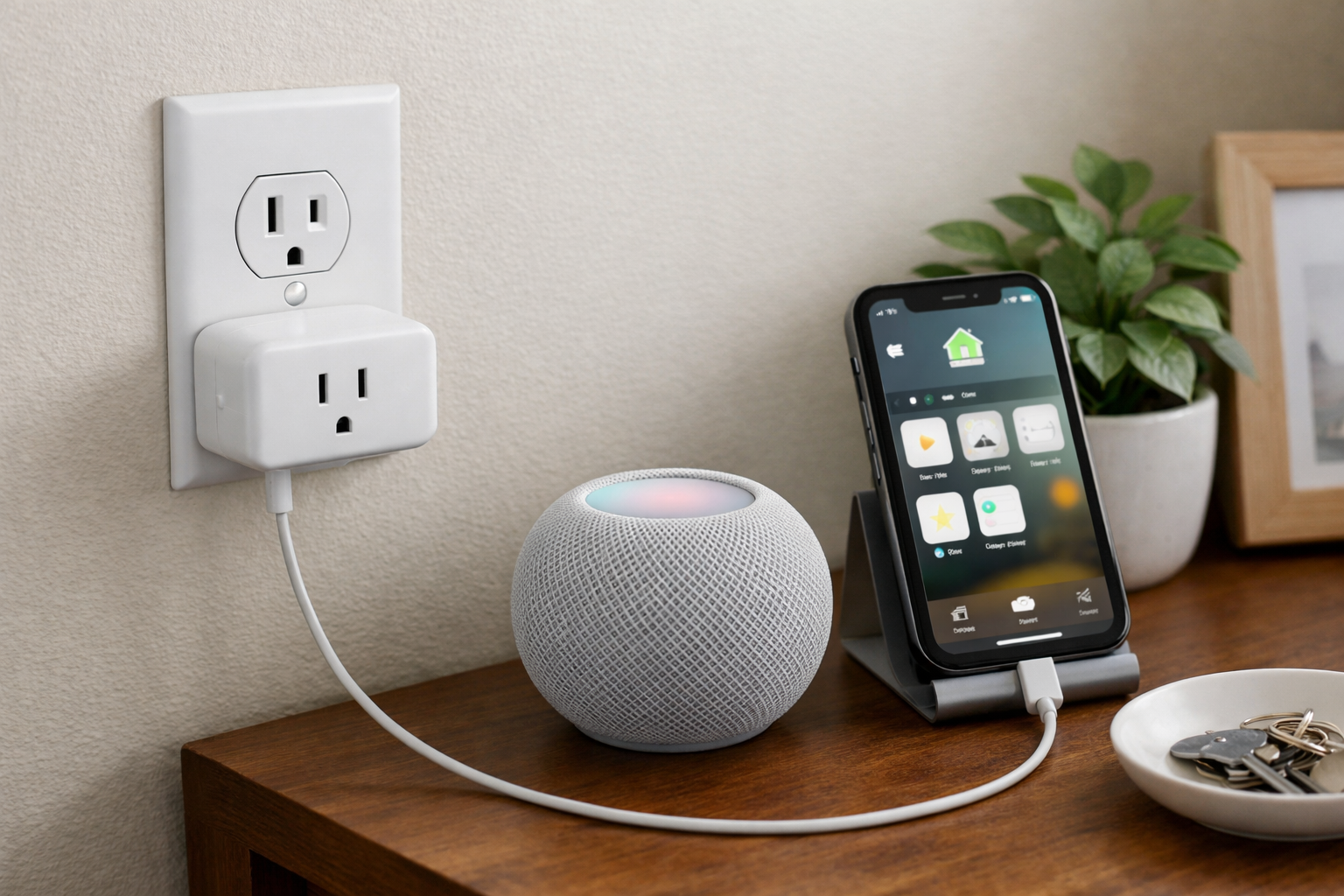
The Eve Energy is a compelling option for people deliberately building around Apple Home or a Thread-based smart-home network. It is a Matter-enabled smart plug and power meter that uses Thread rather than Wi-Fi for its primary smart-home connectivity.
Thread can be a useful fit in an apartment with several compatible smart-home devices. Eve states that Eve Energy can serve as a Thread router node for other Thread devices. The plug supports Apple Home, Alexa, Google Home, Samsung SmartThings, and Home Assistant, while providing energy monitoring, schedules, automations, remote access, and a child-lock feature.
The tradeoff is setup infrastructure. Eve Energy requires a compatible hub that supports both a Matter Controller and a Thread Border Router. Do not assume that owning any smart speaker is enough; verify the capabilities of the specific hub or speaker you have. This requirement can make Eve Energy less convenient for a first-time smart-home buyer, but it can be an excellent fit if your apartment already has the needed compatible Thread equipment.
Eve also says its local operation does not require an Eve subscription or account registration. For readers who prefer local smart-home communication and already have a Thread-ready setup, that is a meaningful advantage. Review the manufacturer’s Eve Energy compatibility information before buying, especially if you intend to use a platform other than Apple Home.
Best multi-pack option: Meross MSS115
The Meross MSS115 is worth considering when you want to automate several apartment devices at once. This U.S./Canada Matter smart Wi-Fi plug mini is sold as a two-pack, making it a practical alternative for a pair of lamps, bedside devices, or separate rooms.
Meross lists compatibility with Apple, Google, Amazon, and Samsung ecosystems. It also supports Matter multi-admin control, meaning the same device can be shared across more than one supported smart-home system rather than being limited to a single app.
The MSS115 uses 2.4GHz Wi-Fi. That is straightforward in many homes because the plug connects to the router without adding a dedicated hub. However, it remains important to check whether your building’s network allows new devices and Matter commissioning. A guest network, captive portal, client isolation, or enterprise-managed system can interfere with setup.
This is a sensible value-oriented choice for renters who need more than one smart plug and want Matter compatibility without moving to a Thread-based setup. The reviewed product information does not document energy monitoring for this model, so choose the Kasa KP125M or Kasa EP25 if power tracking is a priority.
Also consider: TP-Link Kasa EP25
The TP-Link Kasa EP25 is another energy-monitoring option for shoppers who do not specifically need Matter. It uses 2.4GHz Wi-Fi and supports Apple Home, Alexa, Google Assistant, and Samsung SmartThings. TP-Link lists dimensions of 2.6 by 1.5 by 1.6 inches, along with a 15A and 1,800W maximum load rating.
It includes energy monitoring, schedules, and a compact shape intended to preserve access to adjacent outlets. If you want Apple Home support and energy tracking from a conventional Wi-Fi plug, the EP25 may be the simpler option. As with every high-load smart-plug use case, verify the connected appliance’s requirements rather than relying on the plug’s maximum rating alone.
What to check before buying a smart plug
Confirm your Wi-Fi situation
Most Wi-Fi smart plugs in this guide require a 2.4GHz network. Many modern routers combine 2.4GHz and 5GHz under one network name, which often works, but setup behavior varies by router and app.
Apartment-managed Wi-Fi is the bigger concern. Ask building management or your internet provider whether the network uses a captive sign-in page, client isolation, device limits, or restrictions on Internet of Things devices. If your phone and plug cannot communicate during setup, a smart plug may fail to commission even though the product itself is compatible with your platform.
Understand Matter, controllers, and Thread
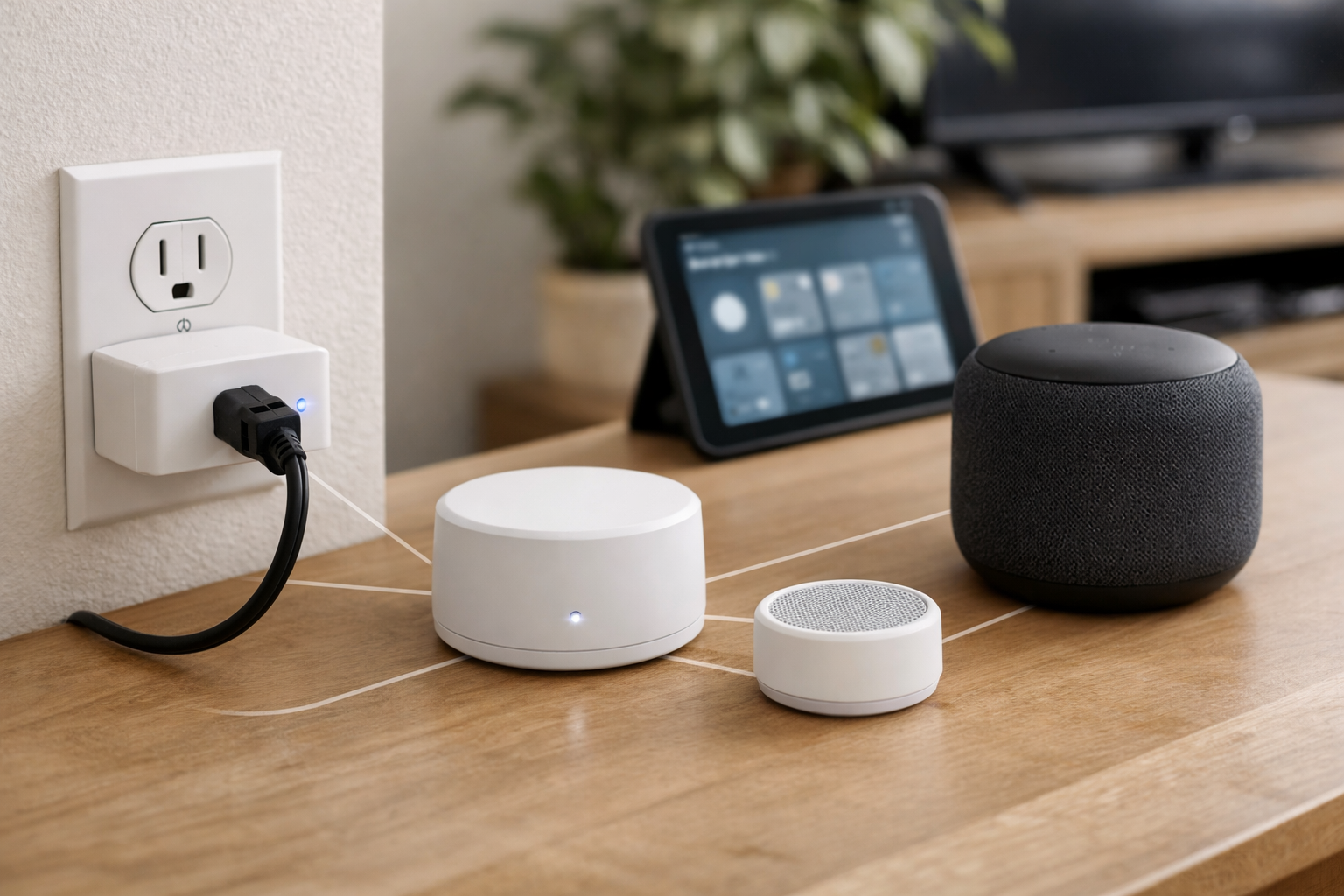
Matter is an interoperability standard, not a single type of wireless network. According to the Connectivity Standards Alliance’s Matter FAQ, Matter uses Bluetooth Low Energy for setup and can use Wi-Fi, Thread, or Ethernet for connectivity.
A Matter-over-Wi-Fi plug such as the Tapo P125M, Kasa KP125M, or Meross MSS115 may be relatively simple if you have compatible platform hardware. A Matter-over-Thread product such as Eve Energy also needs a Thread Border Router. Check your smart speaker, display, hub, or home controller model before buying. If you are still choosing a transport, see how to choose the right smart home connection.
Measure outlet clearance
Manufacturers can describe a plug as compact or slim, but outlet plates, furniture, power strips, and cord orientations vary. Check product dimensions against the space around your intended outlet. If preserving the lower or upper socket is essential, consider buying one plug first before outfitting the whole apartment.
Use high-power appliances carefully
Smart plugs are not a universal solution for heaters, window air conditioners, refrigerators, or appliances with compressors and motors. These devices can have startup loads, safety requirements, or manufacturer instructions that make remote switching unsuitable. Avoid using a smart plug to defeat an appliance’s safety controls, and do not leave a potentially high-risk appliance running unattended simply because it can be turned off from an app. For simple on/off schedules and scenes rather than a full home overhaul, smart home automations for beginners is a better next read than buying a larger plug.
Smart plugs to avoid or treat carefully
Be cautious with older cloud-dependent smart plugs, especially clearance products that may look like a bargain. Ongoing service support matters because app control, remote access, voice-assistant integration, and automations can depend on a manufacturer’s cloud platform.
Wemo is a clear current example. Belkin states that it ended Wemo cloud services and app support for affected products on January 31, 2026. That shutdown affected cloud-dependent features including the Wemo app, remote access, Alexa, and Google Assistant. Read Belkin’s Wemo support-ending notice before considering an older Wemo Wi-Fi plug.
Common buying and setup mistakes
- Choosing by ecosystem badge without confirming Matter controller, Thread Border Router, or 2.4 GHz Wi-Fi requirements.
- Assuming Matter always means hub-free—remote control still needs a supported internet-connected controller.
- Ignoring plug dimensions and blocking both outlets on a crowded wall plate.
- Automating space heaters, portable AC units, electric blankets, or other high-load devices against manufacturer guidance.
- Connecting refrigerators, freezers, or motor loads without checking whether safe restart after power loss is acceptable.
- Expecting energy monitoring on every model, or assuming monitoring automatically lowers your bill.
- Assuming remote app control works during internet outages when only local button or hub automations may continue.
- Daisy-chaining through extension cords or power strips to reach a distant outlet.
- Skipping a test plug before buying a multi-pack for every room.
Internet outages, local control, and energy data
Local control: Many plugs keep a physical button for on/off when the network is down, but phone control and voice assistants often need cloud paths. Thread setups such as Eve Energy can keep more logic local when hubs are powered—verify your platform’s current behavior.
Schedules: Timer and schedule rules may run from the plug, app, or cloud depending on the brand; do not assume every schedule survives an outage until you test it.
Energy monitoring: Useful for spotting standby draw or comparing plug-in devices on KP125M, EP25, or Eve Energy—not a substitute for a whole-home energy monitor on HVAC or hardwired circuits. Readings are product estimates, not utility-meter accuracy.
Router uptime: Apartment automations depend on Wi-Fi. A UPS on your router and modem can keep local network gear alive during brief outages even when ISP service is down.
Appliance and load safety (renters)
Smart plugs are for suitable plug-in loads—lamps, fans, chargers, and other devices meant to resume after power cycles. Do not use them on space heaters, high-current cooking appliances, or portable AC unless the plug maker explicitly approves that appliance class. Treat listed amperage/wattage as a ceiling, not permission for every motor or compressor load. Remote shutoff is not a breaker replacement—unplug or use the wall switch when servicing a device.
Who Should Buy Smart Plugs for an Apartment?
A smart plug is a good apartment tool when you need automation without touching wiring, switches, or the lease.
- Renters who want schedules, voice control, or remote on/off for lamps, chargers, or other plug-in devices that are meant to resume after a power cycle.
- People sharing a small outlet wall who need a compact body that can leave the second socket usable.
- Households that already have a Matter controller, or that want one plug to work with Apple Home, Alexa, Google Home, or SmartThings.
- Renters who want energy readouts on a specific plug-in device, not a whole-apartment electrical picture.
Who Should Skip a Smart Plug?
Skip this category, or pick a different tool, when the constraint is the building, the outlet, or the appliance rather than the app.
- Anyone on building Wi-Fi with a captive portal, client isolation, or IoT device limits that block commissioning. The plug cannot fix a network you are not allowed to join.
- People who need to control a hardwired light or switch. A plug does not replace an in-wall smart switch, and many leases forbid that swap anyway.
- Unattended heaters, window air conditioners, refrigerators, or other compressor and motor loads. A listed watt rating is not permission to automate a device the manufacturer says should not be remotely switched.
- Shoppers who want local Thread operation but do not already have a Matter controller and Thread Border Router. Eve Energy is a poor first plug in that case.
- Anyone expecting a plug to keep Wi-Fi or a fan running during an outage. That is backup power, not a smart plug. See smart home backup power for renters.
Apartment smart plug decision table
This is an editorial comparison from the product notes in this guide, not a scored ranking. Confirm current dimensions, platform hardware, and electrical ratings before you buy.
| Product | Best for | Setup difficulty | Subscription burden | Local / cloud | Main trade-off |
|---|---|---|---|---|---|
| TP-Link Tapo P125M | Most renters who want one compact Matter-over-Wi-Fi plug | 2.4GHz Wi-Fi plus Bluetooth setup; needs a Matter controller if Matter is the goal | Vendor app for Tapo features; no plug subscription is specified in this guide | Wi-Fi / Matter; remote control generally needs an internet-connected controller | Broad platform support, but not the energy-monitoring pick |
| TP-Link Kasa KP125M | Renters who want Matter plus a power-use dashboard on one outlet | Same Wi-Fi / Matter path as other Kasa/Tapo Matter plugs | Vendor app; no plug subscription is specified in this guide | Wi-Fi / Matter with energy history in the vendor ecosystem | Useful for plug-in loads only, not HVAC or other hardwired circuits |
| Eve Energy | Apple Home / Thread apartments that already have the right hub | Requires a Matter controller and a Thread Border Router | Eve says local operation does not require an Eve subscription or account | Thread-first local communication, with energy monitoring | Wrong first plug if you do not already have Thread infrastructure |
| Meross MSS115 | Furnishing two rooms or two lamps with Matter-over-Wi-Fi | 2.4GHz Wi-Fi; building networks can still block Matter commissioning | Vendor app; no plug subscription is specified in this guide | Wi-Fi / Matter, including multi-admin sharing across supported systems | Two-pack value, but this guide does not document energy monitoring |
| TP-Link Kasa EP25 | Energy monitoring and Apple Home on conventional Wi-Fi, without requiring Matter | 2.4GHz Wi-Fi; listed at 2.6 by 1.5 by 1.6 inches | Vendor app; no plug subscription is specified in this guide | Wi-Fi ecosystems including Apple Home, Alexa, Google, and SmartThings | Slightly larger than the P125M; still limited to suitable plug-in loads (15A / 1,800W max listed) |
Which apartment smart plug should you buy?
For most people, the TP-Link Tapo P125M is the best balance of compact size, Matter compatibility, and broad platform support. Pick the TP-Link Kasa KP125M if energy monitoring is a key feature. Choose Eve Energy if you already have a compatible Matter controller and Thread Border Router and want a Thread-based power-monitoring plug. The Meross MSS115 is a useful two-pack option for furnishing multiple rooms with Matter-capable controls.
The best smart plugs for apartments are ultimately the ones that fit your outlet, can join your network, and work with the smart-home ecosystem you actually use. Verify those three details before ordering, and you can add flexible automation without making a permanent change to your rental.
HomeTechSignal Recommendation
These picks are editorial, based on size, platform support, setup requirements, and trade-offs in this guide. They are specification-based, not outlet-fit or long-term reliability tests.
Best overall: TP-Link Tapo P125M, for a compact Matter-over-Wi-Fi plug that covers Apple Home, Alexa, Google Home, and SmartThings without adding Thread hardware.
Best for energy monitoring: TP-Link Kasa KP125M, when you actually want real-time and historical use on a specific plug-in device. Use the EP25 if you want energy tracking and Apple Home on ordinary Wi-Fi and do not need Matter.
Best for privacy / local control: Eve Energy, when a compatible Matter controller and Thread Border Router are already in the apartment and you want Thread plus a power meter without an Eve subscription.
Best for beginners: Tapo P125M as a single plug, or Meross MSS115 if you need two Matter Wi-Fi plugs at once and do not need energy data.
Skip / consider alternatives if: Your building Wi-Fi blocks IoT setup, you need in-wall switch control, you want to automate a heater or window AC, or you are looking at an older cloud-only plug such as affected Wemo models after the January 31, 2026 cloud shutdown.
Useful references: Tapo P125M | Mini Smart Wi-Fi Plug · KP125M | Kasa Smart Wi-Fi Plug Slim, Energy Monitoring
Related Home Tech Signal guides: How to Choose the Right Smart Home Connection, How to Create Smart Home Automations for Beginners, Best Home Energy Monitors for Tracking Electricity Use, Best UPS for a Router and Modem