
Disclosure: As an Amazon Associate I earn from qualifying purchases.
For an apartment, condo, or rental house, backup power usually needs to be portable, quiet, and simple to use without touching the electrical panel. That is where smart home backup power for renters looks different from a whole-home battery system: a portable power station can keep a modem, router, phones, laptops, lights, and a fan running through a short outage, but it is not a replacement for permanently installed backup power.
The best approach is to plan around the devices you truly need first. Measure their power draw, decide how many hours of runtime matter, and then choose a battery with enough watt-hours and AC output to support that list. A 1-kWh-class power station is often a practical starting point for renters, provided you set realistic expectations for refrigerators and air conditioning.
Why portable power stations fit renters
A portable power station is a self-contained rechargeable battery with AC outlets, USB ports, DC outputs, and often a vehicle-style outlet. You charge it from an approved external source, then plug individual devices directly into the station during an outage. No transfer switch, electrical-panel work, or hardwiring is required for this basic use.
That makes a portable station very different from a stationary home battery. UL Solutions distinguishes portable power packs evaluated under UL 2743 from stationary residential energy-storage systems evaluated under UL 9540. A portable station with an AC outlet should not be treated as a permanently installed, code-compliant home battery system. Review UL Solutions’ guidance on portable power packs before assuming a product is intended for installation or connection to building wiring.
It is also different from a traditional UPS. A small UPS is designed primarily to bridge brief outages for a desktop computer, router, or network-attached storage device. A portable power station generally offers much more energy and more outlet types, while some models add a documented UPS or emergency-power mode for devices that need a quick transfer when utility power drops.
For renters, the safe baseline is simple: plug the devices into the power station, not the power station into an apartment outlet, power strip, breaker panel, or building wiring. Do not attempt to backfeed an outlet.
What a renter battery can realistically keep running
Portable battery backup is most useful when you prioritize low-power essentials. A modem and router, phone chargers, LED lights, a laptop, and a small fan can stretch a battery much further than a compressor appliance or heating element.
- Usually practical: modem/router, phones, tablets, laptops, LED lamps, USB accessories, many fans, and some medical equipment.
- Possible but device-specific: a refrigerator, CPAP, desktop PC, NAS device, or window air conditioner. Confirm the appliance’s running watts, startup behavior, and manufacturer guidance first.
- Usually poor fits for a 1-kWh station: portable AC for long periods, space heaters, electric kettles, hot plates, toaster ovens, hair tools, and other high-wattage heating appliances.
Cooling is the major tradeoff. A fan can be a meaningful comfort tool during an outage without quickly exhausting the battery. Compressor-based portable and window AC units can draw much more power continuously and may have startup surges. The Department of Energy notes that portable-AC energy use depends on operating modes including cooling, fan, standby, and others, so a station’s wattage rating alone cannot confirm that an AC will start, run, or provide worthwhile runtime.
EcoFlow, for example, publishes estimated DELTA 3 Plus runtimes of up to 58 hours for a Wi-Fi router, 17 hours for a fan, and about two hours for a portable AC. Treat those as manufacturer estimates, not a promise for your equipment. Your device draw, room conditions, compressor cycling, inverter losses, and the battery reserve you keep will change the result.
How to calculate smart home backup power for renters
Start with two numbers: watt-hours and watts. Watt-hours (Wh) describe stored energy. Watts (W) describe how much power a device needs while operating. A 1,000Wh battery does not automatically deliver 1,000Wh to plugged-in AC devices because the inverter and conversion process use some energy.
Use this planning formula as an estimate:
Estimated runtime = battery watt-hours ÷ device watts, then reduce the result for losses and reserve.
For example, if your measured networking setup, LED light, phone charging, and fan average 100W, a 1,000Wh-class station could theoretically approach 10 hours. In practice, plan for less. Leave a safety margin for inverter losses, fluctuating device consumption, and the battery percentage you do not want to drain.
A plug-in watt meter is one of the most useful purchases to make before choosing a power station. Measure your actual router setup, fan, work laptop, refrigerator, and any cooling appliance. Nameplate ratings are useful, but they may not show the full picture for a compressor appliance that cycles or surges at startup.
Also check the station’s continuous AC output, not just capacity. A 1,000Wh station may store enough energy for a device but still be unable to start or sustain it if the device exceeds the station’s continuous output or surge capability.
Specifications that matter in an apartment
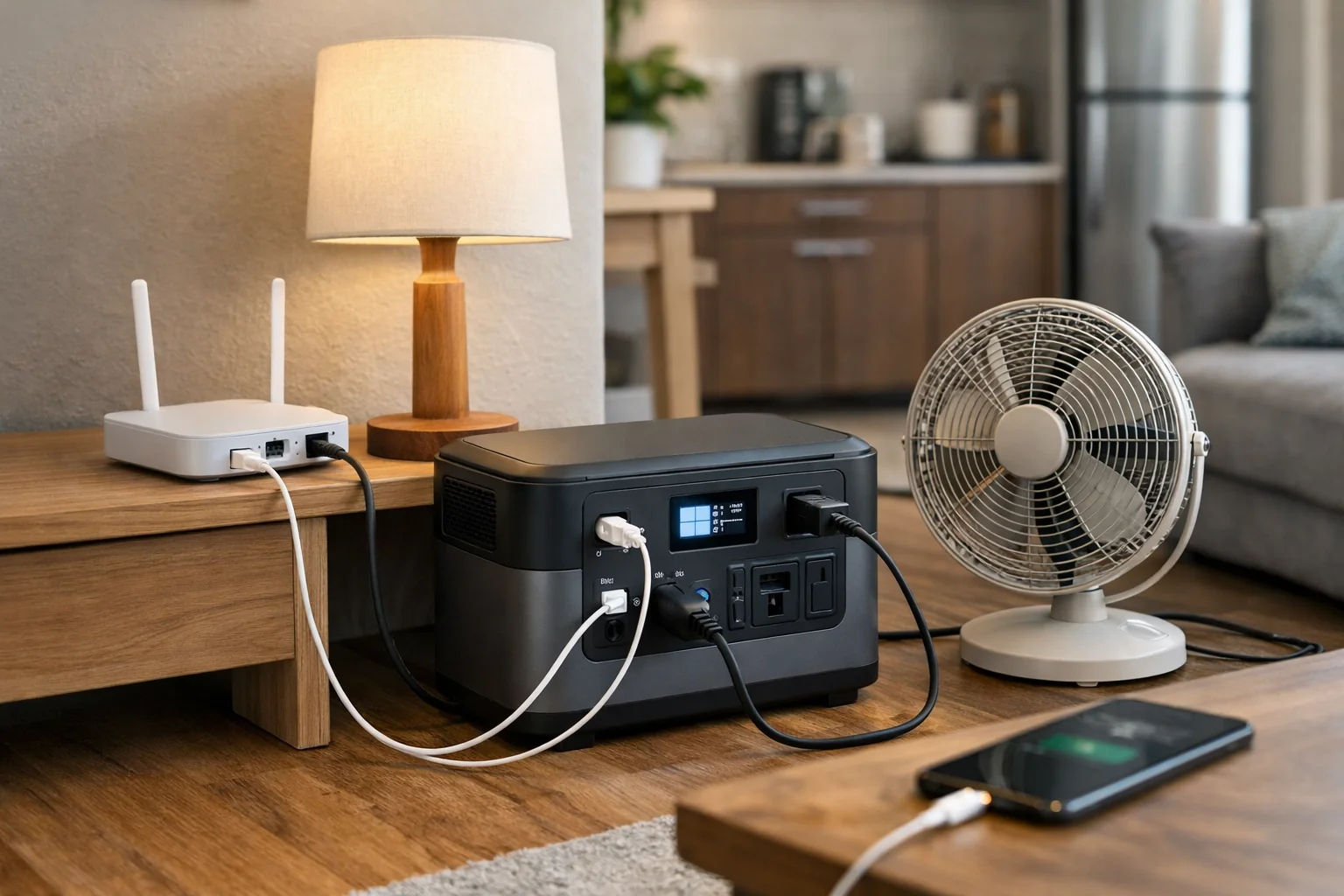
When comparing a portable power station for an apartment, prioritize the specifications that affect your own outage plan:
- Usable capacity: Look at watt-hours, then account for conversion losses rather than assuming all listed capacity reaches AC devices.
- Continuous output and surge capacity: Both matter for appliances with motors or compressors.
- UPS or emergency-power mode: Useful for routers, desktop computers, and NAS devices that may reboot in a short outage. A fast claimed transfer time does not guarantee compatibility with every device.
- Pure sine wave AC output: A sensible baseline for sensitive electronics and many appliance power supplies.
- Ports: Count AC outlets, USB-C ports, USB-A ports, and DC outputs based on your actual equipment.
- Battery chemistry: LiFePO4 is common in current 1-kWh-class stations and is a relevant feature when comparing models.
- Weight and storage: Make sure you can safely move it and have a dry, stable location for charging and use.
- Recharge options: Wall charging is simplest. Solar can help during extended outages, but balcony rules, available sun, weather, and lease restrictions may limit its usefulness.
Check your lease, building rules, insurance requirements, and local guidance before storing or charging a large lithium-ion power station indoors. Requirements can vary, particularly in multifamily buildings and shared spaces.
Three 1-kWh portable power stations to consider
These models are in a similar capacity class, but they are not interchangeable. Compare their port layouts, dimensions, weight, recharge options, expansion support, and claimed UPS behavior against your own device list.
EcoFlow DELTA 3 Plus: for renters prioritizing high AC output and expansion options

The EcoFlow DELTA 3 Plus has a listed 1,024Wh capacity, 1,800W AC output, and LiFePO4 cells. EcoFlow also advertises a claimed sub-10ms UPS switchover, app controls, and expansion-battery support.
It is a strong option to investigate if your priority list includes networking gear plus several low-power devices, or if you want the possibility of adding capacity later. Its 1,800W output is relevant for appliances with higher running demands, but you still need to verify the specific appliance’s startup requirements and compatibility. Review the manufacturer’s DELTA 3 Series specifications and runtime estimates before buying.
Anker SOLIX C1000: for renters who need a compact 1-kWh-class setup with broad port options
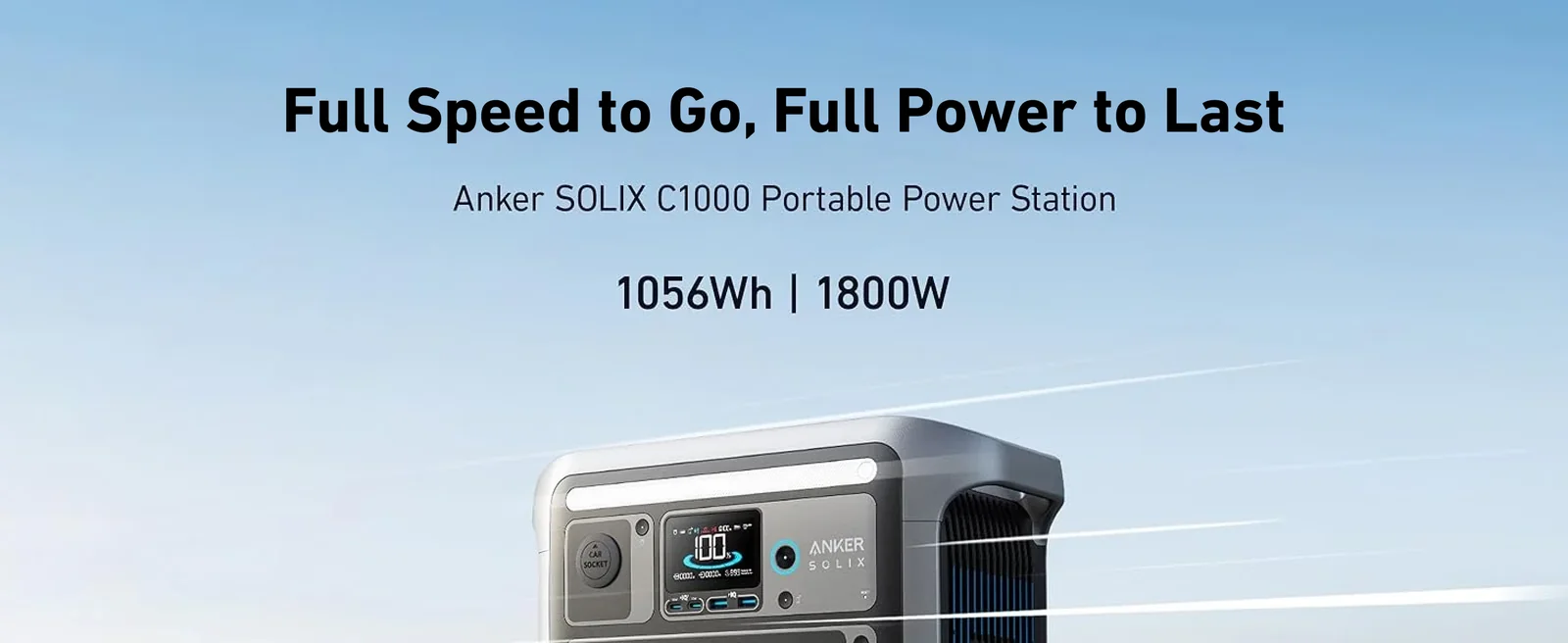
The Anker SOLIX C1000 lists 1,056Wh of capacity, 1,800W continuous output, 2,400W surge output, and LiFePO4 battery cells. Anker advertises a UPS switchover under 20ms, along with multiple AC and USB ports, solar input, and optional expansion.
This model is worth considering for a work-from-home renter who wants to cover a router, laptop, phones, lighting, and fan while retaining higher output headroom for carefully verified appliances. The claimed transfer timing can be useful for networking equipment, but test a noncritical setup first if uninterrupted operation matters. Confirm details against Anker’s SOLIX C1000 product documentation before buying.
Jackery HomePower 1000 v2: for renters focused on an UPS-style essentials plan

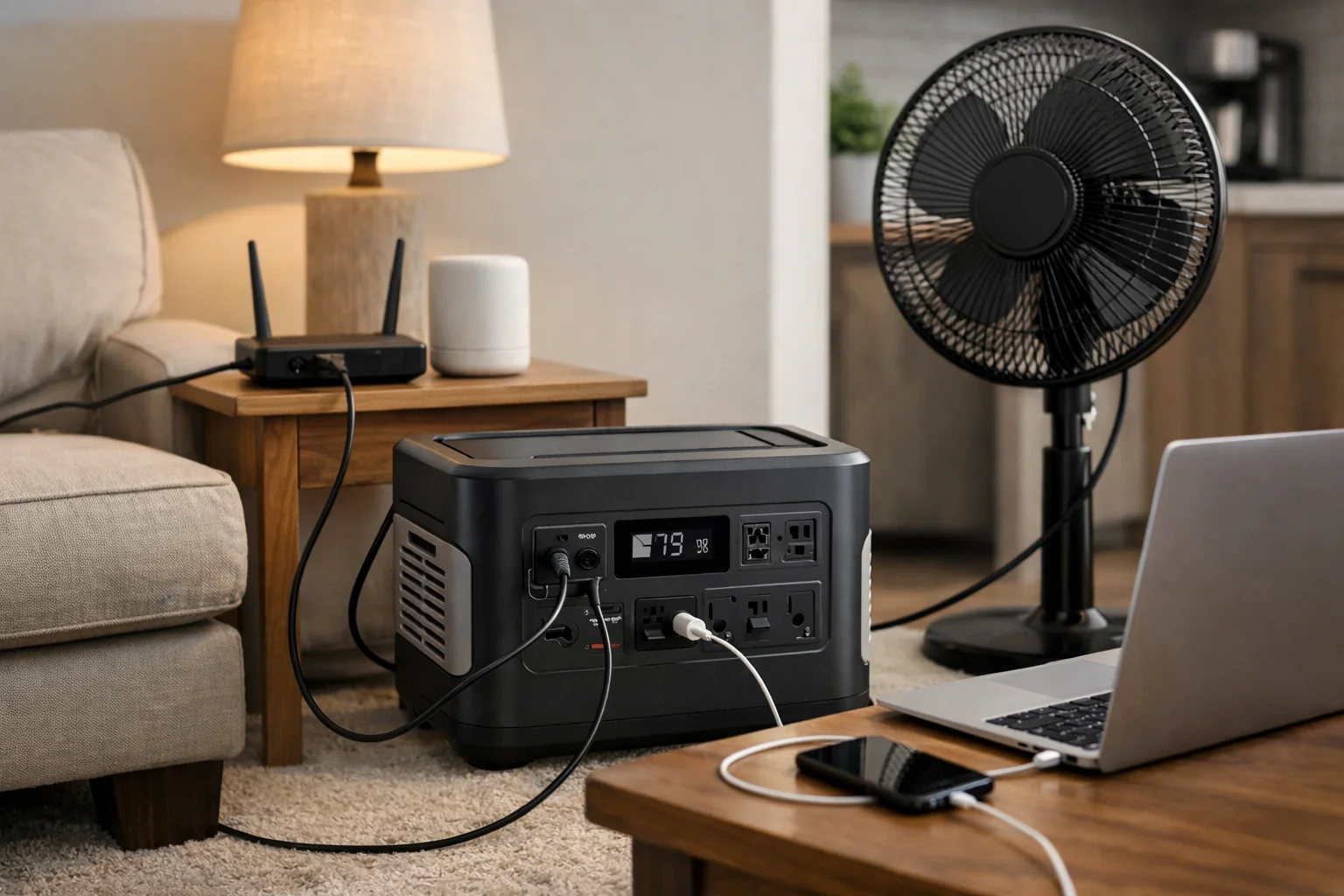
The Jackery HomePower 1000 v2 is rated at 1,024Wh with 1,500W output. Jackery positions it for home backup and advertises claimed sub-10ms switchover, quiet-mode operation, optional solar charging, and UPS-style use.
It is a practical model to compare if your plan centers on essential electronics, communications, lighting, and modest comfort loads rather than running multiple high-draw appliances. As with every portable station, verify your CPAP, refrigerator, router, or computer equipment against the product documentation before relying on it during an outage. See Jackery’s HomePower 1000 v2 specifications for current product details.
Cooling, generator safety, and building limitations
For smart home backup power for renters, a fan is typically the sensible cooling priority. It can provide personal comfort while allowing the battery to support communications and charging for longer. Treat portable or window AC as a limited, carefully measured load—not as a plan for cooling an entire apartment through a long outage.
Never substitute an indoor fuel generator for a battery station. The U.S. Consumer Product Safety Commission says portable generators must never be used inside a home, garage, basement, shed, or another enclosed or partially enclosed space, even with doors or windows open. Battery-powered devices avoid generator exhaust, but that does not make an indoor generator safe.
Keep the station on a stable surface and follow the manufacturer’s charging, temperature, storage, and cord-management instructions. Do not overload its outlets or attempt to use it as a connection to building wiring. If you use fuel-burning equipment where permitted, maintain appropriate carbon-monoxide alarms—but remember that an alarm does not make indoor generator operation acceptable.
A practical renter backup plan
The most useful smart home backup power for renters plan is usually layered rather than ambitious:
- Measure a modem/router, phone chargers, lights, work gear, and fan.
- Decide what must stay on for four, eight, or 12 hours.
- Choose a station with enough watt-hours for that measured load plus a reserve.
- Use a documented UPS mode only for devices that need it, and test the setup before an outage.
- Keep a separate plan for food safety, medication, medical devices, and extreme heat if a longer outage is possible.
If a refrigerator, CPAP, NAS, window AC, or portable AC is important to your plan, do not guess. Check the appliance manual and the power-station documentation for output limits, surge requirements, grounding guidance, and any UPS-mode restrictions. That small amount of planning is more valuable than buying the largest battery you can fit in a closet.
Renters who need backup for an entire electrical system should review the difference between portable equipment and home battery backup systems for power outages before making a decision. For simpler apartment readiness, a measured essentials setup remains the safer and more practical place to start.
Useful references: DELTA 3 Series Portable Power Station
Related Home Tech Signal guides: Best Home Battery Backup Systems for Power Outages · Vehicle-to-Home Charging Explained: Can Your EV Power Your House During an Outage?