
Disclosure: As an Amazon Associate I earn from qualifying purchases.
This guide covers the best travel routers for secure remote work. Public Wi-Fi is convenient, but it is rarely an ideal foundation for a workday. Hotel networks can require repeated logins, cafés may have crowded wireless connections, and temporary offices do not always offer a network you control. A travel router gives your laptop, phone, tablet, and other gear one familiar private Wi-Fi network while it connects upstream through hotel Wi-Fi, Ethernet, or a tethered phone.
The best travel routers for secure remote work prioritize more than headline Wi-Fi speeds. A useful model should support a VPN client, handle hotel captive portals without making every device sign in, offer a practical backup connection such as USB phone tethering, and have enough ports and wireless capacity for a laptop, phone, and work accessories.
None of these routers creates internet service on its own. You still need an upstream connection, such as hotel Wi-Fi, wired Ethernet, or your phone’s cellular data connection. A router also is not a substitute for your employer’s security requirements. If your company requires an endpoint VPN app, device management, or specific network settings, confirm that a personal travel-router setup is permitted before your trip.
Quick picks
- Best overall: TP-Link Roam 7 TL-WR3602BE for travelers who want Wi-Fi 7, straightforward captive-portal support, USB tethering, and a 2.5Gbps WAN port.
- Best for advanced VPN users: GL.iNet Slate 7 GL-BE3600 for people who value OpenWrt-based controls, dual 2.5Gbps ports, and VPN-focused features.
- Best for ASUS features: ASUS RT-BE58 Go for travelers who want WISP mode, USB 4G/5G tethering, Guest Network Pro, and AiProtection.
- Best compact Wi-Fi 6 option: GL.iNet Beryl AX GL-MT3000 for established VPN users who do not need Wi-Fi 7.
- Best lower-cost Wi-Fi 6 option: TP-Link Roam 6 TL-WR1502X for basic hotel Wi-Fi, tethering, and VPN-client needs.
- Best for existing UniFi users: Ubiquiti UniFi Travel Router for people already comfortable with the UniFi ecosystem.
How to evaluate travel routers
For remote work, the most important specification is often not the number printed next to Wi-Fi. A fast wireless link between your laptop and router cannot overcome a slow hotel connection, poor room signal, cellular congestion, or VPN encryption overhead.
Prioritize the features that make a portable Wi-Fi router for work genuinely useful: WireGuard and OpenVPN client support, hotel Wi-Fi and captive-portal handling, USB tethering, Ethernet options, wireless generation, security controls, portability, and the setup burden during a trip.
Wi-Fi 7 is useful for newer devices and local-network capacity, but it is not an automatic video-call upgrade. For a Zoom or Teams call, hotel bandwidth, latency, signal quality, the VPN path, and the router’s processor may matter more than an advertised BE3600 rating. Likewise, manufacturer VPN-throughput figures should be treated as rated performance under specific conditions, not as independent proof of real-world hotel-Wi-Fi results.
The best travel routers for secure remote work
TP-Link Roam 7 TL-WR3602BE: Best overall for most remote workers

The TP-Link Roam 7 TL-WR3602BE is the most balanced choice for travelers who want current wireless hardware without giving up the practical features that matter in a hotel room. It is a dual-band Wi-Fi 7 travel router rated at BE3600, with one 2.5Gbps WAN port, one Gigabit LAN port, and a USB 3.0 port.
For a work setup, its seven operating modes, USB tethering support, and one-step captive-portal authentication are especially appealing. Captive portals are the hotel login pages that normally force each device to accept terms or enter a room number. With the router connected and authenticated, your devices can stay connected to your own network instead of individually joining the hotel’s SSID.
TP-Link lists both OpenVPN and WireGuard client and server support. That gives travelers options if they already use a compatible VPN provider or need a router-level tunnel for personal devices. Read TP-Link’s Roam 7 product documentation before purchase to confirm the mode, protocol, and current firmware features you plan to use.
Who it is for: Frequent travelers who want an approachable Wi-Fi 7 travel router with strong connection flexibility for hotel Wi-Fi, Ethernet, and phone tethering.
GL.iNet Slate 7 GL-BE3600: Best for VPN-focused power users
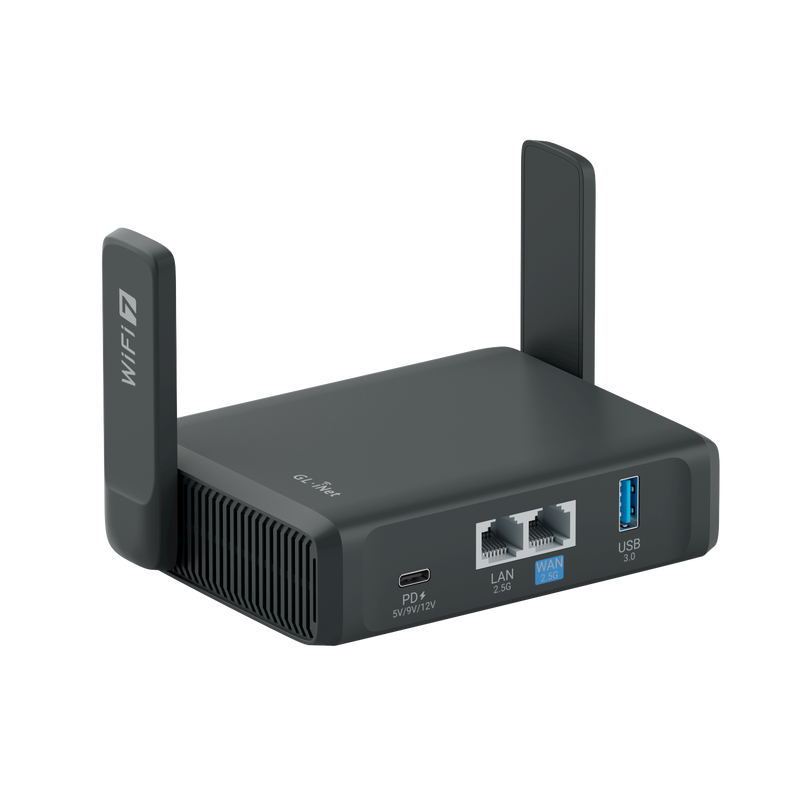
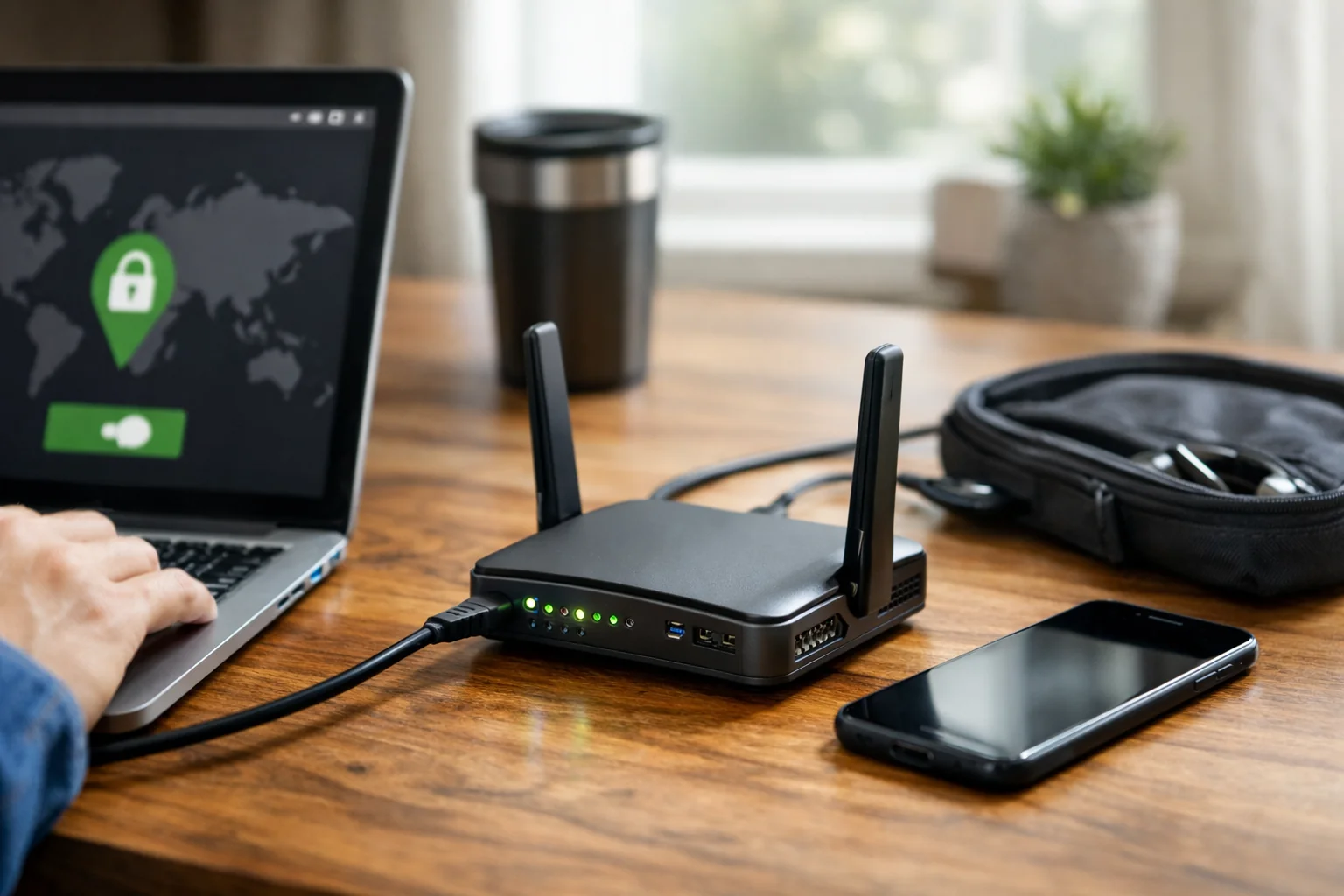
The GL.iNet Slate 7 GL-BE3600 is a strong fit for travelers who are comfortable with more networking controls and want VPN capability to be central to their setup. It uses dual-band Wi-Fi 7 and includes two 2.5Gbps Ethernet ports, which is unusually flexible for a compact router. One port can connect to a fast wired connection when available, while the other can serve a wired laptop or dock.
GL.iNet supports OpenVPN-DCO and WireGuard, lists support for more than 30 VPN services, and builds the router around an OpenWrt-based platform. It also includes AdGuard Home support. Those features can be valuable for users who understand DNS, VPN policies, and network segmentation, but they also mean the router may reward a little preparation before departure rather than first-time setup in a hotel lobby.
Its advanced feature set does not remove the need to verify your VPN service and workplace policies. A personal WireGuard or OpenVPN tunnel is different from an employer-managed Cisco Secure Client, GlobalProtect, or similar endpoint VPN. Your employer may require the latter to run directly on the laptop.
Who it is for: Digital nomads, consultants, and networking enthusiasts who want Wi-Fi 7, two 2.5Gbps ports, and deeper control over a travel router with VPN features.
ASUS RT-BE58 Go: Best for ASUS security and guest-network features
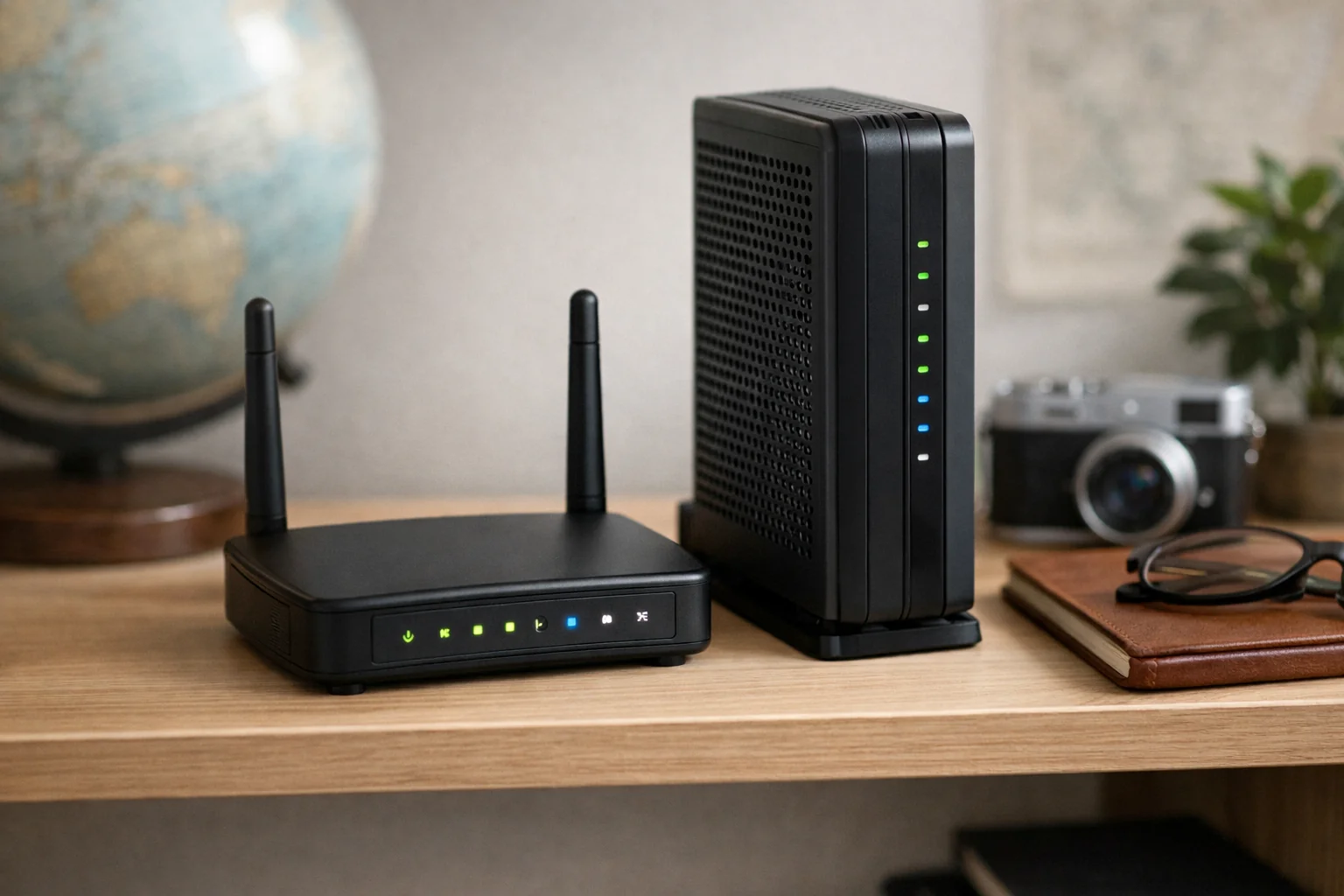
The ASUS RT-BE58 Go brings dual-band Wi-Fi 7 rated up to 3600Mbps to a travel-ready form factor. It has a 2.5Gbps port, USB-C power, USB 4G/5G tethering, and a public Wi-Fi WISP mode. WISP mode is useful when you want the router to join a public wireless network and share that connection through your own private network.
ASUS also lists VPN support for more than 30 providers, alongside Guest Network Pro and AiProtection. Guest-network controls can be useful if you travel with personal smart devices or want to separate a work laptop from less-trusted devices. Still, a guest network is only one layer; use a strong router admin password, current firmware, and device-level protections as well.
The RT-BE58 Go needs external power and does not include a built-in battery. Plan to pack its power adapter or a suitable USB-C power source, and do not assume a hotel USB port will provide adequate power.
Who it is for: Travelers who prefer the ASUS ecosystem and want a Wi-Fi 7 router with WISP mode, tethering, and a more structured security-feature set.
GL.iNet Beryl AX GL-MT3000: Best compact Wi-Fi 6 alternative
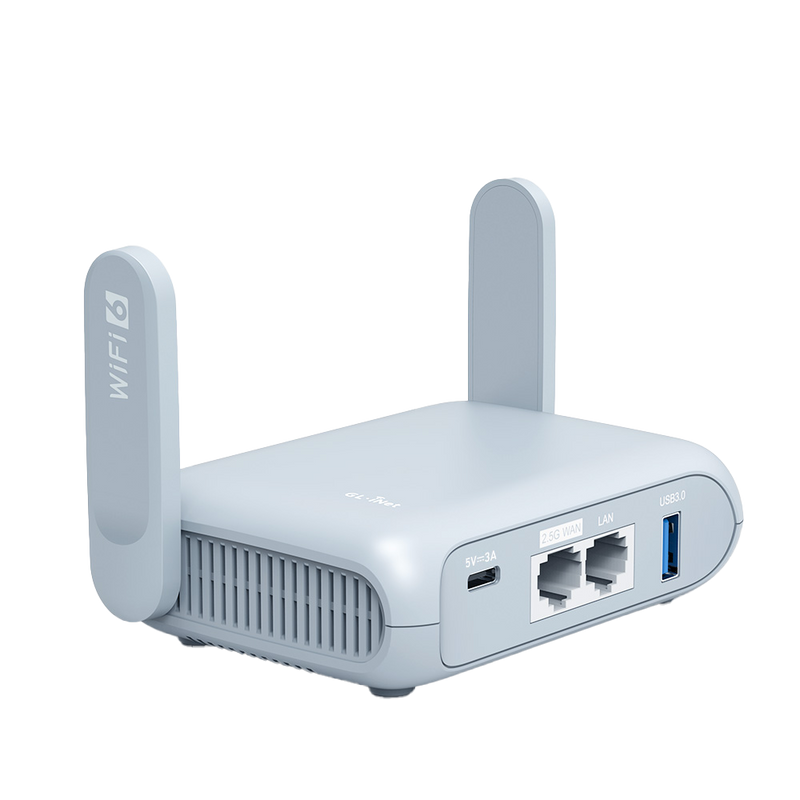
The GL.iNet Beryl AX GL-MT3000 remains a practical choice when Wi-Fi 6 is enough for your devices and connection. It comes with OpenVPN and WireGuard support, works with more than 30 VPN services, and supports VPN server functions and VPN cascading.
GL.iNet rates the Beryl AX at up to 300Mbps as a WireGuard client and up to 150Mbps as an OpenVPN client. Those are manufacturer ratings, not independent measurements, and your actual result can be much lower on a congested hotel network or through a distant VPN server. They do, however, illustrate why protocol choice can affect responsiveness: WireGuard may be a better fit than OpenVPN when your provider and employer policy allow it.
The Beryl AX is a sensible middle ground for a traveler who wants more VPN flexibility than a bare-bones router but does not need Wi-Fi 7 or multi-gigabit Ethernet.
Who it is for: Remote workers who already use a compatible VPN provider and want a compact Wi-Fi 6 router with advanced VPN features.
TP-Link Roam 6 TL-WR1502X: Best lower-cost Wi-Fi 6 pick
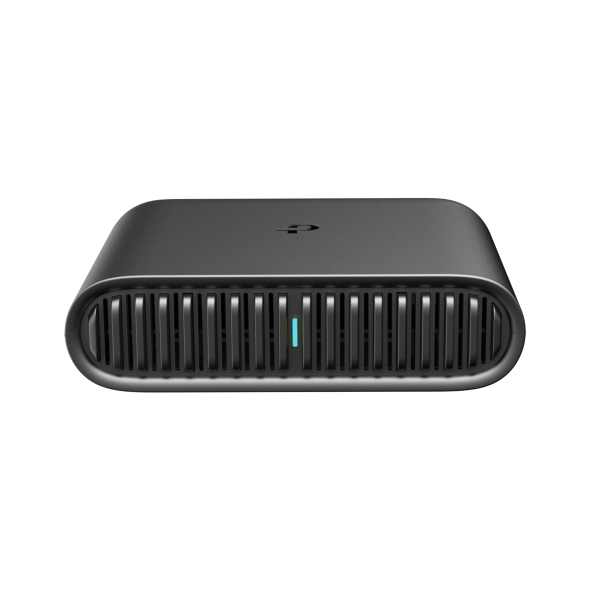
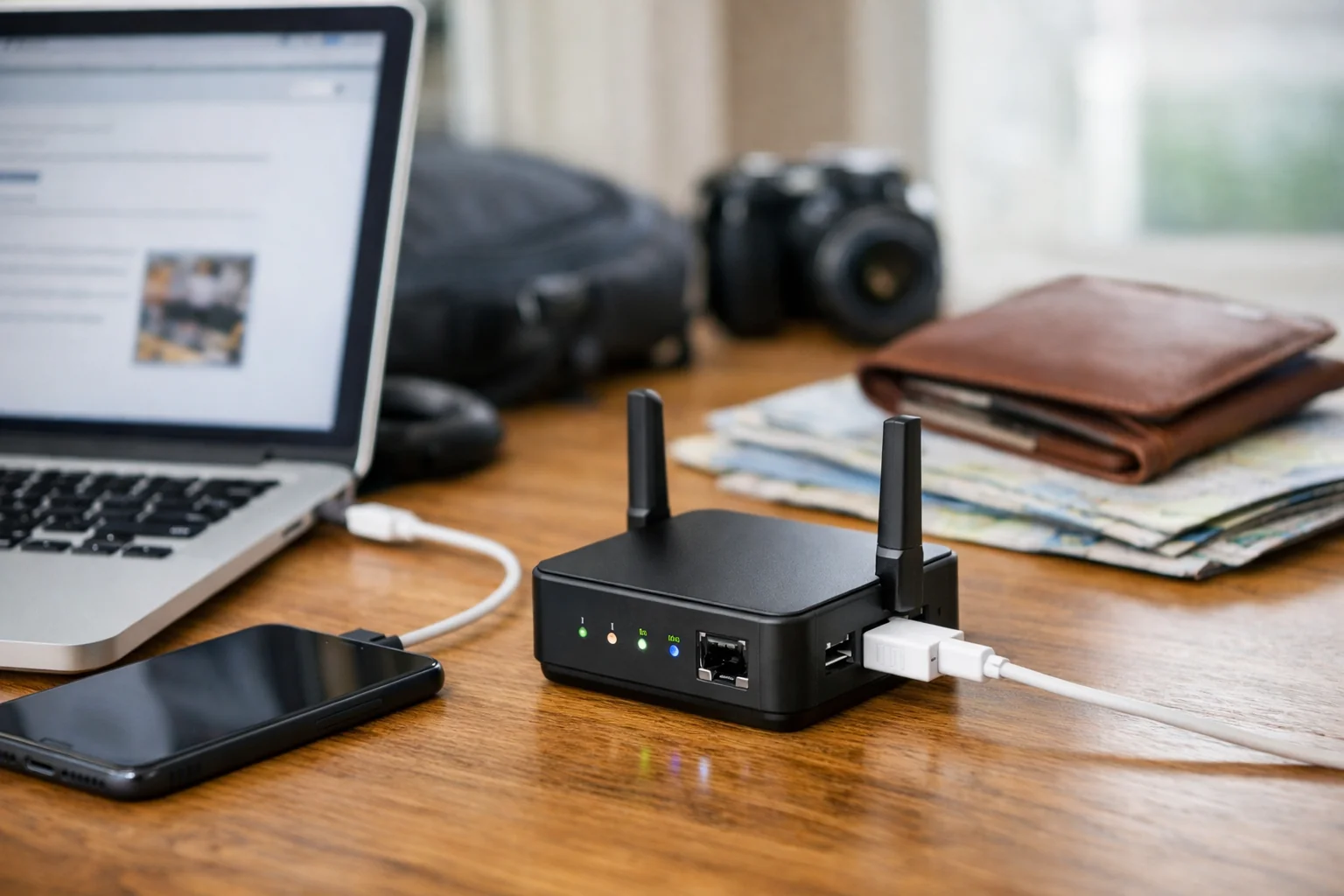
The TP-Link Roam 6 TL-WR1502X is the simpler choice for travelers who need core functionality rather than the newest wireless standard. It provides Wi-Fi 6 AX1500, one Gigabit WAN port, one Gigabit LAN port, USB tethering, WPA3 support, and hotspot and client modes.
TP-Link lists OpenVPN, WireGuard, PPTP, and L2TP VPN client and server options. For security-conscious remote work, focus on WireGuard or OpenVPN where your service supports them; older protocols may be offered for compatibility but are not a reason to relax your security standards.
This model should be enough for a laptop, phone, and a few personal devices on a typical trip. It is less compelling for someone who expects to connect newer Wi-Fi 7 gear, wants a 2.5Gbps port, or frequently moves large files over a fast local network.
Who it is for: Budget-minded travelers who need hotel Wi-Fi sharing, USB tethering, Ethernet, WPA3, and mainstream VPN protocol support.
Ubiquiti UniFi Travel Router: Best for existing UniFi users

The Ubiquiti UniFi Travel Router is a more specialized recommendation. It supports stand-alone operation, WireGuard, USB tethering, and two Gigabit Ethernet ports. Its main appeal is familiar remote-network integration for people who already manage UniFi equipment.
It uses Wi-Fi 5, so it is not the best fit if you are shopping specifically for Wi-Fi 6 or Wi-Fi 7 capacity. It also has a narrower VPN feature set than the VPN-oriented GL.iNet options. For an existing UniFi household or small-business admin, however, the familiar environment may outweigh those limitations.
Who it is for: Established UniFi users who value ecosystem continuity more than having the latest Wi-Fi generation.
What a travel router adds over a laptop or phone hotspot
A laptop can connect directly to hotel Wi-Fi, and a phone hotspot can share cellular data. A travel router combines the convenience of both approaches in a more repeatable setup. You configure your private SSID once, then reconnect your work devices to that SSID at every destination. The router handles the upstream hotel, café, Ethernet, or tethered-phone connection.
A router-level VPN can also centralize a compatible personal VPN for devices connected to that router. That can be useful for a tablet or other device that is inconvenient to configure separately. It does not automatically satisfy an employer’s VPN requirement, and it does not make unsafe browsing, phishing, weak passwords, or unpatched devices safe.
The FTC’s public Wi-Fi security guidance is a useful reminder that shared networks still require caution. Keep software current, use strong unique passwords and multi-factor authentication, and make sure sites and apps use secure connections.
What makes a travel router secure?

Start with a unique router admin password. The admin password protects the router’s settings; it should not be the same as the Wi-Fi password or a password you reuse elsewhere. Create a private Wi-Fi network name and a strong password, use WPA3 when all needed devices support it, and disable any feature you do not need.
Next, update the router firmware before traveling. Firmware can change VPN compatibility, captive-portal behavior, and security fixes. Check again before a long trip, especially if the router will be your only connection option.
Use a VPN deliberately. Configure a compatible WireGuard or OpenVPN profile at home, confirm that DNS behavior is what you expect, and test it on a noncritical connection. If the VPN disconnects, understand whether the router has a kill-switch or policy setting that prevents traffic from leaving outside the tunnel. The right choice depends on whether uninterrupted access or avoiding any unprotected traffic is more important for your situation. For more background on router-based VPN setup, see How to Set Up a VPN on Your Home Router.
Finally, keep work and personal devices separated when that is practical. A guest network or separate SSID can limit casual device-to-device exposure, but it is not a replacement for endpoint security and company policy.
Travel router limitations for corporate remote work
Before buying, ask your IT department whether a personal router and personal VPN service are allowed. Many organizations require a corporate VPN application to run on the work computer, use certificate-based authentication, or enforce security checks that a travel router cannot perform. In these cases, the travel router can still provide a private local network and simplify hotel logins, while the laptop runs the employer VPN normally.
Captive portals can also be inconsistent. A hotel may limit devices, tie login credentials to a device identifier, or require a browser page that behaves differently from one property to another. One-step portal tools can help, but they are not a guarantee. Carry a phone and a working tethering cable as a fallback.
Do not treat phone tethering as unlimited backup connectivity without checking your plan. Data caps, hotspot limits, coverage, roaming terms, and carrier congestion can all affect whether a tethered connection is viable for long meetings or large uploads.
How to set up a travel router before a trip
- Update the firmware. Do this at home on a stable connection, then restart the router and verify it reconnects.
- Change default credentials. Set a unique admin password and a strong password for your private Wi-Fi network.
- Set your preferred SSID. Use a network name your laptop and phone will recognize, but avoid including personal details in it.
- Configure and test your VPN. Import the correct profile, connect it, and confirm your devices can browse and complete a video call. If your employer requires its own endpoint VPN, test that too.
- Test USB tethering. Confirm your particular phone, cable, operating system, and carrier plan work with the router before relying on them on the road.
- Practice a captive-portal login. Learn how to open the router’s management interface and complete an upstream Wi-Fi login from a phone or laptop.
- Pack the essentials. Bring the router’s power supply, a short Ethernet cable, an appropriate USB-C cable, and any tethering cable your phone requires.
Which travel router should you buy?
For most people, the TP-Link Roam 7 TL-WR3602BE offers the clearest blend of Wi-Fi 7, captive-portal convenience, Ethernet, USB tethering, and WireGuard/OpenVPN support. Choose the GL.iNet Slate 7 GL-BE3600 if advanced VPN controls and dual 2.5Gbps ports matter more than a simpler interface. The ASUS RT-BE58 Go is compelling for travelers who want its WISP mode, security suite, and guest-network tools.
If Wi-Fi 6 is sufficient, the GL.iNet Beryl AX GL-MT3000 is the more feature-rich VPN-oriented alternative, while the TP-Link Roam 6 TL-WR1502X covers the basics for less demanding setups. The Ubiquiti UniFi Travel Router makes the most sense for existing UniFi users.
Whichever you choose, prepare it before your first work trip. The best travel routers for secure remote work are most useful when the VPN, tethering backup, firmware, and login process have already been tested at home.
Useful references: TL-WR3602BE | TP-Link Roam 7 (BE3600) · RT-BE58 Go WiFi 7 Travel Router
Related Home Tech Signal guides: Best Routers for Fiber Internet and Multi-Gig Speeds · Matter Smart Appliances: How Major Appliances Work