Disclosure: As an Amazon Associate I earn from qualifying purchases.
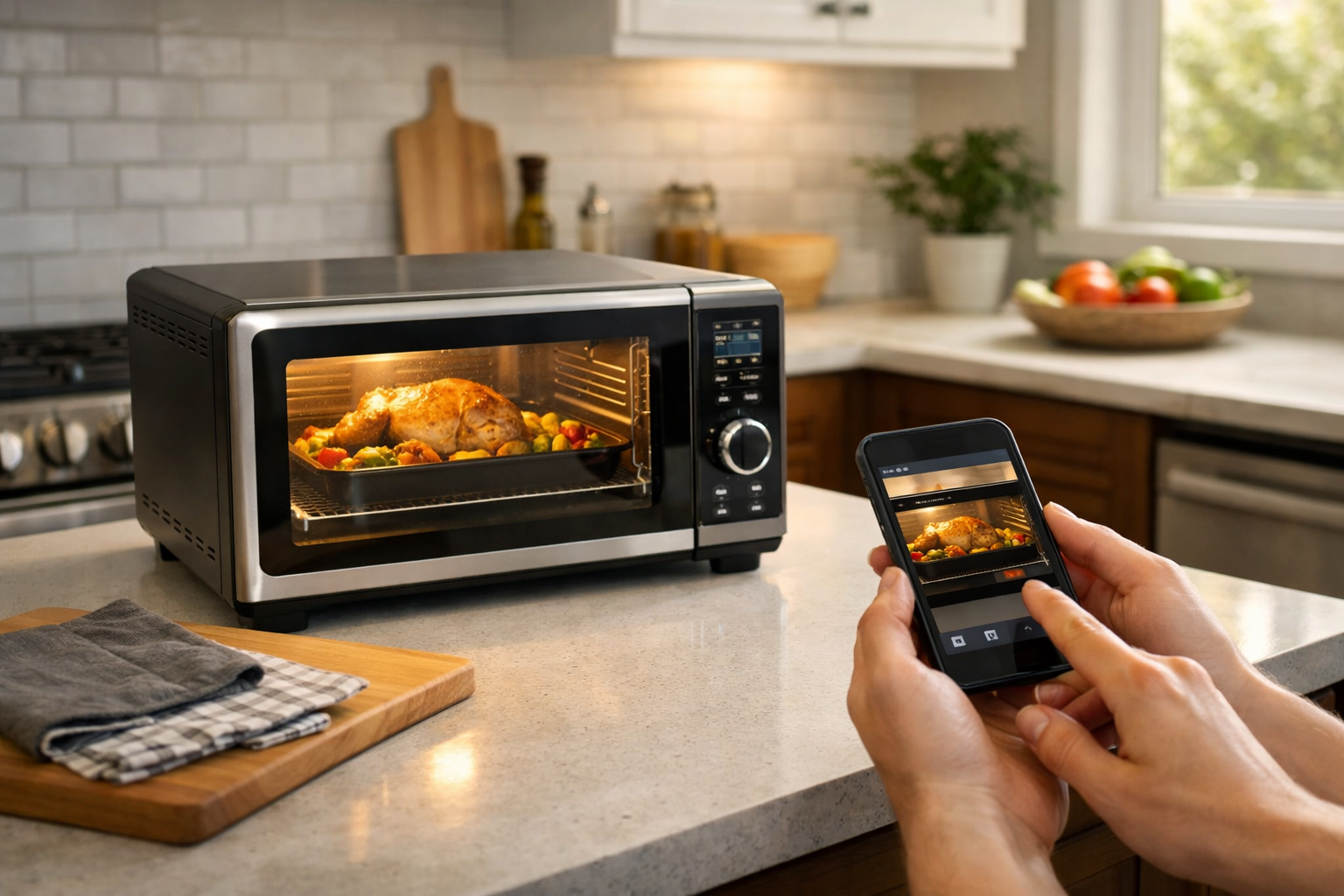
A Wi-Fi connection alone does not make an oven especially useful from a safety perspective. The best smart ovens for remote monitoring and safety alerts provide practical information when you are elsewhere in the house or away from home: whether the oven is still running, its current temperature, whether a timer or cooking program has ended, and, on a few models, what is happening inside the oven.
Those capabilities can add helpful awareness to everyday cooking, especially for busy households. But they are not a replacement for being attentive while cooking, maintaining working smoke alarms, or following ordinary fire-safety practices. Remote alerts can tell you that a cycle ended or an oven is still on; they should not be treated as a guarantee that an appliance is safe to leave unattended.
For this guide, the strongest options are separated by appliance type and by the quality of their remote-monitoring features. Camera-equipped models from GE Profile and Samsung are the best fit when you want visual confirmation of cooking progress. LG, Bosch, and Whirlpool are compelling alternatives when completion alerts, remote status, connected cooking controls, or maintenance notifications matter more than an interior video feed.
Quick picks
- Best overall wall oven: GE Profile PTS9000 Series Single Wall Oven with In-Oven Camera for shoppers who want remote monitoring plus a view into the oven cavity.
- Best camera-equipped range: Samsung Bespoke NSI6DB990012AA Induction Range for households that want SmartThings monitoring, cooktop status information, and a Smart Oven Camera.
- Best ThinQ wall oven: LG WSEP4727F Smart Wall Oven for buyers who value remote status checks, timer notifications, and ThinQ Care alerts.
- Best for completion notifications: Bosch HBL8753UC Combination Oven for kitchens where Home Connect alerts and remote control matter more than camera monitoring.
- Best Whirlpool option: Whirlpool WOES7030PZ Smart Wall Oven for shoppers already comfortable with the Whirlpool app ecosystem.
What to look for in a smart oven for safety and remote monitoring
The most useful connected cooking features fall into a few categories. It helps to distinguish them before choosing an appliance.
- Status monitoring: Lets you check whether the oven is on, see its temperature or cooking mode, and sometimes review timer or probe information in the manufacturer app.
- Completion notifications: Push alerts can tell you when preheating is done, a timer expires, or a programmed cooking cycle has finished. This is often the most consistently useful feature.
- Interior camera viewing: A camera can help you check browning or cooking progress without opening the door. It is different from a simple on/off indicator.
- Remote controls: Some models support remote preheating or selected remote cooking controls. The controls may require local authorization first, and the available functions can differ by model, software version, and fuel type.
- Maintenance alerts: Connected platforms can also deliver diagnostic or care notifications. These can be useful for identifying a potential service issue, but they are not emergency warnings.
Before buying, confirm the features for the exact model you are considering. Manufacturers often describe capabilities at the platform or product-family level, while the final feature set can vary by production date, appliance configuration, and app settings. Also verify that your home Wi-Fi reaches the kitchen reliably; remote functions and phone notifications depend on an active connection and app access.
Best smart ovens for remote monitoring and safety alerts: our top picks

These recommendations prioritize meaningful remote awareness rather than Wi-Fi connectivity alone. Installation is an equally important part of the decision: wall ovens, combination ovens, and freestanding ranges have very different space, electrical, ventilation, and fuel requirements.
GE Profile PTS9000 Series Single Wall Oven with In-Oven Camera: Best overall wall oven
Who it is for: Homeowners replacing a compatible single wall oven who want both app-based status updates and visual cooking monitoring.
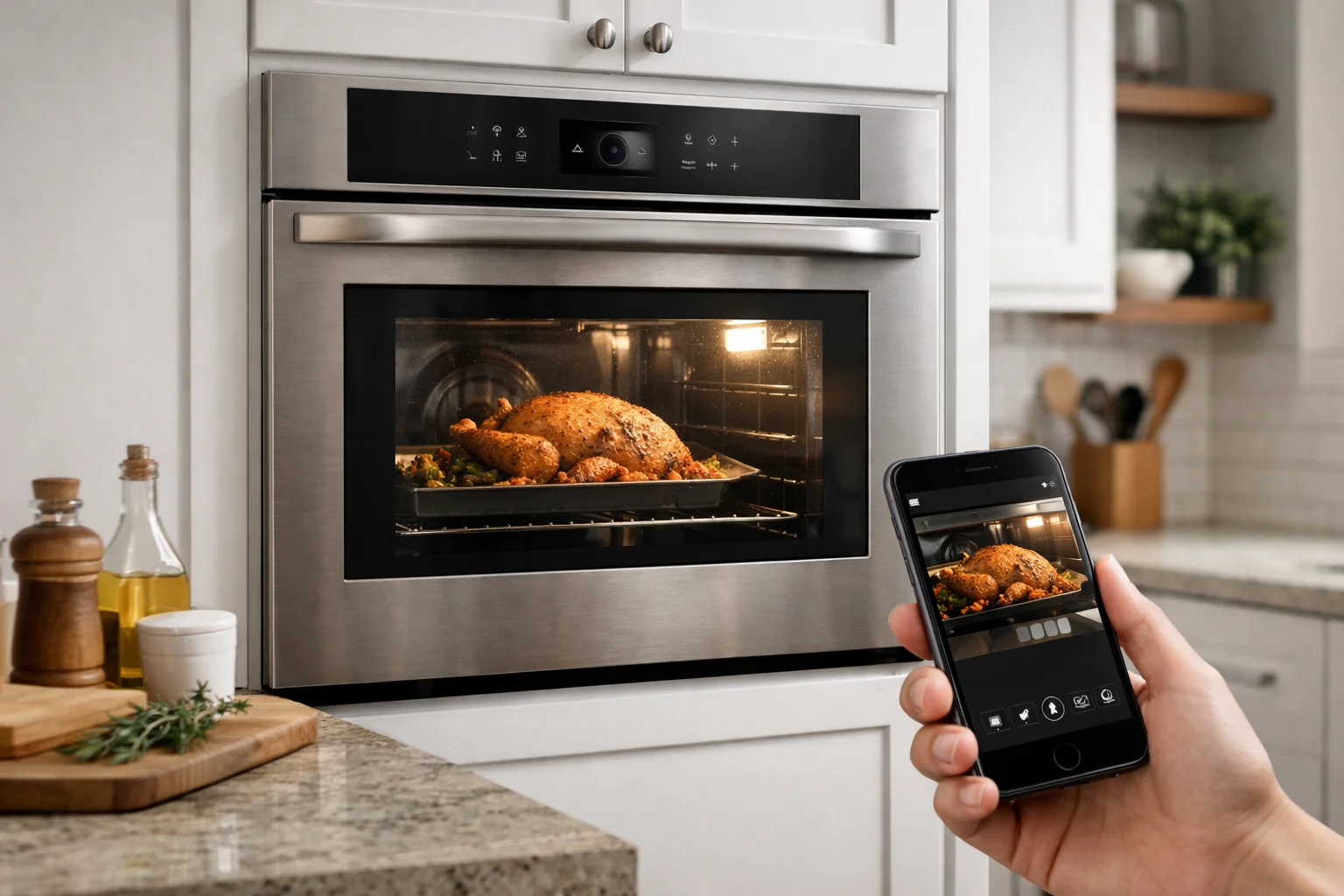
The GE Profile PTS9000 Series stands out because it combines the SmartHQ connected platform with an in-oven camera on applicable models. GE says its connected cooking appliances can support remote preheating and monitoring, while camera-equipped wall ovens add a way to see inside the oven cavity from a connected device.
That visual layer is meaningful. A temperature reading can tell you an oven is operating, but it cannot tell you whether the top of a casserole is browning too quickly or whether baked goods appear finished. For households that routinely cook long roasts, bread, or multi-step meals, a camera may be more useful than another preset cooking mode.
The important qualifier is that camera and notification availability can vary. GE notes that connected features may depend on the appliance remaining on Wi-Fi, and capabilities can differ by model and manufacturing date. Confirm that the exact PTS9000 configuration being sold includes the In-Oven Camera and the SmartHQ functions you expect before placing an order.
If you need two oven cavities rather than one, the related GE Profile PTD9000 Series Double Wall Ovens are worth comparing. They serve a different installation need, so measure carefully and verify the precise model’s connected features rather than assuming the single- and double-oven versions are identical.
Samsung Bespoke NSI6DB990012AA Induction Range: Best camera-equipped smart range

Who it is for: Shoppers replacing a range who want an induction cooktop and detailed SmartThings monitoring alongside a live oven camera.
The Samsung Bespoke NSI6DB990012AA is a 6.3-cubic-foot induction range with Wi-Fi, SmartThings integration, and a Smart Oven Camera. It is a strong choice for people who want a connected range rather than a separate wall oven and cooktop.
On compatible Samsung ranges, SmartThings can show oven status, temperature information, cooking settings, probe temperature, and cooktop burner status. Supported Smart Oven Camera models can also stream a live view to a phone. Samsung’s SmartThings range support guidance is especially helpful because it explains the limits that come with remote operation, not just the app’s headline features.
Those limits matter. Samsung says gas ovens cannot be ignited remotely. It also requires Smart Control to be enabled locally for remote operation, and that authorization is canceled if the door is opened or when a cooking cycle ends. These safeguards mean remote control is not an unrestricted ability to run the appliance from anywhere at any time.
The NSI6DB990012AA is an induction model, not a gas range, but every shopper should still verify the remote-control behavior of the exact range they buy. Ask whether remote preheat is available, what must be enabled at the appliance first, which alerts are sent, and whether the camera function works with the current version of the app.
LG WSEP4727F Smart Wall Oven: Best ThinQ option
Who it is for: Buyers who prefer a smart wall oven with remote status checks, timer notifications, and a connected maintenance-alert ecosystem.
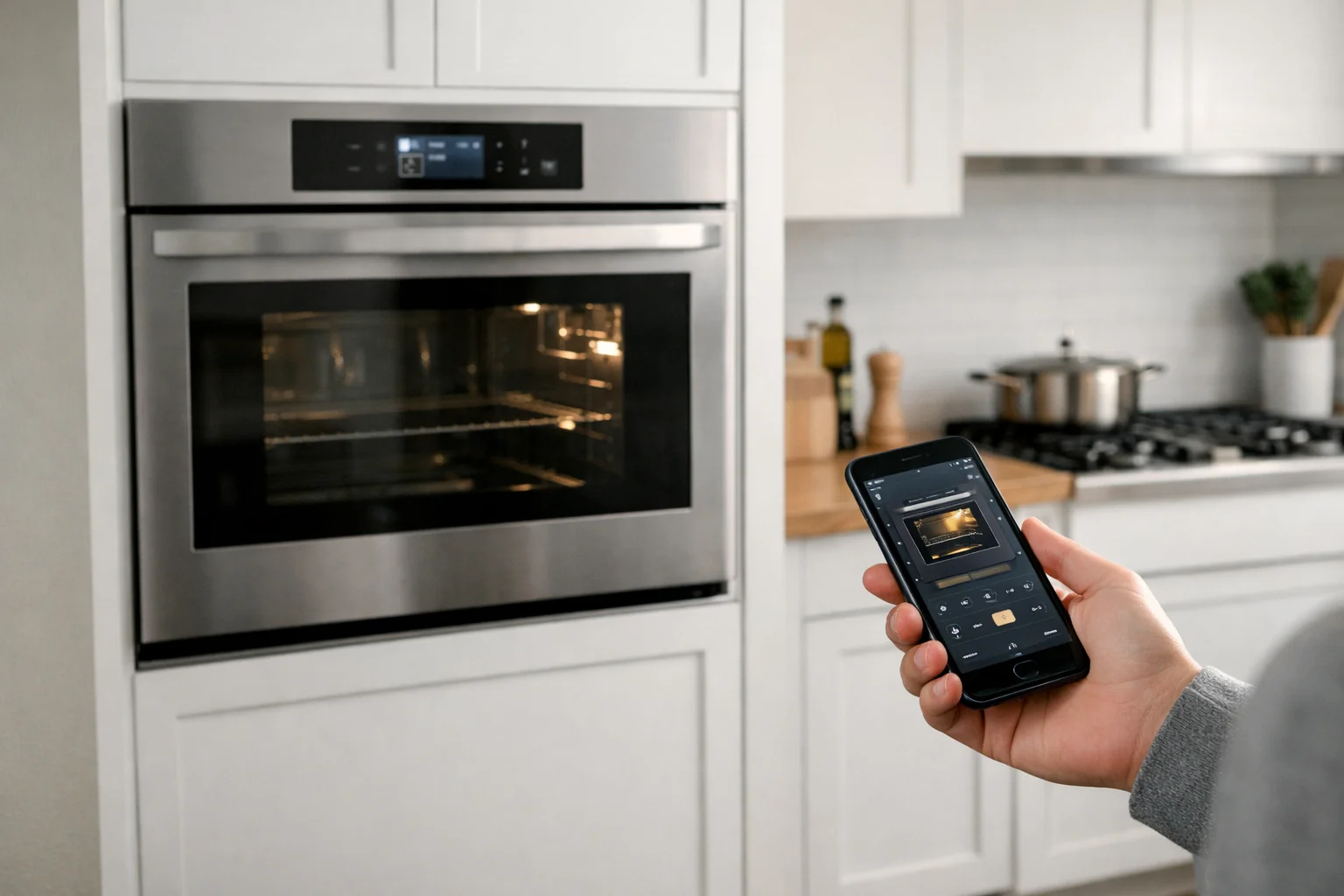
The LG WSEP4727F is a 4.7-cubic-foot smart wall oven that works with the LG ThinQ app and supports ThinQ Care. It is a practical option for shoppers who do not need a camera but still want to check cooking status from a phone and receive useful notifications.
LG’s connected cooking platform can provide remote status checking, timer alerts, and remote control of selected functions, depending on the model. ThinQ Care adds a maintenance-oriented angle by providing care and diagnostic alerts intended to help owners respond to appliance issues.
This makes the WSEP4727F a good fit for someone who sees connectivity as a way to reduce missed timers and stay ahead of maintenance, rather than as a substitute for watching food cook. Verify exactly which remote controls and notifications are supported for this model after installation, since app functions can vary by appliance and connected settings.
Bosch HBL8753UC Combination Oven: Best for completion alerts

Who it is for: Homeowners who want a combination oven with app-based control and alerts when a cooking program finishes, without making an in-oven camera a priority.
The Bosch HBL8753UC Combination Oven supports Home Connect remote monitoring and control. Bosch also describes notifications when a cooking program is complete, which is one of the most useful connected features for people who commonly move around the home while meals are in progress.
A completion notification cannot assess food quality or identify every problem in the kitchen, but it can reduce the chance that a finished cycle goes unnoticed. That makes the HBL8753UC appealing for people who care most about program status, reminders, and connected control rather than live video of the oven interior.
Because this is a combination oven, it should be evaluated as an installation project as well as a smart-appliance purchase. Confirm cabinet cutout requirements, electrical needs, and whether its cooking configuration matches how you use your kitchen. Also check the current Home Connect feature list for the exact unit before buying.
Whirlpool WOES7030PZ Smart Wall Oven: Best mainstream app ecosystem

Who it is for: Shoppers looking for a smart wall oven with app-based progress monitoring, remote preheat on compatible configurations, and task-completion notifications.
The Whirlpool WOES7030PZ is part of Whirlpool’s connected wall-oven lineup. Whirlpool says compatible smart ovens and ranges work with the Whirlpool app for remote control, cooking-progress monitoring, remote preheat, and task-completion notifications.
This is a sensible choice if your main goal is straightforward app awareness: checking in on a cooking cycle, receiving a notification when a task is complete, and using available remote functions after meeting the appliance’s enablement requirements. It is not the pick to prioritize if a live oven camera is essential, because Whirlpool’s cited connected-oven information focuses on app controls and progress updates rather than interior video monitoring.
Remote features require Wi-Fi, the Whirlpool app, and remote-enable status. Confirm the exact remote functions available on the WOES7030PZ you are considering. Whirlpool also offers the WOEC7030PZ combination oven for buyers whose kitchen and cooking needs call for that format instead.
Smart oven safety limitations you should know

The best smart ovens for remote monitoring and safety alerts can improve awareness, but they do not provide full fire protection. A camera can show only what is visible in its field of view. Status alerts depend on the appliance, Wi-Fi connection, cloud service, phone settings, and app notifications all working as expected. Maintenance alerts are not the same as smoke, heat, or fire detection.
Remote shutoff and remote start are also not universal features. Manufacturers may permit selected remote controls only after you enable them at the appliance, and fuel type can add further restrictions. Samsung’s gas-oven restriction is a clear example: a gas oven cannot be ignited remotely. Do not assume an app’s ability to display oven status means it can start, stop, or alter every cooking function remotely.
Most importantly, connected alerts should never be used as a reason to leave active cooking without normal supervision. The U.S. Fire Administration identifies unattended equipment as the leading contributing factor in nonconfined home cooking fires and recommends attentive cooking practices. Review the agency’s cooking fire safety guidance and make sure smoke alarms are installed and maintained appropriately for your home.
How to choose the right connected oven
Start with appliance format. Choose a wall oven only if you are replacing a compatible built-in unit or remodeling around one. Choose a range if you need both an oven and cooktop. A combination oven can save space for buyers who need its specific configuration, but it is not a drop-in substitute for every standard wall oven.
Then decide whether you truly need visual monitoring. The GE Profile PTS9000 Series and Samsung Bespoke NSI6DB990012AA are the best options here because their applicable models include interior camera capabilities. If your priority is simply knowing when dinner is done, the Bosch HBL8753UC, LG WSEP4727F, and Whirlpool WOES7030PZ may offer the more relevant kind of connected convenience.
If you plan to build notifications into a broader connected-home routine, review these smart home automation basics first. Keep appliance controls and alerts within the limits set by the oven manufacturer, and do not use an automation as a substitute for supervision.
Finally, verify the practical details before checkout: current availability, installation compatibility, the required electrical or fuel setup, Wi-Fi coverage at the appliance location, subscription requirements if any, and the exact app features for the precise model number. That last step is essential because the best smart ovens for remote monitoring and safety alerts are only as useful as the features enabled on the oven installed in your kitchen.
Useful references: GE Profile Cooking Appliances | Smart Wall Ovens, Ranges & Cooktops · Smart Range & Wall Oven – Product Upgrades When Connected
Related Home Tech Signal guides: Best Travel Routers for Secure Remote Work