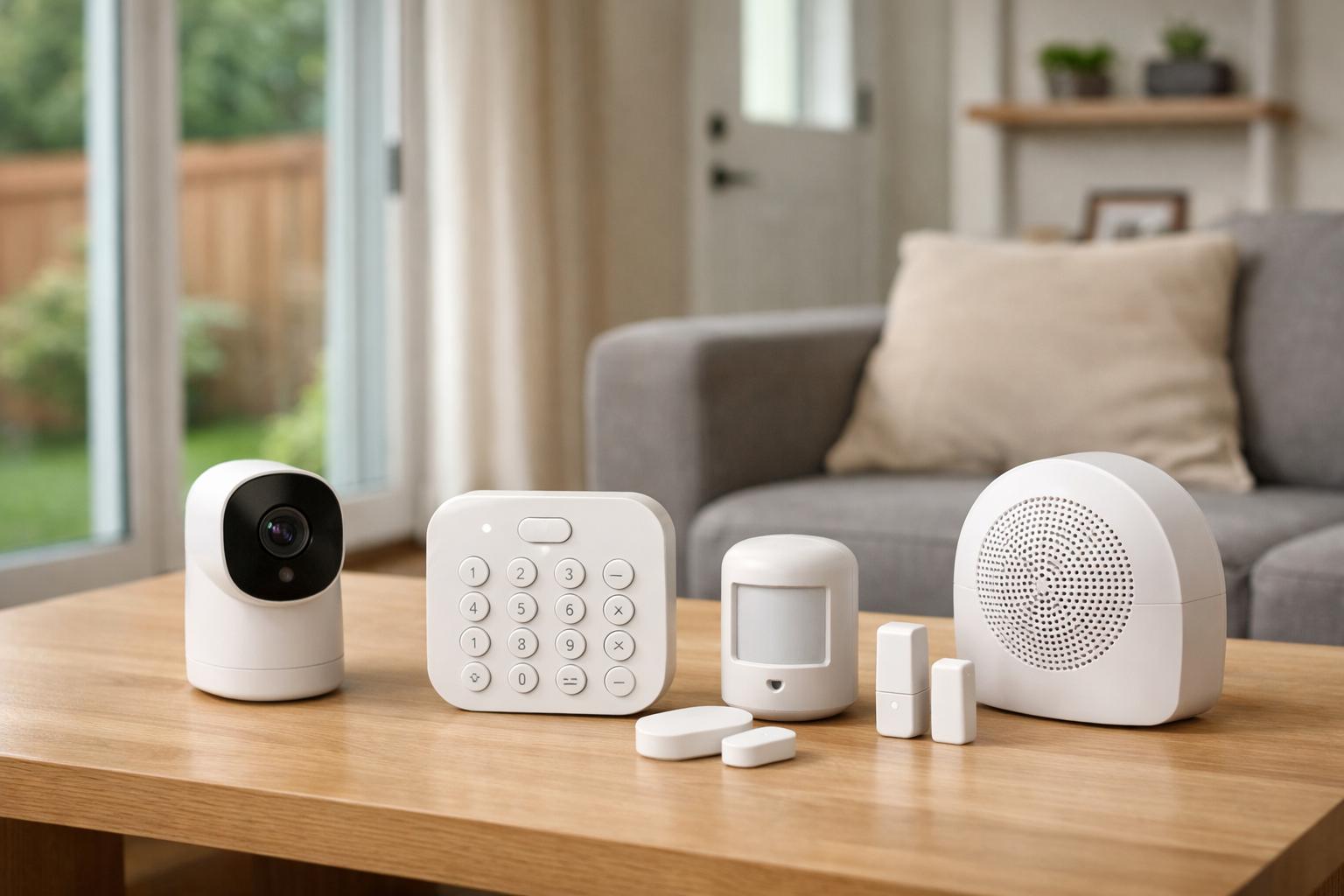
Paying for professional monitoring can make sense when you want someone else to respond to an alarm. But plenty of homeowners and renters would rather buy the equipment, install it themselves, and handle alerts on their own.
The best DIY home security systems without monthly fees can still provide useful protection: door and window sensors, sirens, motion alerts, live camera views, and local video recording. The tradeoff is responsibility. When an alert arrives, you are the one who needs to check it, contact a neighbor, or call 911 if there is a real emergency.
For most people who want an alarm-first setup with practical free app features, Abode is the strongest place to start. For local video without recurring cloud-storage costs, eufy and Reolink are more compelling. Ring Alarm, Wyze, and SimpliSafe can also work without a plan, but their free experiences have important limits.
Quick picks
- Best overall alarm system: Abode, for free self-monitoring, system control, integrations, live video, and generic push notifications.
- Best for local camera storage: eufy, for compatible cameras and HomeBase-based local storage.
- Best for camera-heavy properties: Reolink, especially for local recording through a Home Hub or NVR.
- Best for existing Ring and Alexa households: Ring Alarm, if you understand its major no-subscription app limitations.
- Budget alternatives: Wyze and SimpliSafe, depending on which features matter most to you.
What “without monthly fees” really means
“No monthly fee” does not mean every feature remains available forever at no cost. It usually means you can use core equipment without paying for professional monitoring or a cloud-storage plan. What remains available varies sharply by brand.
With a self-monitored system, you may receive a push notification when a sensor opens or a camera detects activity. You can then open the app, view a live feed if your equipment supports it, and decide what to do. A local siren may also sound during an alarm event.
That is different from 24/7 professional monitoring. With a monitoring plan, a service can assess alarm events and, when appropriate, request emergency dispatch. Without that service, the system generally does not contact police, fire, or medical responders for you.
Also separate alarm monitoring from video storage. A camera may work without monitoring but require a subscription to save clips in the cloud. Conversely, a camera with local storage may record without a cloud plan but still depend on your home internet connection for remote viewing and phone alerts.
Before buying, verify these four points for the exact kit and camera model you are considering:
- Which alerts, app controls, and automations work with no plan.
- Whether recorded video requires cloud service, a microSD card, a hub, an NVR, or a hard drive.
- What happens during an internet outage, including whether local recording continues.
- Whether your city or county requires an alarm permit or charges false-alarm fees.
Best overall: Abode for subscription-free alarm features
Abode is the best fit for shoppers who want a traditional DIY alarm system without immediately giving up useful app features. Its free no-plan tier supports system control, self-monitoring, live video, integrations, and generic push notifications.
That makes Abode more practical than many alarm-first competitors for a household that plans to self-monitor. You can build around a hub and add common security components such as entry sensors and motion sensors, then manage the system yourself from the app.
There are still meaningful reasons some households may choose a paid plan. According to Abode’s plans FAQ, stored video clips, event timelines, rich notifications, and running automations are among the features associated with paid service. Cellular backup and professional monitoring are also not part of the free tier.
Abode is a good choice if you want to know when something happens at home and retain basic control without a recurring bill. It is less ideal if you expect a full video-history experience, detailed image alerts, or automated smart-home routines to run indefinitely at no cost.
Who should choose Abode?
- Homeowners who want door, window, and motion sensors as the foundation of their setup.
- Renters who want an expandable system and are comfortable self-monitoring.
- Smart-home users who value integrations but can live without paid automation features.
- People who want phone alerts and remote system control without paying for professional monitoring.
Best for Ring and Alexa homes: Ring Alarm
Ring Alarm is a logical option for households that already use Ring cameras, Ring doorbells, or Alexa devices. The hardware can function as a local alarm system without a subscription: you can arm or disarm from the keypad, and the siren can sound when the system goes into alarm.
However, Ring Alarm is not one of the strongest no-fee choices if phone alerts are central to your plan. Ring says digital notifications and emergency response require a compatible subscription. Remote app control is also tied to subscription service.
Without a plan, Ring Alarm can still provide a local, keypad-operated alarm experience, but it loses much of the app-based convenience that many buyers associate with modern DIY security. Review Ring’s official Alarm plan comparison before buying a kit specifically for no-fee self-monitoring.
Who should choose Ring Alarm?
- Existing Ring or Alexa users who want a familiar ecosystem.
- Households that mainly want a local siren and keypad control.
- Buyers who may subscribe later but do not want to commit to a plan at purchase.
Best for local video storage: eufy
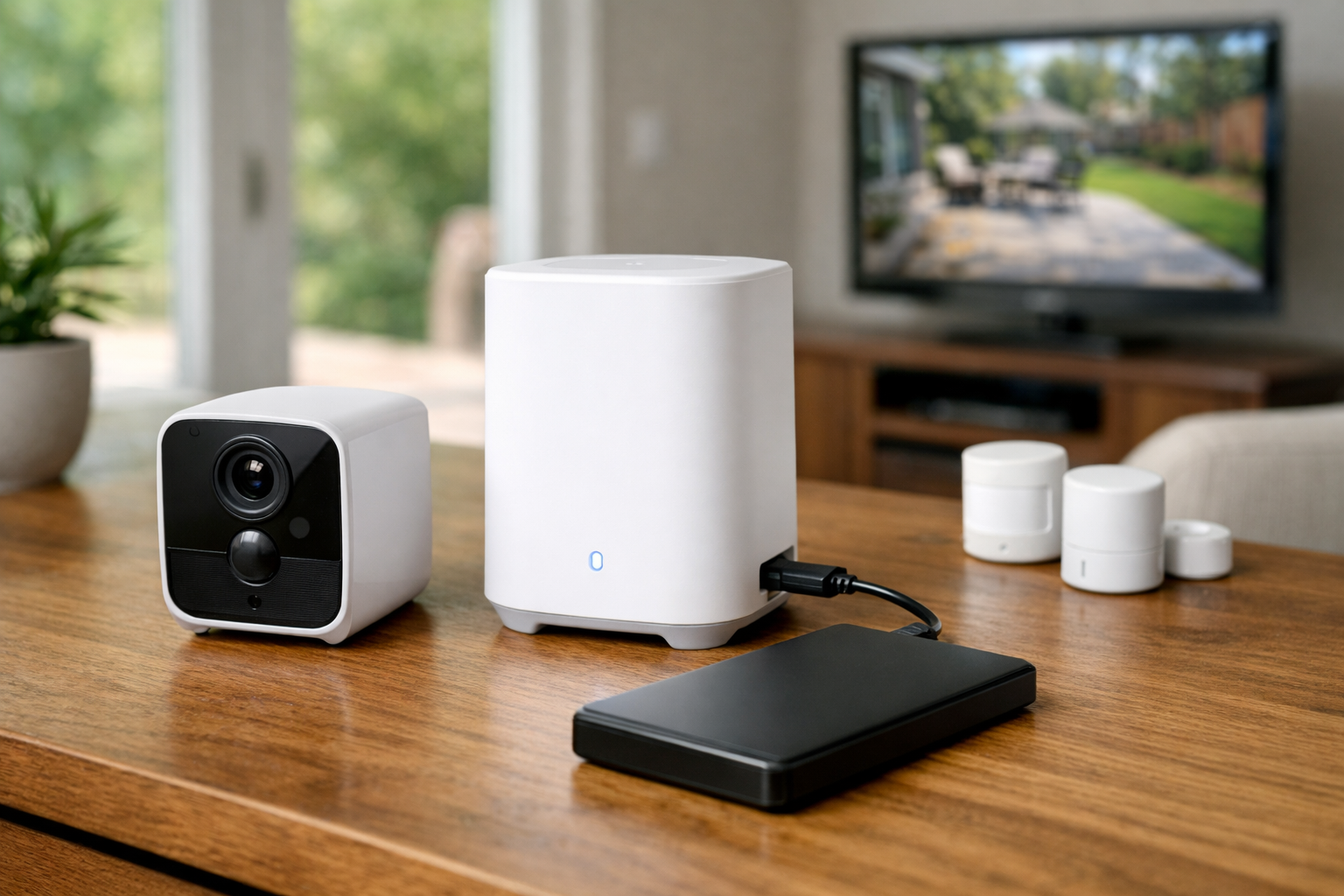
eufy is best understood as a camera-first security option rather than a replacement for a professionally monitored alarm system. Its appeal is local processing and local storage with compatible cameras and HomeBase products, which can reduce or eliminate recurring cloud-storage costs.
A compatible eufy setup can let you view recorded video and use supported advanced features without paying a monthly fee. The exact storage arrangement depends on the hardware you choose. Some cameras use onboard storage, while other setups use a HomeBase device. The eufyCam E40 2-Cam Kit is one example of a camera package built around HomeBase local storage.
Local storage is useful, but it is not automatically risk-free. If a camera, hub, or storage device is stolen or damaged, locally stored recordings may be lost. Consider placement, physical security, and whether the specific setup offers a backup option that fits your privacy and budget preferences.
eufy also notes that certain cloud backup and thumbnail-related features can involve data being sent to the cloud. If minimizing cloud use is your goal, verify the behavior of each camera and app feature before enabling it.
Best for continuous local recording: Reolink
Reolink is a strong option for shoppers building a camera-heavy system around a larger home, driveway, detached garage, or multiple exterior entry points. Rather than centering on alarm sensors and professional dispatch, Reolink focuses on cameras and local recording.
Depending on the equipment, Reolink cameras can record to microSD cards, a Home Hub, or a network video recorder (NVR). An NVR-based setup can suit buyers who want centralized local recording from multiple cameras and may prefer continuous recording rather than only motion-triggered clips.
The Home Hub Mini with Argus PT Wireless Security Kit is a more approachable example for DIY buyers who want hub-based local recording. For more extensive wired camera installations, an NVR can provide more storage and a more structured recording setup.
Reolink’s local-storage approach can avoid monthly cloud-storage fees, but budget for the storage hardware your chosen configuration needs. Confirm camera capacity, compatible storage type and capacity, power requirements, and whether the installation needs Ethernet, Wi-Fi, or both.
Budget alternatives: Wyze and SimpliSafe
Wyze: useful no-fee self-monitoring with subscription limits
Wyze can work for buyers seeking an affordable sensor-based setup and basic self-monitoring. Without a Wyze Home Monitoring subscription, Wyze sensors continue to operate and can send push notifications through the Wyze app.
Emergency dispatch and Noonlight professional monitoring require an active subscription. Some keypad functions also require a subscription, so confirm the current feature list for the precise Wyze hardware you plan to use.
SimpliSafe: straightforward DIY hardware, but plan-dependent camera recording
SimpliSafe also permits unmonitored use without a paid plan. Its no-plan experience includes live camera viewing and remote arm/disarm through the app. Professional monitoring remains a separate paid service, and camera-recording features are subscription-based.
SimpliSafe can be a reasonable option if live viewing and remote control are your priorities, but it is less appealing if you need saved video clips without another recurring cost.
How to choose among the best DIY home security systems without monthly fees
Choose an alarm-first system when sensor coverage is your priority
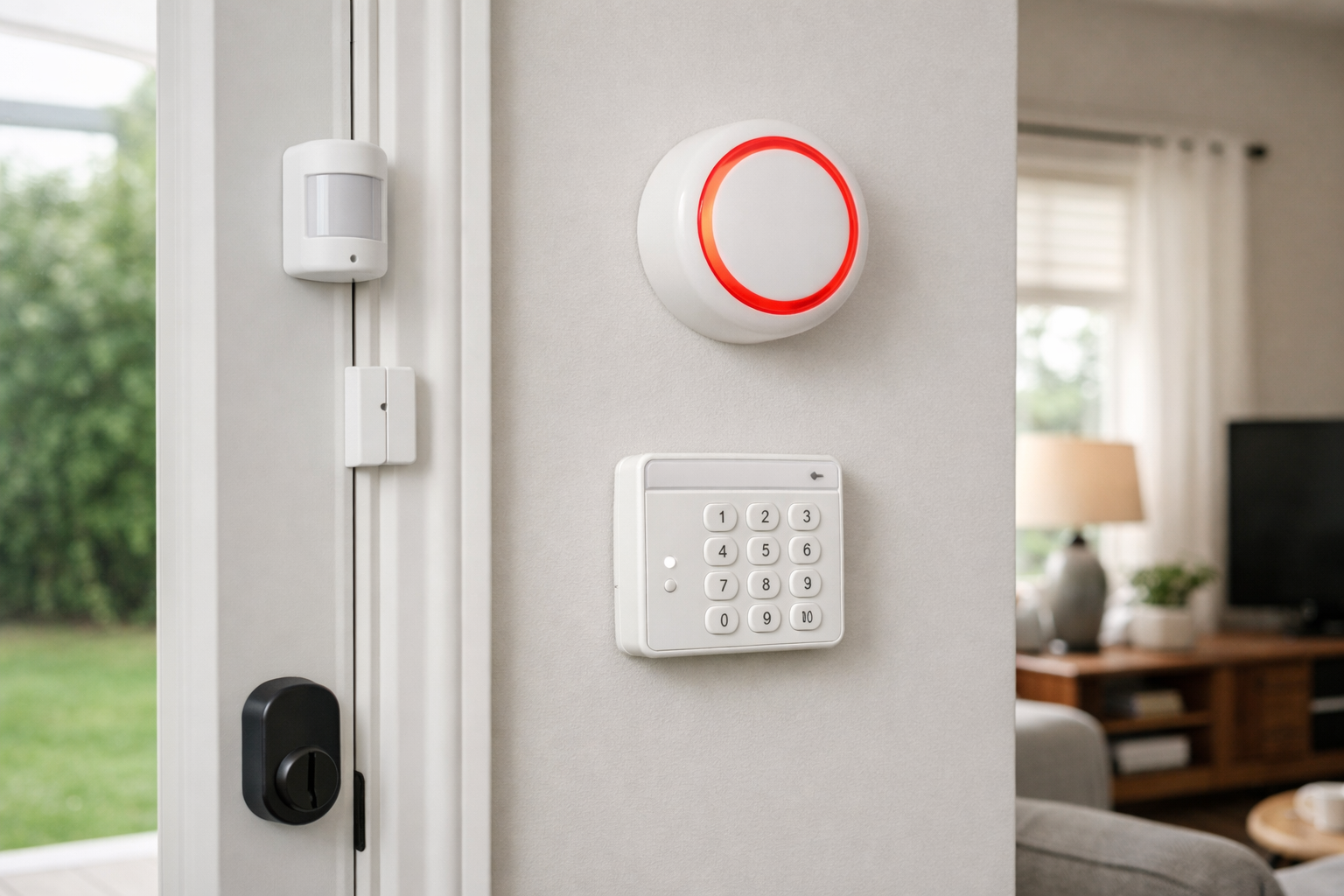
If your main concern is knowing when a door, window, or interior area is breached, begin with an alarm platform. Abode, Ring Alarm, Wyze, and SimpliSafe are the more natural starting points because they are built around hubs, sensors, keypads, and sirens.
Count the entry points you need to cover, then decide whether you need motion sensors, water-leak sensors, smoke alarms, key fobs, or panic buttons. Check what comes in the current kit instead of assuming every starter bundle includes the same accessories.
Choose a camera-first system when recorded footage is the goal
If your priority is seeing who approached the front door, documenting package deliveries, or reviewing overnight activity, eufy and Reolink deserve closer attention. Their local-storage options can be more economical over time than cloud-camera subscriptions.
Plan for internet and power outages
Do not assume a no-fee system works the same way during an outage. Local recording may continue on some equipment if cameras and storage hardware still have power, while remote alerts and live viewing usually depend on internet access. A hub, router, NVR, and cameras may all need backup power if outage resilience matters to you.
Check the documentation for the exact devices you are considering. Battery-powered cameras, wired cameras, cellular backup, local recording, and app access all have different failure points.
Be realistic about emergency response
A no monthly fee home security system is not automatically a no-response system, but the response comes from you. Establish a simple plan for household members: who receives alerts, who checks cameras, who contacts a trusted neighbor, and when to call 911.
If you travel often, cannot reliably monitor your phone, or need someone else to handle alarm events, a professional monitoring plan may be worth the ongoing cost.
What equipment do you need for a complete setup?
A basic DIY alarm system usually needs a hub or base station, entry sensors for exterior doors and accessible windows, a keypad or app for arming, and a siren. Add motion sensors selectively; homes with pets may need careful placement or pet-aware settings.
A camera-focused setup generally needs at least one camera, a stable Wi-Fi or wired network connection, and a recording destination. That destination could be a microSD card, a hub, or an NVR with compatible storage. Outdoor cameras may also need a weather-protected power plan, secure mounting, and a clear view that respects neighbors’ privacy.
For renters, adhesive-mounted sensors and wire-free cameras can reduce installation work. Still, verify your lease, ask before drilling into exterior surfaces, and avoid aiming cameras into areas where others have a reasonable expectation of privacy.
Bottom line
Among the best DIY home security systems without monthly fees, Abode offers the most balanced alarm-first experience for self-monitoring because its free tier preserves useful control, alerts, live video, and integrations. eufy is the better fit for shoppers focused on local camera storage, while Reolink stands out for larger camera installations and local recording options.
Ring Alarm, Wyze, and SimpliSafe can all be worthwhile in the right situation, but read their no-plan limitations closely before purchasing. The best choice is not simply the one with no subscription—it is the one that still provides the alerts, recording, local control, and response options you will genuinely use.
Useful references: Can I Use Wyze Home Monitoring Without a Subscription? · Professional Monitoring and Self-Monitoring with Wyze