
Disclosure: As an Amazon Associate I earn from qualifying purchases.
Shopping for the best routers for fiber internet and multi-gig speeds starts with a less exciting specification than Wi-Fi class: the Ethernet ports. A router can advertise extremely high aggregate wireless rates while still limiting a 5Gbps or 8Gbps fiber plan through a 2.5Gbps WAN port.
For most fiber homes, the right choice comes down to four questions: What speed does your ISP deliver to your router? How many wired devices need more than 1Gbps? Do you need whole-home mesh coverage? And does your provider allow a third-party router behind its ONT, Fiber Jack, or gateway?
The picks below are selected by their documented port layouts and practical fit for different service tiers. Check your ISP’s current equipment and configuration requirements before ordering, especially if you plan to bypass provider-supplied hardware or use a direct-fiber module.
Quick recommendations
- Best overall for multi-gig wired homes: TP-Link Archer BE800
- Best premium single-router option: ASUS RT-BE96U
- Best for large homes with 10Gbps-class service: NETGEAR Nighthawk RS600
- Best for 1Gbps to 2.5Gbps fiber: NETGEAR Nighthawk RS500
- Best mesh system for fast fiber and smart homes: eero Max 7
None of these routers guarantees that one wireless device will hit the full speed of your plan. Your client device, signal strength, channel width, server capacity, and local network hardware all affect the result. For a desktop, NAS, or workstation that truly needs multi-gig throughput, wired Ethernet remains the more predictable path.
How to choose the best routers for fiber internet and multi-gig speeds
Match the WAN port to your internet tier
The router’s WAN, internet, or WAN/LAN port is the connection that receives service from your ISP’s equipment. It should match or exceed your plan’s maximum speed. A 2.5Gbps WAN port is a sensible fit for 1Gbps or 2Gbps service, but it is a bottleneck for a 5Gbps, 8Gbps, or 10Gbps plan.
Google Fiber’s current guidance recommends a 10Gbps WAN port for its 2Gbps, 5Gbps, and 8Gbps plans, and recommends Wi-Fi 7 for its 8Gbps tier. Its own-router setup guidance is also a useful example of why you should confirm the handoff and setup requirements for your specific provider before buying.
Count fast LAN ports, not just the WAN port
A 10Gbps internet port is only part of the picture. If your gaming PC, NAS, desktop workstation, or switch needs more than gigabit Ethernet, the router also needs a suitably fast LAN port. One 10Gbps WAN port plus only gigabit LAN ports can still leave local devices constrained to 1Gbps.
Consider how many fast wired endpoints you have today and what you may add later. A router with multiple 2.5Gbps LAN ports is convenient for several modern PCs, docks, and switches. A 10Gbps LAN port is more useful for a NAS, a high-end workstation, or an uplink to a 10GbE switch.
Understand the ONT, Fiber Jack, and SFP+ distinction
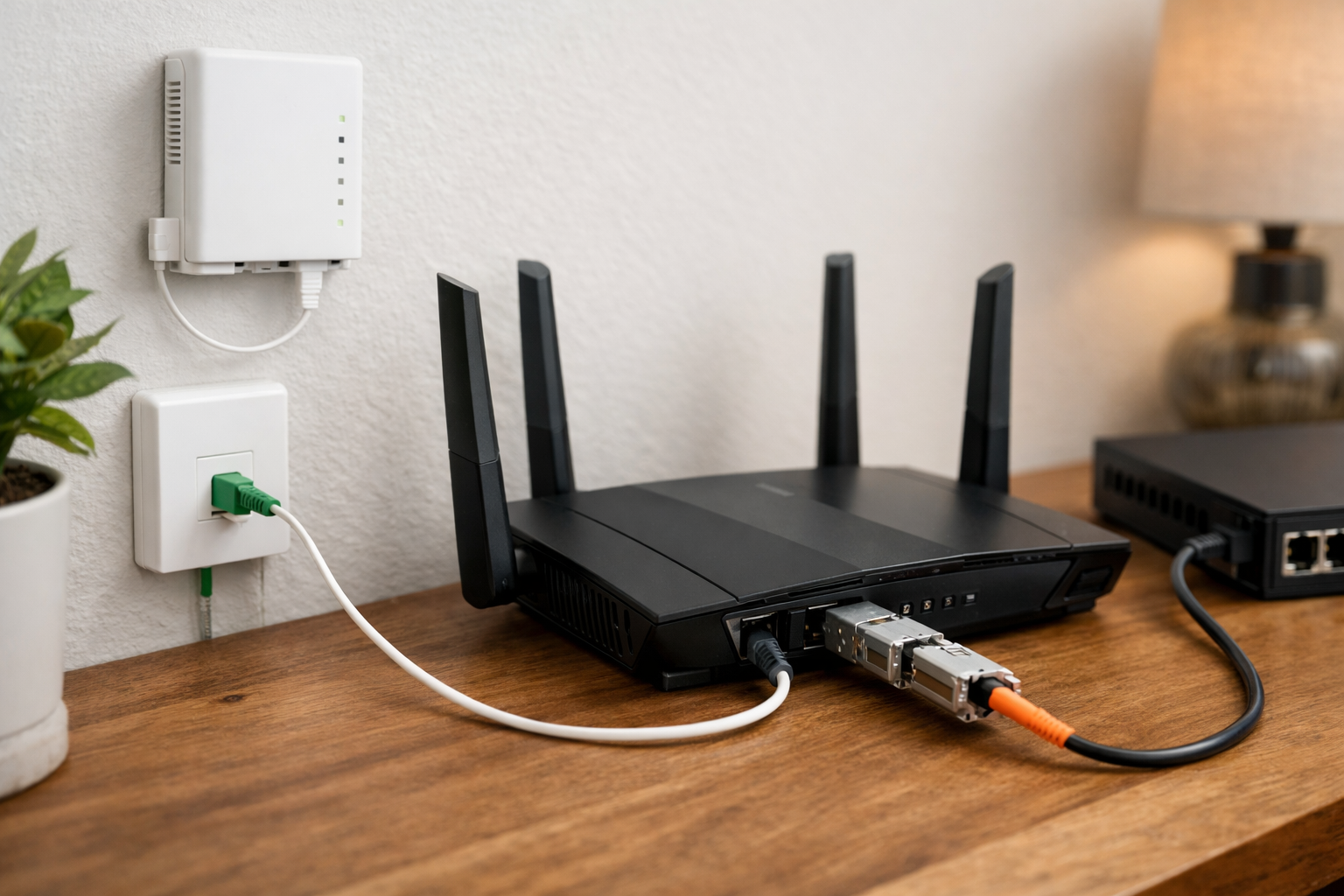
Most U.S. fiber installations use an ONT or Fiber Jack to convert the provider’s fiber connection into Ethernet. In that common arrangement, you connect the Ethernet port on the ONT or Fiber Jack to the router’s RJ45 WAN port.
An SFP+ port does not automatically mean you can plug your provider’s fiber directly into the router. Direct connections can require a provider-approved optical module, a compatible PON stick, and support for the provider’s network authentication. Some ISPs require their supplied gateway or ONT to remain in place. Verify this with your provider rather than assuming that an SFP+ port is a universal fiber input.
Choose Wi-Fi 7 for new devices, but do not buy by the label alone
Wi-Fi 7 brings features that can help compatible devices, including wider channels and newer multi-link capabilities. It is a sensible choice when you are buying a router for several years of use and own, or expect to buy, Wi-Fi 7 phones, laptops, or adapters.
Still, labels such as BE12000, BE18000, and BE19000 represent aggregate theoretical radio capacity across bands. They are not a promise that one phone or laptop will receive that speed. Older Wi-Fi 5, Wi-Fi 6, and Wi-Fi 6E clients can connect to these routers, but their own radios set the limit.
Decide whether a single router or mesh system fits the home
A capable single router can be the cleanest option in a compact or centrally wired home. A mesh system is often more practical in larger homes, long layouts, and places where the fiber entry point is stuck at one end of the building.
For the best mesh performance on multi-gig service, use wired Ethernet backhaul between nodes when possible. Wireless mesh backhaul is convenient, but it shares wireless capacity and is more affected by walls, distance, and nearby network traffic.
TP-Link Archer BE800: Best overall for multi-gig wired homes
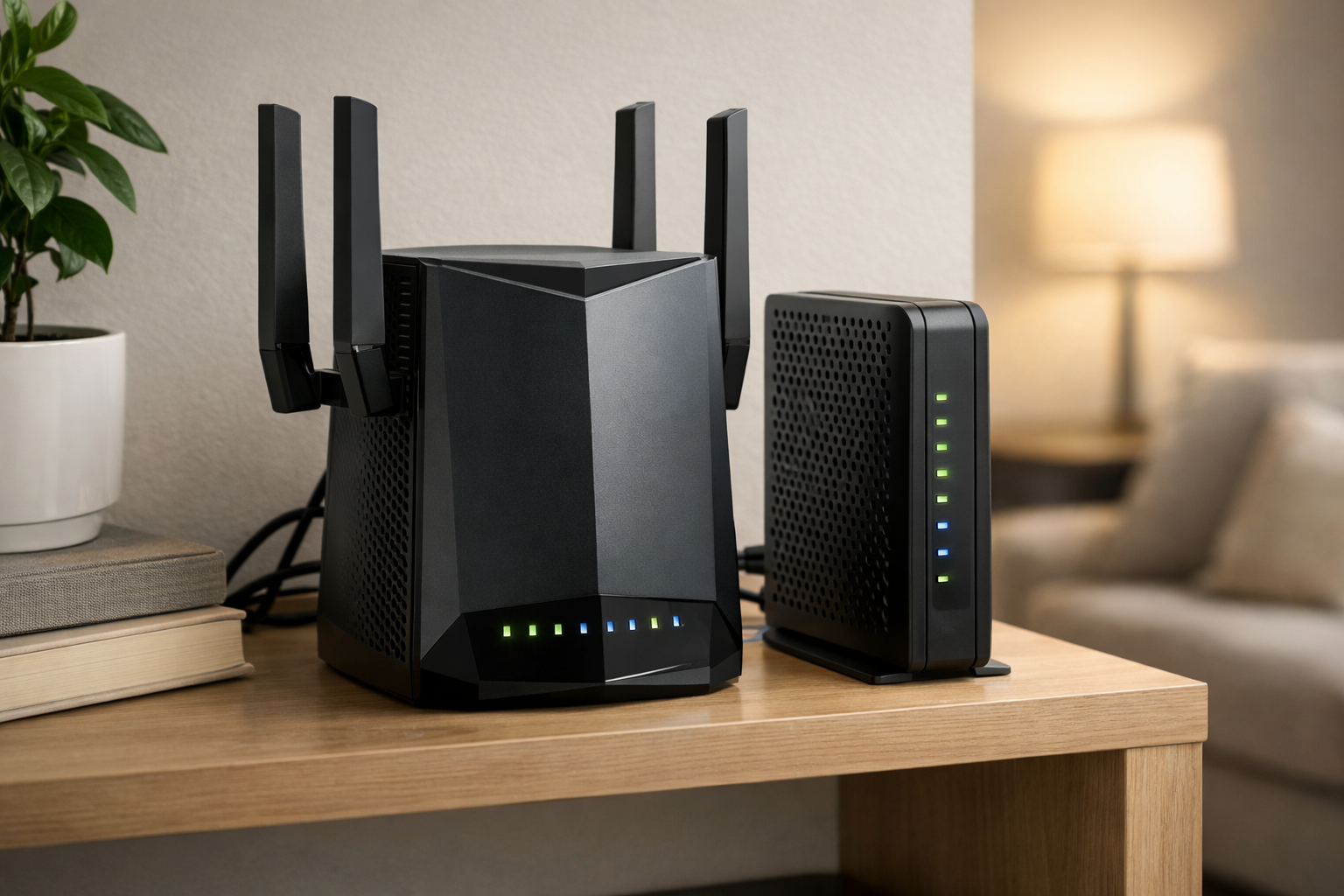
Who it is for: Fiber subscribers who want a flexible Wi-Fi 7 router with both 10Gbps-class connectivity and several 2.5Gbps ports for a desktop, NAS, switch, or multiple wired rooms.
The TP-Link Archer BE800 is the most broadly useful choice here because its wired layout supports more than one type of multi-gig setup. It has one 10Gbps RJ45 WAN/LAN port, one 10Gbps SFP+/RJ45 combo WAN/LAN port, and four 2.5Gbps LAN ports. That gives it meaningful flexibility for homes with fast service plus several local devices that can exceed gigabit Ethernet.
It is a tri-band Wi-Fi 7 router and supports TP-Link EasyMesh expansion, so it can also be a starting point for a larger coverage plan. The combo SFP+/RJ45 port is particularly useful for Ethernet-based 10Gbps networking or a compatible module, but it should not be treated as a guaranteed direct-fiber solution. Confirm whether your ISP permits and supports the module you intend to use.
This is the pick to prioritize when a 10Gbps port alone is not enough and you also want four 2.5Gbps LAN connections. See TP-Link’s Archer BE800 specifications for the documented port configuration and supported features.
ASUS RT-BE96U: Best premium single-router option
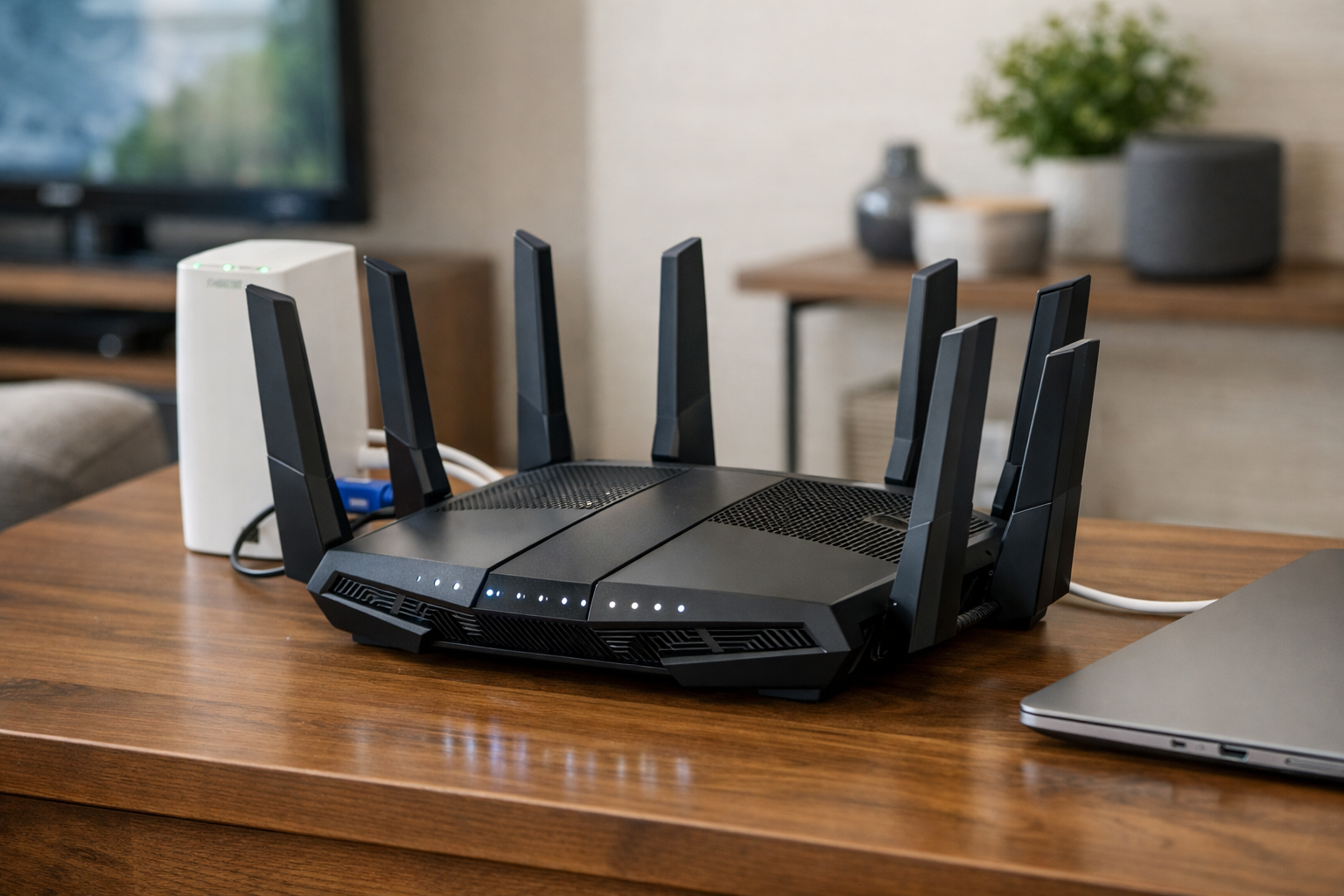
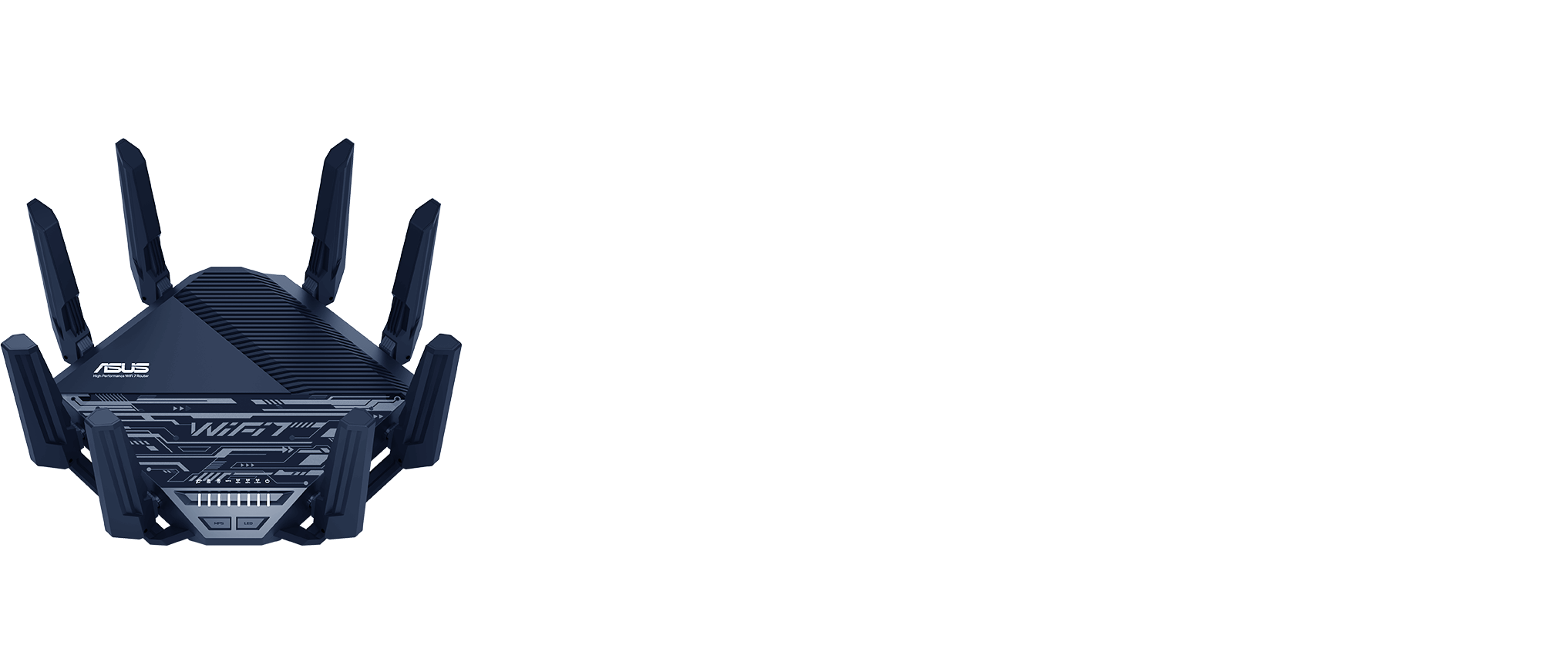
Who it is for: Advanced users who want a feature-rich Wi-Fi 7 router with dual 10Gbps ports, detailed network controls, and a path to expand coverage with AiMesh.
The ASUS RT-BE96U is a premium tri-band Wi-Fi 7 option built for households that care about both high-speed networking and configuration control. It includes two 10Gbps ports, 320MHz channel support, and ASUS AiMesh compatibility for users who may later add coverage nodes.
Its appeal is not just the port speed. ASUS positions this model with VPN, security, QoS, traffic-management, and network-management features that can matter in a household with remote work, gaming, smart-home devices, and heavy local traffic. Those controls can be more valuable than a headline wireless number when you need to prioritize a video call, limit a device, or manage guest access.
Choose it if you prefer a robust standalone router now and want mesh expansion without necessarily moving to a prepackaged mesh system. Before relying on either 10Gbps port for a particular role, review the current documentation and map out which port will feed the ISP connection and which will serve your fastest LAN device or switch.
NETGEAR Nighthawk RS600: Best for large homes with 10Gbps-class service
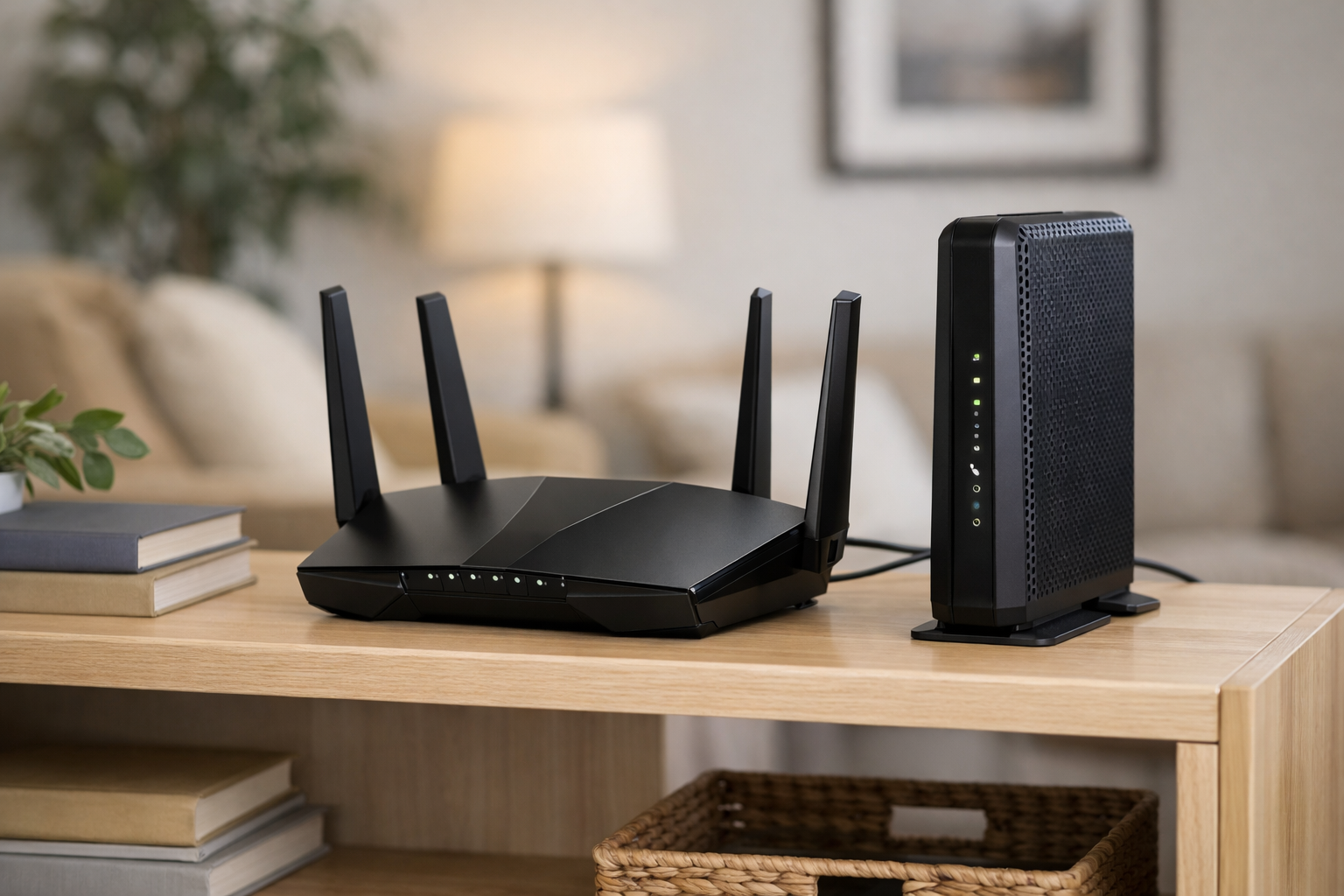
Who it is for: Larger homes that need a single Wi-Fi 7 router with a 10Gbps internet port, a separate 10Gbps LAN port, and manufacturer-rated coverage up to 3,300 square feet.
The NETGEAR Nighthawk RS600 is a strong fit for a household with 5Gbps, 8Gbps, or 10Gbps-class service and at least one fast wired device. Its documented port layout includes a 10Gbps internet port, a 10Gbps LAN port, and three gigabit LAN ports. That dedicated 10Gbps LAN connection is useful for a capable NAS, workstation, or multi-gig switch.
NETGEAR rates the RS600 for coverage up to 3,300 square feet. Treat that as a manufacturer estimate rather than a guarantee: wall materials, floor plan, router placement, and interference can change coverage significantly. A large brick, plaster, or multi-story home may still benefit from an additional access point or mesh design.
The RS600 makes the most sense when you want to preserve a high-speed ISP connection at the WAN side while keeping one equally fast wired connection available locally. Its three remaining LAN ports are gigabit, so plan on a multi-gig switch if several wired devices need faster-than-gigabit access.
NETGEAR Nighthawk RS500: Best for 1Gbps to 2.5Gbps fiber
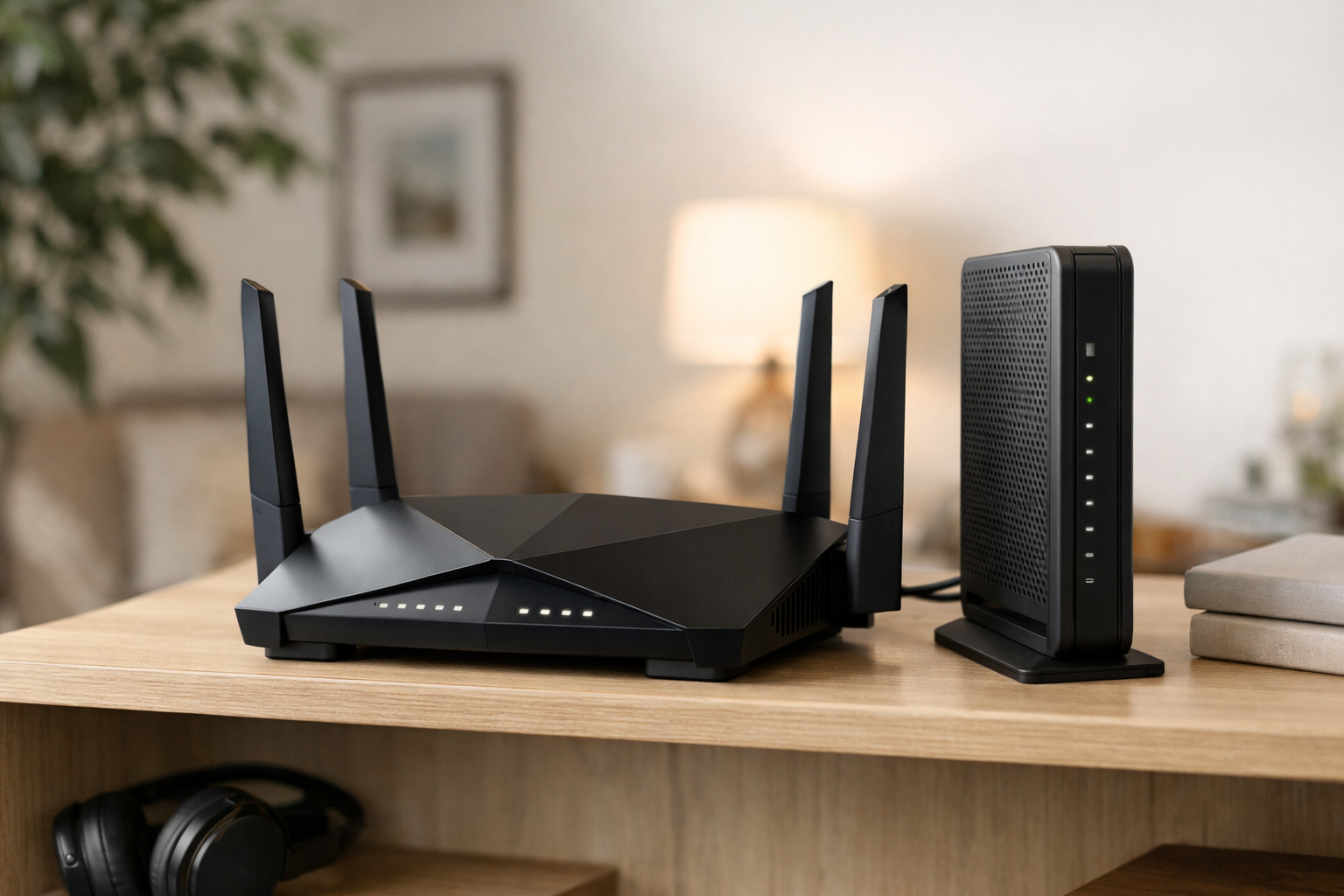
Who it is for: Households with service up to 2.5Gbps that want Wi-Fi 7 and one fast wired client connection without paying for a 10Gbps-class port layout.
The NETGEAR Nighthawk RS500 is the more targeted option for readers with 1Gbps, 2Gbps, or 2.5Gbps fiber. It has a 2.5Gbps internet port, a 2.5Gbps LAN port, three gigabit LAN ports, and tri-band Wi-Fi 7.
That layout is enough for a simple and effective 2-gig setup: connect the ONT or Fiber Jack to the 2.5Gbps internet port, then use the 2.5Gbps LAN port for a desktop, dock, NAS, or switch. It is also a sensible upgrade for users moving from a gigabit router who want faster local transfers and newer wireless capability.
Do not select the RS500 if you expect to upgrade soon to 5Gbps, 8Gbps, or 10Gbps service. Its 2.5Gbps internet port cannot pass those tiers at their full provisioned speed. That limitation is not a problem for the right plan; it is a reason to match the router to your likely service horizon.
eero Max 7: Best mesh router for fast fiber and smart homes
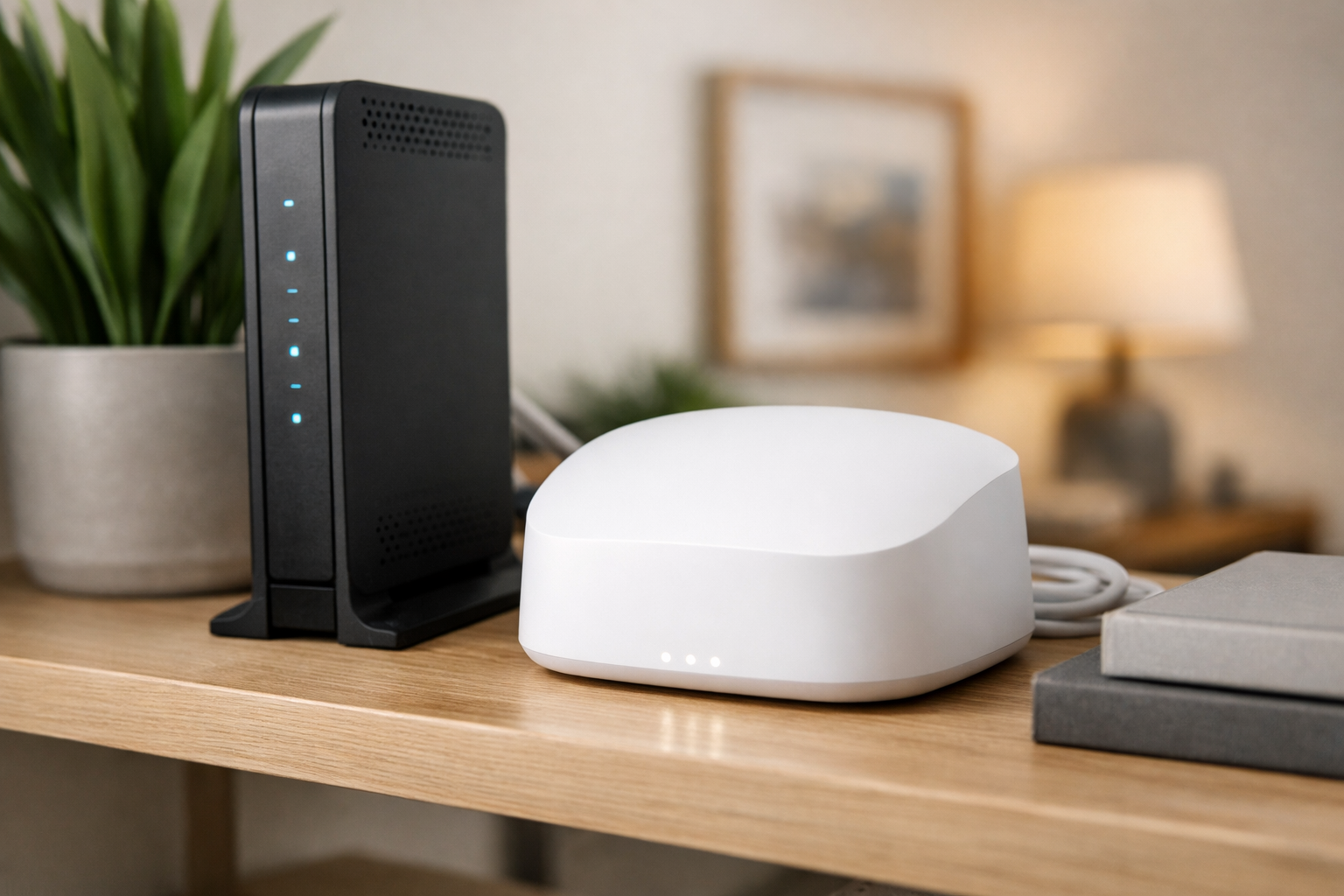
Who it is for: Households that need easy whole-home mesh coverage, wired multi-gig flexibility, and integrated Matter, Thread, and Zigbee smart-home support.
The eero Max 7 is the mesh-focused choice in this group. Each unit includes two 10Gbps Ethernet ports and two 2.5Gbps Ethernet ports, which creates useful options for a high-speed WAN connection, wired backhaul, a switch, and local wired clients. eero lists wired speeds up to 9.4Gbps and wireless speeds up to 4.3Gbps.
Those different figures illustrate an important multi-gig reality: 10Gbps ports help move data around a wired network, but Wi-Fi devices will usually see lower speeds. In a multi-node installation, wiring the nodes together can preserve more of the fiber connection for clients than relying only on wireless backhaul.
The built-in Matter, Thread, and Zigbee support may reduce the need for separate smart-home hubs in some homes. Choose eero Max 7 when straightforward mesh management and smart-home integration are more important than granular router controls. If you need to cover several areas, verify whether a one-pack, two-pack, or three-pack best suits the layout and whether Ethernet is available at potential node locations.
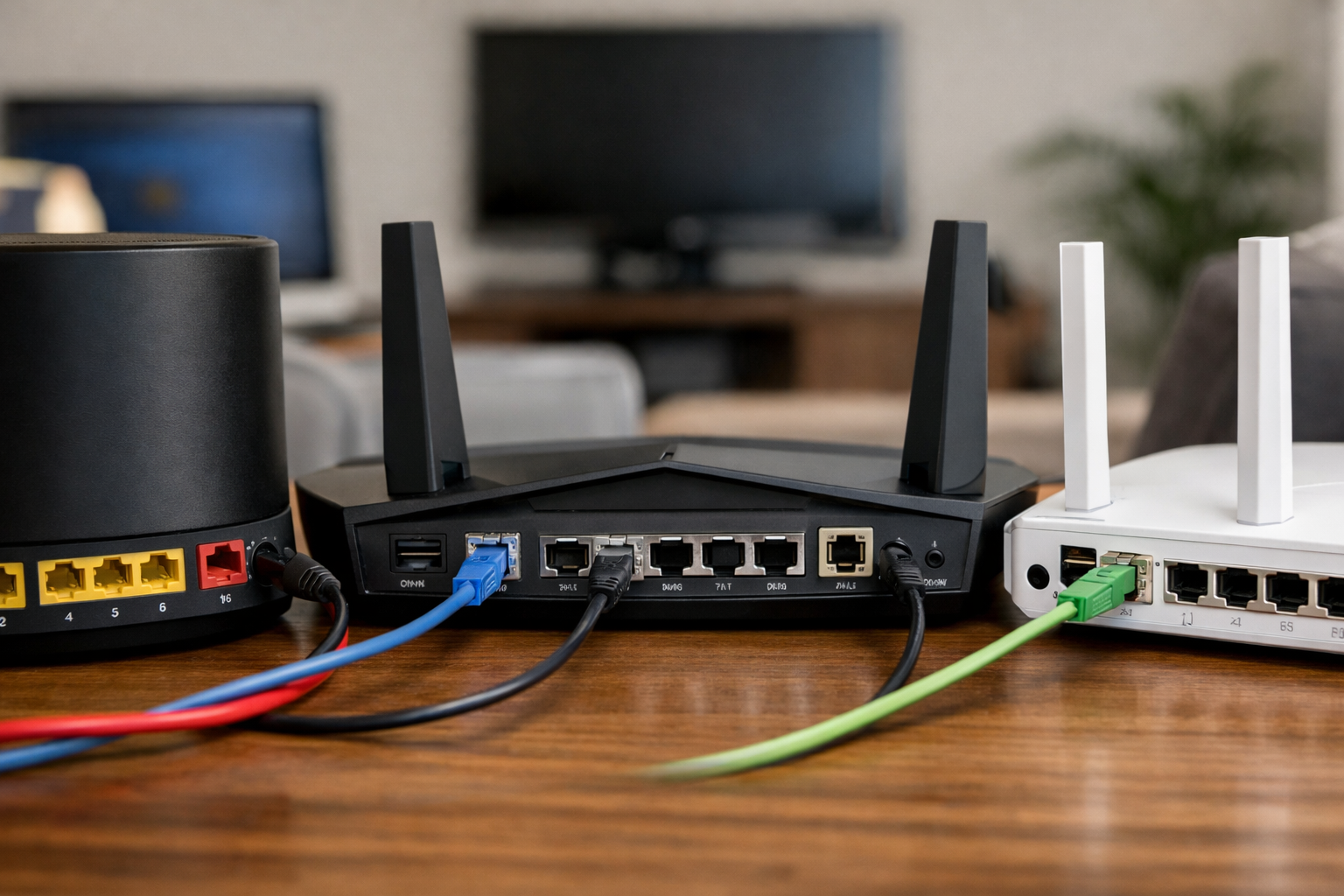
Router comparison: ports and best use cases
| Router | Fast port configuration | Best fit |
|---|---|---|
| TP-Link Archer BE800 | One 10Gbps RJ45 WAN/LAN; one 10Gbps SFP+/RJ45 combo WAN/LAN; four 2.5Gbps LAN | Multi-gig homes with several fast wired devices |
| ASUS RT-BE96U | Two 10Gbps ports | Power users who want advanced controls and AiMesh expansion |
| NETGEAR Nighthawk RS600 | One 10Gbps internet; one 10Gbps LAN; three gigabit LAN | Large homes and 10Gbps-class service with one fast wired endpoint |
| NETGEAR Nighthawk RS500 | One 2.5Gbps internet; one 2.5Gbps LAN; three gigabit LAN | 1Gbps to 2.5Gbps fiber plans |
| eero Max 7 | Two 10Gbps Ethernet; two 2.5Gbps Ethernet | Whole-home mesh with wired backhaul and smart-home integration |
What you need to actually reach multi-gig speeds
A router upgrade alone does not turn every device into a multi-gig device. Trace the entire connection from the ISP handoff to the device you want to speed up.
- ONT or Fiber Jack: Confirm the Ethernet port speed provided by the ISP. A gigabit handoff cannot supply more than gigabit Ethernet to your router.
- Router WAN: Use a WAN port that matches or exceeds the service tier.
- Router LAN and switch: A 10Gbps WAN does not make gigabit LAN ports faster. Use a 2.5GbE or 10GbE switch where multiple fast wired devices are needed.
- Client hardware: Your computer, NAS, dock, or game console needs a compatible Ethernet adapter. Many devices still have only 1GbE ports.
- Cabling: Use Cat6 or better for multi-gig runs. Google Fiber specifically recommends Cat6 or higher for best speeds.
- Wi-Fi clients: A Wi-Fi 7 router helps most when the client also supports Wi-Fi 7. Distance and obstructions still matter.
It is also normal for an internet speed test to differ from your plan’s headline number. The test server, browser, device processor, Wi-Fi conditions, and network overhead can all influence the result. Test a capable computer over Ethernet first when troubleshooting an unexpectedly slow connection.
Fiber ISP compatibility checklist
Before purchasing one of the best routers for fiber internet and multi-gig speeds, ask your provider or review its current support documentation for these details:
- Does the ISP provide an ONT, Fiber Jack, gateway, or all-in-one router?
- What Ethernet speed does the handoff provide: 1Gbps, 2.5Gbps, 5Gbps, or 10Gbps?
- Can you connect your own router directly to that Ethernet handoff?
- If a gateway is required, does it offer bridge mode, IP passthrough, or a similar mode?
- Does the service require PPPoE credentials, VLAN tagging, DHCP options, or other router settings?
- Can the provider’s router function be disabled without affecting phone, TV, or support services?
- Does the provider permit direct fiber with a third-party SFP+ or PON module, and which exact module is approved?
These answers vary by ISP, region, equipment generation, and plan. Even within one provider, a 1Gbps installation may use different hardware and rules than an 8Gbps installation. Do not order an optical module or plan a gateway bypass until compatibility is explicitly verified.
Who should buy a multi-gig router—and who should skip?
- Consider upgrading when your fiber plan exceeds 1 Gbps, your ONT or gateway handoff supports it, and you have—or plan—2.5 GbE or faster wired clients, NAS use, or heavy multi-user demand that can saturate gigabit service.
- Also consider it for whole-home Wi-Fi 7 upgrades with compatible clients, wired mesh backhaul, or local transfers that benefit from faster LAN ports.
- Skip or wait if your plan is well below 1 Gbps and your current router already covers the home; if every wired device is 1 GbE only; if you are buying Wi-Fi 7 with no compatible clients and no near-term need; or if the real problem is placement, interference, or ISP service—see how to fix slow Wi-Fi before shopping.
The bottleneck chain (ISP to app)
End-to-end speed is limited by the slowest relevant link: ISP plan → ONT/modem/gateway handoff → router WAN → router processing → LAN or Wi-Fi → switch/cabling → client adapter → server or app. A faster router does not raise your ISP tier, and marketing Wi-Fi rates are not the same as sustained internet throughput to one device.
WAN vs LAN: three common scenarios
Scenario A: 2 Gbps fiber and a 2.5 GbE WAN, but only 1 GbE LAN ports—a single wired PC may still top out near gigabit unless it uses a multi-gig LAN port or a downstream 2.5 GbE switch.
Scenario B: Multi-gig WAN plus a 2.5 GbE or 10 GbE LAN port and a compatible client can support a faster wired path, subject to cabling, switch, and adapter limits.
Scenario C: Multi-gig WAN with several 1 GbE LAN devices—no one client exceeds gigabit, but aggregate household wired and Wi-Fi use can still benefit from a faster WAN and router capacity.
1 Gbps, 2.5 Gbps, 5 Gbps, and 10 Gbps (practical framing)
- Up to ~1 Gbps ISP: 1 GbE WAN/LAN may still suffice for many homes; multi-gig can help NAS/local traffic or future plans.
- ~1–2.5 Gbps ISP: A 2.5 GbE WAN matters; a 2.5 GbE LAN matters when one wired client should exceed gigabit.
- ~5 Gbps ISP: Plan 10 Gbps-class WAN (and matching handoff) plus thoughtful LAN/switch design.
- 10 Gbps-class: Useful mainly when switches, cabling, clients, and workloads—not just the router—support it.
Wi-Fi 6, Wi-Fi 6E, and Wi-Fi 7
Wi-Fi 6 uses 2.4 and 5 GHz. Wi-Fi 6E adds 6 GHz on compatible routers and clients. Wi-Fi 7 is the newer generation; features such as wider channels and Multi-Link Operation (MLO) depend on both router and client support and vary by implementation—benefits are not automatic for every Wi-Fi 7 device.
6 GHz generally does not penetrate walls as well as lower bands; Wi-Fi 7 does not by itself fix coverage gaps. Older Wi-Fi 5/6 clients remain limited by their own radios even on a Wi-Fi 7 router.
Wired vs wireless expectations
For the most predictable multi-gig internet tests, use Ethernet on a capable client. Wi-Fi results depend on band, distance, interference, channel conditions, and client capability—not the router’s aggregate label. Do not compare PHY marketing numbers directly to your ISP plan speed.
Mesh, backhaul, apartment vs large home
Mesh improves coverage, not automatically speed. Wireless backhaul shares radio airtime; MoCA or Ethernet backhaul can be more consistent when coax or cabling allows. Multi-gig backhaul needs compatible ports on both ends.
Apartments and smaller homes: One well-placed router may outperform unnecessary mesh; neighbor congestion often matters more than raw transmit power. Larger or multi-floor homes: Node placement and backhaul architecture matter more—wire nodes when you can.
Local NAS and LAN traffic
Multi-gig routers can help local transfers (NAS, backups, media) even when ISP service is below multi-gig—but the NAS, switch, and client interfaces must also support the faster link. A fast WAN alone does not speed up a 1 GbE-only NAS.
When a multi-gig router is not worth it
- ISP service is well below 1 Gbps and performance is already adequate.
- All wired clients are 1 GbE; most devices are older Wi-Fi.
- Coverage is good and usage is light—the issue is placement or interference, not port class.
- You expect a router alone to overcome a gigabit ONT handoff or building wiring limits.
Common buying mistakes
- Shopping by Wi-Fi class numbers while ignoring WAN speed.
- Buying multi-gig WAN with only gigabit LAN and no plan for a switch or multi-gig client port.
- Assuming one 2.5 GbE port means several wired 2.5 GbE devices without a switch.
- Ordering 10 GbE gear without matching switches, cables, and clients.
- Buying Wi-Fi 7 for Wi-Fi 5/6-only clients and expecting full plan speed on Wi-Fi.
- Expecting 6 GHz to reach distant rooms like 2.4 GHz.
- Overlooking ONT/gateway handoff speed or ISP bridge requirements.
- Adding mesh nodes instead of fixing router placement or wired backhaul.
- Replacing hardware before ruling out ISP or Wi-Fi issues.
Multi-gig router decision table
Editorial summary from the sections above—confirm current port maps and firmware on each manufacturer’s site before purchase.
| Router | Best for | Wi-Fi (per article) | WAN / internet port | Multi-gig LAN (per article) | Mesh expansion | Main trade-off |
|---|---|---|---|---|---|---|
| TP-Link Archer BE800 | Flexible multi-gig wired homes | Tri-band Wi-Fi 7 | 10 GbE RJ45 WAN/LAN + 10 GbE SFP+/RJ45 combo WAN/LAN | Four 2.5 GbE LAN (+ combo port flexibility) | TP-Link EasyMesh | SFP+/direct fiber depends on ISP approval—not plug-and-play for all fiber |
| ASUS RT-BE96U | Premium single-router control | Tri-band Wi-Fi 7 | Assign one of two 10 GbE ports (plan roles in docs) | Second 10 GbE port for LAN/switch | ASUS AiMesh | Advanced features add complexity; map WAN vs LAN ports carefully |
| NETGEAR Nighthawk RS600 | 10 Gbps-class service, large home | Wi-Fi 7 | 10 GbE internet | One 10 GbE LAN; three 1 GbE LAN | Single-router focus | Only one dedicated 10 GbE LAN—add switch for many fast wired clients |
| NETGEAR Nighthawk RS500 | 1–2.5 Gbps fiber | Tri-band Wi-Fi 7 | 2.5 GbE internet | One 2.5 GbE LAN; three 1 GbE LAN | Single-router focus | 2.5 GbE WAN caps future 5–10 Gbps upgrades |
| eero Max 7 | Mesh + smart home | Wi-Fi 7 mesh system | Use 10 GbE or 2.5 GbE port per pack layout | Two 10 GbE + two 2.5 GbE per unit (per article) | Native mesh packs | Wireless backhaul may not deliver full fiber speed to distant clients |
HomeTechSignal Recommendation
- Best for 2 Gbps fiber: NETGEAR Nighthawk RS500 when 2.5 GbE WAN/LAN matches the plan; step up if you already know you will move to 5 Gbps+.
- Best for 5 Gbps / advanced wired networks: TP-Link Archer BE800 or NETGEAR Nighthawk RS600 when you need 10 Gbps-class WAN and a thought-out LAN path.
- Best Wi-Fi 7 all-rounder: Archer BE800 for port flexibility; ASUS RT-BE96U for deep router controls.
- Best for multi-gig LAN / NAS: Archer BE800 (multiple 2.5 GbE LAN) or RS600 (dedicated 10 GbE LAN) depending on client speed.
- Best for mesh expansion: eero Max 7—prefer wired backhaul between nodes when possible.
- Best value if you do not need Wi-Fi 7: Not covered by this list; keep a solid gigabit or 2.5 GbE router if clients and ISP do not justify Wi-Fi 7 pricing.
- Best action if hardware is fine: Fix ONT handoff, cabling, and placement first; troubleshoot with our slow Wi-Fi guide.
For smart-home protocol context (Wi-Fi vs Thread/Matter), see how to choose the right smart home connection. Router VPN setup is separate from port speed—see VPN on your home router if you need that feature.
The right router depends on where your bottleneck is
The best routers for fiber internet and multi-gig speeds are not automatically the models with the largest Wi-Fi number. For 2Gbps service, the NETGEAR Nighthawk RS500 covers the essential 2.5Gbps WAN and LAN needs. For 5Gbps through 10Gbps plans, the TP-Link Archer BE800, ASUS RT-BE96U, and NETGEAR Nighthawk RS600 offer the 10Gbps-class ports that prevent an immediate WAN bottleneck. For coverage across a larger home, the eero Max 7 is a compelling mesh-oriented option, especially when you can wire its nodes together.
Start with your ISP handoff speed, then map the wired devices and rooms that genuinely need faster-than-gigabit connections. That approach will lead to a better result than buying based on a theoretical wireless rating alone.
If reliable internet access matters during a power outage, consider pairing your networking equipment with a UPS for a router and modem.
Useful references: Archer BE800 BE19000 Tri-Band Wi-Fi 7 Router