
Disclosure: As an Amazon Associate I earn from qualifying purchases.
This guide covers the best MoCA adapters for faster home networking. If a distant room has a coax outlet but unreliable Wi-Fi, a MoCA adapter can be a practical alternative to running new Ethernet through walls. MoCA, short for Multimedia over Coax Alliance, uses a home’s existing coaxial cable as a wired network path. That can be especially useful for a mesh Wi-Fi node, game console, desktop, streaming box, or work-from-home setup.
The best MoCA adapters for faster home networking use MoCA 2.5 and include a 2.5GbE Ethernet port, so they are less likely to become a bottleneck as routers, switches, and internet plans move beyond gigabit speeds. But a less expensive adapter with a 1GbE port can still make sense when every connected device is limited to gigabit Ethernet.
Before ordering anything, confirm that the coax outlets you plan to use are connected to the same active coax network. You should also check whether your internet gateway already has MoCA built in. In that case, you may need only one add-on adapter at the remote room rather than a pair.
The Best MoCA Adapters at a Glance
- Best overall for multi-gig networks: ScreenBeam ECB7250
- Best alternative 2.5GbE pick: goCoax MA2500D
- Best for flexible coax connections: Motorola MM1025
- Best for gigabit-only devices: ScreenBeam ECB6250
Why use MoCA instead of Wi-Fi or new Ethernet cabling?
MoCA is Ethernet over coax: it sends network traffic over coaxial wiring already installed in many U.S. homes. A wired link can be valuable where Wi-Fi has to travel through multiple walls, floors, appliances, or dense building materials. It can also give an Ethernet-capable mesh node a wired backhaul connection rather than relying on a wireless hop.
MoCA Home 2.5 is designed for up to 2.5Gbps of actual MAC-layer throughput and is backward-compatible with earlier MoCA versions. The standard is intended to offer low-latency networking over coax, but the number on the box is not a promise of 2.5Gbps at every device. Coax condition, splitters, cable quality, network noise, Ethernet-port speeds, and your broadband plan all matter. The MoCA Alliance’s Home 2.5 overview explains the standard’s capabilities and coexistence approach.
For a Wi-Fi backhaul setup, connect an adapter’s Ethernet port to an Ethernet-capable mesh satellite or access point. Confirm that your particular mesh system supports wired backhaul first; adding MoCA does not automatically enable that feature. If you are also shopping for a new whole-home wireless system, see our Best Wi-Fi 7 Mesh Systems for Large Homes guide.
Our recommended MoCA adapters
ScreenBeam ECB7250: Best overall for multi-gig home networks
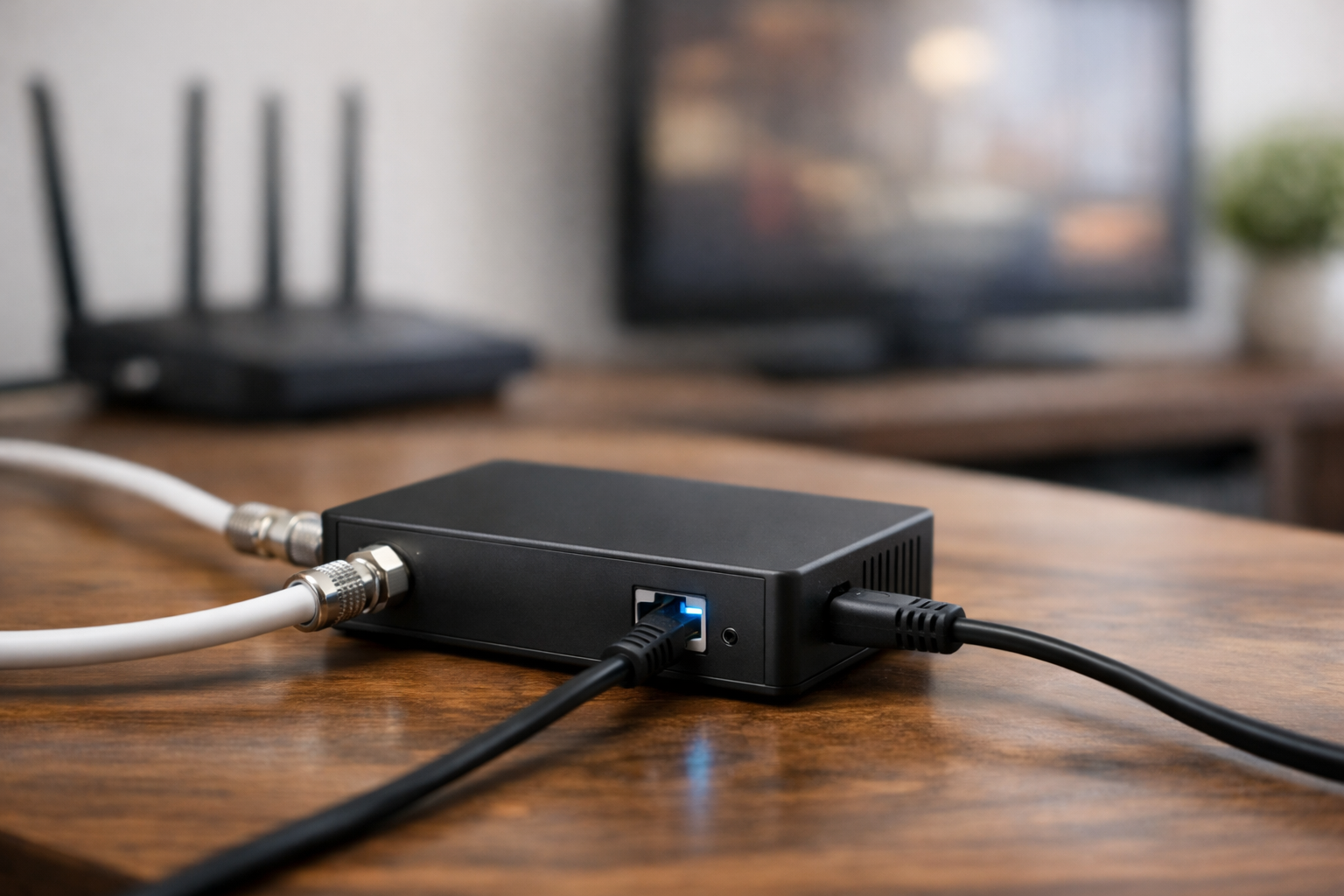
The ScreenBeam ECB7250 is the default choice for homes where the router, switch, computer, access point, or mesh node has a 2.5GbE port. It combines MoCA 2.5 with a 10/100/2500 Ethernet port, allowing a compatible endpoint to use more than gigabit Ethernet speed when the rest of the network can support it.
It supports MoCA Protected Setup for pairing, works with MoCA 1.0, 1.1, and 2.0 equipment, and supports up to 16 MoCA nodes. That makes it a sensible starting point for a home that may eventually add more wired rooms. ScreenBeam also notes that actual performance depends on the coax network and connected equipment, so treat its maximum rating as network potential rather than a guaranteed speed test result.
Who it is for: Homeowners or renters building a 2.5GbE-ready network for wired mesh backhaul, a gaming setup, a home office, or a multi-gig internet connection.
goCoax MA2500D: Best alternative MoCA 2.5 adapter with 2.5GbE

The goCoax MA2500D is another MoCA 2.5 adapter with a 2.5GbE Ethernet connection. It uses bonded MoCA 2.5, supports up to five bonded channels and up to 16 nodes, and includes push-button pairing. goCoax lists real traffic throughput of up to 2.5Gbps, subject to the limits of the coax installation and connected network hardware.
This is a comparable choice for buyers who want a 2.5GbE-capable MoCA link but prefer its feature set or find it available in the right single-unit or multi-unit configuration. Verify current availability before planning a larger installation: the manufacturer’s product page may not reflect stable retail stock.
Who it is for: Buyers with 2.5GbE routers, switches, or access points who want a MoCA 2.5 alternative to the ScreenBeam pick.
Motorola MM1025: Best for flexible coax and cable or Fios setups

The Motorola MM1025 pairs MoCA 2.5 with a 2.5GbE Ethernet port and has two coax connectors: one for the coax network and one for a connected device or service feed. That pass-through-oriented design can be helpful at an outlet that also serves equipment needing coax.
The MM1025 is backward-compatible with MoCA 1.0 through 2.5, includes a point-of-entry filter, and carries a two-year warranty according to Motorola’s documentation. Its included filter can be useful, but do not assume it solves every installation. Your gateway model, cable provider setup, and coax topology determine whether and where a filter is needed.
Who it is for: Buyers who need a 2.5GbE MoCA adapter and appreciate two coax connections or an included PoE filter, particularly in cable-internet or Verizon Fios-style installations.
ScreenBeam ECB6250: Best for gigabit-only endpoints
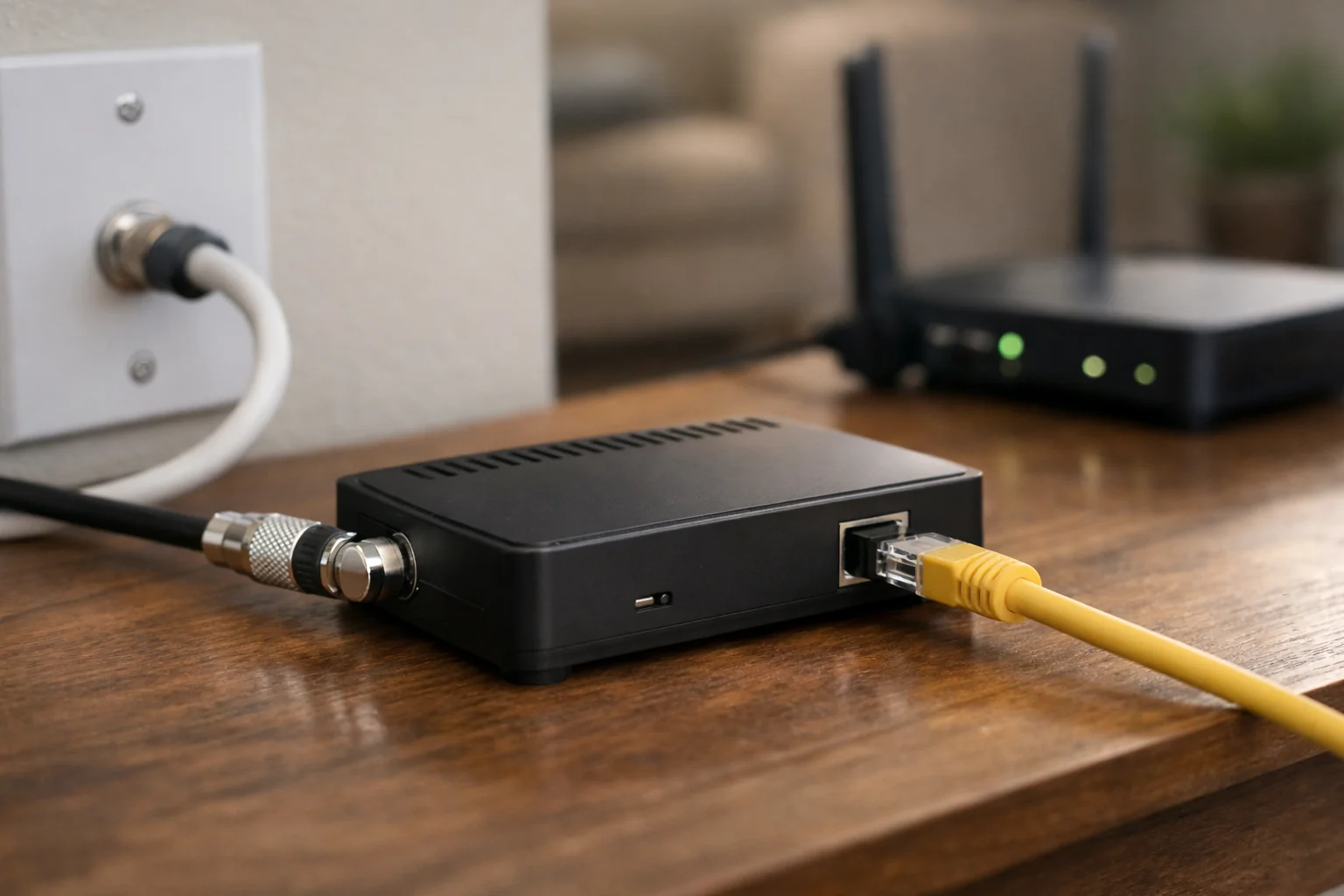
The ScreenBeam ECB6250 uses MoCA 2.5 over coax but has a 1GbE Ethernet port. That distinction is important: the coax portion may be capable of more, but a device connected to this adapter is limited by its gigabit Ethernet interface.
It still supports up to 16 MoCA nodes, includes MoCA Protected Setup, and is backward-compatible with earlier MoCA versions. For a television, game console, streaming device, standard gigabit mesh node, or desktop that has only a 1GbE Ethernet port, that limit may not be meaningful.
Who it is for: Homes whose router and remote devices are all gigabit Ethernet, or buyers who want dependable wired connectivity without paying for 2.5GbE hardware they cannot yet use.
How to choose the best MoCA adapters for faster home networking

Start with the Ethernet ports, not just the MoCA label. A MoCA 2.5 adapter with a 1GbE port can be an excellent gigabit solution, but it will cap the speed available to the device attached to that port. To benefit from a 2.5GbE adapter, the router or switch at one end and the endpoint at the other end should also have 2.5GbE-capable ports.
A typical two-room setup needs two MoCA endpoints. That could mean two standalone adapters, or one standalone adapter plus a compatible router, gateway, or modem with MoCA built in. Check your equipment documentation rather than assuming a gateway supports MoCA because it has a coax connector.
Choose 2.5GbE now if you have multi-gig networking equipment, expect to add it soon, or want to use the same coax link for a fast access point and multiple local devices. Choose 1GbE if your internet service is gigabit or slower, remote devices are gigabit-only, and you do not anticipate a multi-gig upgrade.
Also consider what is attached at the remote end. A single adapter can feed one Ethernet device directly. If you need to connect a mesh node, desktop, console, and TV-area devices in one room, add a suitable Ethernet switch. For a multi-gig setup, that switch needs 2.5GbE uplink capability if you want more than gigabit speed between the MoCA adapter and local devices.
MoCA compatibility and installation checklist
- Confirm the coax path. The outlet near the router and the remote outlet must connect through the same usable coax network. Disconnected outlets, damaged cable, old components, or isolated coax runs can prevent a link.
- Check for built-in MoCA. Some provider gateways have MoCA capability, while others do not. Ask your ISP or consult the gateway documentation to determine whether you need one adapter or two and whether a particular MoCA setting is required.
- Inspect splitters. A coax outlet shared with a TV or set-top box may require a splitter. Avoid daisy-chaining splitters where possible, since every added component can affect signal quality. Use a splitter appropriate for MoCA frequencies when the setup requires one.
- Plan for a PoE filter. A point-of-entry filter is often installed where the cable line enters the home. It can keep MoCA signals within the home coax network and may be required or recommended for certain cable and DOCSIS 3.1 arrangements. Follow the instructions for your adapter, modem, and ISP service.
- Separate service compatibility from network compatibility. MoCA can generally coexist with cable internet and television service on properly configured coax. Fiber customers can also use MoCA for in-home networking when their coax topology and gateway support it.
- Be careful with satellite TV. DirecTV, Dish, and other satellite systems may use frequencies that conflict with MoCA. Some manufacturers and providers specifically exclude satellite compatibility. Do not connect a MoCA system to satellite coax unless your provider and adapter documentation explicitly support the arrangement.
- Use the right cables. Short, intact RG6 coax cables and sound Ethernet cables help avoid avoidable problems. A 2.5GbE adapter cannot overcome a damaged coax run or a remote device with only 1GbE Ethernet.
Verizon’s MoCA Ethernet Adapter support guidance is a useful reference for basic connection layouts, splitter considerations, and troubleshooting. If an installation links but performs poorly, simplify the coax path temporarily: test with fewer splitters, verify the Ethernet links at both ends, and confirm that the remote device is negotiating at the speed you expect.
MoCA 2.5 vs. MoCA 2.0: is an upgrade worthwhile?
MoCA 2.5 is the better default for a new purchase because it offers greater network capacity and remains backward-compatible with earlier MoCA versions. That does not mean every home must replace working MoCA 2.0 hardware immediately. If your use is limited to a gigabit internet plan and a single gigabit device, an existing setup may already be adequate.
The case for upgrading is stronger when a wireless access point, NAS, desktop, or 2.5GbE switch needs more than gigabit local-network performance. It is also worthwhile when you are buying your first adapters and want to avoid replacing them after adding faster network hardware.
Who should buy MoCA adapters—and who should skip?
- Consider MoCA if usable coax already connects the rooms you care about, Ethernet in the wall is not available, and you want more consistent wired backhaul for gaming, video calls, streaming, NAS transfers, or a mesh node.
- Good fits include homeowners and many renters who can use existing coax without opening walls, plus mesh users who need wired backhaul when their system supports it.
- Skip or pause if coax outlets are disconnected, unknown, shared with another unit, or tied to satellite gear your adapter documentation excludes.
- Reconsider if you already have Ethernet where you need it, you are unwilling to inspect splitters and filters, or you expect MoCA to fix a slow ISP plan rather than local wiring between rooms.
MoCA vs Wi-Fi vs Ethernet (practical choice)
Use Ethernet when in-wall or surface-run cable is already in place or easy to add—conceptually the simplest dedicated wired path.
Consider MoCA when coax already links rooms but new Ethernet is impractical, and you need stable wired backhaul instead of a weak wireless hop. MoCA does not replace Wi-Fi access points; it can feed them. If wireless coverage is still the problem after backhaul is fixed, see how to fix slow Wi-Fi and our Wi-Fi 7 mesh systems guide.
Lean on Wi-Fi or mesh alone when no usable coax path exists or portability matters more than wired consistency.
Typical MoCA topology (not plug-and-play everywhere)
A common two-room layout:
- Router or gateway → Ethernet → MoCA adapter → home coax → remote MoCA adapter → Ethernet → PC, switch, game console, or access point.
If your ISP gateway documents built-in MoCA that you can enable for customer networking, you may need only one add-on adapter at the remote room—not two standalone units at the router. A coax jack on the modem does not by itself prove MoCA is available; confirm in gateway documentation or with your ISP.
End-to-end speed is limited by the slowest link: MoCA version, coax quality and splitters, Ethernet port speed on each adapter, and your router, switch, and client devices. A 2.5GbE MoCA adapter paired with only 1GbE ports elsewhere cannot deliver multi-gig to that device.
Splitters, coax paths, and Point-of-Entry filters
MoCA needs a compatible coax path between endpoints. Not every wall jack is on the same run; test or trace wiring before buying a multi-pack.
Splitters: Shared TV or set-top outlets often need a splitter. Older or inappropriate splitters can attenuate or block the frequencies MoCA needs—check splitter labels and ratings against your adapter and ISP guidance. Fewer unnecessary splitters usually simplify troubleshooting.
Point-of-Entry (PoE) filter—not Power over Ethernet: A PoE filter is a Point-of-Entry filter installed where cable enters the home. It can help keep MoCA signals on your in-home coax and may be required or recommended for some cable and DOCSIS 3.1 layouts. Follow your adapter, modem, and ISP instructions; the Motorola MM1025 includes a filter, but that does not replace planning for your topology.
DOCSIS and cable internet: MoCA and DOCSIS can share coax on many properly configured installs, but compatibility depends on frequencies, filters, splitters, gateway model, and provider setup—there is no universal guarantee. Newer DOCSIS arrangements may need extra care.
Apartments, condos, and renters
Before buying, confirm that the coax outlets you will use are on the same private coax network for your unit—not an inactive jack, a neighbor’s run, or building satellite distribution you cannot reconfigure. Renters should not open building telecom panels without landlord or HOA permission. A Point-of-Entry filter may sit in a utility area you cannot access; ask how cable enters your unit if performance is poor. MoCA remains portable when you move if the next home has compatible coax.
Performance expectations (conservative)
MoCA can deliver more consistent wired backhaul than weak Wi-Fi through multiple walls in many homes, but advertised MoCA or MAC-layer ratings are not a promise of speed at every outlet. Long runs, damaged RG6, multiple splitters, noise, and gigabit-only endpoints all cap what you see. MoCA does not increase your internet plan speed—it improves how traffic moves inside the home. Multi-gig shoppers should align router, switch, and adapter Ethernet ports; see routers for fiber and multi-gig speeds if you are upgrading the rest of the path.
Common buying and setup mistakes
- Buying only one adapter when the router side has no usable built-in MoCA.
- Assuming every coax outlet is connected to the same network.
- Ignoring splitter compatibility or daisy-chaining splitters unnecessarily.
- Forgetting a Point-of-Entry filter where your adapter or ISP guidance calls for one—or confusing that filter with Power over Ethernet.
- Expecting MoCA to raise ISP download speeds instead of improving in-home wired paths.
- Connecting MoCA to satellite coax without explicit provider and adapter support.
- Plugging into amplifier or isolation paths that block MoCA.
- Comparing MoCA version numbers while ignoring 1GbE vs 2.5GbE Ethernet ports on the adapters.
- Blaming MoCA when the Wi-Fi access point or mesh node is still the wireless bottleneck.
- Skipping a simple two-outlet test before committing to a whole-home coax plan.
MoCA adapter decision table
Summary from the product sections above—confirm current packaging (single vs pair) and your coax layout before purchase.
| Product | Best for | MoCA version | Ethernet port | Coax pass-through | Kit / units | Main trade-off |
|---|---|---|---|---|---|---|
| ScreenBeam ECB7250 | Default multi-gig pick | MoCA 2.5 | 2.5GbE | Not highlighted in this guide | Verify single vs 2-pack listing | Pay for 2.5GbE only if upstream gear supports it |
| goCoax MA2500D | Alternative 2.5GbE MoCA 2.5 | MoCA 2.5 (bonded) | 2.5GbE | Not highlighted in this guide | Verify availability and pack size | Stock and configuration vary by retailer |
| Motorola MM1025 | Flexible coax / Fios-style layouts | MoCA 2.5 | 2.5GbE | Two coax connectors (network + pass-through) | Includes Point-of-Entry filter per Motorola | Filter does not solve every gateway topology alone |
| ScreenBeam ECB6250 | Gigabit-only endpoints | MoCA 2.5 | 1GbE | Not highlighted in this guide | Verify single vs 2-pack listing | Coax may exceed 1GbE but the port caps the device |
HomeTechSignal Recommendation
- Best overall: ScreenBeam ECB7250 for new MoCA 2.5 installs with 2.5GbE on router, switch, or remote gear.
- Best alternative 2.5GbE: goCoax MA2500D when you prefer its feature set or find the right pack in stock.
- Best for crowded coax outlets: Motorola MM1025 when two coax connections and an included Point-of-Entry filter match your layout.
- Best value for gigabit-only homes: ScreenBeam ECB6250 when every endpoint is 1GbE and multi-gig local traffic is not the goal.
- Best for mesh backhaul: A 2.5GbE MoCA 2.5 pair (or one adapter plus documented gateway MoCA) feeding an Ethernet-capable mesh node—after you confirm wired backhaul is supported.
- When to use Ethernet instead: If reliable Ethernet already reaches the room, MoCA is optional—not mandatory.
Keep gateway MoCA support, splitters, filters, and satellite restrictions in mind before checkout—they determine whether any adapter on this list will work in your home.
Bottom line
For most buyers seeking the best MoCA adapters for faster home networking, the ScreenBeam ECB7250 is the strongest all-around recommendation because it combines MoCA 2.5 with a 2.5GbE Ethernet port and room for a larger MoCA network. The goCoax MA2500D is a capable alternative for another 2.5GbE MoCA 2.5 option. Choose the Motorola MM1025 if its two-coax-connector layout and included PoE filter better fit your cable layout. Choose the ScreenBeam ECB6250 when every endpoint is gigabit-only.
Whichever model you choose, verify your ISP gateway’s MoCA support, your home’s splitter and coax layout, and any satellite-TV restrictions before buying. Those details determine whether a MoCA setup will be simple and fast—or require a different connection plan.
Related Home Tech Signal guides: How to Fix Slow Wi-Fi, Best Routers for Fiber Internet and Multi-Gig Speeds, Best UPS for a Router and Modem, Best Wi-Fi 7 Mesh Systems for Large Homes
Useful references: Specifications: MM1025 MoCA Adapter · Standard MoCA Home 2.5