Disclosure: As an Amazon Associate I earn from qualifying purchases.
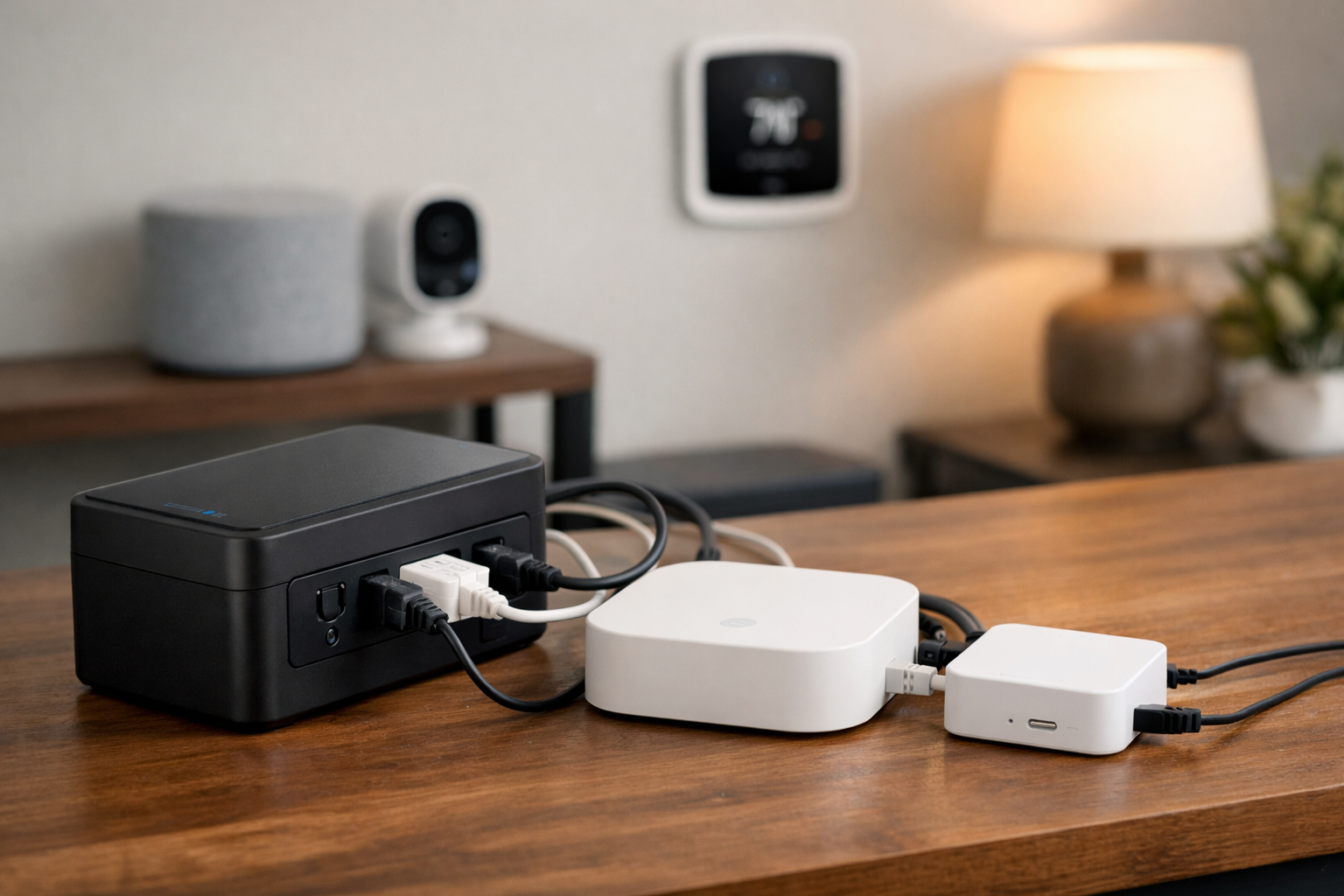
Smart home hubs, lighting bridges, routers, and security equipment typically draw very little electricity. That is good news for backup runtime—but only if you protect the full chain of equipment that keeps the system useful.
A Philips Hue Bridge may stay powered during an outage, for example, yet remote control can still fail if the router and modem lose power. The same idea applies to a hub running through Power over Ethernet (PoE): backing up the hub alone will not help if its PoE switch or injector turns off.
The best battery backups for smart home hubs and bridges are usually compact UPS units sized for a modest load: the hub or bridge, router, modem or ONT, and perhaps a small Ethernet switch. A larger computer-focused UPS can make sense, but it is not automatically the better choice for a few low-watt devices.
Quick picks
- APC Back-UPS BE425M: Best for a single hub, bridge, or small hub-plus-router setup where space matters.
- CyberPower CP550SLG: Best compact option for a hub, router, modem, and a few other low-power networking devices.
- CyberPower CP900AVR: Best for buyers who want automatic voltage regulation, more battery-backed outlets, and a replaceable battery.
- Ring Power Packs: Best for Ring Alarm Pro owners who want to preserve full Ring Alarm and eero Wi-Fi functionality during an outage.
Why smart home hubs need battery backup
A power outage can interrupt much more than lighting automations. It can take down an alarm hub, Zigbee or Matter bridge, router, modem, ONT, PoE switch, and Wi-Fi access points at the same time. Whether that causes a minor inconvenience or a meaningful security gap depends on your equipment and which services need an internet connection.
Some automations may continue locally when a hub remains powered, but cloud-connected controls, remote alerts, voice assistants, and app access often need the home network and broadband equipment to stay online too. Do not assume that powering a hub alone will preserve every feature.
For this reason, the best battery backups for smart home hubs and bridges should be selected around the critical devices in your actual setup—not just the hub’s power adapter.
How to choose a UPS for a smart home hub
Start with the real load, then prioritize runtime
For low-power smart home gear, raw wattage capacity is rarely the limiting factor. Runtime, usable outlet count, and placement are usually more important. Add up the watts used by every device you intend to connect, including the hub, router, modem, ONT, Ethernet switch, and PoE injector if applicable.
APC recommends selecting a UPS with output capacity roughly 20% to 25% above the connected load. That margin helps avoid running the unit at its limit and leaves room for a small future addition. Its UPS buying guide also explains why VA and watt ratings both matter when sizing a unit.
Do not use a manufacturer runtime figure as a promise for your system. Runtime changes substantially with load, battery age, room temperature, and the devices connected. A hub-only setup may last much longer than a hub, router, modem, ONT, and switch connected to the same UPS.
Count battery-backed outlets—not just total outlets
Many UPS models include two kinds of outlets: battery-backed outlets and surge-only outlets. Only battery-backed outlets stay powered after a blackout. Before buying, count the devices that must remain on and make sure they fit on the battery-backed side.
Use surge-only outlets for nonessential items if needed. A desk lamp, phone charger, or decorative lighting accessory should not consume battery capacity needed by the router or alarm hub.
Consider waveform and voltage regulation

Standby UPS models commonly provide simulated sine-wave output. This is often appropriate for low-power devices using ordinary wall adapters, but compatibility is not universal. Check the documentation for your hub and power adapter, then test the complete setup during a planned outage before relying on it for security or critical automations.
A line-interactive UPS with automatic voltage regulation (AVR) can be worthwhile in areas with frequent brownouts or voltage fluctuations. AVR can correct certain voltage conditions without switching to battery power, potentially reducing unnecessary battery use.
Plan for battery replacement and physical fit
Compact UPS units are convenient for media cabinets and structured wiring areas, but some use non-user-replaceable batteries. Others accept replacement batteries, which may be more appealing if you plan to keep the UPS for years.
Also check plug orientation and clearance. Large wall-wart adapters can block adjacent outlets, especially on compact units. Short AC extension cords can help organize a crowded installation, provided they are used appropriately and do not create a heat or cable-management problem.
APC Back-UPS BE425M: Best for a small hub or bridge setup

The APC Back-UPS BE425M is a practical choice for someone backing up a single smart home hub, lighting bridge, router, or modest combination of low-power devices. It is rated at 425VA/255W and provides four battery-backed outlets plus two surge-only outlets.
Its compact format and wall-mounting capability make it especially useful where the backup needs to fit near a networking shelf, utility closet, or home office setup. The 120V unit can be a sensible match for a Philips Hue Bridge and the networking equipment it relies on, as long as the total load and outlet needs fit.
The trade-off is long-term serviceability: the BE425M battery is not user-replaceable. That does not make it a poor option, but buyers should factor that into the expected ownership life of the unit.
Who it is for: Renters and homeowners who want a small, straightforward UPS for one hub or bridge plus a router or modem, and who do not need AVR or a replaceable battery.
CyberPower CP550SLG: Best compact UPS for a hub and network stack
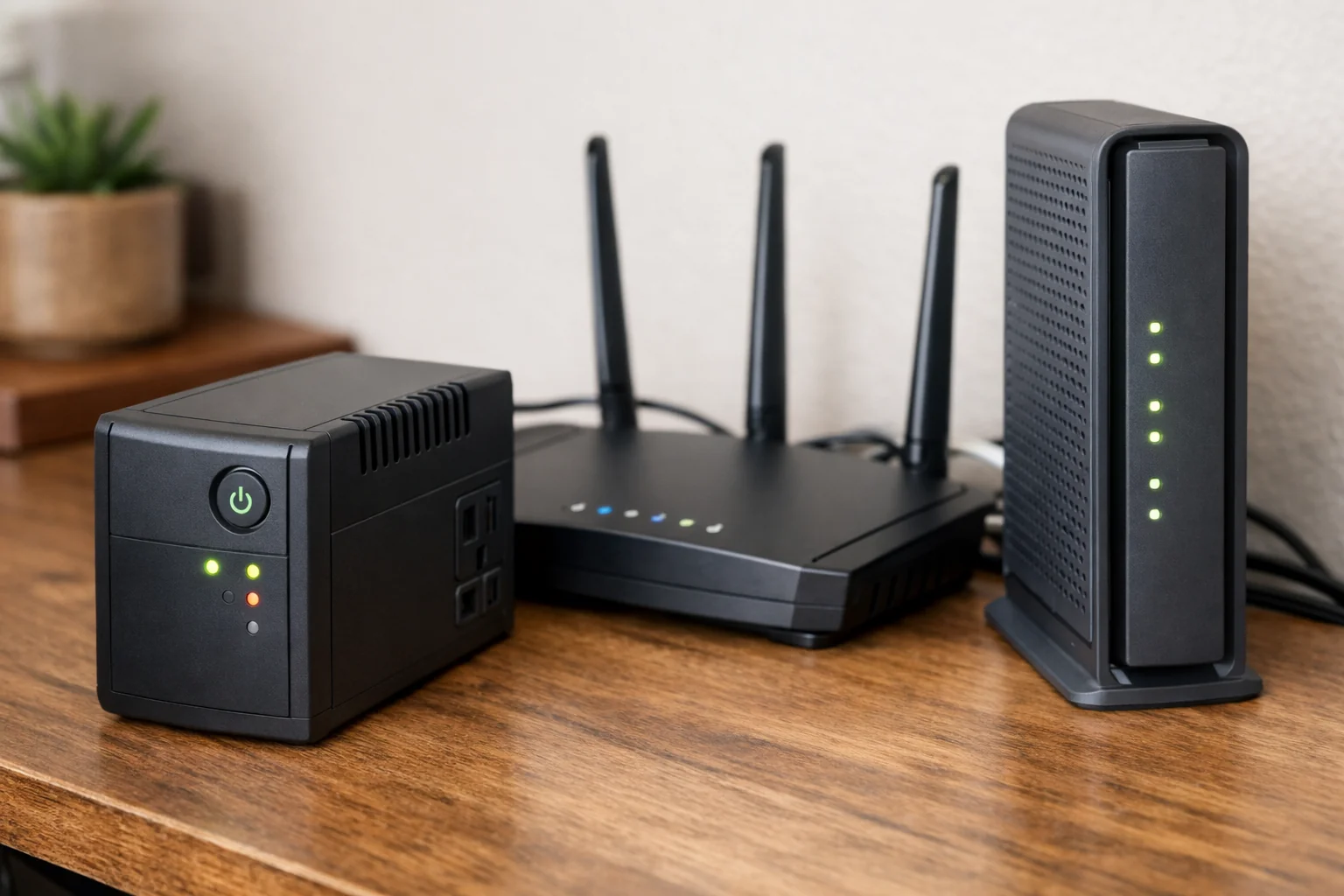
The CyberPower CP550SLG adds useful total outlet capacity for a small smart home network. It is rated at 550VA/330W, with four battery-backed outlets and four surge-only outlets. It also offers USB monitoring and simulated sine-wave output.
CyberPower identifies this standby class of UPS for home networking equipment, including routers, modems, and VoIP systems. That makes the CP550SLG a logical compact candidate if your priority is keeping a hub, router, modem, and perhaps a small switch running through short outages.
Like other compact standby designs, it does not offer the voltage regulation of a line-interactive model, and its battery is not user-replaceable. Verify that your hub’s power adapter is comfortable with simulated sine-wave output, particularly before using the system to support security devices.
Who it is for: Smart home owners with several low-power devices to protect, including a hub, router, modem, and Ethernet accessories, who want more total outlets than an entry-level compact UPS provides.
CyberPower CP900AVR: Best for AVR and replaceable batteries
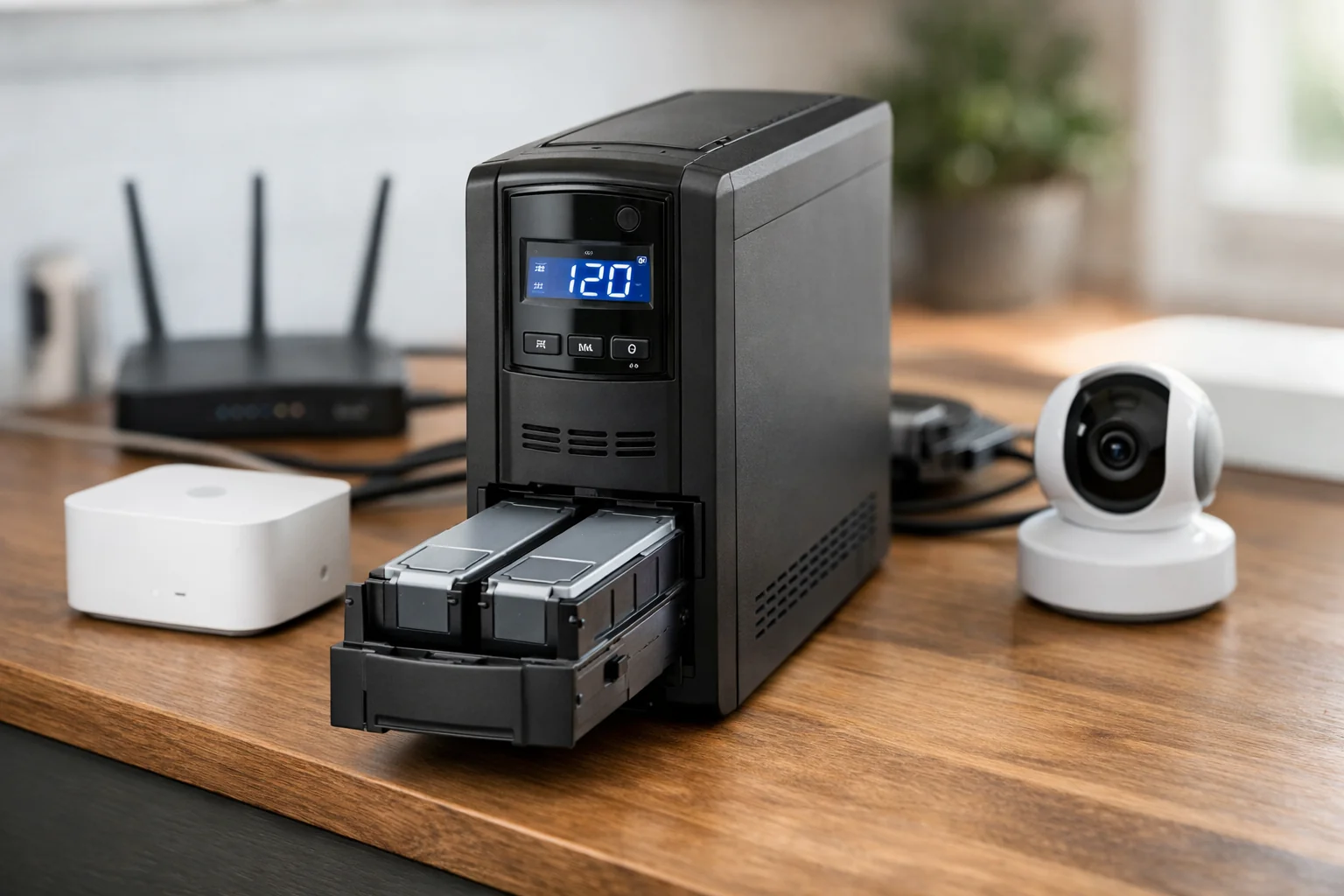
The CyberPower CP900AVR is the better fit when you want a larger capacity buffer, automatic voltage regulation, and a battery you can replace. This line-interactive UPS is rated at 900VA/560W and includes five battery-backed outlets, USB monitoring, and replaceable batteries.
CyberPower lists a runtime of 16 minutes at half load, but that is a manufacturer figure at a specific load—not a runtime guarantee for your smart home setup. A lightly loaded network stack may run longer, while adding an ONT, Wi-Fi router, switch, and several hubs will reduce runtime.
AVR is the key distinction here. If your area experiences frequent voltage dips or minor power instability, the CP900AVR may avoid some battery transfers while keeping equipment supplied with corrected voltage. Its larger footprint is less convenient than a tiny standby UPS, but it is often easier to justify for a network closet or security-focused setup.
Who it is for: Homeowners who want to back up a broader hub-and-network setup, value AVR, or prefer a UPS with a replaceable battery.
Ring Power Packs: Best for Ring Alarm Pro owners
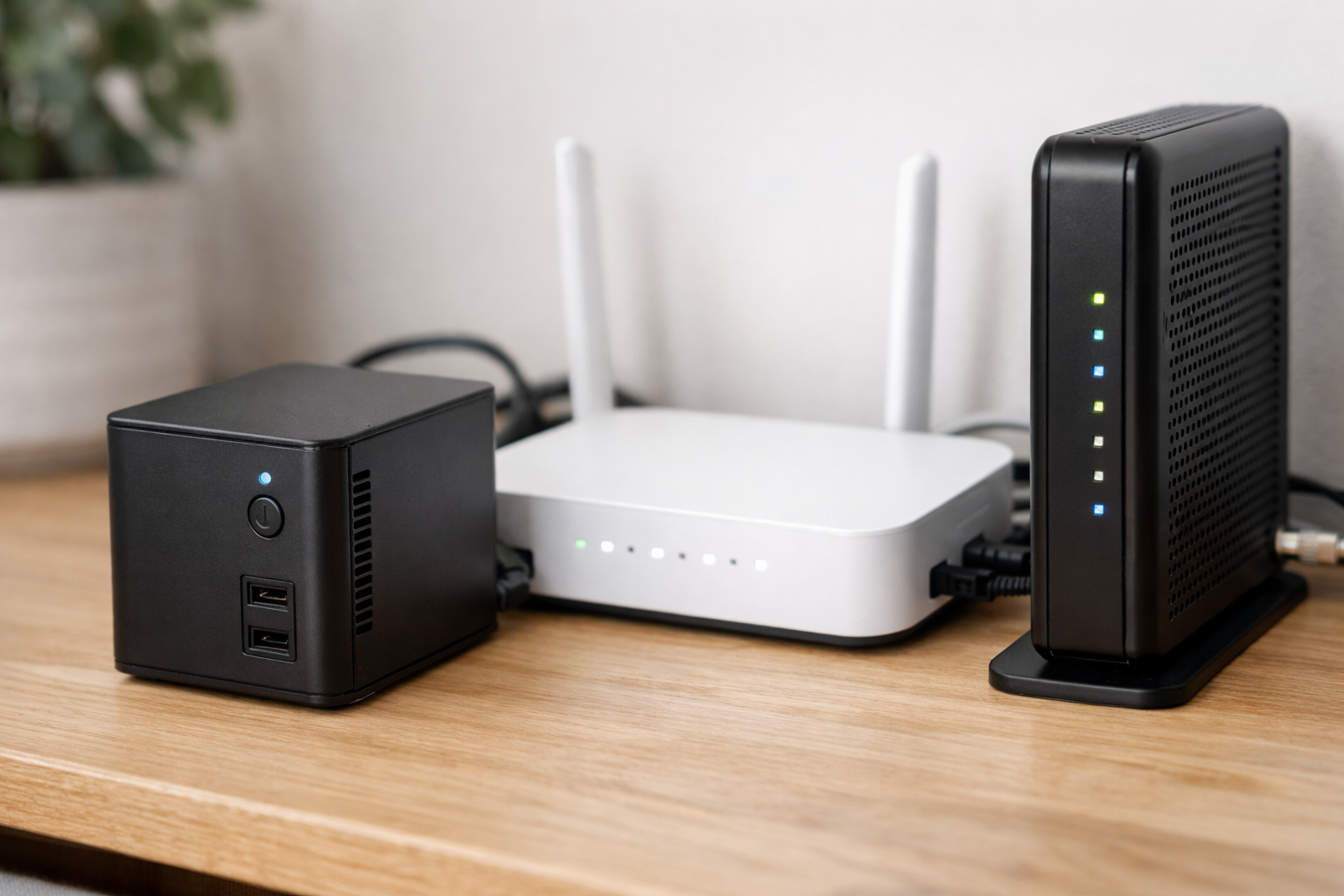
Ring Power Packs are a special-case recommendation for Ring Alarm Pro owners. Ring Alarm Pro already has an internal rechargeable battery, but Ring says that battery mode reduces the system to limited alarm functionality and shuts down most Wi-Fi services. Ring Power Packs are designed to provide expanded backup power that preserves full Ring Alarm and eero Wi-Fi functionality.
This is an example of why a proprietary backup can sometimes do more than a generic AC UPS. A standard UPS can keep an external power adapter energized, but it cannot necessarily override platform-specific power-saving behavior inside an alarm gateway or mesh router.
Still, broadband service requires its own planning. Your modem, ONT, or upstream service equipment must have power, and any dependency on cellular service or a subscription should be verified for your account and location. Review Ring’s Ring Alarm Pro backup-power guidance before building your outage plan.
Who it is for: Ring Alarm Pro households that want the platform’s intended expanded backup option rather than relying only on the system’s limited internal battery mode.
Back up the network, not just the hub
For many households, a battery backup for Wi-Fi router and modem is at least as important as the UPS for the smart home hub. If the router goes down, locally powered hubs may lose remote access, cloud integrations, notifications, and voice-control connections.
Make a quick inventory of everything between your hub and the internet:
- Smart home hub or bridge
- Wi-Fi router or mesh gateway
- Cable modem, fiber ONT, or DSL gateway
- Ethernet switch
- PoE injector or PoE switch
- Security hub or base station
This matters for the Aqara Hub M3 in particular. The Hub M3 can use 5V/2A power or 48V/0.27A PoE. If you power it through PoE, the UPS needs to support the PoE switch or injector—not merely an unused AC adapter beside the hub.
A Philips Hue Bridge has a low-power 5V DC, 600mA adapter, so the bridge itself is an easy UPS load. But keeping Hue remote controls available still depends on your router and internet equipment remaining powered.
Setup checklist for a smart home bridge power outage
- Measure or identify each device’s load. Use device labels, adapters, or a plug-in power meter where appropriate.
- Connect only critical devices to battery-backed outlets. Prioritize the hub, router, modem or ONT, and required network hardware.
- Keep nonessential gear on surge-only outlets or separate power. Preserve battery runtime for the equipment that maintains connectivity and security.
- Test the entire chain. With the UPS charged, simulate an outage by unplugging it from wall power. Confirm the hub, router, modem, and app access behave as expected.
- Check platform-specific behavior. Verify whether local automations, professional monitoring, cellular backup, and remote controls continue for your particular service plan and equipment.
- Maintain the UPS. Follow the manufacturer’s battery-maintenance guidance and replace aging batteries on models designed for replacement.
Which battery backup should you buy?
For a bridge or one small hub, the APC Back-UPS BE425M is the simplest place to start. For a compact multi-device stack with a router and modem, the CyberPower CP550SLG offers higher output capacity and more total outlet flexibility. If you need automatic voltage regulation, more room to grow, and a replaceable battery, the CyberPower CP900AVR is the stronger long-term choice.
The best battery backups for smart home hubs and bridges are not necessarily the highest-VA models. Choose the unit that has enough battery-backed outlets, a sensible load margin, and enough expected runtime for the hub and the network equipment that makes it useful. If your smart home is part of a wider resilience plan, see our guide to Best Home Battery Backup Systems for Power Outages. For more focused networking advice, read Best UPS for a Router and Modem: Top Battery Backup Picks.
Useful references: CP550SLG – Standby – Product Details, Specs, Downloads · CP900AVR – AVR – Product Details, Specs, Downloads
Related Home Tech Signal guides: Solar-Powered Smart Locks and the New Features Reducing Battery Maintenance · Best UPS for a Router and Modem: Top Battery Backup Picks