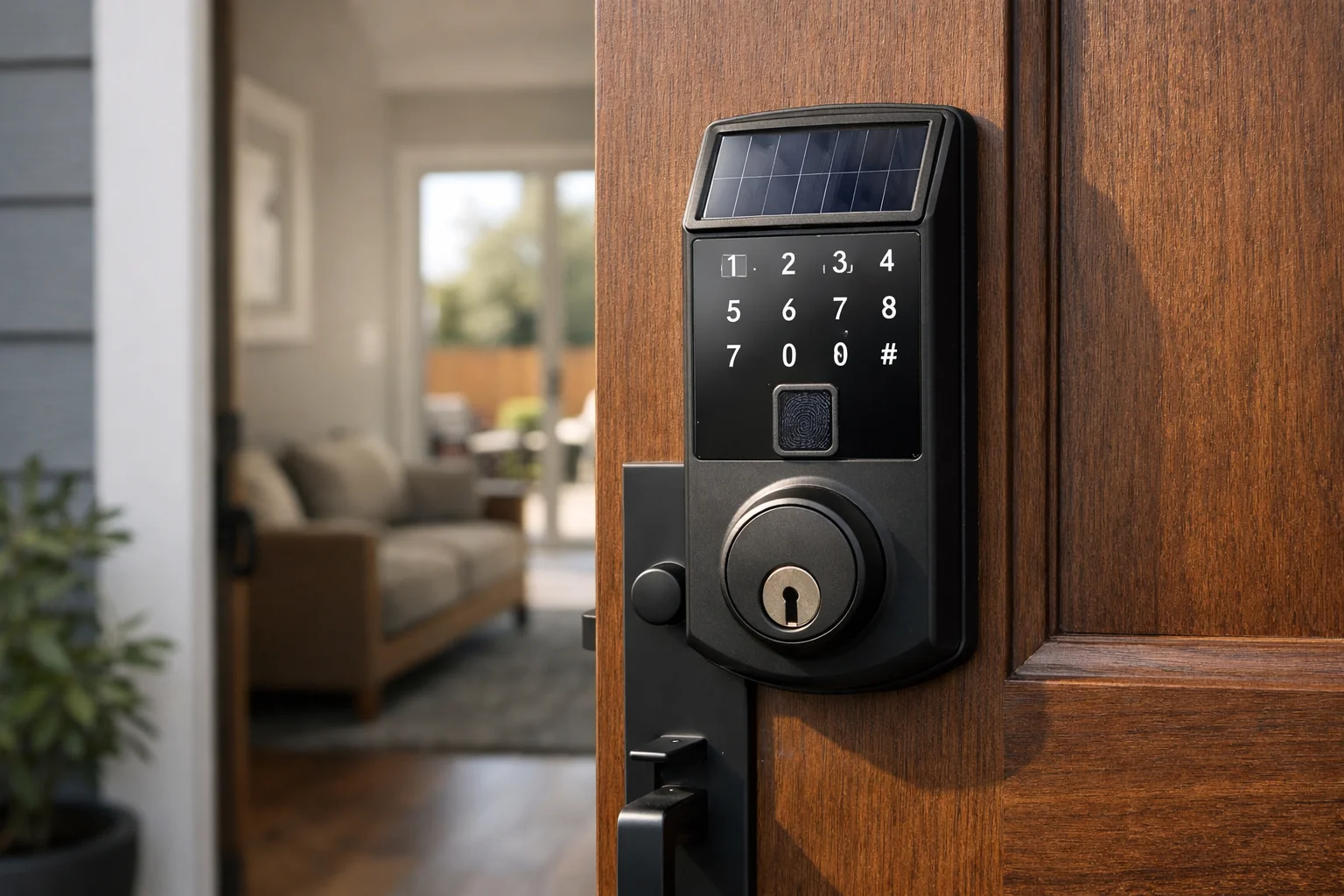
Smart locks have made it easier to share access, check lock status, and stop carrying a physical key every day. But they also add one recurring task: keeping the lock powered. Depending on the model, that can mean replacing AA batteries, removing a rechargeable pack, or responding quickly to a low-battery notification.
Newer lock designs aim to make that job less frequent. Solar-powered smart locks are one emerging option, using an integrated light-harvesting panel to top up an internal battery. Other designs rely on larger rechargeable batteries, lower-power wireless connections, USB-C charging, emergency power inputs, and more useful battery alerts.
The important distinction is that solar power is usually battery assistance, not a promise that a lock will run forever without attention. Your door’s direction, porch roof, nearby trees, local weather, and daily unlock activity all affect the result. For most households, the lowest-maintenance setup combines several power-saving features with a backup way to get inside.
Why smart-lock maintenance is changing
Traditional battery-powered locks can be dependable, but a busy entry door may drain batteries faster than expected. Every keypad wake-up, motorized lock or unlock cycle, wireless status check, and remote command consumes energy. Locks that maintain a direct Wi-Fi connection can have different power demands than models that use Bluetooth or Thread.
Manufacturers are responding with designs that reduce the consequences of missed maintenance. Instead of relying on one improvement, current products may combine rechargeable storage, a solar panel, a more efficient radio, app notifications, and a USB-C port for emergency power.
That approach matters for homeowners with high-traffic doors, landlords managing several units, and renters who want fewer battery changes without making permanent electrical changes to the door. It also matters for anyone who wants to avoid discovering a depleted lock battery while standing outside.
How solar-powered smart locks work
Solar-powered smart locks place a light-harvesting surface on the exterior portion of the lock. That panel captures available light and sends energy to the lock’s rechargeable battery. The stored energy then runs the motor, keypad or biometric hardware, sensors, and wireless connection.
Some recent designs use perovskite solar technology. Lockin says its Veno Solar Palm Smart Lock uses integrated perovskite solar technology designed to capture usable light for up to 11 hours a day. DESLOC similarly uses a perovskite panel in its V150 Plus, paired with a light-sensing energy-management system.
For buyers, “usable light” is the key phrase. A panel does not necessarily require direct midday sun to generate any power, but its practical contribution can be much smaller on a deeply covered porch or a north-facing entry. Trees, screens, seasonal sun angles, dirt on the panel, and the number of times the lock operates each day can all change the net battery gain.
Think of integrated solar as a way to stretch the time between manual charges or battery service. It may keep a well-sited lock topped up for long periods, but it should not replace ordinary readiness planning. Keep a physical key if the lock includes one, know where the emergency USB-C port is located, and make sure household members understand the backup-entry plan.
Solar-powered smart locks: what affects charging at your door
Before treating solar charging as a deciding feature, inspect the specific door where the lock will be installed. A front door that receives open daylight for much of the day is a better candidate than one recessed under a large covered entryway. Porch lighting may improve visibility at night, but it should not be assumed to provide the same charging benefit as natural daylight.
- Door orientation: Note whether the exterior lock face receives morning, afternoon, or little direct light.
- Overhangs and shade: Check for deep awnings, covered porches, trees, adjacent buildings, and storm doors.
- Seasonal changes: A panel that gets useful light in summer may receive less in winter as the sun’s path changes.
- Traffic level: A main family entrance or rental turnover door may use more energy than a lightly used side door.
- Power features: Facial recognition, always-available Wi-Fi, illuminated keypads, and frequent remote checks can add to consumption.
Independent testing of recent solar locks has also found that solar charging can be slow even when the lock remains functional. That is a reason to regard manufacturer solar claims as location-dependent estimates rather than guaranteed results.
The designs that reduce battery maintenance beyond solar
Larger rechargeable batteries
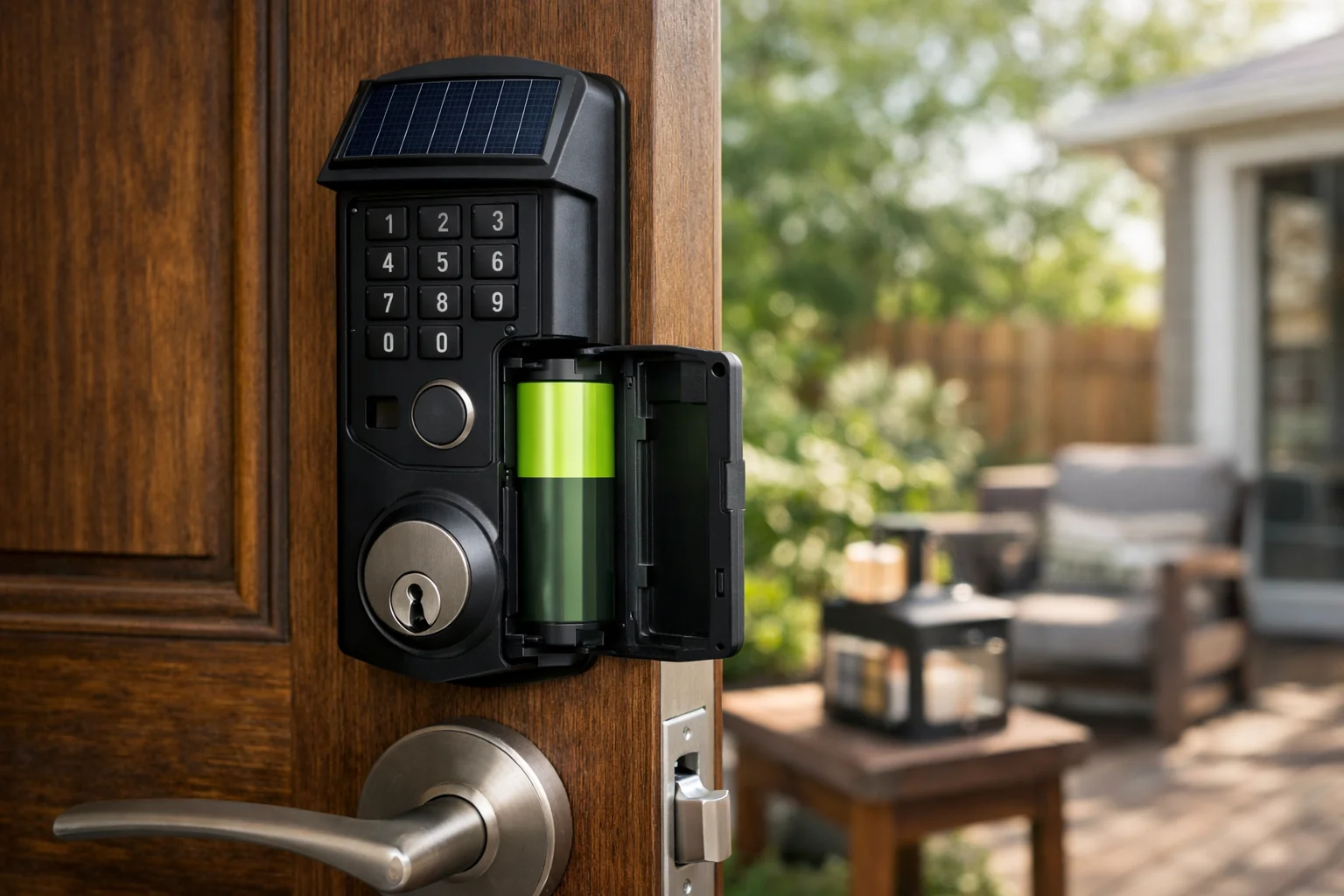
A larger internal battery gives a lock more reserve capacity when weather or shade limits solar charging. DESLOC says the V150 Plus has a 10,000mAh rechargeable battery and can provide more than six months of normal use without solar charging. That is a manufacturer claim, not a universal runtime: verify how the maker defines normal use and consider whether your household’s entry activity is heavier than average.
Rechargeable batteries can reduce disposable-battery waste and remove the need to keep a specific set of AA cells on hand. The trade-off is that owners must still charge the pack eventually. A model that supports charging while the battery remains installed can make that task less disruptive.
USB-C charging and emergency power
USB-C is valuable in two different ways. First, it can provide convenient routine charging. The Aqara Smart Lock U400 supports USB-C charging without removing its rechargeable battery. Second, a USB-C port can provide temporary emergency power from a power bank when the internal battery has been neglected.
Emergency power does not mean the lock is maintenance-free. You still need a charged power bank available and access to the exterior emergency port. But it can reduce the odds of a lockout. The Aqara U400 and TP-Link Tapo DL100 support USB-C power-bank use, while DESLOC lists USB-C emergency power and mechanical keys for the V150 Plus.
Low-power wireless connectivity
Connectivity has a real effect on smart lock battery life. Wi-Fi is useful for direct remote control and status access, but maintaining Wi-Fi capability can consume more energy than lower-power options. TP-Link rates the Tapo DL100 for up to seven months with Wi-Fi and up to 10 months in Bluetooth-only mode, illustrating the trade-off between remote convenience and lower power demand.
Thread is another approach designed for low-power Internet of Things devices. It uses the energy-efficient IEEE 802.15.4 radio standard and supports battery-operated devices that can remain connected without using a full Wi-Fi connection. The Thread Group’s overview of Thread explains the network’s low-power device model.
Do not confuse Thread with Matter. Matter is an interoperability standard, while Thread is one possible low-power network layer. A Matter lock can be especially flexible across supported smart-home platforms, but Matter itself does not guarantee better battery life. Verify whether the specific lock uses Thread, Wi-Fi, Bluetooth, or a combination of radios.
Earlier, more actionable battery alerts
A basic low-battery warning is helpful, but a prediction can be more useful than a last-minute alert. Schlage says its Encode-family predictive battery analytics can notify owners at eight, six, four, two, and one weeks before anticipated battery depletion. That gives a household time to schedule battery replacement rather than react to an urgent warning.
The Aqara U400 takes a more conventional approach with a low-battery warning at 20 percent. Either method is only helpful if app notifications are enabled and at least one responsible person will act on them. Property managers may also want to verify whether notifications can reach multiple administrators.
Current low-maintenance smart-lock examples
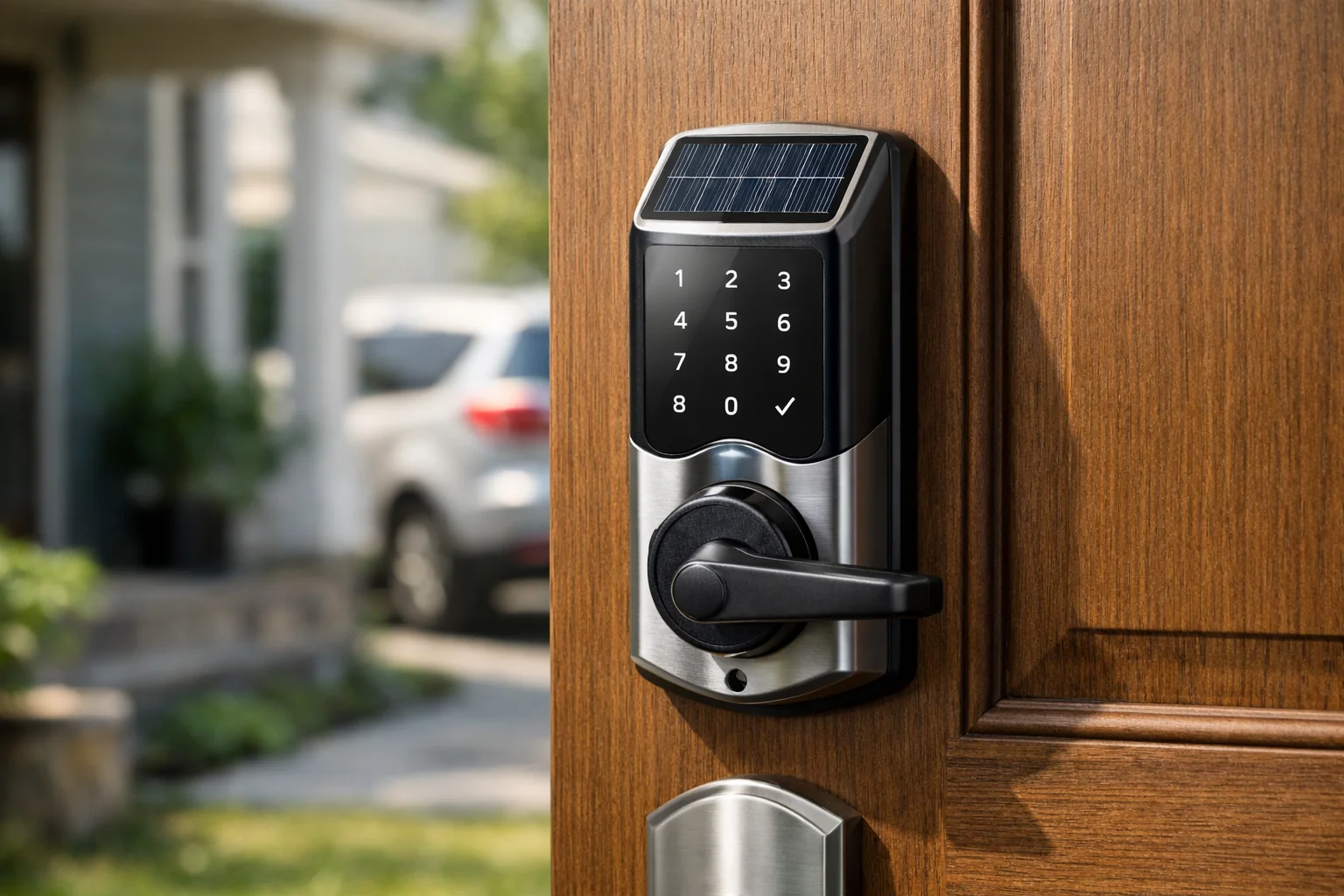
These models illustrate different approaches to reducing routine power maintenance. Availability, firmware features, ecosystem support, and pricing can change, so confirm current U.S. availability and compatibility before ordering.
Lockin Veno Solar Palm Smart Lock: integrated solar assistance
Lockin’s Veno Solar Palm Smart Lock is an example of the self-charging approach. Its integrated perovskite solar technology is designed to capture usable light and reduce battery-related interruptions. It may be most appealing for a door with meaningful daylight exposure, but buyers should verify current U.S. retail availability and avoid assuming its panel will fully offset their household’s use.
DESLOC V150 Plus: large battery with solar and backups
The DESLOC V150 Plus combines a perovskite solar panel, a light-sensing energy-management algorithm, a 10,000mAh rechargeable battery, USB-C emergency power, and mechanical key access. This is the most layered maintenance-reduction approach in the group, though buyers should treat the company’s more-than-six-month non-solar runtime statement as an estimate.
Its U.S. availability requires special attention. DESLOC’s product page has described the V150 Plus as a pre-order with estimated shipping beginning in early September 2026. Confirm the current shipping status, return policy, and supported platforms before making it part of an installation plan.
Aqara Smart Lock U400: rechargeable Matter over Thread option
The Aqara Smart Lock U400 shows how a battery-efficient connection can reduce maintenance without a solar panel. Aqara rates its rechargeable battery for up to six months per charge, supports USB-C charging without battery removal, provides a 20 percent low-battery warning, and supports emergency USB-C power.
It uses Matter over Thread, so it is best for buyers who are prepared to verify their smart-home setup includes the required compatible Matter controller and Thread Border Router. That extra ecosystem check is worthwhile: a low-power lock is less convenient if the home lacks the network hardware needed for the features you expect.
TP-Link Tapo DL100: choose Wi-Fi or lower-power Bluetooth use
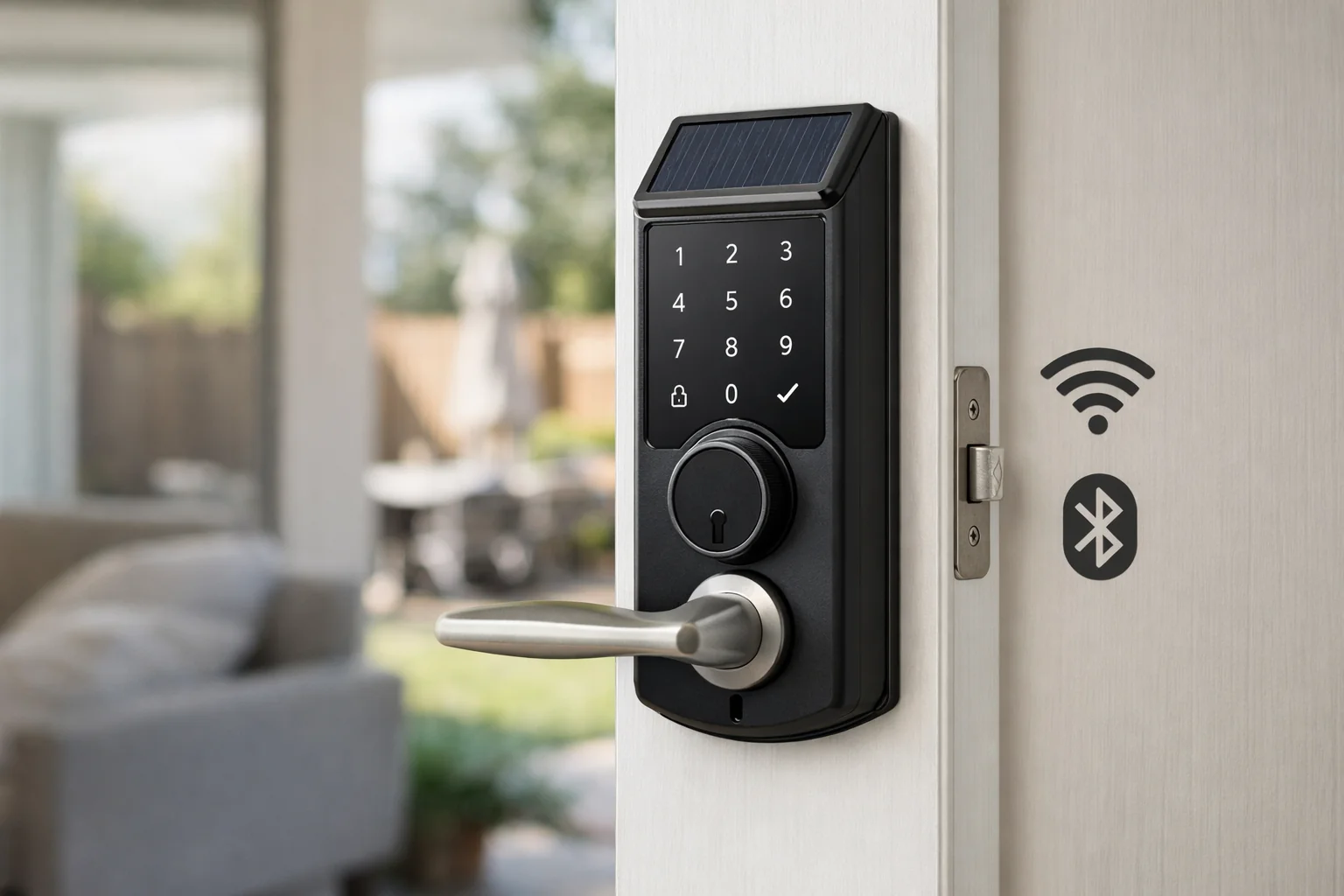
The TP-Link Tapo DL100 offers a useful reminder that settings can affect maintenance. TP-Link lists up to seven months of battery life with Wi-Fi and up to 10 months in Bluetooth-only mode. Users who prioritize direct remote access may accept the shorter Wi-Fi estimate, while those focused on longer battery intervals may prefer Bluetooth-only operation when it fits their needs.
The DL100 also supports USB-C emergency power. Confirm its current weather-resistance rating, app requirements, and whether its remote features align with the way your household expects to manage the door.
What these locks cannot promise
A low-maintenance lock is not a no-maintenance lock. Solar output is affected by the installation location, and battery estimates depend on activity, radio mode, temperature, and enabled features. Even a lock with a large rechargeable battery can eventually need charging.
There is also a security and access-planning side to power management. Do not install any smart lock without understanding its mechanical key option, emergency-power procedure, and battery alerts. Test the backup method before an emergency, and keep a suitable USB-C power bank charged if the lock relies on one for external recovery.
Finally, check compatibility at the product level. A Matter over Thread smart lock may require a compatible controller and Thread Border Router. A Wi-Fi lock may provide simpler direct remote access but have a different battery-life profile. Select the connection type based on the capabilities you need, not a broad assumption that one label is always better.
Buying checklist for a low-maintenance smart lock
- Assess actual daylight on the exterior half of the door before paying extra for solar charging.
- Check whether the battery is rechargeable, removable, replaceable, or proprietary.
- Read runtime figures as manufacturer estimates and compare the stated connectivity modes.
- Verify whether remote access requires Wi-Fi, a hub, a Matter controller, or a Thread Border Router.
- Confirm that the lock has an exterior USB-C emergency-power option and learn how to use it.
- Look for low-battery alerts, predictive notices, and multi-user notification options.
- Verify weather-resistance details for your door exposure rather than assuming all exterior locks handle the same conditions.
- Check mechanical-key access and make a backup-entry plan for every household member.
- For recently announced solar models, confirm current U.S. stock, shipping dates, warranty coverage, and return terms.
The practical takeaway
Solar-powered smart locks can reduce the need for charging or battery replacement, especially on doors with reliable daylight. But solar is most useful as one layer in a broader design. A rechargeable battery, low-power Thread or Bluetooth connectivity, emergency USB-C power, a mechanical backup, and timely notifications can collectively make a smart lock much easier to live with.
For a shaded porch or a household that wants predictable upkeep, a rechargeable Matter over Thread lock or a model with a low-power Bluetooth mode may be the more practical choice. For a bright entryway, an integrated solar model may add meaningful battery assistance. In either case, verify the door conditions and backup-access features before you install.
Useful references: Veno Solar Palm Smart Lock | Solar-Powered Palm Unlock · DESLOC V150 Plus Solar Smart Lock with 3D Face Recognition