Disclosure: As an Amazon Associate I earn from qualifying purchases.
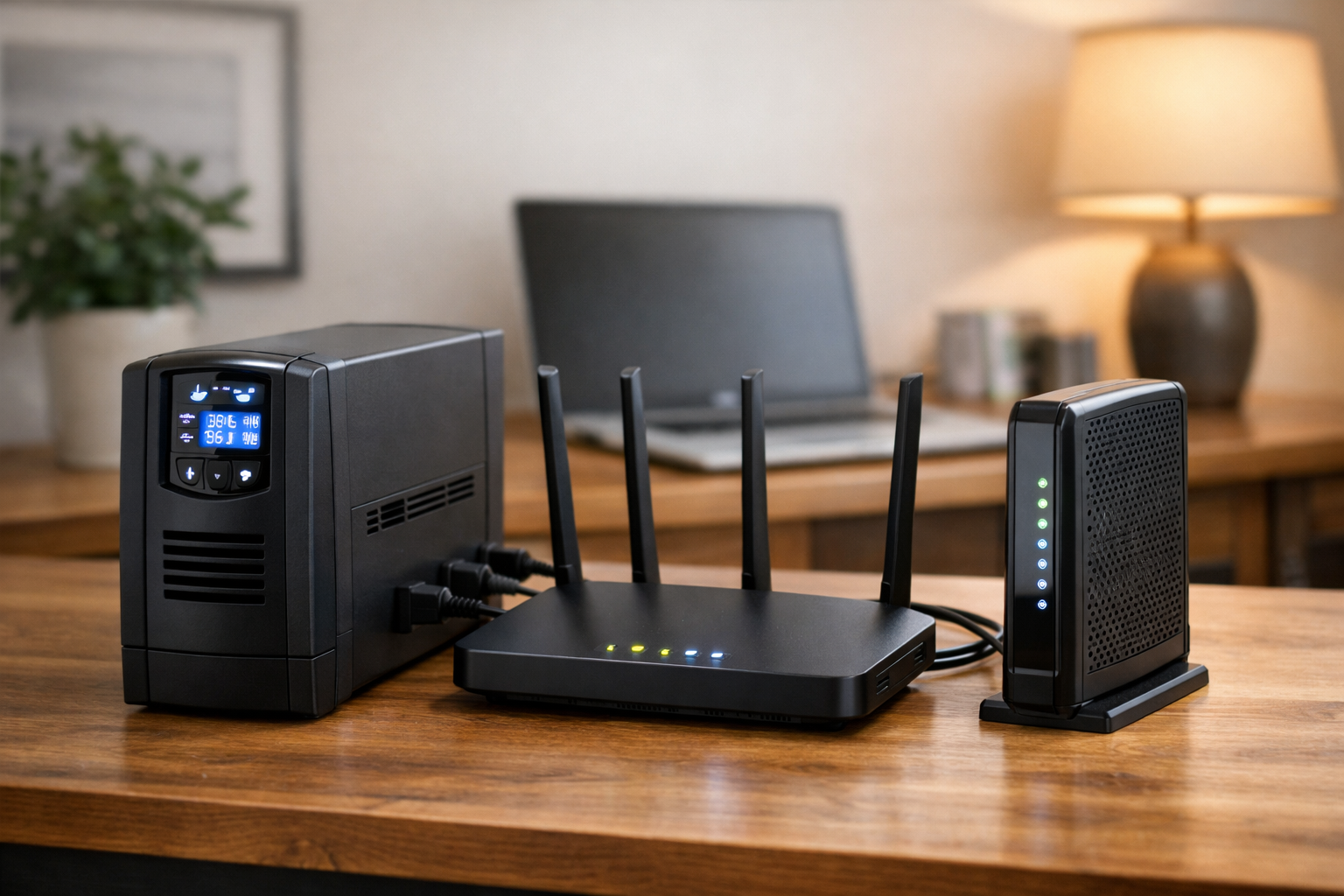
A brief power outage can take down more than your Wi-Fi. It can interrupt remote work, smart-home automations, security cameras, streaming devices, and wired equipment connected to your home network. A small uninterruptible power supply (UPS) gives your modem, router, and related gear battery power long enough to ride through short outages or shut down cleanly.
The best UPS for a router and modem is not necessarily the one with the biggest VA rating. Most networking equipment uses relatively little power. More useful considerations are how long you need the equipment to run, how many battery-backed outlets you need, whether your utility power is unstable, and whether your equipment uses standard AC adapters or direct 12V DC power.
Important: A UPS can keep equipment in your home powered, but it cannot guarantee that your internet provider’s network will remain online. If your ISP’s neighborhood equipment, cable plant, fiber infrastructure, or required ONT loses power, your modem may still lose its connection.
Who should buy a UPS for a router and modem?
A networking UPS is worth it when brief power loss would disrupt work, smart-home automations, or security gear that depends on your LAN staying up.
- Remote workers who need a few minutes to save work or stay on a call when utility power flickers.
- Smart-home households with local hubs, controllers, or cameras that stop behaving when the router drops.
- Homes with cable, fiber, or DSL gear split across a modem/ONT and a separate router or mesh base.
- Areas with frequent sags or brownouts where line-interactive AVR can reduce unnecessary battery cycles.
- Buyers who will measure or add adapter-label wattage and leave headroom—not shop by VA alone.
Who should skip a router/modem UPS?
Skip—or size down—when the problem is bigger than keeping low-power network boxes alive for a short gap.
- Anyone expecting multi-hour internet during a neighborhood outage without checking ISP upstream power. A UPS does not fix provider-side failures.
- Shoppers who need refrigerators, medical devices, or whole rooms on backup. That is a home battery backup or generator conversation, not a 425VA UPS.
- Renters with gear locked in a landlord closet who cannot reach every powered box in the service path.
- Households that only need phone/laptop uptime—those devices have their own batteries; a UPS is optional.
- Buyers unwilling to replace an aging UPS battery every few years and retest runtime afterward.
Quick picks
- Best overall for most home networks: Tripp Lite AVR750U. A line-interactive 750VA/450W UPS with automatic voltage regulation (AVR), six battery-backed outlets, and room for a modem, router, switch, and other low-power accessories.
- Best compact pick: CyberPower ST425. A 425VA/260W standby unit with eight total outlets and an explicit broadband-router use case.
- Best compact wall-mount alternative: Tripp Lite INTERNET350U. A 350VA/210W standby UPS designed for desktop or wall mounting near networking gear.
- Best for a network plus small office equipment: CyberPower CP900AVR. A 900VA/560W line-interactive UPS with AVR, five battery-backed outlets, replaceable-battery support, and data-line protection.
- Best dedicated DC option for compatible devices: CyberPower DTC50U12V-NA3-G. A 12V DC UPS rated for up to 50W, but only when your equipment’s electrical and connector specifications match.
What to look for in a router and modem UPS
Start with watts, then leave capacity headroom
VA is a useful capacity label, but watts are the more direct measure of what a UPS can power. Check the label on each power adapter you plan to connect, then add the listed wattage or measure actual consumption with a plug-in power monitor. Include the modem or fiber ONT, router, main mesh node, Ethernet switch, and any essential hub or controller.
Actual operating draw can be lower than the maximum printed on a power adapter, but that varies by device and operating state. APC recommends selecting a UPS with output capacity roughly 20% to 25% above the connected load. That margin helps avoid overloads and leaves room for a small networking device later. APC’s UPS sizing guidance explains capacity, runtime, and output types. For broader household load planning beyond modem and router adapters, a home energy monitor can help—but a plug-in meter on each adapter is enough for sizing this UPS.
Prioritize runtime over excess wattage
For a basic modem-and-router setup, even a modest UPS may have adequate watt capacity. Runtime is usually the deciding factor. Battery capacity, UPS efficiency, battery age, and the real power draw of your equipment determine how long the network stays up.
Manufacturer runtime claims are based on specified loads, often half load or full load. They are useful for comparing models, but they are not a promise of runtime for your modem and Wi-Fi system. A mesh network with several wired nodes, a cable modem, and a network switch will use more energy than one basic router.
Count battery-backed outlets carefully
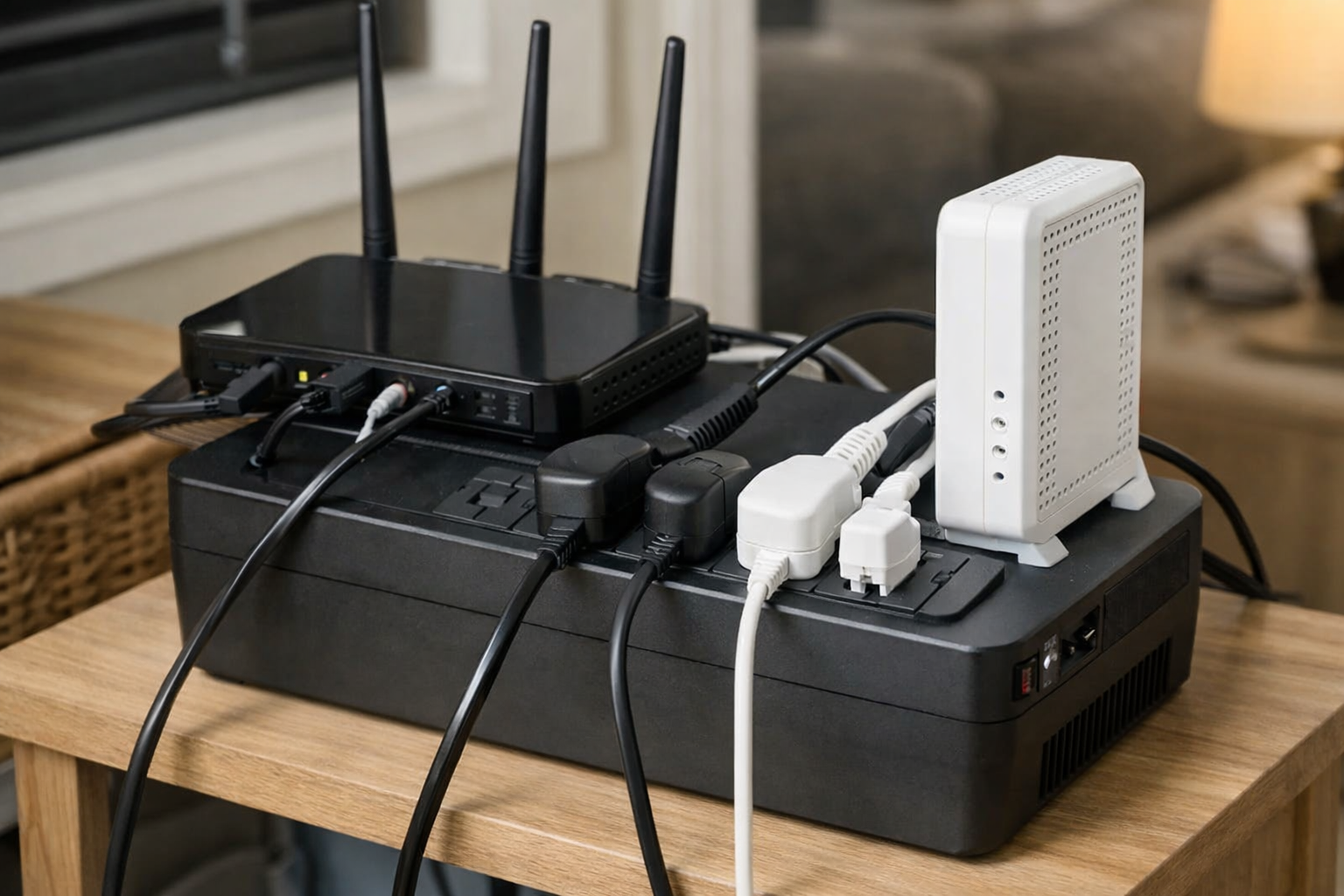
Many UPS units include a mix of battery-and-surge outlets and surge-only outlets. Plug only essential networking equipment into the battery-backed group. A printer, monitor, speakers, or another nonessential device can shorten runtime quickly and may use an outlet you need for the modem or router.
Back up modem, ONT, and gateway—not just the router
Fiber and cable installs often split power across an ONT or modem and a separate router or mesh base. If only the router sits on battery backup, Wi-Fi may look fine while the WAN path is dead. Put every powered box required for your service handoff on battery-backed outlets, including ISP rental gear when it must stay in place—and add their adapter wattage before you buy.
Short outages vs longer outages
A compact UPS is a bridge for minutes—not a substitute for hours of whole-home backup. If outages routinely last hours, plan generator or installed storage separately; do not expect a networking UPS to run a desk full of equipment all afternoon.
Choose AVR if your power flickers or sags
Automatic voltage regulation is useful in homes with recurring brownouts, voltage dips, or sustained voltage fluctuations. A line-interactive UPS with AVR can correct certain fluctuations without switching to battery every time. That can reduce unnecessary battery cycling and help keep networking gear stable when utility power is inconsistent.
A basic standby UPS remains appropriate where power is generally stable and the goal is simply to bridge occasional short outages.
Pure sine wave is usually not necessary for networking gear
Most ordinary modem and router power adapters do not require pure sine-wave battery output. A simulated sine-wave UPS is generally suitable for these low-power devices. Pure sine wave is more relevant when the same UPS will also support equipment with active power-factor-correction power supplies or other loads that are more sensitive to waveform quality.
Common buying mistakes
- Backing up the router but not the modem, ONT, or ISP gateway that actually brings service into the home.
- Plugging printers, monitors, or PCs into battery-backed outlets and wondering why runtime collapsed.
- Choosing a UPS by VA alone without adding real adapter wattage and headroom.
- Treating manufacturer “minutes at half load” charts as guaranteed runtime for your modem and mesh nodes.
- Assuming surge-only outlets provide battery backup.
- Ignoring battery age until the first real outage proves the pack is weak.
- Expecting Wi-Fi continuity to mean internet service when the ISP’s neighborhood plant is down.
- Buying the largest VA rating instead of the runtime you need at your measured load.
Best UPS for a router and modem overall: Tripp Lite AVR750U
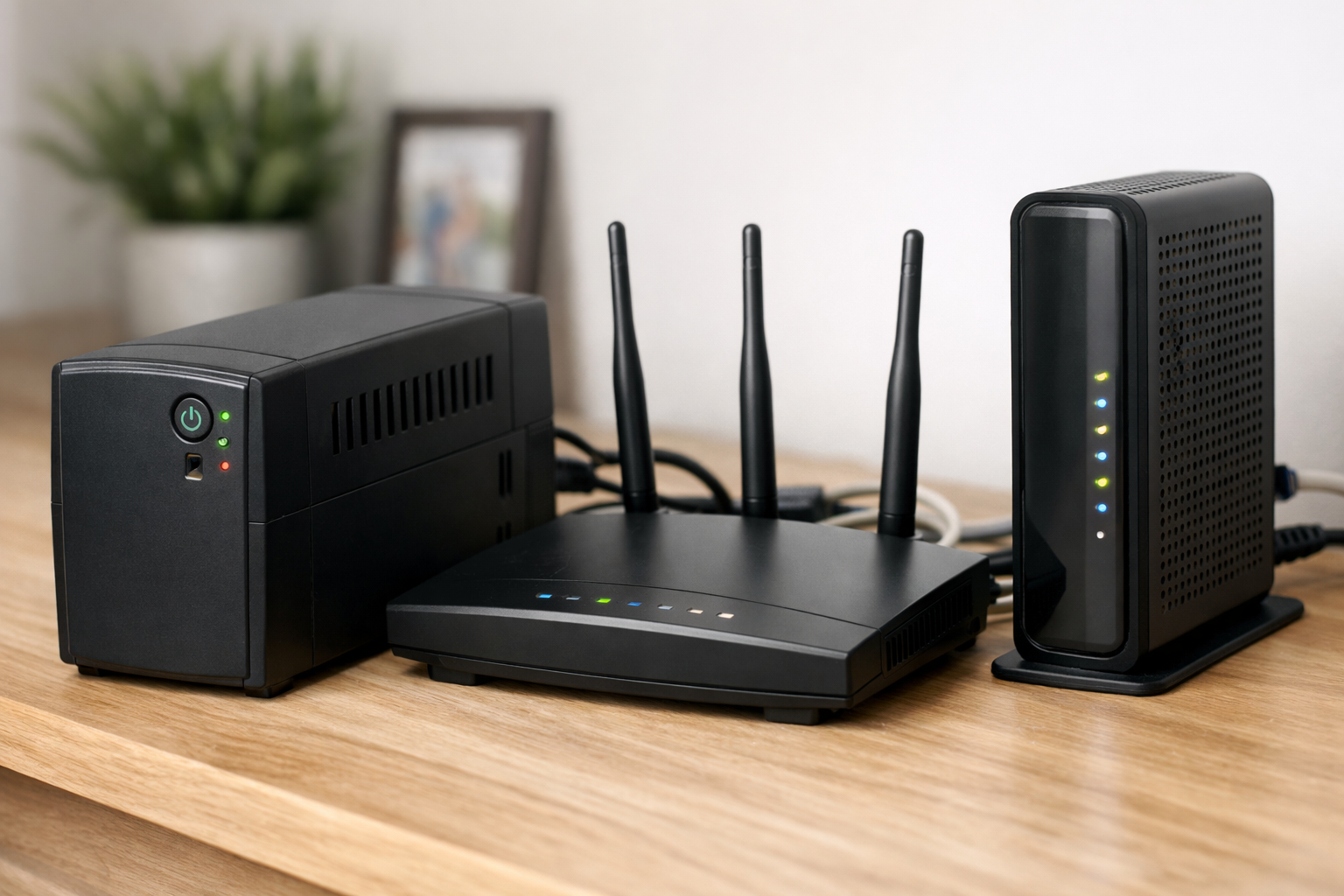
The Tripp Lite AVR750U is the most versatile choice here for a typical home network because it combines useful capacity with line-interactive AVR. It is rated at 750VA/450W and provides six battery-backed outlets, USB connectivity, and support for low-power electronics including wireless networking equipment.
Its advantage is not that a router needs 450W. The capacity gives you room for a modem, router, Ethernet switch, mesh base station, and perhaps a small smart-home hub without pushing the UPS close to its limit. AVR also makes this model a stronger fit than a basic standby unit for homes that see frequent voltage fluctuations rather than only complete outages.
This is a sensible pick for remote workers, smart-home households, and anyone who wants their network closet or media cabinet to stay online during brief interruptions. It may be more capacity than a simple modem-and-router pair needs, so consider a compact model if space and a lower load are your top priorities.
Before buying, confirm the number of devices that need battery power and check whether the unit’s physical footprint works where your equipment is installed. If your router and modem live in a tight structured-media panel, a desktop UPS may not fit as cleanly as a wall-mount or DC solution.
Best compact UPS options for basic networking
CyberPower ST425: A small standby UPS with plenty of outlets
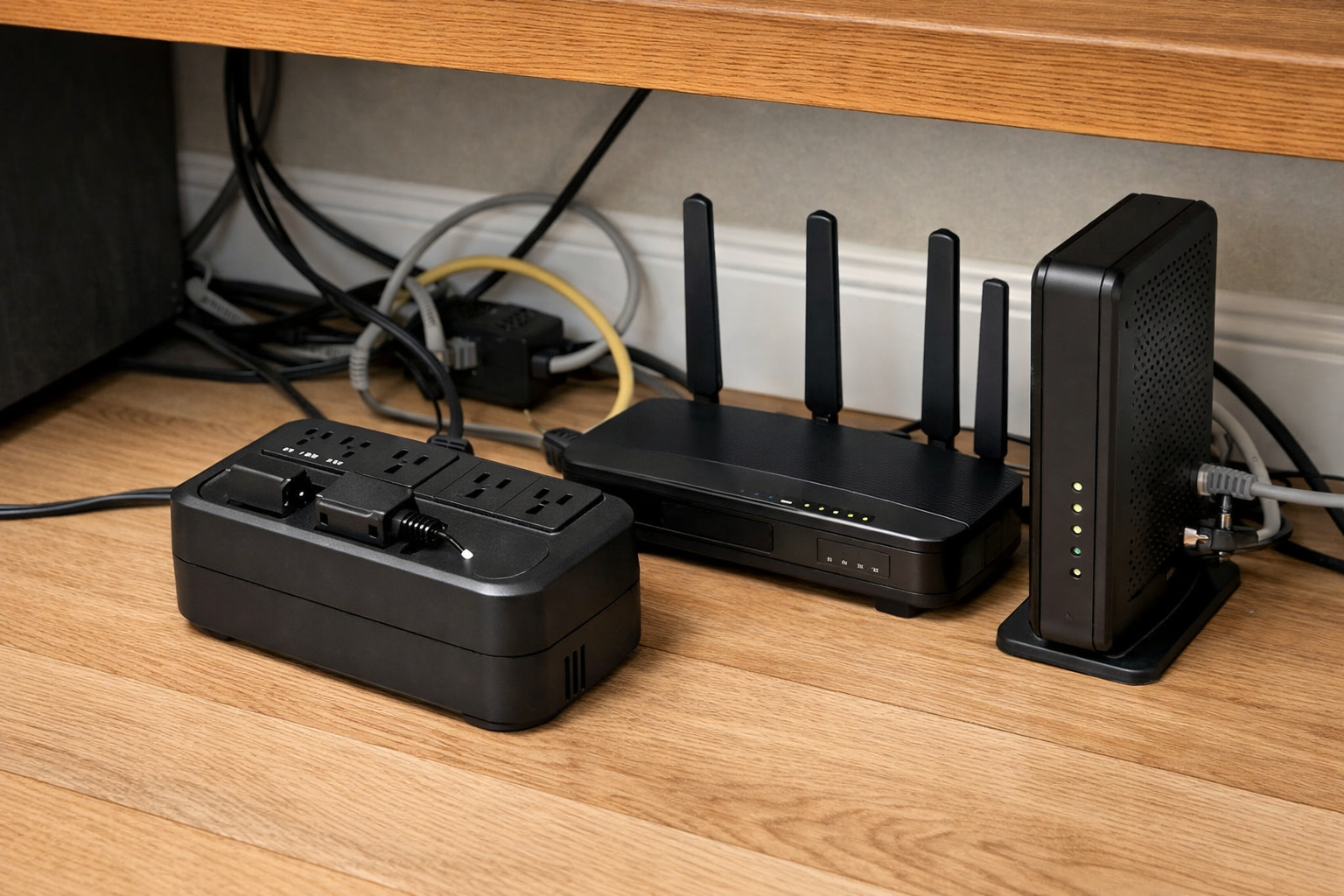
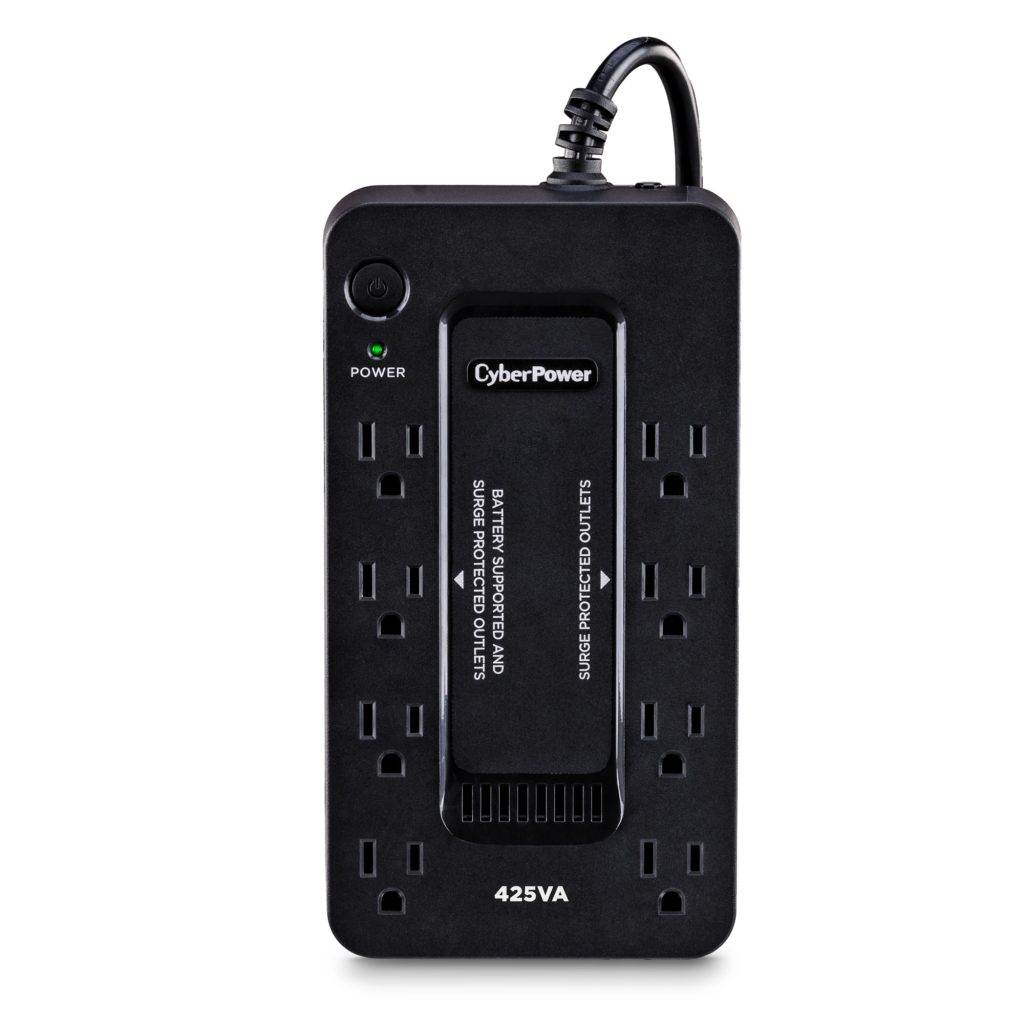
The CyberPower ST425 is a compact 425VA/260W standby UPS aimed at light-duty electronics and broadband-router protection. It has eight total outlets, simulated sine-wave output, and a three-year warranty. Confirm which outlets are battery-backed before connecting your equipment, since UPS outlet groups can include surge-only outlets.
CyberPower lists six minutes of runtime at half load. That figure should not be treated as expected runtime for your network. A modem and router may represent a much smaller load than half of this UPS’s watt capacity, but actual runtime depends on your equipment and the battery’s condition. Consult the manufacturer’s runtime information and measure your load if uptime is important.
Choose the ST425 when you want a straightforward router battery backup for a basic setup and your home does not regularly experience brownouts. It does not offer AVR, so it is less compelling than the AVR750U or CP900AVR where voltage instability is a recurring issue.
Tripp Lite INTERNET350U: Best when placement flexibility matters
The Tripp Lite INTERNET350U is another practical compact UPS for networking equipment. This 350VA/210W standby model has six outlets, USB connectivity, and desktop or wall-mount positioning. Its compact format makes it worth considering for a small office, a shelf near a cable modem, or a network area where floor space is limited.
Like the ST425, it is best for a modest load: a modem, router, and perhaps one small switch or hub. It is not the ideal choice if you expect to add a desktop computer, multiple large mesh nodes, or other higher-draw devices to the battery-backed outlets.
When comparing these compact options, focus less on the small difference in VA rating and more on outlet placement, mounting needs, battery-backed outlet count, and the runtime you estimate from your actual load.
Best for extra equipment and longer runtime: CyberPower CP900AVR

The CyberPower CP900AVR is the better fit when the UPS needs to support a home network plus additional essential electronics. It is a 900VA/560W line-interactive model with single-boost AVR, five battery-backed outlets, Ethernet and coaxial data-line protection, and a replaceable battery.
CyberPower publishes a 16-minute runtime at half load, but your result may be substantially different with a router-and-modem load. The practical benefit is the larger capacity and more capable design. It can make sense if you want to keep a modem, router, switch, monitor, or a small desktop setup running long enough to save work or stay connected through a short outage.
Its replaceable battery is another consideration for long-term ownership. UPS batteries wear out over time, even in normal use. A model with a user-replaceable battery may be more appealing than replacing an entire UPS when its battery reaches the end of its useful life.
The CP900AVR is physically larger than the compact picks and may be unnecessary for a network-only installation. Buy it for the extra equipment, AVR, and serviceability—not simply because its VA number is higher.
Best dedicated DC UPS options for compatible 12V equipment
A dedicated DC UPS can be an efficient alternative to a conventional AC battery backup. With a traditional UPS, battery power is converted to AC, then your router’s power adapter converts it back to DC. A DC UPS avoids that extra conversion stage, but its real-world runtime still depends on the UPS battery and the connected load.
The tradeoff is strict compatibility. Before using any 12V DC UPS for router equipment, verify all of the following on the device label and power adapter:
- Required output voltage
- Required current or wattage
- Polarity
- Barrel connector dimensions
- Plug style and fit
CyberPower DTC50U12V-NA3-G

The CyberPower DTC50U12V-NA3-G provides 12V DC output at up to 50W and uses a user-replaceable battery. It is designed for DC-powered telecom and networking applications, making it a potential option for a compatible modem, router, ONT, or small network device.
Do not use it based on voltage alone. A 12V label is only one part of the compatibility check. The current capability, polarity, and connector must also match. If you cannot verify every requirement from the equipment documentation and the UPS documentation, use a conventional AC UPS with the manufacturer’s original power adapter instead.
APC CP12142LI
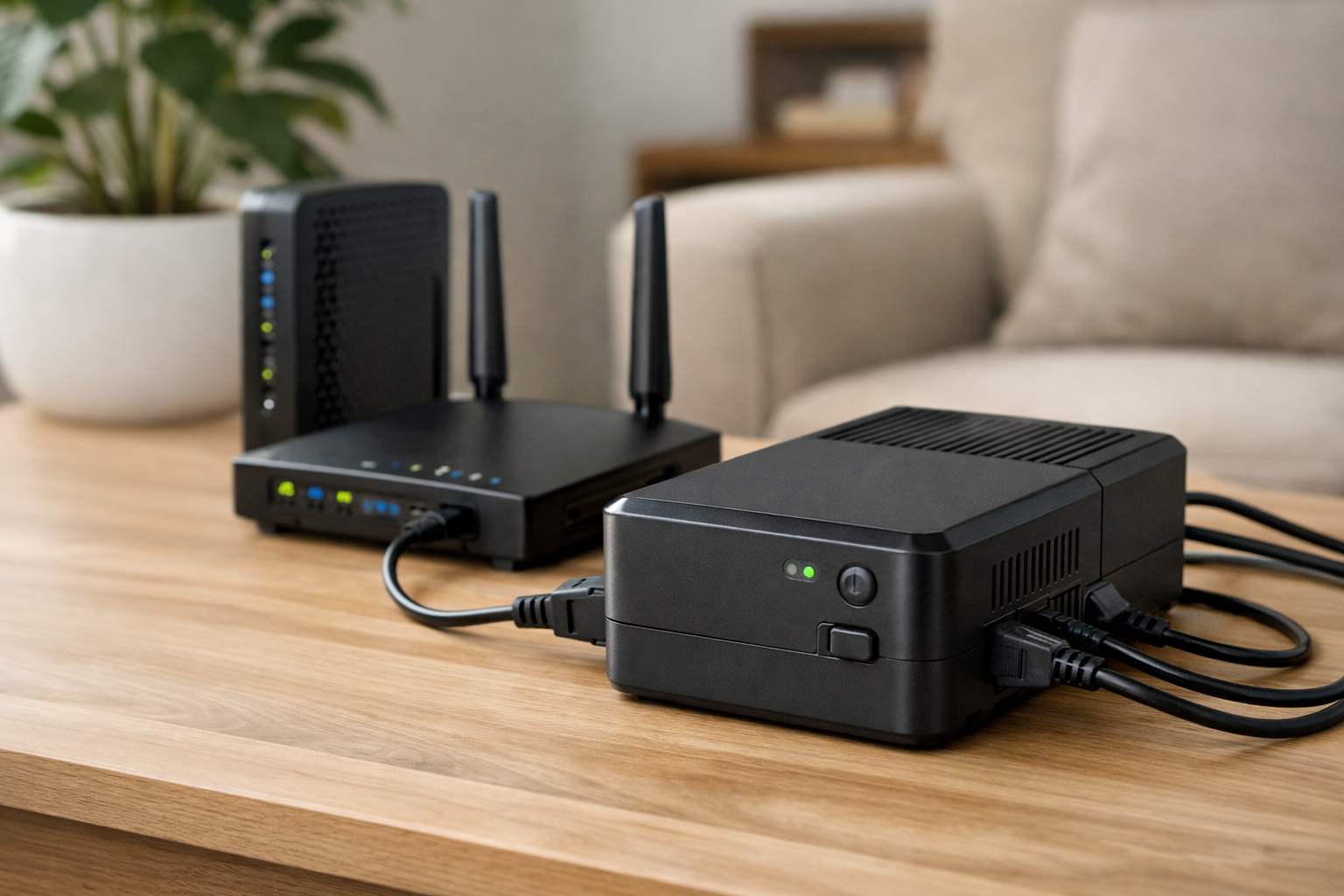
The APC CP12142LI is another specialized 12V option. APC advises users to confirm that their modem or router accepts the unit’s 12V DC, 3.2A output and that its ring-tip connector fits the device. Review APC’s connector and output compatibility guidance before considering this style of UPS.
For compatible gear, DC units can be clean solutions. For everyone else, an AC UPS is the simpler and lower-risk choice.
How to estimate UPS runtime for modem and router equipment
Use this process to estimate whether a UPS will meet your needs:
- List essential devices. Include only what must stay on: modem or ONT, router, primary mesh node, switch, and any necessary controller.
- Find each device’s power requirement. Check the power adapter label for volts and amps, or use a plug-in power meter to capture real-world draw.
- Add the loads. Use the combined number to confirm that the UPS has adequate watt capacity with about 20% to 25% headroom.
- Use the manufacturer’s runtime chart. Find the closest load level on the chart rather than relying on a headline runtime number.
- Test after installation. Once the UPS is fully charged, save work, then briefly disconnect utility power to make sure the modem, router, and any critical network hardware remain powered.
During that test, check more than the Wi-Fi signal. Confirm that a wired or wireless device can reach the internet. Your local network may remain powered while your ISP connection is unavailable, especially during a broader neighborhood outage—Wi-Fi continuity is not the same as a working WAN. If automations depend on a hub or controller, include that gear in your backup plan; see how to choose the right smart home connection for protocol and hub context. When slowness is a coverage issue rather than power, start with how to fix slow Wi-Fi before blaming the UPS.
Setup tips for a Wi-Fi router power outage backup
Connect only critical devices to battery-backed outlets. A common priority order is the ONT or cable modem first, then the router, then the main mesh node and Ethernet switch. Satellite mesh nodes only need battery power if they are essential to the coverage you need during an outage.
Keep the UPS in a dry, ventilated location with room around its vents. Do not block airflow by enclosing it in a tight cabinet unless the manufacturer specifically allows that installation. Avoid plugging a UPS into a surge strip or daisy-chaining power strips from its outlets.
Check the battery periodically. Most UPS units perform self-tests or provide status indicators, but a manual test is still valuable. Batteries lose capacity with age, and a UPS that appears normal while utility power is present may offer far less runtime than expected during an outage.
If outages are frequent or last for hours, a small UPS is not a substitute for a generator or whole-home battery system. It is best treated as a bridge for short interruptions and a way to preserve your network while a larger backup-power solution starts. For broader planning, see our related guide to Best Home Battery Backup Systems for Power Outages.
Router and modem UPS decision table
Editorial summary from the sections above—confirm outlet groups, runtime charts, and battery replacement on manufacturer sites before purchase.
| Product | Best for | Capacity / outlets | AVR | Replaceable battery | Main trade-off |
|---|---|---|---|---|---|
| Tripp Lite AVR750U | Most home networks; modest AVR benefit | 750VA / 450W; six battery-backed | Yes (line-interactive) | Check model docs | Larger than a bare modem+router pair may need |
| CyberPower ST425 | Compact basic modem + router | 425VA / 260W; confirm battery vs surge outlets | No (standby) | Typically sealed unit | Less helpful where voltage sags are common |
| Tripp Lite INTERNET350U | Tight spaces; wall or desktop mount | 350VA / 210W; six outlets | No (standby) | Check model docs | Not for adding PCs or large mesh stacks |
| CyberPower CP900AVR | Network plus small office gear; longer bridge | 900VA / 560W; five battery-backed | Yes | User-replaceable (per manufacturer) | Physically large for network-only installs |
| CyberPower DTC50U12V-NA3-G | Verified 12V DC networking gear only | 12V DC up to 50W | N/A (DC UPS) | User-replaceable (per manufacturer) | Strict voltage, polarity, and connector match required |
HomeTechSignal Recommendation
Editorial guidance from manufacturer specs and the setup notes in this guide—not hands-on long-term outage testing of every model in every home.
Default pick for most networks: Tripp Lite AVR750U when you want AVR, headroom for a modem, router, switch, and small hub, and six battery-backed outlets.
Tight spaces or minimal load: CyberPower ST425 or Tripp Lite INTERNET350U when power is generally stable and you only need a short bridge—measure load and confirm which outlets are battery-backed.
Network plus desk gear or replaceable battery: CyberPower CP900AVR when you may also keep a monitor or small PC on battery power briefly—not because the VA number alone sounds impressive.
DC-only gear with verified specs: CyberPower DTC50U12V-NA3-G only after confirming voltage, current, polarity, and connector match; otherwise use an AC UPS with the original adapter.
Step up in scope: If you need hours of whole-home or appliance backup, read our home battery backup systems guide before oversizing a networking UPS.
After install: Unplug utility power once to confirm modem, ONT, and router stay up together; if Wi-Fi works but browsing fails, remember ISP upstream outages are separate—see how to choose the right smart home connection when hubs and controllers also need LAN power.
Which UPS should you buy?
For most people, the Tripp Lite AVR750U is the best UPS for a router and modem because it combines useful capacity, six battery-backed outlets, and AVR for homes with less-than-perfect utility power. The CyberPower ST425 and Tripp Lite INTERNET350U are better fits when you only need basic coverage in a compact space.
Choose the CyberPower CP900AVR if your network backup also needs to cover a few office devices or if replaceable-battery support is important. Choose a dedicated DC model such as the CyberPower DTC50U12V-NA3-G only after confirming exact electrical and connector compatibility.
Whichever model you choose, measure your load, keep nonessential devices off battery-backed outlets, and test the setup before you need it. Those steps matter more to real-world network uptime than buying the highest-rated UPS available.
Related Home Tech Signal guides: Best Home Battery Backup Systems for Power Outages, How to Set Up a VPN on Your Home Router, How to Fix Slow Wi-Fi, How to Choose the Right Smart Home Connection