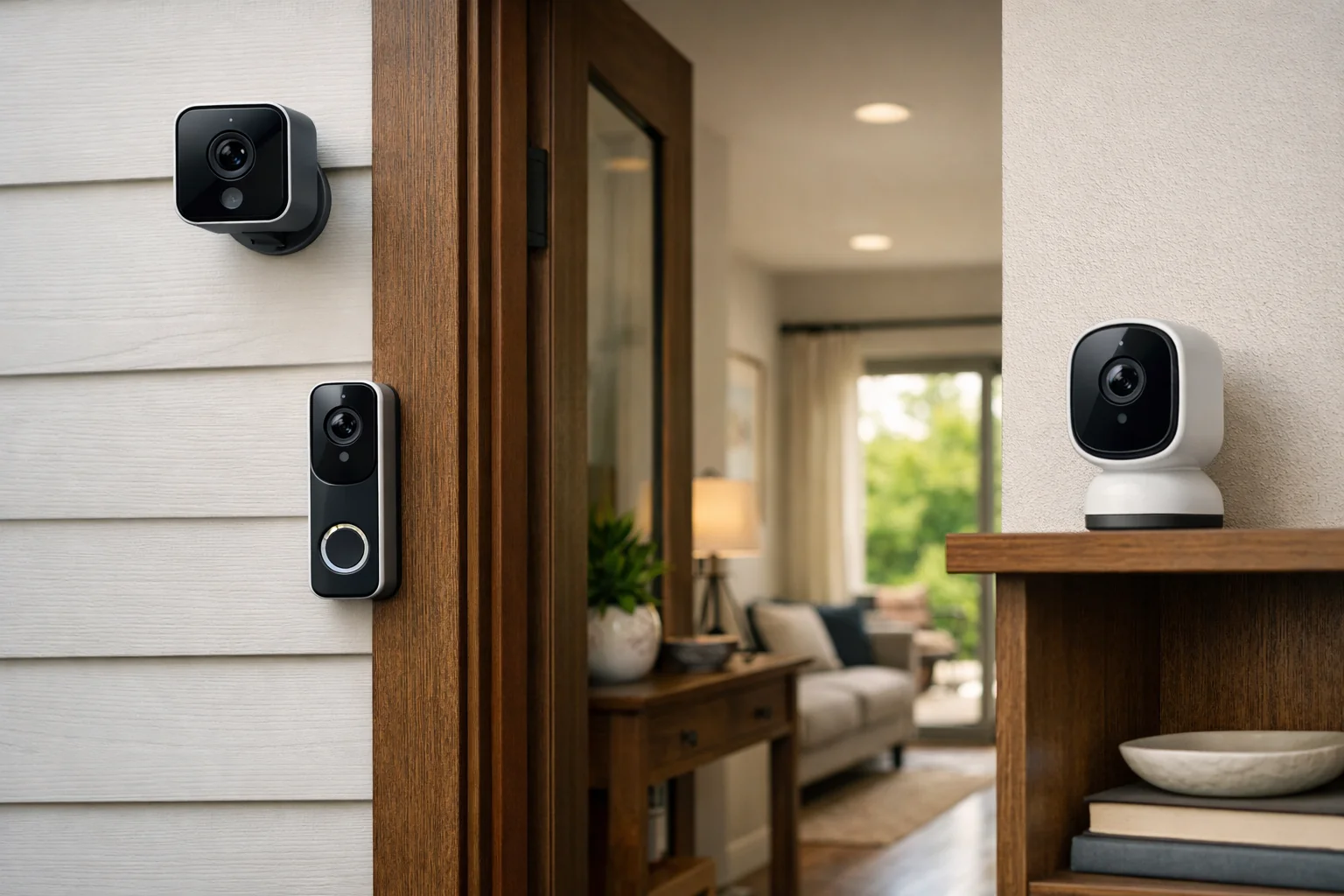
Matter cameras and video doorbells are more complicated than Matter lights, plugs, or locks. Video products involve live streaming, audio, storage, alerts, privacy controls, and often paid cloud services. Matter can help compatible cameras communicate with more than one smart-home platform, but those features do not automatically transfer equally between Apple Home, Google Home, Alexa, and a manufacturer’s own app.
Matter camera support began with Matter 1.5. The update creates a common framework for compatible cameras and video doorbells to expose selected functions to smart-home platforms. It is an important step toward cross-platform security, but it does not mean every Matter-certified camera will work identically in every app.
The practical takeaway is to treat Matter as an interoperability layer, not a promise of feature parity. Before buying, verify the exact model, the ecosystems it supports today, and which video, recording, alert, and privacy features are available in each app you plan to use.
What Matter cameras and video doorbells add
Matter 1.5 introduced a standardized camera and video-doorbell device type. The specification includes capabilities that manufacturers and smart-home platforms can choose to implement, including live video and audio streaming, two-way communication, local and remote access, pan-tilt-zoom controls, detection zones, privacy zones, and local or cloud recording options.
For a compatible camera, this common framework can reduce the need for every platform to build a completely separate integration. A camera maker can expose supported functions through Matter, while a platform can use the shared standard to present those functions in its own app.
The Connectivity Standards Alliance says Matter camera streaming uses WebRTC, a real-time communications technology, with STUN and TURN support for connectivity. Its Matter 1.5 camera overview explains the broader scope of the standard.
Matter 1.5.1, released March 31, 2026, added camera-focused improvements, including more efficient multi-stream video and audio delivery, expanded media capabilities, and refinements for doorbells, chimes, and intercoms. These improvements matter only when the camera and the receiving platform both support them.
A specification can define a feature without requiring every camera to include it or every smart-home platform to display it. A fixed indoor camera, for example, has no need to expose pan-and-tilt controls. A platform may also support live view before it supports clip playback, advanced zones, or doorbell intercom controls.
How one camera can work across multiple smart-home platforms
Matter uses a concept called multi-admin. Rather than locking a device to one ecosystem, multi-admin can allow you to add the same compatible device to more than one Matter app or platform. A household could, for example, authorize a camera for its manufacturer app and another supported smart-home ecosystem.
Each ecosystem creates its own secure relationship with the device, often described in Matter as a separate fabric. You decide which apps or platforms receive access. Adding a camera to a second ecosystem is an authorized sharing process within Matter, not the same as sharing your account password.
In practice, each platform generally needs a compatible Matter controller in the home. Depending on the ecosystem, that controller may be a smart speaker, display, hub, set-top box, or another supported home hub. The controller helps manage local communication and, for Matter-only devices, generally enables remote access when you are away from home.
Do not assume that a camera’s own cloud connection disappears after Matter setup. Many cameras may still communicate with the manufacturer’s service for firmware updates, account functions, cloud storage, push alerts, or subscription features. Matter can coexist with that connection rather than replace it.
For more on sharing and controller requirements, see the Connectivity Standards Alliance’s Matter FAQ.
What Matter standardizes—and what can still differ
The camera portion of Matter gives manufacturers a shared toolkit. Depending on the product and platform, that toolkit may include:
- Live video and audio streaming
- Two-way talk for cameras and video doorbells
- Pan, tilt, and zoom controls on compatible PTZ models
- Detection and privacy-zone controls
- Doorbell, chime, and intercom-related functions
- Local or cloud recording options
- Local and remote camera access
However, Matter does not require a uniform experience for all of those functions. A camera can support Matter while exposing only the features supported by its hardware, manufacturer, and connected ecosystem.
That means a live feed may appear in multiple apps while video history remains available only in the manufacturer’s app. Person, package, pet, vehicle, or facial-recognition alerts may also depend on a vendor’s AI service and subscription plan. Detailed activity filters, manual recording, advanced motion scheduling, firmware settings, and account administration can likewise remain manufacturer-specific.
Storage is especially important to check. Matter can accommodate local or cloud recording, but it does not dictate where clips are stored, how long they are retained, whether playback appears in a third-party platform, or whether a paid plan is required. Those are product- and service-level decisions.
If local recording and on-device detection are priorities, compare those features separately from Matter support. Our guide to local AI security cameras for home storage explains the questions to ask about storage and processing.
Apple Home, Google Home, and Alexa: do not assume equal support

The biggest source of confusion around Matter cameras and video doorbells is the difference between what the Matter specification supports and what consumer platforms have enabled in their apps.
Apple Home
Apple’s current Matter accessory support documentation lists categories such as lights, locks, outlets, thermostats, blinds, and sensors, but it does not list cameras. Apple separately supports cameras through HomeKit Secure Video. As a result, a product’s Matter support should not be treated as proof that it supports Apple Home cameras or HomeKit Secure Video.
HomeKit Secure Video is its own Apple camera system with platform-specific requirements and behavior. If Apple Home viewing, iCloud-based recording, or HomeKit Secure Video is important to you, confirm those features on the exact camera or doorbell product page. Apple’s guide to pairing and managing Matter accessories shows the categories Apple currently identifies for Matter support.
Google Home
Google’s Home developer documentation includes a camera device type with livestream and two-way-talk traits. However, that documentation labels the camera traits as restricted and unavailable for general use. This is a reason to verify real-world consumer support carefully rather than relying on a Matter logo or roadmap announcement.
Before purchasing, look for a clear statement from both the camera manufacturer and Google about whether the exact model can be added to Google Home through Matter, whether live view works in the Google Home app, and whether two-way talk, notifications, and recording playback are included.
Alexa
Amazon’s Matter category documentation lists device groups such as lights, plugs, sensors, locks, thermostats, appliances, and robotic vacuums, but not cameras or video doorbells. Alexa camera viewing may therefore continue to depend on manufacturer cloud integrations, Alexa skills, or existing vendor-specific connections unless Amazon adds consumer Matter camera support.
If Alexa is your primary platform, verify whether the camera has a current Alexa integration, which Echo devices can display its video feed, and whether that integration is Matter-based or manufacturer-cloud-based. The answer can affect setup and the features available in Alexa.
Privacy, video history, and subscriptions remain separate decisions

Matter does not determine a camera’s privacy policy. It does not choose whether video is stored on a microSD card, internal storage, a hub, a network-attached storage device, or a cloud service. It also does not set retention periods, subscription prices, encryption practices, or AI-processing policies.
Those details still come from the camera maker and, in some cases, the ecosystem used for viewing or recording. A model might offer local continuous recording in its own app, optional paid cloud clips, and only live video in another smart-home app. Another may offer useful AI alerts only with the manufacturer’s subscription.
Review the product’s privacy policy and subscription terms before installing an outdoor camera or doorbell. Also check whether you can disable the camera, microphone, cloud upload, or selected detection zones when needed. For installation considerations, including privacy-conscious positioning, see how to place home security cameras for coverage and privacy.
What to check before buying Matter cameras and video doorbells
U.S. retail availability, certification status, and ecosystem support are changing quickly. Do not buy based on a broad claim that a product is “Matter ready.” Use this checklist for the exact model you are considering:
- Confirm that it is a currently available, Matter-certified camera or doorbell. Check the manufacturer’s listing and current certification information. Ask whether support is native at purchase or dependent on a future firmware update.
- Check the Matter version and promised functions. Matter 1.5 added camera support, while Matter 1.5.1 added camera-focused refinements. The version alone does not tell you which functions are exposed.
- Verify support in your chosen ecosystem. Look specifically for Apple Home, Google Home, or Alexa support for that exact model. Do not infer support from a generic Matter badge.
- Ask what works after multi-admin sharing. Confirm whether each platform gets live view, two-way talk, doorbell calls, notifications, PTZ controls, and privacy controls—or only a portion of those features.
- Find out where recordings live. Determine whether video history is local, cloud-based, or both; whether playback appears in your preferred platform; and whether continuous recording or event clips require a subscription.
- Review AI-alert limitations. Person, package, vehicle, pet, and facial-recognition detection often remain vendor-specific. Check whether alerts work outside the manufacturer’s app and whether they require payment.
- Plan for controllers and remote access. Ensure every ecosystem you want to use has a compatible Matter controller or hub. Verify how remote viewing works during an internet outage or a manufacturer-service interruption.
- Keep the manufacturer app in your plan. You may need it for installation, firmware updates, advanced camera settings, video storage management, and subscription administration.
The bottom line
Matter cameras and video doorbells are a meaningful advance because the standard now provides a shared framework for live video, audio, two-way communication, privacy controls, detection zones, and more. Multi-admin also creates a path for one compatible camera to be authorized in multiple smart-home ecosystems.
But Matter certification is not a universal compatibility guarantee. Apple Home, Google Home, Alexa, and manufacturer apps can enable different features on different schedules. Recording, AI alerts, subscriptions, and video history may remain tied to the camera brand or a specific platform.
Choose a camera first for the ecosystem and recording approach you need today. Consider Matter a valuable flexibility feature only after verifying that the exact model exposes the functions your household wants in every app it plans to use.
Useful references: Matter 1.5 camera capabilities · Matter FAQ · Apple Matter accessory support
Related Home Tech Signal guides: Best Outdoor Smart Lights With Matter Support for Patios, Rooflines, and Paths · Matter Smart Appliances: How Major Appliances Work