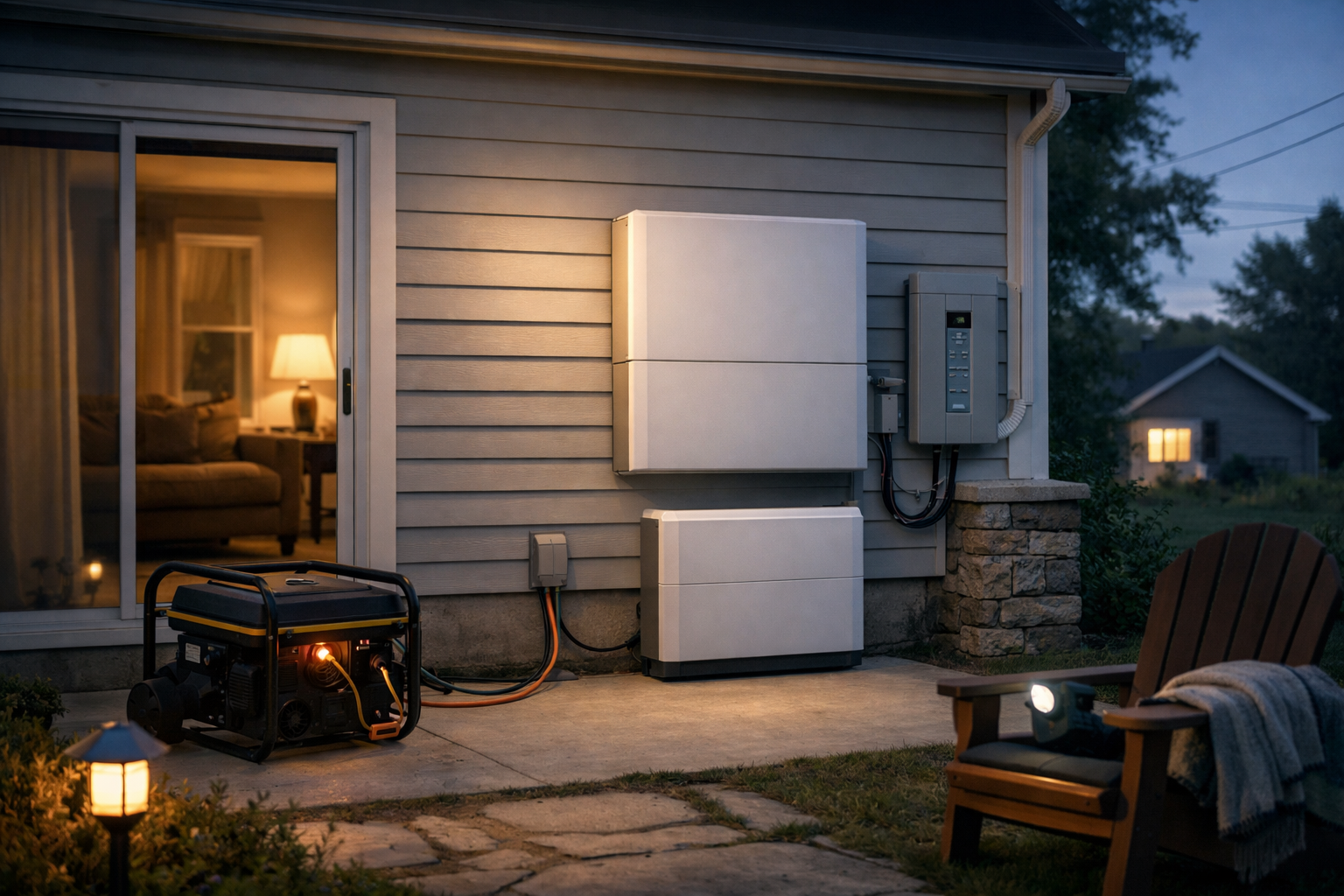
A battery can make an outage far less disruptive, but the right system for charging phones and keeping food cold is not necessarily the right one for a well pump, central air conditioner, or an entire solar-equipped home.
The best home battery backup systems fall into three practical groups: plug-in portable power stations for essential devices, high-output portable systems that can connect to selected home circuits, and permanently installed solar-plus-storage systems. The important distinction is not just battery capacity. You also need enough output power, the right voltage, and safe equipment for connecting the battery to your home.
Use this guide to match a system to the level of backup you actually need. Manufacturer specifications below are rated figures, not independent runtime testing. Before purchasing, confirm compatibility with your appliances, electrical service, local codes, and installer.
Our top home battery backup picks
| System | Best for | Capacity | Continuous output | Backup approach |
|---|---|---|---|---|
| Jackery Explorer 2000 Plus | Simple portable backup for essential appliances | 2,042.8Wh | 3,000W | Plug appliances directly into the unit |
| Anker SOLIX F3800 | Portable 120/240V backup and selected-circuit integration | 3.84kWh | 6,000W | Portable unit; Home Power Panel option |
| EcoFlow DELTA Pro Ultra | Highly expandable backup for larger homes | Starts at 6.144kWh | 7,200W | Modular system with Smart Home Panel 2 |
| Tesla Powerwall 3 | High-output installed solar-plus-storage | 13.5kWh nominal | 11.5kW | Professionally installed with compatible backup equipment |
| Enphase IQ Battery 5P | Enphase-centered solar and battery systems | 5.0kWh usable | 3.84kVA | Installed system with IQ System Controller |
| Generac PWRcell 2 | Installer-led whole-home or partial-home and generator integration | 9kWh to 18kWh usable per cabinet | Up to 10.5kW per cabinet | Professionally installed system |
Capacity tells you how much energy is stored, while output determines how much power the system can deliver at once. Actual runtime depends on the connected loads, inverter losses, temperature, and usage patterns. A large-capacity battery with modest output may run a refrigerator for a long time but still be unable to start a large motor-driven load. Conversely, a high-output inverter can start more equipment but may not provide long runtime without enough battery capacity.
Best portable battery for essential appliances: Jackery Explorer 2000 Plus
The Jackery Explorer 2000 Plus is a sensible starting point for renters, apartment dwellers, and homeowners who want uncomplicated backup for essential loads. It has a 2,042.8Wh LiFePO4 battery, 3,000W continuous output, 6,000W surge output, and up to 1,400W of DC solar input.
Its strongest use case is direct, temporary backup: plug in a refrigerator, modem, phone chargers, lights, CPAP, laptop, fan, or other compatible 120V equipment. The rated 20ms EPS transfer time may be useful for some electronics, but do not treat it as a substitute for evaluating the backup requirements of sensitive equipment.
For a refrigerator, capacity alone does not tell you how long it will run. Compressor cycling, ambient temperature, door openings, the refrigerator’s age, and inverter losses all affect runtime. A sump pump also needs special care because its startup demand can be much higher than its running wattage. Check the pump label and confirm its starting requirements against the power station’s output limits before relying on it.
This is not an automatic whole-home battery. It is best for an outage plan based on extension cords and a short list of priority devices. That can be a major advantage if you need portability and want to avoid permanent electrical work.
Best portable 120/240V home battery backup: Anker SOLIX F3800
The Anker SOLIX F3800 is a step up for households that need more output and 120/240V capability in a portable format. One unit provides 3.84kWh of capacity, 6,000W continuous output, 9,000W surge output, and up to 2,400W of solar input.
That split-phase 120/240V output matters because many U.S. homes have 240V equipment, including well pumps, some sump pumps, electric dryers, ranges, and central air-conditioning systems. It does not mean every such appliance will work. High-inrush loads can exceed the system’s starting capability, and the total simultaneous load still must stay within the inverter and configured system limits.
For a more integrated setup, Anker offers a Home Power Panel. Anker says this configuration can provide automatic whole-home backup and support up to 12 circuits. Two F3800 units with expansion batteries can scale to a stated 53.8kWh.
This makes the F3800 a flexible choice for buyers who want to begin with a movable power station but may later connect selected circuits through properly designed home backup equipment. Have a qualified electrician determine whether the proposed panel connection, inlet, transfer equipment, and battery configuration are permitted and appropriate for your home.
Best expandable whole-home backup system: EcoFlow DELTA Pro Ultra
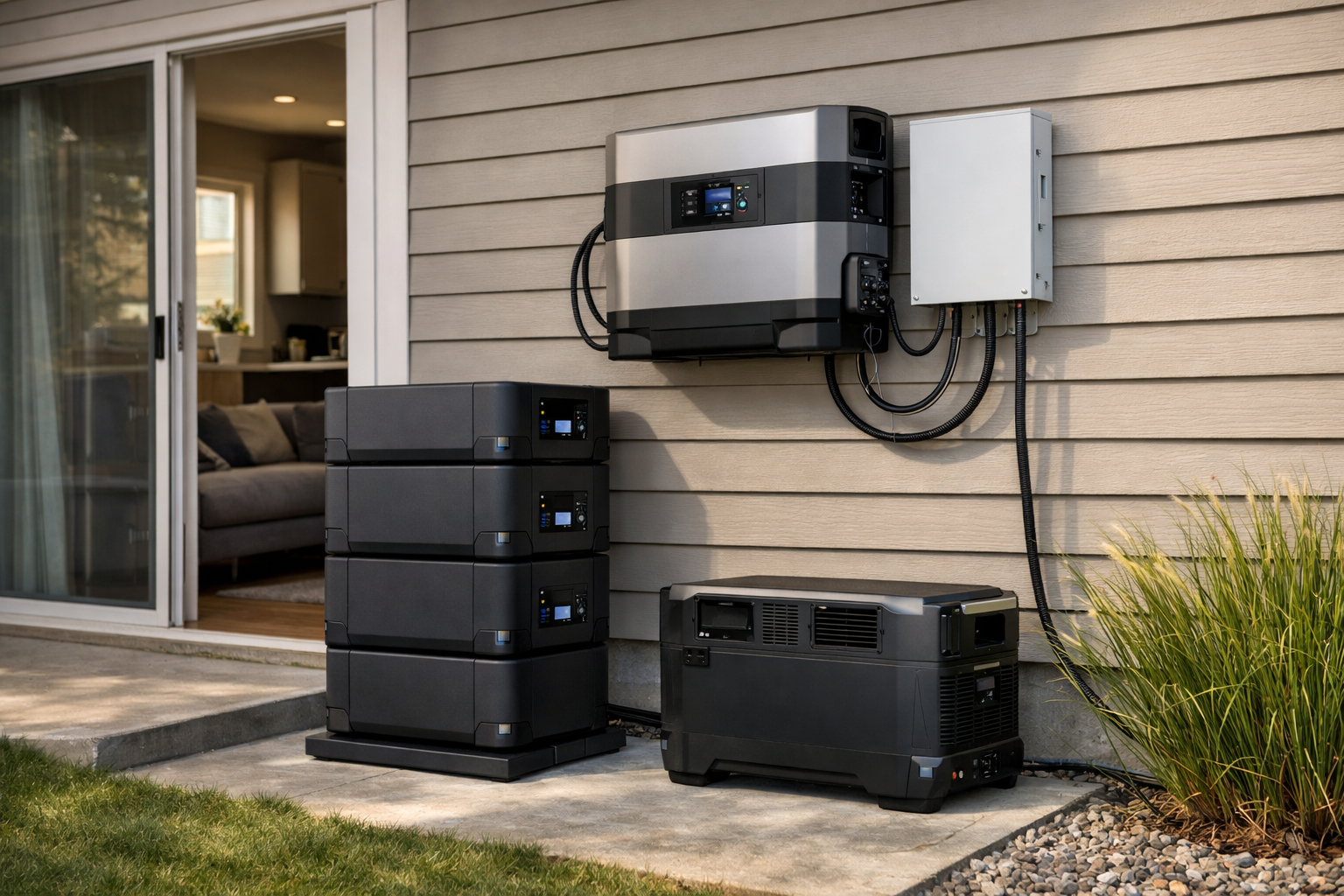
The EcoFlow DELTA Pro Ultra is designed for buyers who need more capacity and power than a conventional portable power station offers, without committing immediately to a fixed single-battery design. The system starts at 6.144kWh with 7,200W of AC output, supports 120/240V output, and accepts up to 5,600W of solar input.
EcoFlow lists expansion to 90kWh and 21.6kW in larger configurations. Those figures suit households planning around longer outages, selected large loads, or future battery expansion. The system can work with EcoFlow Smart Home Panel 2 for home integration, and EcoFlow specifies sub-20ms backup UPS operation.
Its modular design is useful, but planning is still essential. More battery modules increase stored energy; they do not automatically solve every electrical constraint. A larger home may need load management to keep air conditioning, electric resistance heat, water heating, cooking appliances, and EV charging from operating together during an outage.
This system can begin as substantial backup for priority equipment and scale toward a more comprehensive home backup system. It is less suitable if you only need a compact battery for a few devices.
Best installed solar battery systems
Permanently installed batteries are typically the better choice for automatic backup, integrated rooftop solar, and a carefully selected set of home circuits. They also require more planning than portable systems. Installation may involve a site assessment, electrical permit, utility coordination, a compatible transfer or islanding device, and local fire-code review.
Tesla Powerwall 3: Best high-output installed solar battery
Tesla Powerwall 3 is a high-output installed option for homes pursuing solar-plus-storage. Tesla lists 13.5kWh nominal energy, 11.5kW continuous output, motor-start capability of 185 LRA, six MPPT solar inputs, and up to 20kW of solar input. A system can support up to four Powerwall 3 units.
Its output rating is notable for homeowners considering more demanding loads, but it is not a blanket promise that a particular HVAC compressor or well pump will start. Your installer should review appliance locked-rotor amperage, existing electrical service, expected concurrent loads, and any load-management plan.
Backup also requires compatible Tesla islanding equipment, such as Backup Gateway 2, Backup Switch, or Gateway 3. Review Tesla’s Powerwall 3 specifications and backup-equipment requirements with an installer before choosing a configuration.
Enphase IQ Battery 5P: Best for Enphase-centered solar systems
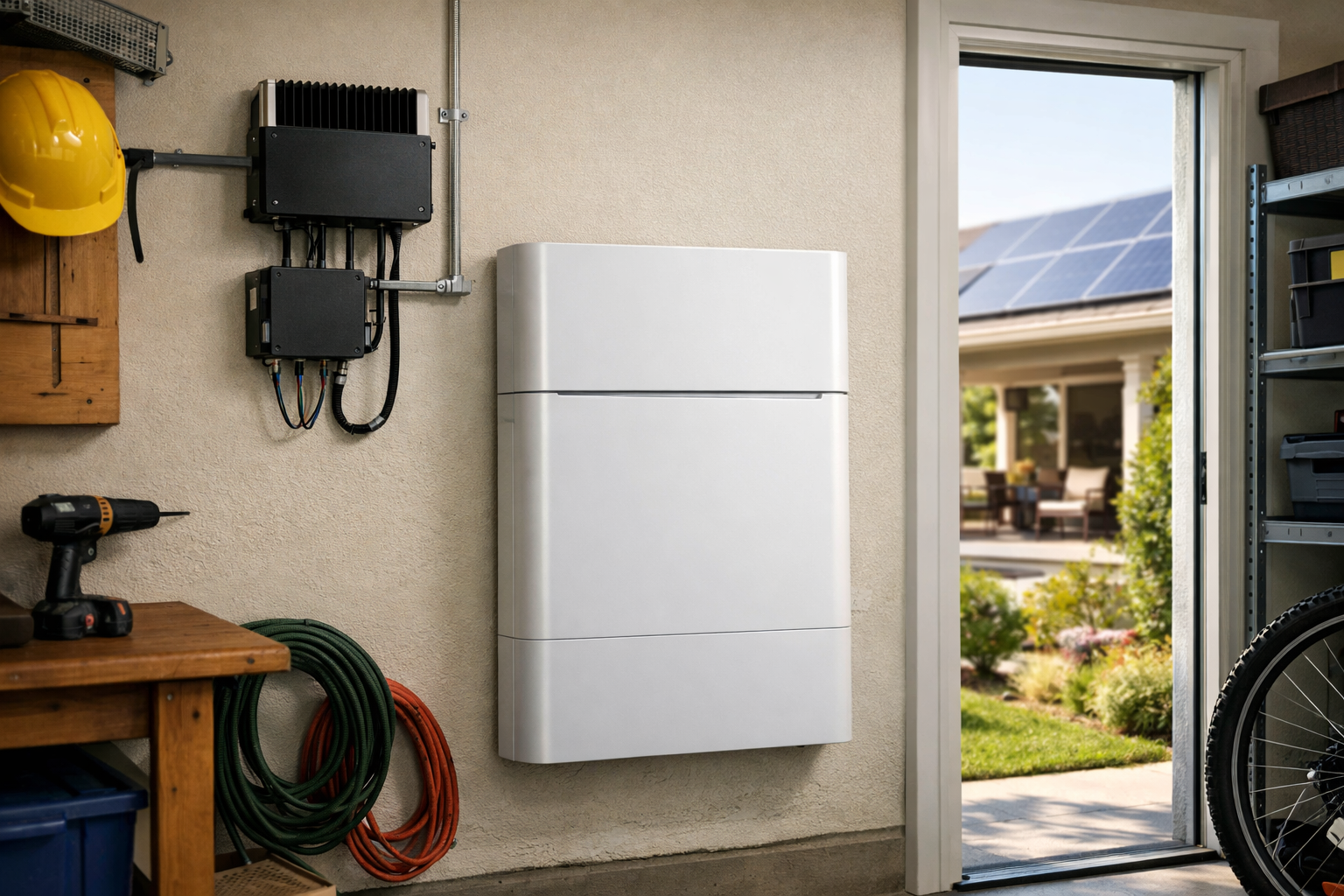
Enphase IQ Battery 5P is an AC-coupled, LFP battery aimed at homes using or planning an Enphase ecosystem. Each battery provides 5.0kWh usable capacity and 3.84kVA continuous output, with up to 48A of power-start capability. Enphase lists a limited warranty of up to 15 years or 6,000 cycles.
AC coupling can be particularly relevant for homeowners who already have compatible solar equipment and are evaluating an add-on battery. Backup operation requires an Enphase IQ System Controller 3 or 3G. Ask an Enphase installer to explain the number of batteries needed for your essential loads, desired runtime, and motor-start needs.
Generac PWRcell 2: Best for installer-led backup and generator compatibility
Generac PWRcell 2 is a professionally installed option for partial-home or whole-home backup plans, including homes where generator compatibility is a priority. Generac lists 9kWh to 18kWh usable energy per cabinet and up to 10.5kW continuous power for one cabinet. Two M6 configurations can reach up to 36kWh and 11.5kW.
The product is worth considering when you want an installer to design a larger resilience system around solar, battery storage, and potentially a generator. Generac also lists UL 9540, UL 1973, and UL 9540A compliance. As with any installed system, ask how the proposal handles critical circuits, large loads, solar production, and generator coordination during extended outages.
Who should buy a home battery backup system?
A home battery backup is worth planning for when you have loads that must stay powered through an outage and you can match hardware to your electrical setup.
- Homeowners who want refrigerator, communications, medical devices, sump or well pumps, or selected 240V circuits covered—not just phone charging.
- Households in outage-prone areas willing to define critical loads instead of assuming every circuit will run.
- Solar owners evaluating storage for backup (not only bill savings) with installer review of panel, controller, and transfer equipment.
- Buyers who can verify continuous output, surge capability, and whether 120V-only hardware is enough for their list.
For medical equipment, follow the device manufacturer’s backup-power requirements rather than relying on a general home-battery recommendation.
Who should skip a home battery backup system?
Skip—or start smaller—when the problem is narrower than a kilowatt-hour battery pack.
- Renters who cannot alter a panel or install transfer gear. A UPS for a router and modem or a small portable station may cover the actual need.
- Anyone whose only goal is keeping Wi-Fi and a modem alive for a few hours. That is often a UPS job, not whole-home storage.
- Shoppers expecting every circuit—including central AC, electric range, and tankless water heaters—to run for days without a designed critical-load plan.
- Homes with unknown panel space, outdated service, or code limits that have not been reviewed by a qualified electrician or installer.
How to size the best home battery backup systems for an outage
Start by deciding what “backup” means in your household. There is a major difference between maintaining food, medication, communications, and sleeping equipment and attempting to operate every circuit as if the grid were available.
- Make a critical-load list. Include refrigerator or freezer, internet equipment, phones, lighting, CPAP, medical devices, furnace blower, sump pump, well pump, garage-door opener, and a few outlets. Add larger loads only if they are genuinely necessary.
- Find running watts and startup needs. Labels, manuals, and appliance manufacturers are better sources than guesses. Motors and compressors can draw much more power at startup than while running.
- Estimate energy use over time. Multiply a device’s watts by its expected hours of operation to estimate watt-hours. For example, a 100W device used for 10 hours consumes roughly 1,000Wh before accounting for conversion losses.
- Compare continuous output and surge capability. Continuous output must cover equipment running at once. Surge or motor-start capability matters for refrigerators, pumps, and HVAC equipment.
- Decide between direct plug-in, selected circuits, and whole-home backup. This decision determines whether you need only a portable unit or a transfer switch, smart panel, system controller, or installed battery.
A battery’s listed capacity is not necessarily all available to appliances. Reserve settings, battery-management limits, temperature, inverter efficiency, and device duty cycles reduce real-world runtime. Build margin into an outage plan rather than sizing to a perfect on-paper total.
UPS vs portable power station vs installed home battery
These solve different outage problems. Mixing them up is one of the most common reasons people overspend or still lose internet the moment power drops.
| Approach | Best for | Typical install | Main limitation |
|---|---|---|---|
| UPS (router/modem/small loads) | Short gaps; keeping network gear alive while power flickers or for brief outages | Plug into wall; no panel work | Small capacity; not for refrigerators, pumps, or whole rooms for long periods |
| Portable power station | Plug-in essentials; optional expansion toward selected circuits with approved accessories | Indoor/outdoor use; may add transfer switch or home panel kit where supported and permitted | Output and capacity limits; 120V-only units cannot directly feed many 240V appliances |
| Installed solar-plus-storage or whole-home battery | Critical-load or whole-home backup designed with transfer equipment | Electrician/installer; permits; compatible inverter/controller | Higher cost and design complexity; not a same-day DIY purchase for most homes |
If you are unsure how much of your home actually draws power during normal use, a home energy monitor can help you build a realistic critical-load list before you size a battery.
Solar charging, transfer switches, and installation requirements
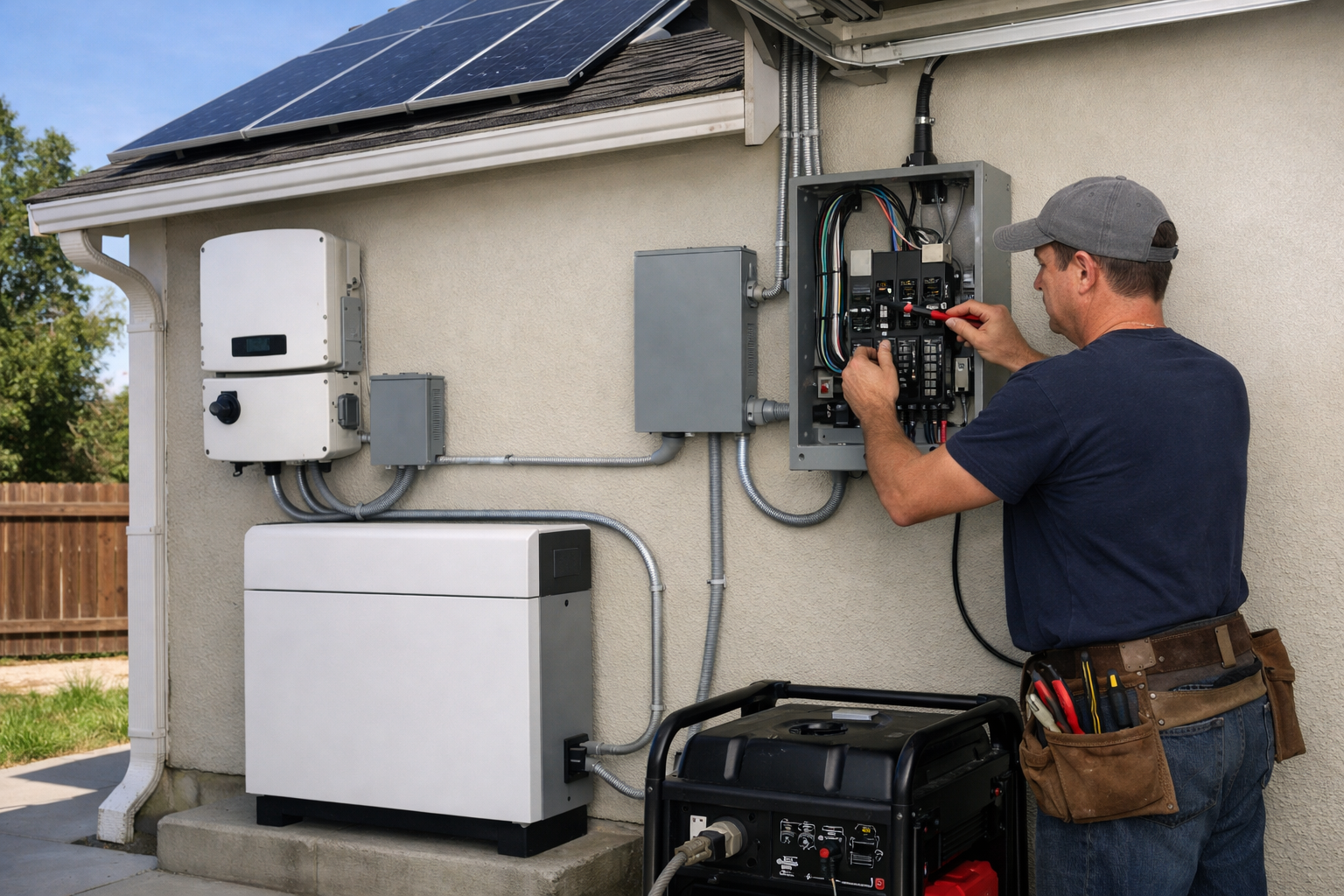
Rooftop solar panels alone generally do not keep your outlets live during a grid outage. Standard grid-tied systems shut down to prevent dangerous backfeeding onto utility lines. To use solar power during an outage, you need appropriately configured storage, an inverter, and equipment that can safely isolate the home from the grid.
The U.S. Department of Energy explains why grid-tied solar normally shuts down during outages and how solar-plus-storage can provide resilience. Solar can then recharge a battery during an extended outage, but production varies by weather, roof conditions, season, shading, array size, and household demand.
Never connect a battery or generator to a home panel through an improvised cord or outlet. A correctly installed transfer switch, interlock, smart panel, system controller, or manufacturer-approved backup device is designed to prevent backfeeding and isolate the house safely.
Permanent systems may require permits, utility approval, and compliance with local electrical and fire requirements. Contact the utility early and use a qualified local installer. Portable system-to-panel connections can also be regulated, so verify the rules with your local authority having jurisdiction instead of assuming a product’s capability makes every connection legal.
Common buying mistakes
- Confusing kW (power available now) with kWh (energy stored over time). A large battery still cannot run more simultaneous load than its continuous output rating.
- Assuming “whole-home backup” means every breaker without a critical-load panel or load-shedding design.
- Buying a 120V portable station for a 240V well pump, dryer, or heat-pump compressor without confirming split-phase output and installer approval.
- Skipping startup/surge checks for refrigerators, pumps, and HVAC blowers.
- Treating a UPS as a substitute for a refrigerator or overnight medical load.
- Ordering installed storage before confirming panel space, service size, and local code requirements.
- Expecting cloud apps to work when internet is down—verify what local control still functions.
Home battery backup decision table
Editorial summary from the product sections above—confirm current specs, accessories, and install requirements on manufacturer sites before purchase.
| System | Best for | Backup style | Install / integration | Main trade-off |
|---|---|---|---|---|
| Jackery Explorer 2000 Plus | Simple portable essentials | Plug appliances into the unit | No panel tie-in | Easiest path; limited vs hardwired pumps or 240V loads |
| Anker SOLIX F3800 | Portable 120/240V and selected circuits | Portable with home panel option | Panel kit where supported and permitted | More capability; still buyer-managed integration |
| EcoFlow DELTA Pro Ultra | Expandable modular backup | Modular packs + smart panel option | Panel integration for larger plans | Complexity and cost scale with expansion |
| Tesla Powerwall 3 | High-output installed solar-plus-storage | Permanent backup with compatible gear | Professional install | Not a plug-and-play outage fix |
| Enphase IQ Battery 5P | Enphase solar ecosystems | Installed AC-coupled storage | IQ System Controller / installer-led | Best when the rest of the system is Enphase-centric |
| Generac PWRcell 2 | Installer-led partial/whole-home; generator paths | Permanent storage | Dealer/installer design | Higher scope; aligns with generator compatibility goals |
What to look for before buying
- Usable capacity: Compare kWh or Wh, but translate it into your own essential-load plan rather than relying on generic runtime claims.
- Continuous and surge output: Check watts or kW for simultaneous loads and startup ratings for motors and compressors.
- 120V versus 120/240V: A standard 120V portable station cannot directly serve a 240V appliance. Confirm true split-phase 120/240V output in the exact configuration you are buying.
- Solar input: Review the maximum solar input, connector requirements, voltage range, and whether compatible panels are included or sold separately.
- Expansion path: Look at the maximum capacity and output in the intended configuration, not just the first battery module.
- Backup integration: Determine whether you need direct plug-in use, a manual transfer switch, an automatic panel, or a full system controller.
- Load management: Whole-home-capable does not mean every high-draw appliance can run at once. Ask how the system prioritizes or sheds loads.
- Service and warranty: For installed systems especially, evaluate local installer support, warranty terms, and who will service the system.
- Physical placement: Confirm weight, ventilation, temperature limits, required clearances, and local installation rules before ordering.
If you are still deciding how much backup you need, a home energy monitor can help identify the circuits and appliances that dominate your household consumption. That information can make a battery proposal more realistic than choosing based on capacity alone.
HomeTechSignal Recommendation
Editorial guidance from the specifications and setup notes in this guide—not hands-on long-term outage testing of every product.
Short outages, plug-in essentials only: Jackery Explorer 2000 Plus if your list stays on 120V plugs and you do not need panel integration.
Portable path with 240V or panel-kit potential: Anker SOLIX F3800 when you may grow into selected-circuit backup with approved hardware.
Large expandable modular backup: EcoFlow DELTA Pro Ultra when you expect to add capacity and integrate with supported panel gear.
Permanent solar-plus-storage: Tesla Powerwall 3 for high continuous output in a designed install; Enphase IQ Battery 5P when the home is already Enphase-centered; Generac PWRcell 2 when installer-led whole-home or generator coordination is the goal.
Start with a UPS instead if the only critical need is keeping a router and modem online—see our UPS for router and modem guide before buying kilowatt-hours of storage.
Which home battery backup is right for you?
Choose the Jackery Explorer 2000 Plus if your goal is straightforward portable backup for a refrigerator, communications gear, lights, CPAP, and other plug-in essentials. Choose the Anker SOLIX F3800 if you want portable 120/240V capability and may build toward selected-circuit integration.
The EcoFlow DELTA Pro Ultra fits buyers who want a modular system with substantial expansion potential. For a permanent solar-plus-storage project, Tesla Powerwall 3 is a high-output option, while Enphase IQ Battery 5P makes particular sense in an Enphase-oriented design. Generac PWRcell 2 is worth considering for larger installer-led systems, especially where generator compatibility is part of the plan.
The best choice is the one that supports your actual critical loads safely for the outage duration you want to prepare for. Confirm the electrical design before you buy, particularly for 240V appliances, pumps, HVAC equipment, and any connection to a home panel.
Useful references: Solar and Resilience Basics · Solar Energy Guide for Homebuilders
Related Home Tech Signal guides: Best UPS for a Router and Modem, Best Home Energy Monitors for Tracking Electricity Use, Best DIY Home Security Systems Without Monthly Fees