Disclosure: As an Amazon Associate I earn from qualifying purchases.
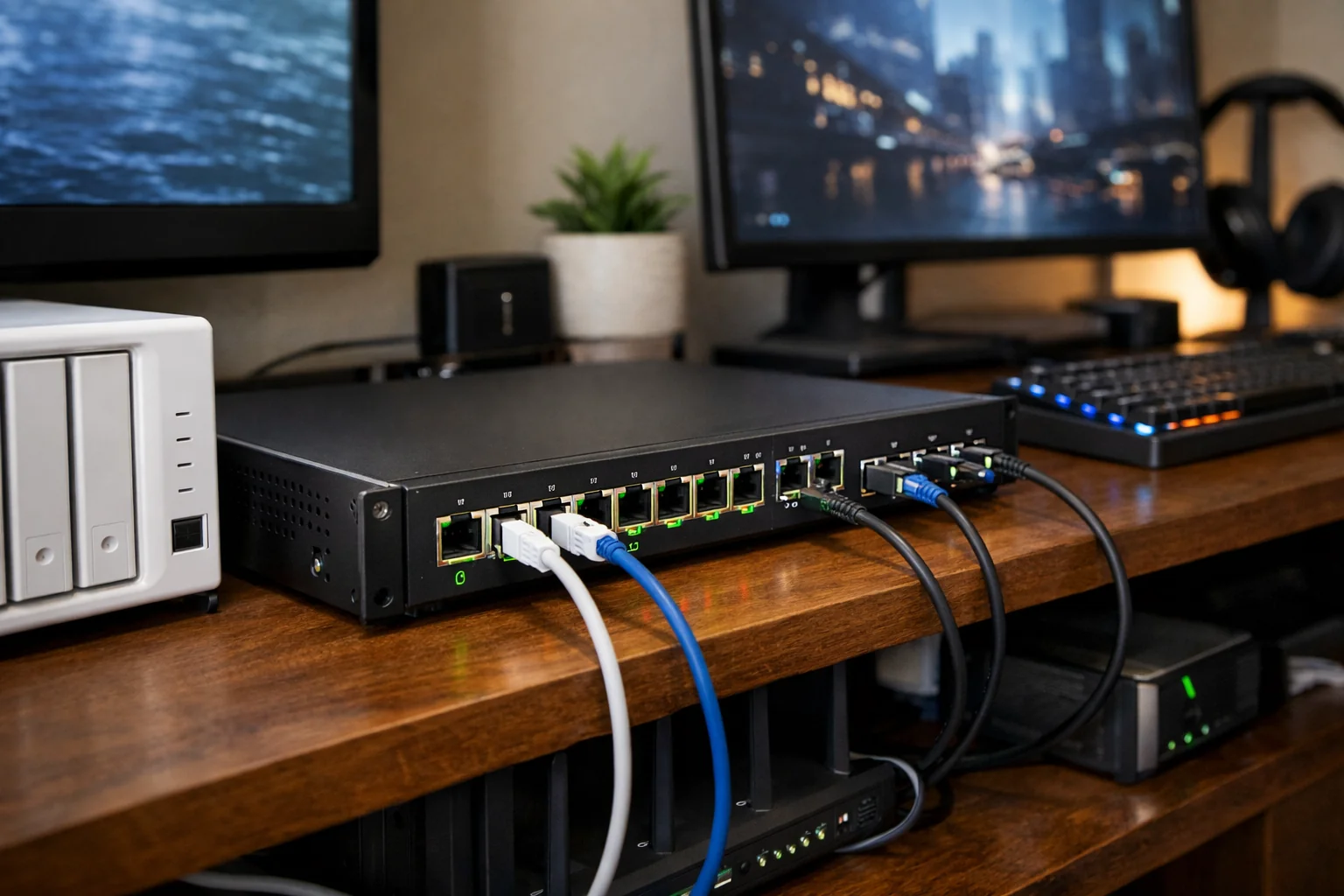
A 10GbE switch can be one of the most useful upgrades in a home network—but only when it solves a real bottleneck. It will not make a 1Gbps internet plan faster, but it can improve local NAS transfers, support multi-gig fiber service, connect wired editing workstations, and provide high-speed uplinks for Wi-Fi 7 access points.
The best 10GbE switches for home networks are not all built for the same job. Some prioritize simple 10GBASE-T copper connections over existing Ethernet runs. Others combine a few fast copper ports with 2.5GbE for newer PCs and access points. More advanced options add SFP+, PoE++, VLANs, and rackmount form factors for a home lab or small office.
These recommendations are based on each switch’s documented port layout, management features, power delivery, and likely fit in a home network. Before buying, verify current pricing, stock, warranty coverage, switch noise, and compatibility with your router, NAS, cables, and access points.
Quick picks
- Best all-copper upgrade: TP-Link TL-SX1008 for homes with several 10GbE RJ45 devices and no need for switch management.
- Best compact mixed-speed model: QNAP QSW-2104-2T-R2 for a small setup with one or two 10GbE devices plus several 2.5GbE clients.
- Best managed hybrid option: Zyxel XGS1250-12 for VLANs, link aggregation, and a mix of RJ45 and SFP+ equipment.
- Best for powered Wi-Fi 7: NETGEAR MS510TXUP for networks that need multi-gig ports and PoE++ power.
- Best for a NAS-heavy rack: QNAP QSW-M3212R-8S4T for mixed SFP+ and 10GbE copper deployments.
- Best high-density option: Ubiquiti UniFi EnterpriseXG 24 for advanced installations that genuinely need many 10GbE copper ports.
What to look for in a 10GbE home-network switch
Start with the ports you need now
Count the devices that can actually benefit from 10GbE. A typical setup may need one port for a router or firewall, one for a NAS, and one or two for desktop workstations. That makes a small four-port or eight-port 10GbE switch sensible for many homes.
Do not assume every device needs 10GbE. Streaming boxes, printers, smart-home hubs, and most everyday laptops will generally be fine on Gigabit Ethernet. Many newer computers, docking stations, and access points use 2.5GbE, so a multi-gig Ethernet switch can be a better value than an all-10GbE design when your network is still evolving.
Choose RJ45, SFP+, or both
10GBASE-T RJ45 uses familiar twisted-pair Ethernet cabling and is often the easiest choice for homes with existing wall jacks. Compatible multi-gig ports can negotiate down to lower speeds, providing flexibility for 1GbE, 2.5GbE, and 5GbE devices.
SFP+ is common on NAS devices, routers, and higher-end network gear. It may use a direct-attach copper cable (DAC), a compatible RJ45 transceiver, or fiber modules and fiber cabling. SFP+ can be a clean choice for short rack connections, but it requires planning around compatible transceivers and cables.
For 10GBASE-T, cable quality and run length matter. Manufacturer documentation generally positions Cat 6 for shorter 10Gbps runs, while Cat 6A or better is the safer choice for longer runs. Check the documentation for your selected switch and assess your installed wiring before expecting every in-wall run to operate at 10Gbps.
Managed versus unmanaged switches
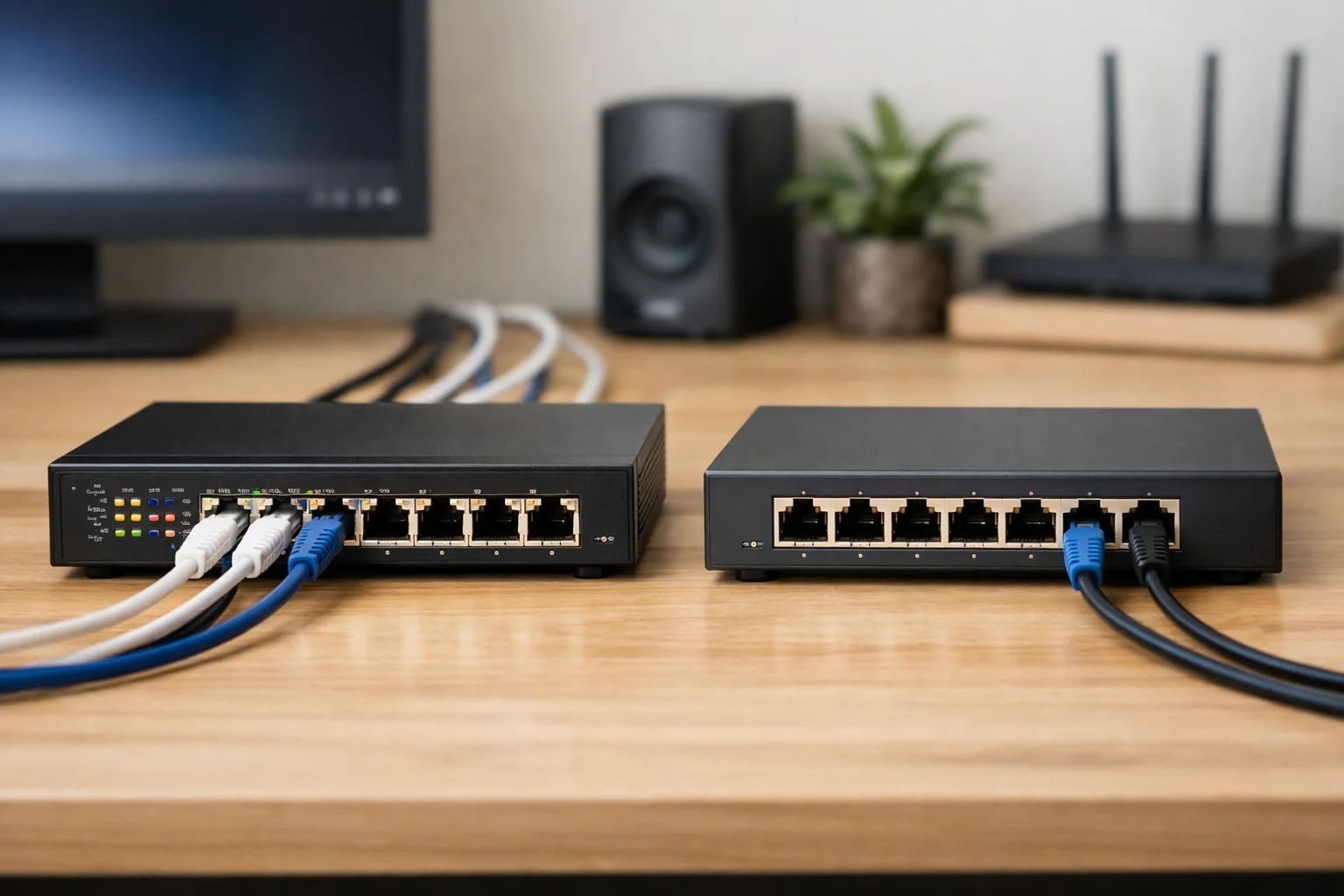
An unmanaged switch is the simple option: connect devices, confirm link speeds, and let the switch do its job. It is often the right answer for a straightforward router-to-NAS-to-workstation setup.
A managed 10GbE switch adds features such as VLANs, QoS, link aggregation, multicast controls, port mirroring, and access controls. Those features are valuable if you separate work devices, smart-home gear, cameras, guests, and storage traffic. They also introduce setup work. Verify that the management features you need will work with your router and the rest of your network before paying for them.
Plan power for Wi-Fi 7 access points
A high-end Wi-Fi 7 access point may have a 10GbE uplink, but that does not mean every Wi-Fi 7 installation needs a 10GbE switch. A 2.5GbE uplink can be appropriate when the access point, client mix, internet plan, and wired backhaul do not demand more.
Power requirements matter just as much as link speed. Ubiquiti, for example, lists a 10GbE RJ45 uplink and PoE+ power requirement for its U7 Pro XG. Some other high-end access points use PoE++. Check the access point’s required PoE standard, its maximum draw, and the switch’s total PoE budget—not just whether a port is labeled PoE.
Best 10GbE switches for home networks
TP-Link TL-SX1008: Best overall for an all-copper home network

Who it is for: Homeowners and remote workers who want several fast RJ45 connections for a router, NAS, desktop PCs, or multi-gig devices without managing VLANs or switch settings.
The TP-Link TL-SX1008 is a straightforward choice when an all-copper network is the priority. It has eight RJ45 ports that support 100Mbps, 1Gbps, 2.5Gbps, 5Gbps, and 10Gbps, so it can bring together a mix of older Gigabit hardware and newer multi-gig or 10GbE devices.
TP-Link specifies 160Gbps switching capacity, support for up to 32K MAC addresses, and jumbo frames up to 10KB. Its desktop/rackmount design also gives it more placement flexibility than a strictly rack-oriented switch. For a household with a 10GbE NAS, two workstations, and a multi-gig router, eight flexible copper ports can be easier to deploy than a switch that requires separate SFP+ modules.
The tradeoff is that it is unmanaged. That is useful for a simple network, but it means this is not the model to choose if you need VLAN segmentation, detailed traffic controls, or link aggregation configuration. Review the TP-Link TL-SX1008 documentation for current hardware details and supported cabling guidance.
QNAP QSW-2104-2T-R2: Best compact mixed-speed switch


Who it is for: Renters, small-home-office users, and NAS owners who need a couple of 10GbE links but mostly use 2.5GbE devices.
The QNAP QSW-2104-2T-R2 takes a more incremental approach. It has four 2.5GbE RJ45 ports and two multi-gig 10GbE RJ45 ports. The two faster ports support 10Gbps, 5Gbps, 2.5Gbps, 1Gbps, and 100Mbps, providing useful flexibility for a NAS and a primary desktop or router.
Its fanless desktop format makes it worth considering when the switch will sit in a home office rather than a network rack. A practical layout could connect a 10GbE NAS and a 10GbE workstation to the two fast ports, then use the 2.5GbE ports for a router, Wi-Fi access point, dock, or additional client devices.
This is not a substitute for an eight-port 10GbE core switch. If you expect to add multiple 10GbE workstations, a second NAS, or several high-speed access points, its two 10GbE ports will become limiting. But for a compact first upgrade, the QNAP QSW-2104-2T-R2 avoids paying for more 10GbE capacity than many homes can use. See QNAP’s product specifications for current details.
Zyxel XGS1250-12: Best managed hybrid switch
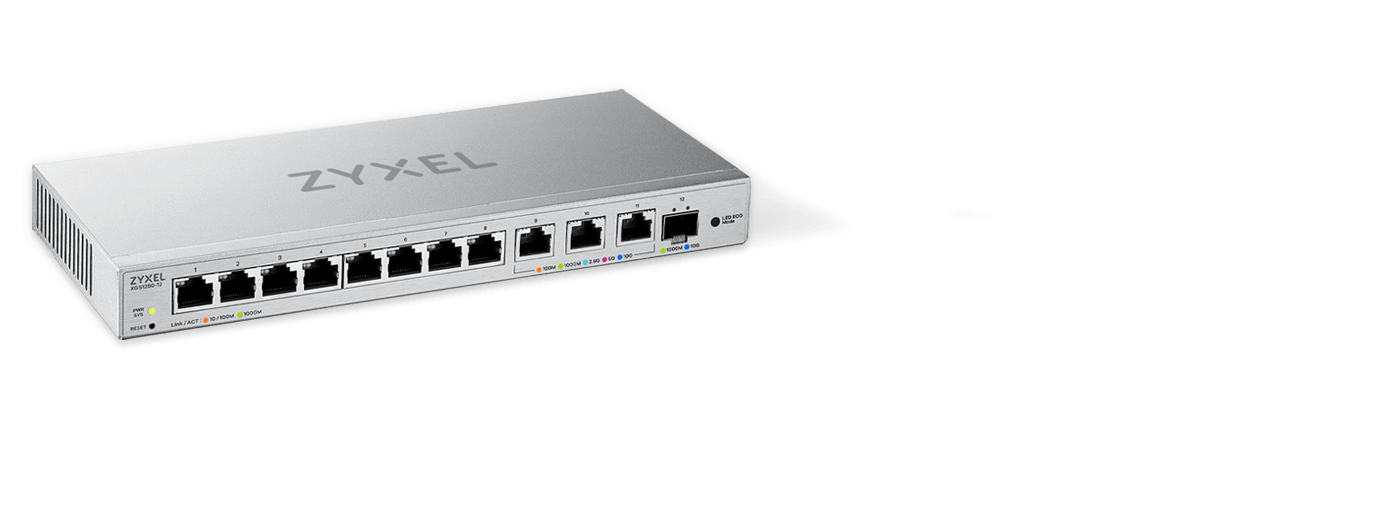
Who it is for: Users who want basic network segmentation and a combination of Gigabit, multi-gig RJ45, and SFP+ connectivity.
The Zyxel XGS1250-12 is a useful bridge between simple unmanaged equipment and a deeper home-lab switch. It combines eight Gigabit RJ45 ports, three RJ45 ports supporting 1Gbps, 2.5Gbps, 5Gbps, and 10Gbps, plus one 1Gbps/10Gbps SFP+ port.
That port layout suits a home where most wired devices remain at Gigabit, while a NAS, primary workstation, router, or access point needs more bandwidth. The SFP+ port is particularly helpful if your NAS or router already has SFP+ and you prefer a DAC or fiber connection rather than another 10GBASE-T run.
Its browser-based management includes VLANs, QoS, IGMP snooping, static link aggregation, port mirroring, and broadcast-storm control. Those are practical tools for separating IoT devices from work systems or managing multicast traffic, but only if you are prepared to configure and maintain them. Confirm feature interoperability with your router before building your network design around VLANs or LACP. Zyxel lists the complete port and feature specifications on its XGS1250-12 specifications page.
NETGEAR MS510TXUP: Best for PoE-powered Wi-Fi 7
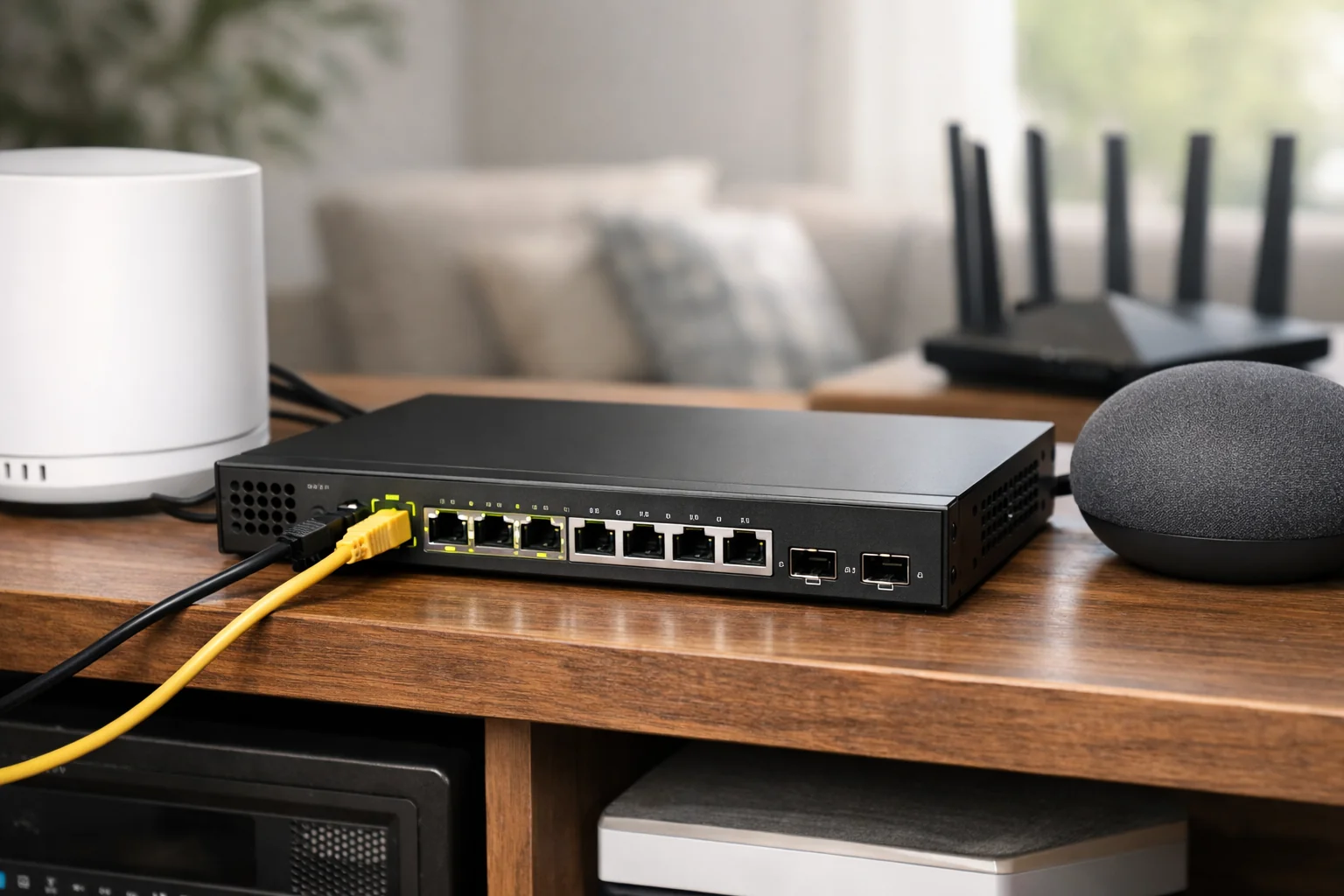
Who it is for: Homes and small offices that need to power multi-gig Wi-Fi access points, cameras, or other PoE equipment while retaining high-speed wired connections.
The NETGEAR MS510TXUP is a specialist option for networks where switch power delivery is as important as bandwidth. It includes four 1Gbps/2.5Gbps ports, four copper ports supporting 1Gbps through 10Gbps, and two 10Gbps SFP+ uplinks. All eight copper ports support PoE++, with a stated 295-watt PoE budget.
That layout can suit a wired Wi-Fi 7 deployment, particularly when Ethernet and power must run through one cable to access points. It can also support PoE cameras and other networked equipment, provided you calculate the combined power draw carefully.
Select a 10GbE switch for Wi-Fi 7 from the access point backward. Check the AP’s Ethernet speed, whether it needs PoE+, PoE++, or another standard, its maximum power requirement, and how many powered devices may operate at once. Review NETGEAR’s MS510TXUP documentation, and verify current U.S. availability and support terms before purchasing.
QNAP QSW-M3212R-8S4T: Best for NAS and SFP+ expansion


Who it is for: NAS-heavy homes, creators with multiple high-speed workstations, and home-lab users who want both 10GbE SFP+ and 10GbE copper ports in a rackmount switch.
The QNAP QSW-M3212R-8S4T provides eight 10GbE SFP+ ports and four multi-gig 10GbE RJ45 ports in a half-width rackmount format. That layout can work well when storage, servers, and a router use SFP+, while desktop PCs or in-wall Ethernet runs rely on RJ45.
It is managed through a web interface and supports VLANs, RSTP, LACP, QoS, IGMP snooping, ACLs, and SNMP. Those features give it more room to grow than an unmanaged switch, especially in a segmented home lab with storage, media servers, virtual machines, and separate client networks.
This is a better long-term core-switch candidate than a casual desktop upgrade. Factor in the cost and compatibility of SFP+ DACs, fiber modules, or RJ45 transceivers, along with rack space and cooling. QNAP’s QSW-M3212R-8S4T specifications are a useful starting point for confirming the supported feature set and physical requirements.
Ubiquiti UniFi EnterpriseXG 24: Best high-density option

Who it is for: Large homes, advanced UniFi deployments, studios, and small-office environments that truly need many 10GbE copper connections and Layer 3 features.
The Ubiquiti UniFi EnterpriseXG 24 is beyond what most homes need, but it fills a specialized niche. It has 24 multi-gig 10GbE RJ45 ports plus two SFP28 ports supporting 25Gbps, 10Gbps, and 1Gbps. That density can simplify a large installation with many wired workstations, servers, access points, and distribution runs.
It also supports capabilities including VLANs, LACP, inter-VLAN routing, ACLs, IGMP snooping, and DHCP snooping. Users already committed to the UniFi management ecosystem may find that centralized approach useful.
For a typical home with one NAS and a few desktops, this switch is likely excessive in cost, capacity, power use, and rack requirements. Consider it only after mapping out a genuine need for a large number of 10GbE copper ports. Review Ubiquiti’s technical specifications before designing around its Layer 3 and management capabilities.
How to match your switch to your internet, NAS, and Wi-Fi 7 hardware
Work from the slowest link outward. If your ISP plan is 1Gbps and your router has only Gigabit LAN ports, a 10GbE switch will not increase internet speed. You would first need compatible multi-gig or 10GbE WAN and LAN ports on the modem, gateway, or router.
Local traffic is different. A 10GbE NAS and a 10GbE workstation can benefit from a fast switch even if the internet connection is slower. That can reduce transfer times for large video projects, photo libraries, virtual-machine files, and backups, assuming the NAS storage array and client hardware can keep up.
For Wi-Fi 7, check the access point’s wired uplink before assuming 10GbE is necessary. A 2.5GbE port may be enough for many installations. A 10GbE uplink can make sense for a high-end access point with many active clients and a fast wired backbone, but real wireless performance still depends on client hardware, signal quality, channel configuration, and congestion.
If your wiring is the obstacle, see our guide to Best MoCA Adapters for Faster Home Networking for situations where coaxial cabling may offer a practical alternative to pulling new Ethernet. If you are upgrading a gateway at the same time, our Best Routers for Fiber Internet and Multi-Gig Speeds guide can help you evaluate the WAN and LAN ports that determine whether your switch can run at its intended speed.
Bottom line
For most people building a shortlist of the best 10GbE switches for home networks, the TP-Link TL-SX1008 is the simplest all-copper choice when several devices need fast RJ45 links. The QNAP QSW-2104-2T-R2 is more appropriate for a small mixed-speed network, while the Zyxel XGS1250-12 adds managed hybrid connectivity.
Choose the NETGEAR MS510TXUP when PoE++ and high-speed access-point connections are central to the design. Step up to the QNAP QSW-M3212R-8S4T or Ubiquiti UniFi EnterpriseXG 24 only when your NAS, rack, device count, and management requirements justify their added complexity.
Useful references: TL-SX1008 8-Port 10G Desktop/Rackmount Switch documentation and specifications · QSW-2104-2T-R2 4-port 2.5GbE and 2-port 10GbE switch