
Disclosure: As an Amazon Associate I earn from qualifying purchases.
Shopping for the best budget mesh Wi-Fi systems for apartments is less about buying the biggest kit and more about solving the weak spot in your specific layout. A small apartment with an open floor plan may work well with one capable router. But a long hallway, concrete or plaster walls, a bedroom at the far end of the unit, or heavy neighboring-network interference can make a second mesh node worthwhile.
For most renters and apartment owners, a two-pack Wi-Fi 6 mesh system is the practical starting point. It gives you a main router near the modem or ISP gateway and one satellite placed closer to the weak area. Three-node kits can be useful in unusually large or difficult apartments, but they often add cost and overlapping coverage that a typical unit does not need.
The best budget mesh Wi-Fi systems for apartments at a glance
- Best overall value: TP-Link Deco X20 — a feature-rich AX1800 two-pack with Ethernet backhaul support.
- Best for gigabit plans: eero 6+ — a straightforward Wi-Fi 6 option with 160 MHz channel support and gigabit Ethernet ports.
- Best for busy apartments: TP-Link Deco X55 — a faster AX3000 option with three gigabit Ethernet ports on each unit.
- Cheapest practical pick: Amazon eero 6 — a simple, expandable budget mesh system for internet service up to roughly 700 Mbps.
All four are dual-band Wi-Fi 6 systems. That is still an appropriate value point for most apartment internet plans, common laptops and phones, streaming devices, smart-home gear, and work-from-home setups. Their advertised coverage figures are much larger than most apartments, so treat those numbers as broad product comparisons rather than a guarantee that every room will perform the same way.
Do you actually need mesh Wi-Fi in an apartment?
Not always. If your ISP router already reaches every room reliably, replacing it with mesh may not noticeably improve your experience. A single modern router can be the simpler and less expensive answer in a studio, one-bedroom, or open-layout apartment.
Mesh makes more sense when the connection is strong near your router but unreliable in one or two areas. Common examples include a bedroom that is separated by several walls, a home office at the end of a long floor plan, or a living room where video calls and streaming stall despite a fast internet plan.
A mesh kit uses multiple units to create one network name. Your phone, laptop, and other devices can move between nodes without requiring you to manually switch from one Wi-Fi network to another. That convenience is useful, but it does not overcome every obstacle. Dense building materials, crowded Wi-Fi channels, and poor node placement can still limit performance.
Start with two nodes rather than three. Independent testing guidance from RTINGS’ mesh Wi-Fi system recommendations also identifies two units as a sensible starting point for smaller homes and apartments. Add another node only after trying a careful two-node placement or if your apartment is exceptionally large, long, or obstructed.
TP-Link Deco X20: Best overall value for most apartments

Who it is for: Renters and owners who want an affordable Wi-Fi 6 mesh kit with useful networking features, without paying for extra capacity they may not need.
The TP-Link Deco X20 is an AX1800 dual-band Wi-Fi 6 mesh system that makes sense as a value-first two-pack. TP-Link rates it for up to 1,201 Mbps on the 5 GHz band and 574 Mbps on 2.4 GHz. Those are theoretical wireless link rates, not promised internet speeds, but they provide adequate capacity for typical apartment streaming, video calls, browsing, and connected devices.
The X20 supports a unified network name, automatic client roaming, WPA3 security, app-based setup, and router or access-point modes. It can also use Ethernet backhaul. If your apartment has working Ethernet wall jacks or you can run a cable between nodes, wired backhaul can provide a more consistent connection than relying on the wireless link between mesh units.
TP-Link lists a two-pack coverage estimate of up to 4,000 square feet, which is substantially more than most apartments. Do not buy it because of that coverage number alone. Buy it if you need a second access point to work around layout or wall-related weak spots and want the flexibility of Ethernet backhaul and access-point mode.
The tradeoff is capacity. The X20 is a sensible match for moderate internet tiers and ordinary device loads, but renters with very fast service, numerous active devices, or frequent simultaneous high-bandwidth tasks may be better served by the Deco X55 or eero 6+.
eero 6+: Best for gigabit internet and simple setup
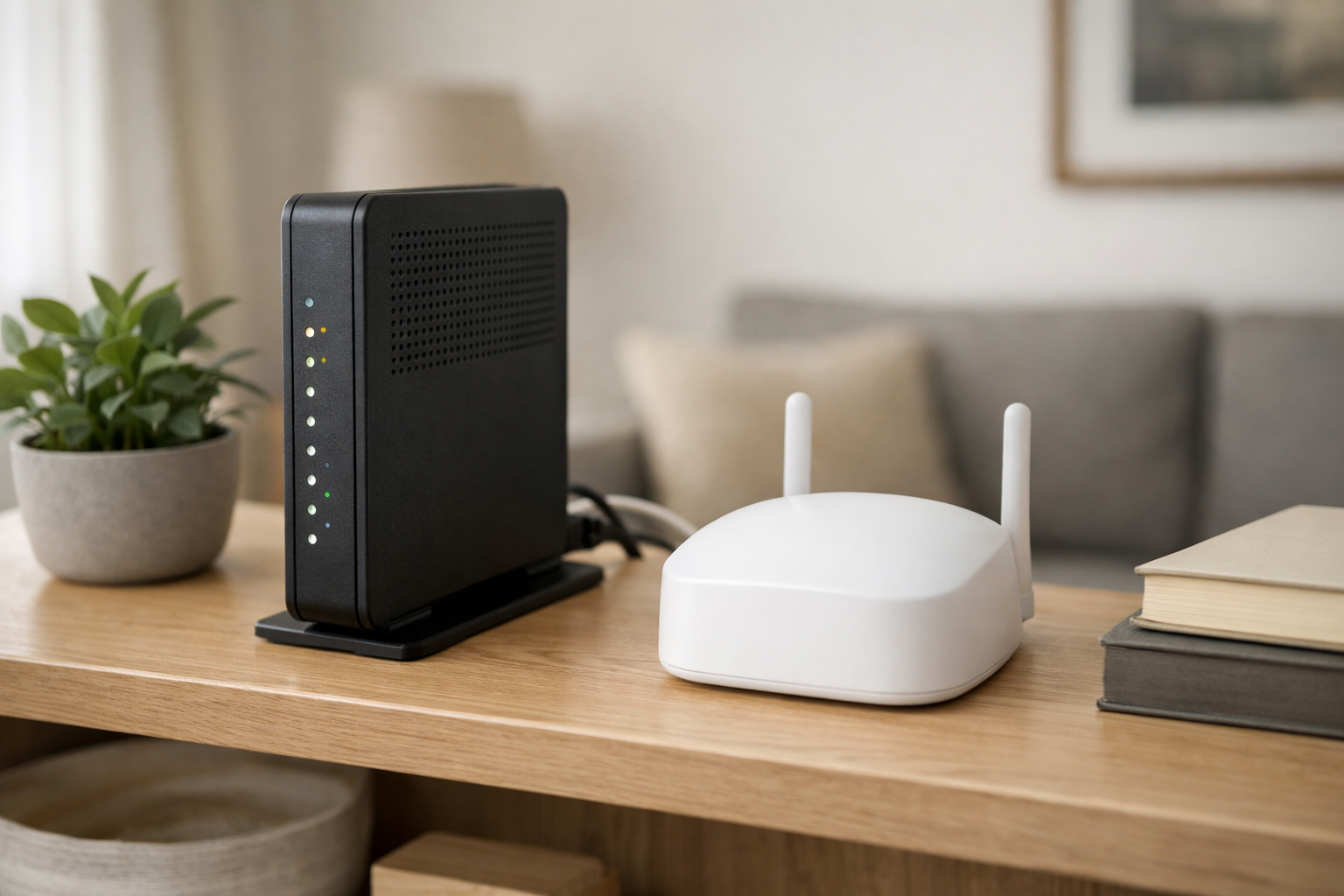
Who it is for: Apartment households with gigabit-class service, many active devices, or a preference for eero’s app-led setup.
The eero 6+ is a dual-band Wi-Fi 6 system designed for households that need more headroom than an entry-level mesh kit. It supports 160 MHz channels, includes two gigabit Ethernet ports on each unit, and is rated by eero for 75 or more connected devices. It is also compatible with older eero hardware, which can matter if you already own an eero node and want to expand gradually.
For an apartment with a gigabit plan, the important point is not the advertised coverage area. It is that the eero 6+ has features intended to better accommodate faster connections and a busier network. That can be helpful when multiple people are simultaneously streaming, working remotely, gaming, or using cloud backups.
Even so, gigabit service does not guarantee gigabit Wi-Fi on every device or in every room. Your client device, Wi-Fi interference, node placement, and whether the second node uses wireless or Ethernet backhaul all affect real-world results. Review eero’s eero 6+ technical specifications before purchasing if you need to confirm port layout, compatibility, or supported features.
eero requires its mobile app for setup and management. It also offers optional subscription services, but do not assume every security, parental-control, or network-management feature is included without a plan. Check the current product listing and subscription details before you buy, since feature bundles can change.
TP-Link Deco X55: Best higher-capacity option for busy apartments


Who it is for: Households with faster internet service, multiple heavy users, or a need for more wired ports near each mesh unit.
The TP-Link Deco X55 steps up to AX3000-class Wi-Fi 6. TP-Link lists theoretical rates of up to 2,402 Mbps on 5 GHz and 574 Mbps on 2.4 GHz. Again, those figures are not the speeds you should expect from an internet speed test. They do, however, indicate more available wireless capacity than the AX1800 Deco X20.
A practical advantage for apartments is the port selection: each X55 unit has three gigabit Ethernet ports. That is useful when the main node needs to connect to a modem or gateway plus a desktop computer, game console, or Ethernet switch. It is also helpful for Ethernet backhaul, which leaves additional wired connections available at either node.
The Deco X55 supports optional Ethernet backhaul and can expand with other Deco models. TP-Link rates its two-pack for up to 4,500 square feet, another figure that exceeds the needs of most apartments. Think of the X55 as a capacity upgrade, not as a reason to install more mesh units than your layout requires.
Choose the X55 over the X20 when your apartment has a fast service tier, several users doing demanding work at once, or a clear need for three wired ports per node. Otherwise, the X20 may be the more economical way to address Wi-Fi dead zones in apartments.
Amazon eero 6: Cheapest practical option for smaller apartments

Who it is for: Budget-focused shoppers with modest-to-fast internet service who want easy expansion and do not need the extra headroom of the eero 6+.
The Amazon eero 6 is a straightforward Wi-Fi 6 mesh option for a small apartment or a two-node setup focused on one persistent weak area. RTINGS identifies it as its tested budget mesh recommendation and reports solid performance for internet connections up to roughly 700 Mbps.
That makes the eero 6 a reasonable fit for many cable and fiber plans below gigabit speeds. It can also be appealing if you value eero’s guided app experience and the ability to add compatible eero hardware later. If your plan is near or above 1 Gbps, or your household routinely pushes a lot of traffic at once, the eero 6+ is the more appropriate eero model to consider.
Pricing and availability for eero kits can change quickly, especially during promotions. Compare the current two-pack price with the eero 6+ rather than assuming the older model is always the better deal. A small price difference may justify buying the newer, higher-capacity option.
What to look for in affordable mesh Wi-Fi
Start with a two-pack

For the best budget mesh Wi-Fi systems for apartments, a two-pack is usually the sweet spot. Put one unit near your internet connection and the second between that location and the room with poor coverage. A three-pack may make sense for an unusually long apartment, a multi-level unit, or a layout with dense walls that severely weaken the signal. Otherwise, more nodes can introduce unnecessary expense and overlap.
Do not confuse AX ratings with your internet speed
AX1800 and AX3000 are Wi-Fi class labels that combine theoretical radio rates across bands. They are not a promise that your phone, laptop, or ISP connection will reach that number. Your actual speed depends on the device you are using, signal quality, nearby networks, the internet plan, and the connection between mesh nodes.
Prioritize Ethernet backhaul when you can use it
Wireless mesh nodes must communicate with each other, and that wireless backhaul can add latency or reduce consistency. For competitive gaming, latency-sensitive work, or the most reliable streaming performance, connect the nodes with Ethernet when your apartment’s wiring makes that practical. Both the TP-Link Deco X20 and TP-Link Deco X55 support Ethernet backhaul.
Check Ethernet ports before ordering
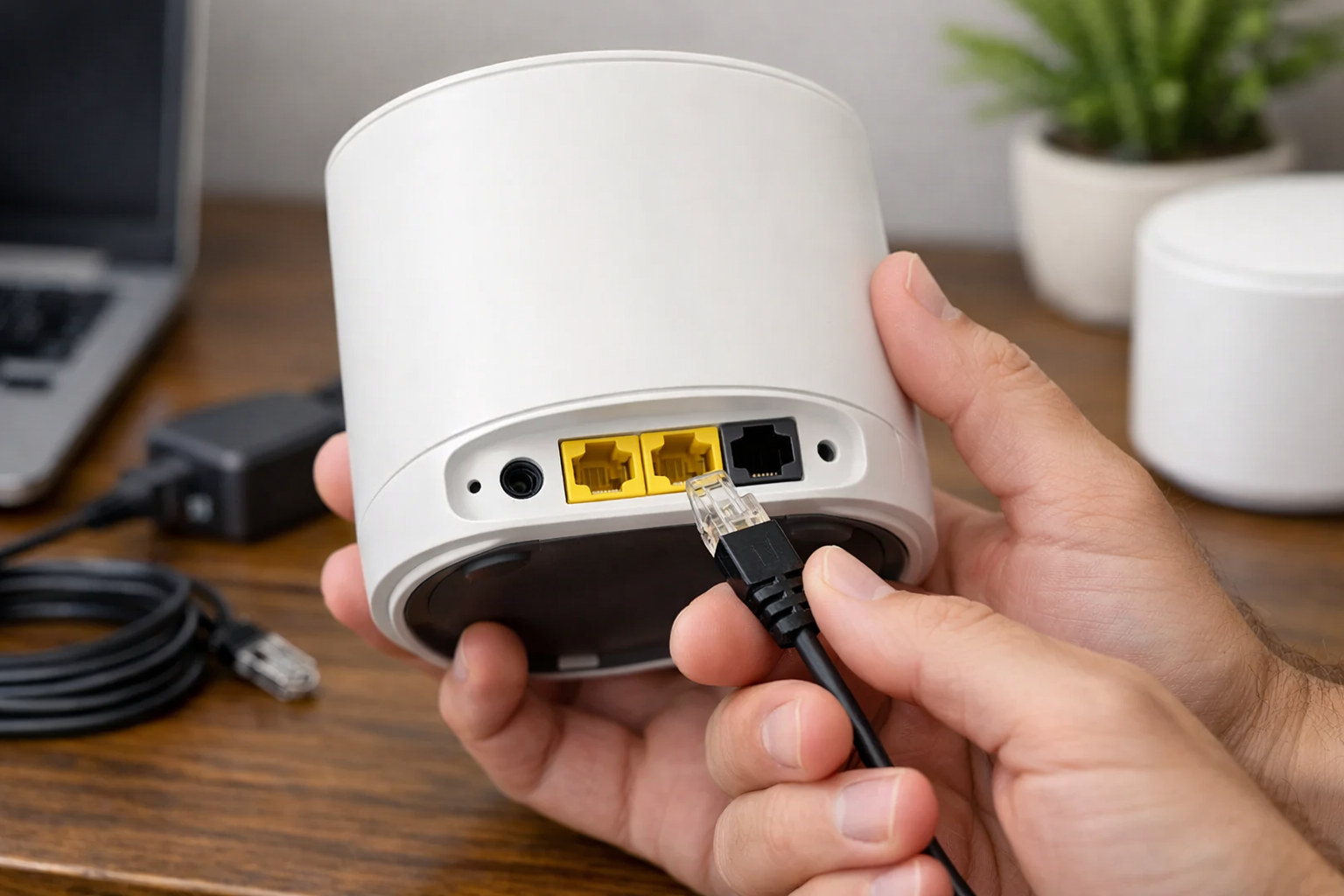
If you have a wired desktop, television, console, or smart-home bridge, port count matters. The Deco X55 offers three gigabit Ethernet ports per unit, while the eero 6+ has two. Consider what will plug into the main node and whether the satellite node also needs a wired device connection.
Understand ISP gateway compatibility
Most mesh systems can work with an ISP-provided modem/router gateway, but the right setup depends on the gateway and your goals. You may use the mesh system in access-point mode, or you may place the ISP gateway in bridge mode and let the mesh system act as the router. Check your ISP gateway’s documentation and your chosen mesh system’s setup guidance before changing modes. Avoid guessing, since an incorrect configuration can create double NAT or remove features you rely on.
How to place two mesh nodes in an apartment
Begin with the primary mesh unit near your modem or ISP gateway, preferably in an open and elevated location rather than inside a cabinet. Then place the second unit partway between the main node and the trouble spot. Do not put the satellite deep inside a dead zone; it needs a sufficiently strong connection to the main node before it can improve coverage farther away.
Keep both nodes away from large metal objects, enclosed media cabinets, microwaves, and dense clusters of electronics when possible. In an apartment building, you may also need to experiment with placement because neighboring Wi-Fi networks can affect the available wireless environment.
After setup, test the rooms where you actually work, stream, and make video calls. If the second node is not helping, move it closer to the main unit before deciding the kit is inadequate. Small placement changes can matter more than adding a third node.
Bottom line
The best budget mesh Wi-Fi systems for apartments are usually modest two-node Wi-Fi 6 kits, not oversized whole-home packages. The TP-Link Deco X20 is the best overall value for most people who need flexible setup options and optional Ethernet backhaul. Choose the eero 6+ for gigabit-class service and a simple app experience, the TP-Link Deco X55 for extra capacity and more wired ports, or the Amazon eero 6 when its current price makes it the clear low-cost choice for service below roughly 700 Mbps.
Before ordering, confirm the current price, pack size, return policy, subscription terms, and how the system will connect to your ISP gateway. Those details are more important than a coverage figure that was designed for a much larger home than yours.
Useful references: Deco X20 | AX1800 Whole Home Mesh Wi-Fi 6 System · Deco X55 | AX3000 Whole Home Mesh WiFi 6 System
Related Home Tech Signal guides: Best Wi-Fi 7 Mesh Systems for Large Homes · Best Smart Mosquito And Outdoor Pest-Control Systems: Best Smart Mosquito & Outdoor Pest-Control Systems